ModsJava
Create Geology Mod (1.21.1) – Build Complex Chemical Refineries
Java mod listed for Minecraft 1.21. Downloads from the MC Java Mods app on Android.
⬇ Download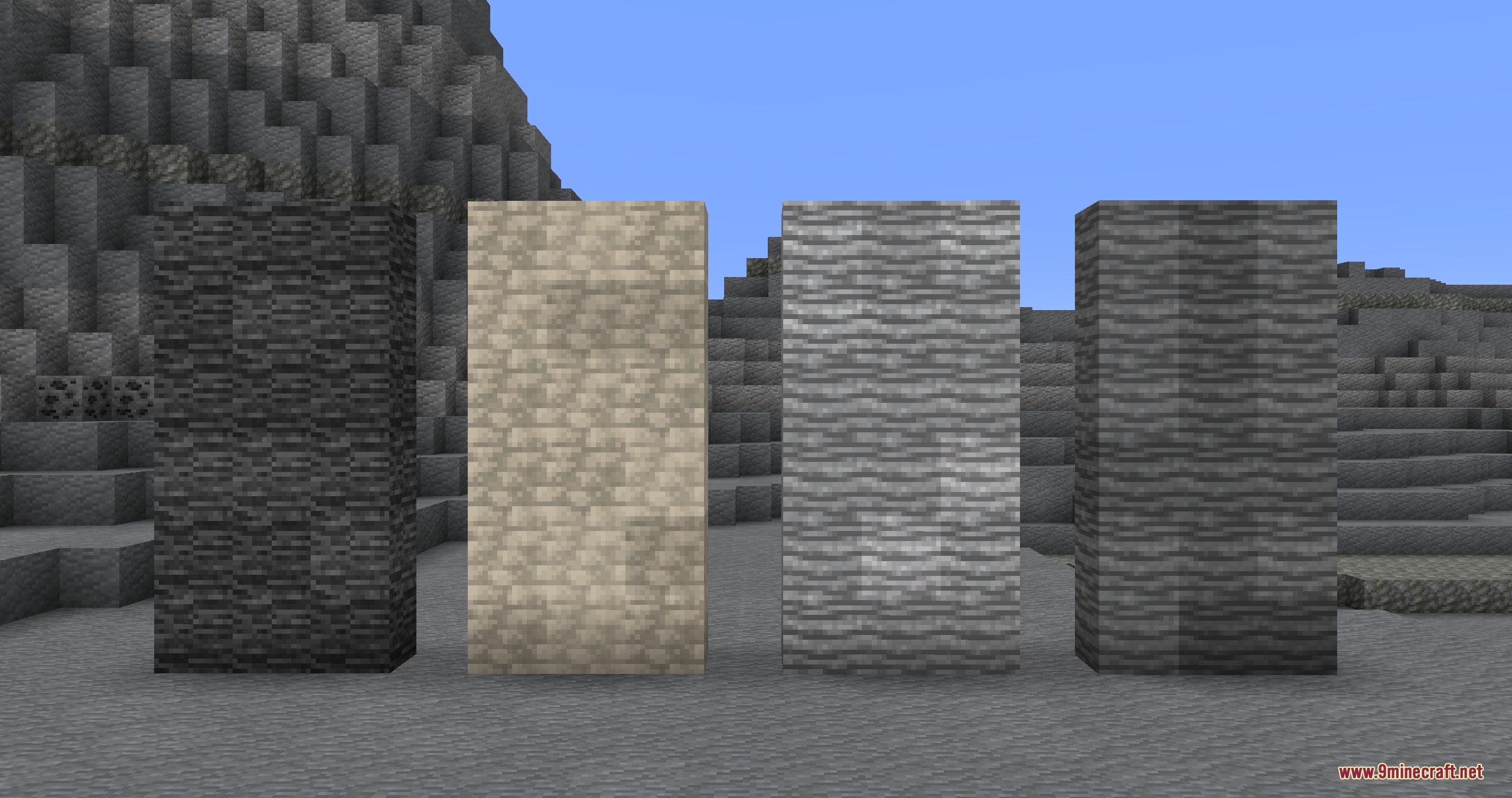
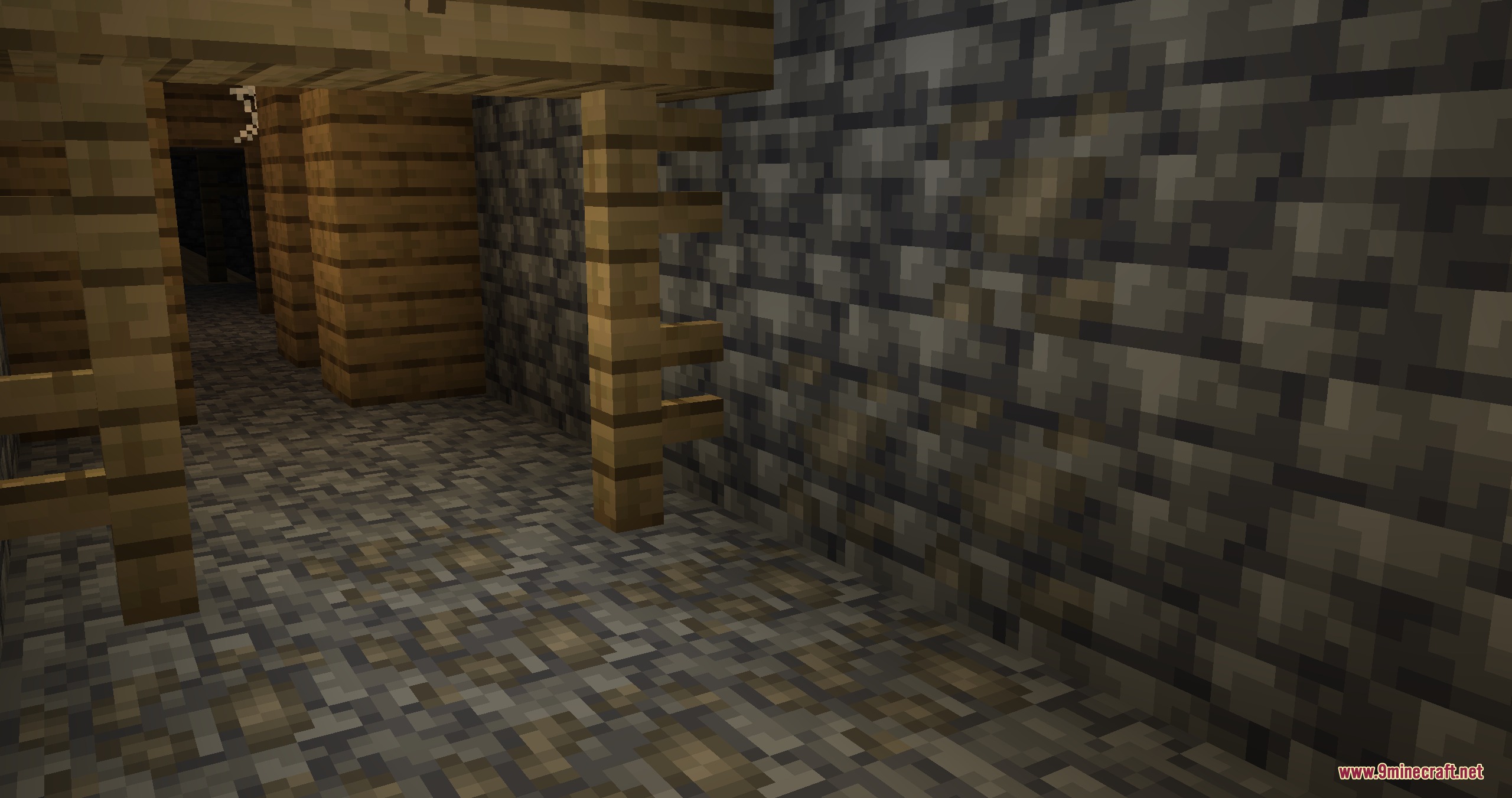
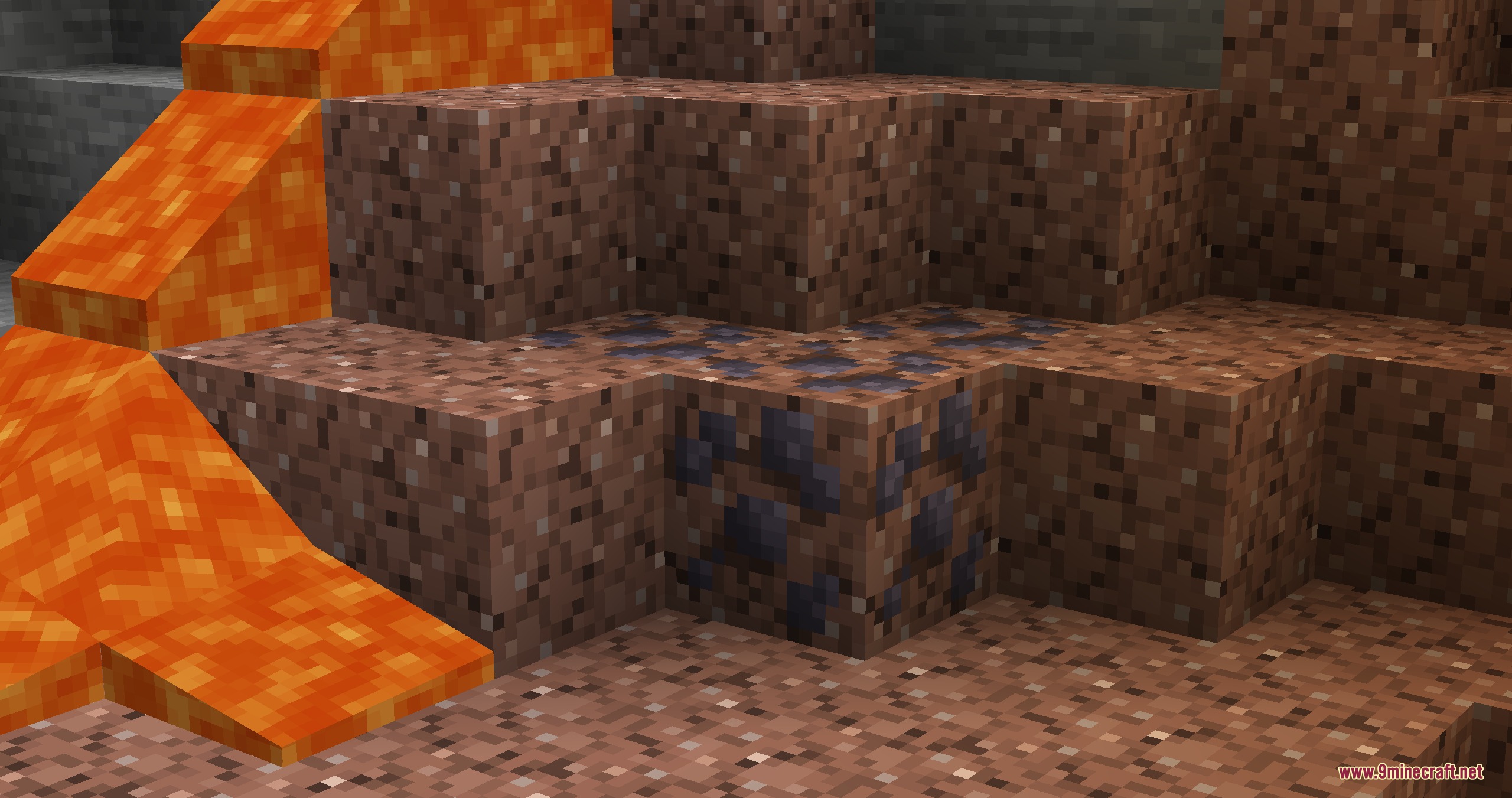
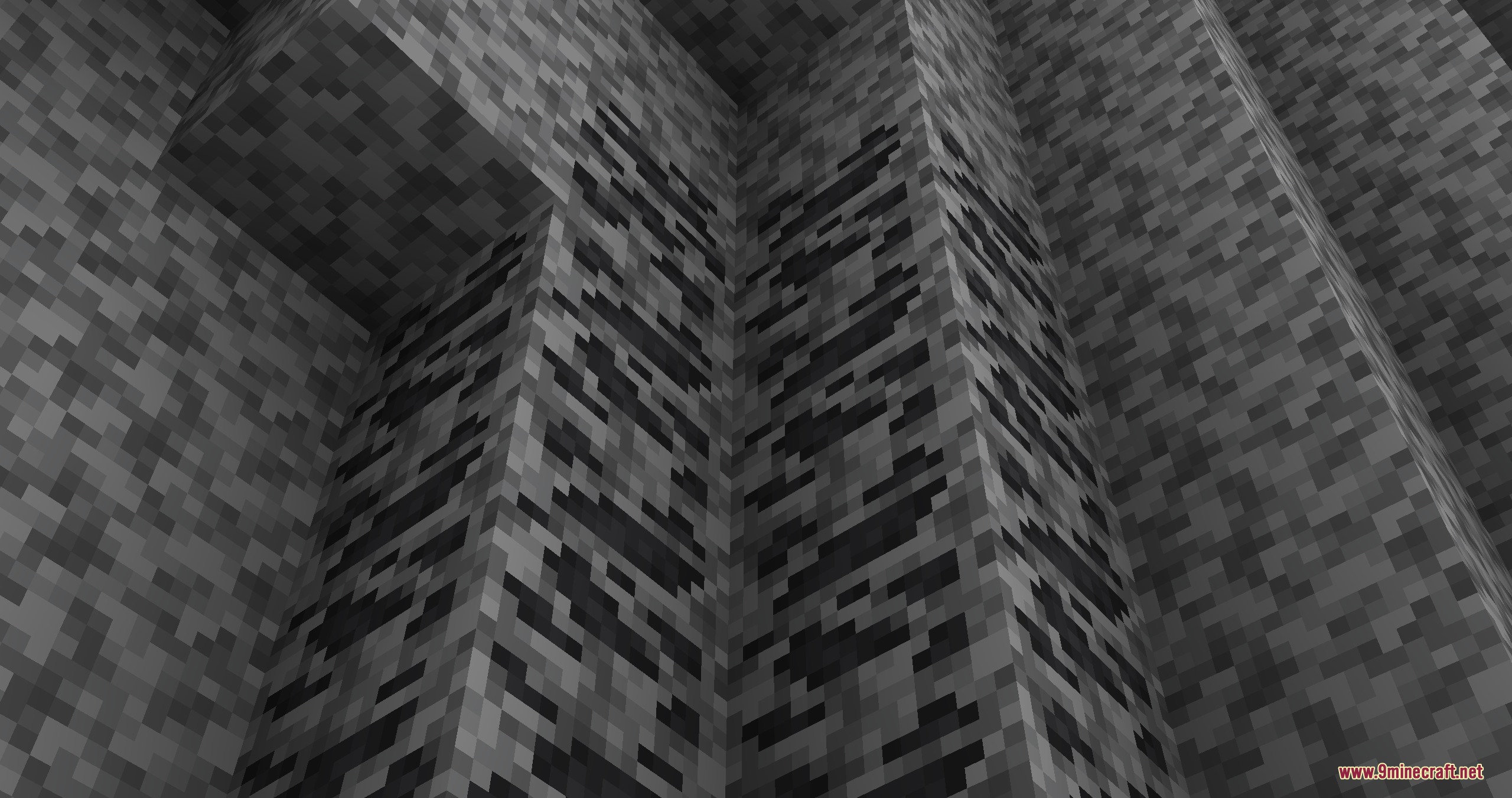
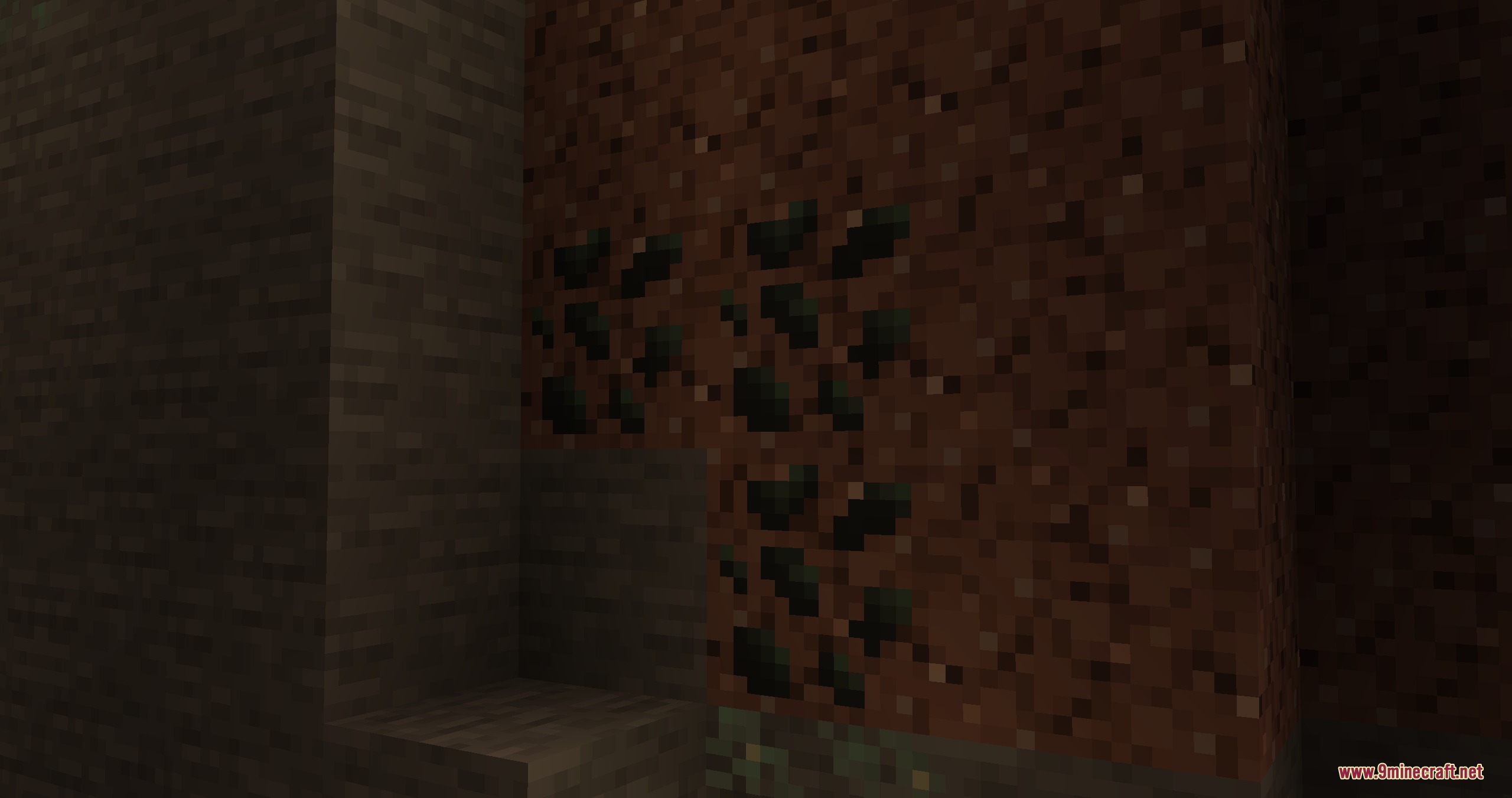
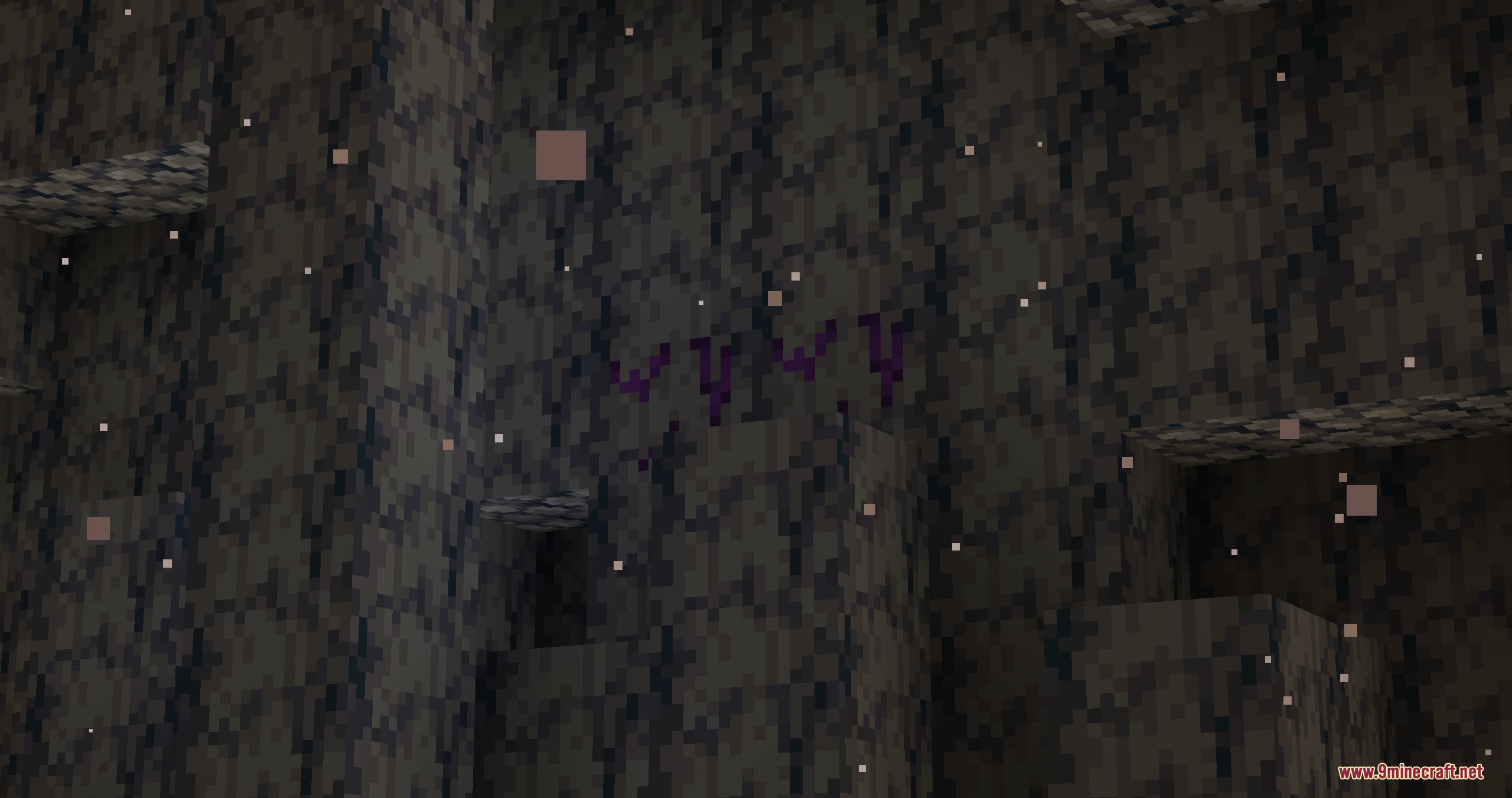
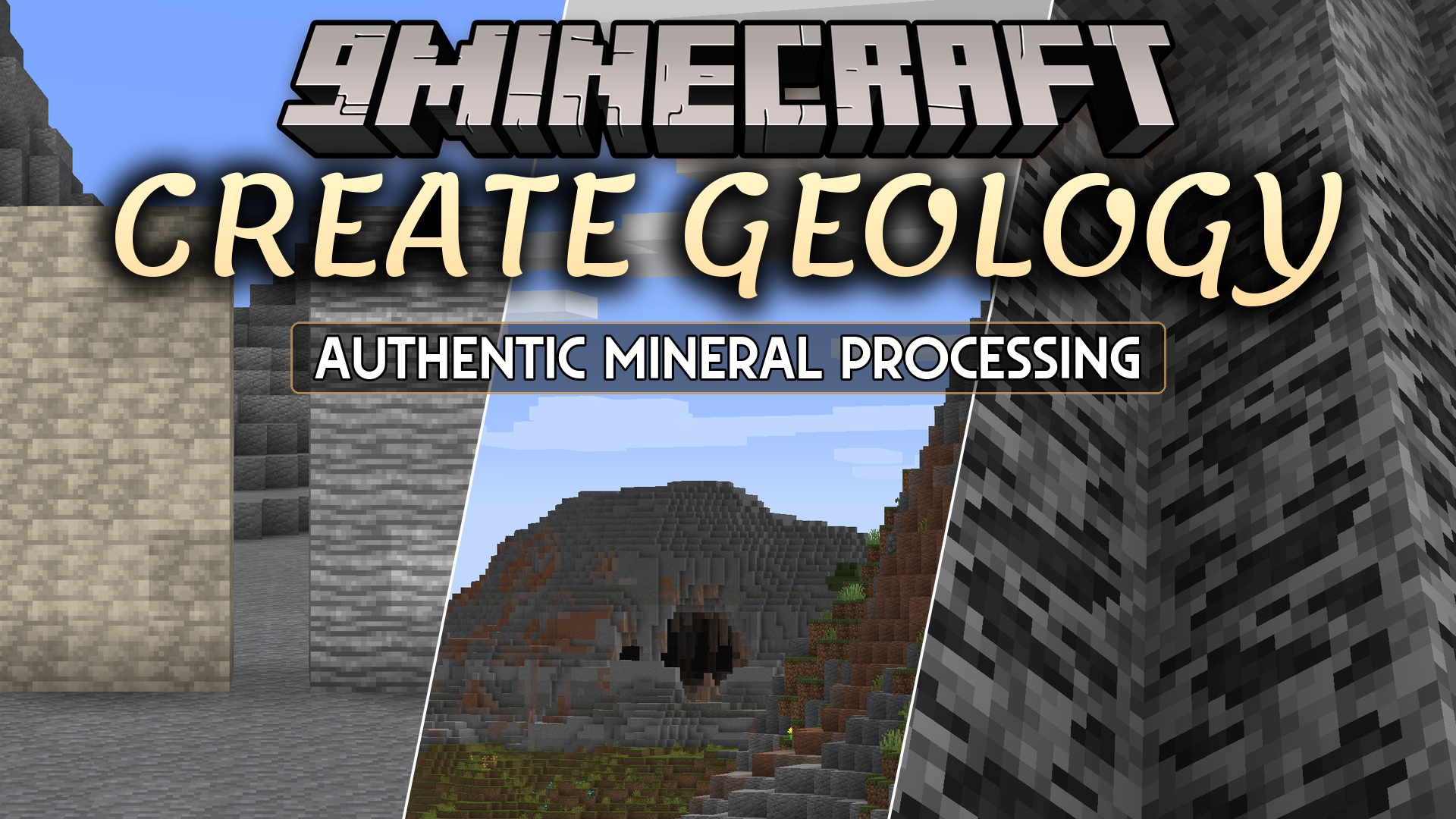
Create Geology Mod adds realistic earth generation and complex refining for Create and Create: The Factory Must Grow. It changes how you find minerals and forces you to build multi-step factories to get usable metals out of raw rocks.
Features:
- Realistic Ore Spawning: Ores no longer spawn randomly underground; you only find specific minerals inside certain rock types.
- Advanced Refining Chains: You must process raw materials through multiple steps using vats, heat, and chemicals to get usable metals.
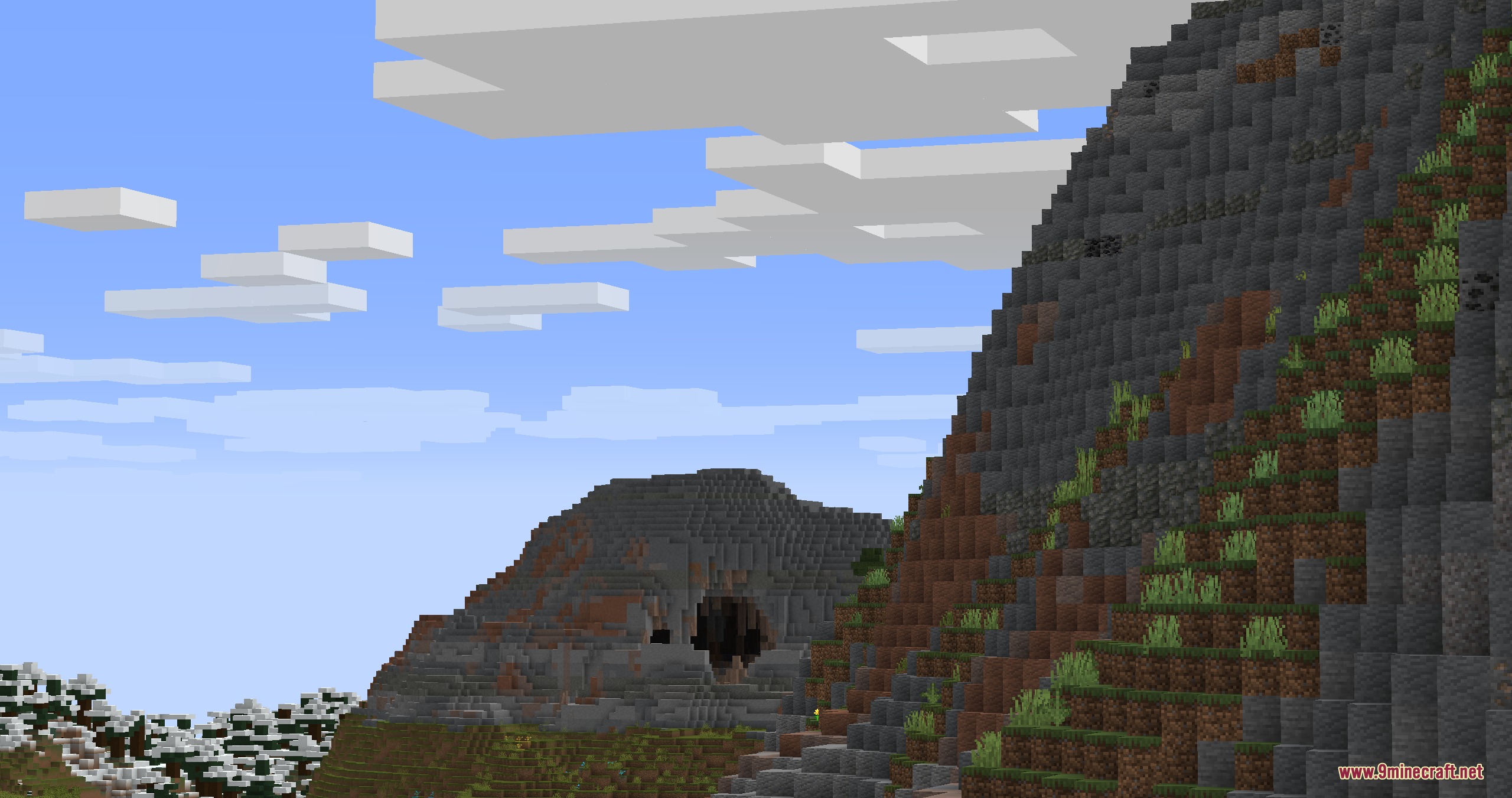
- Adds new mountain ranges made entirely of andesite and volcanic rock layers.
- Changes biomes to match their ground type, like spruce forests on acidic soil or redwood forests on rich dirt.
- Introduces industrial chemistry with acids, salts, and chemical reactions that loop into your factory setups.
- Produces waste materials like redmud and waste salts during the refining process that you must handle or reuse.
- Includes new decorative building blocks like redmud bricks, dolomite, schist, and gneiss.
- Brings new metal types to the game like titanium, tungsten, chromium, magnesium, and tin.
- Gives you special gear like an exoskeleton, a jetpack, a gas mask, and safety goggles for your industrial work.
Specific Ore Locations:
- Find pyrolusite only inside deepslate and tuff layers.
- Mine galena, cassiterite, and wolframite exclusively inside granite deposits.
- Search for magnetite inside diorite and andesite rocks.
- Locate chromatite deep inside basalt formations.
- Find fluorite trapped inside calcite blocks.
How to Play:
- Explore the world to find specific rock formations like granite or andesite mountains.
- Mine the realistic ores hidden inside those exact rock types.
- Build machines from the main Create mod to wash, crush, and heat the raw materials.
- Set up chemical vats to mix acids and salts for advanced metal processing.
- Collect the final metal ingots and find a way to store or reuse the leftover waste products.
Screenshots:
Create Geology Mod Download Links
Quick facts
- Edition: Minecraft Java
- File type: .jar
- Minecraft version listed: 1.21.1
- How to install: Install the matching mod loader (Forge, Fabric or NeoForge) for your Minecraft version. → Download the .jar. → Put it in the .minecraft/mods folder and launch that loader profile.
- Where to get it: In MC Java Mods, or directly above on this page.
Install steps are the general flow for this file type — How to install Minecraft Java mods & modpacks walks through it step by step.
File checked by MCModsHub
- Downloads as 412797.mcaddon
- Download size: 3.1 MB
- Download link checked 25 Sept 2026 — working
- Mirrored on our own servers — the download does not depend on the original host
These come from our own check of the pack file, not from the source page.