SmartSpawner
Bedrock add-on listed for Minecraft 1.21–26.x (behavior pack only). File opened and checked on 11 Oct 2026; installs from the MC Bedrock Mods app on Android.
This is the SmartSpawner addon, created for Bedrock Edition. Inspired by DonutSMP's spawner mechanism. Built in with Spawner Custom Loot. And with the…
I don't know my version
SmartSpawner (Bedrock Edition) [UPDATE]
This is the SmartSpawner addon, created for Bedrock Edition. Inspired by DonutSMP's spawner mechanism. Built in with Spawner Custom Loot. And with the Dynamic Loot System, most mob drops are already registered.
Features
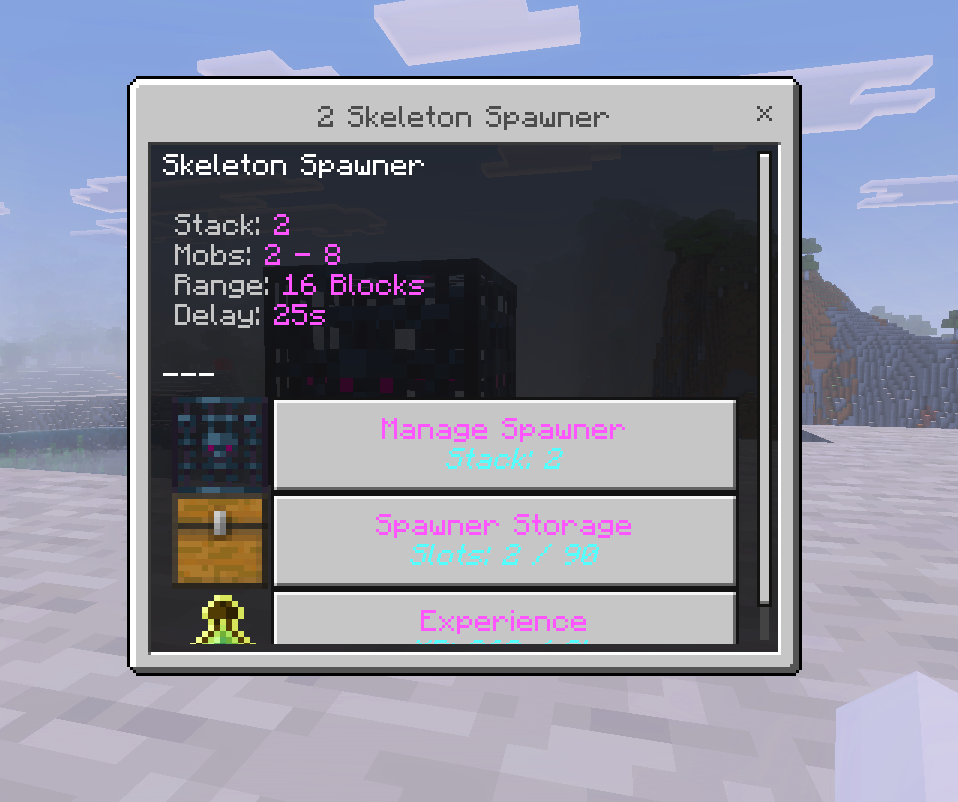
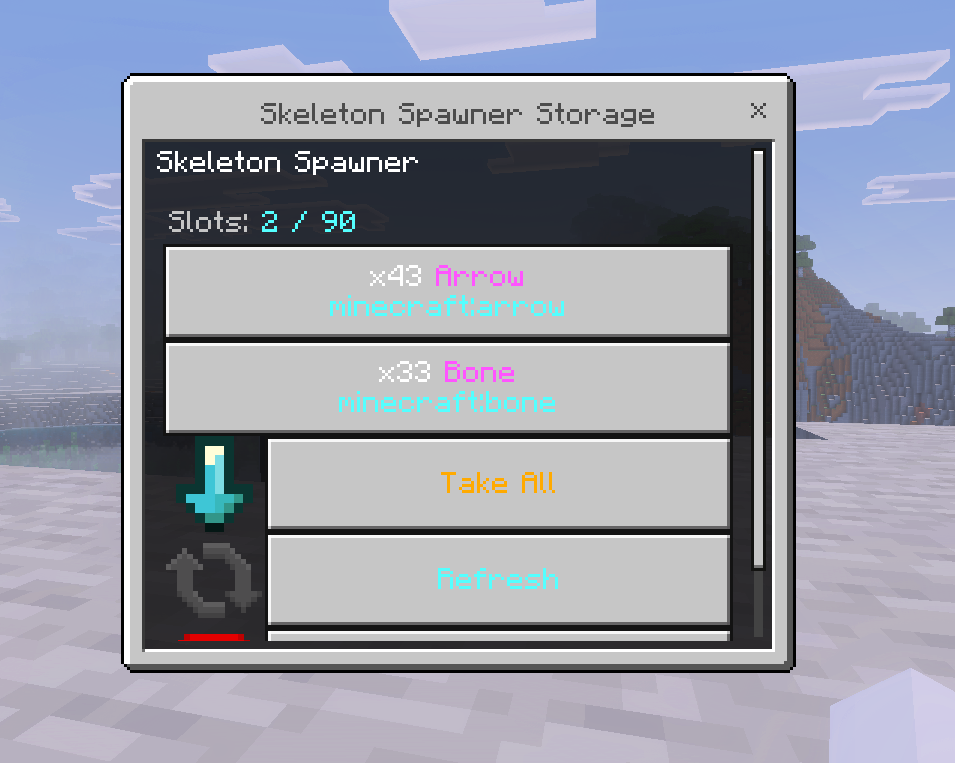
Its features are similar to DonutSmp Spawner, generating loot every few seconds, having loot storage, and upgradable stacks. However, it adds several additional features, including Configuration, Custom Loot, and Loot Auto Store.
Spawner
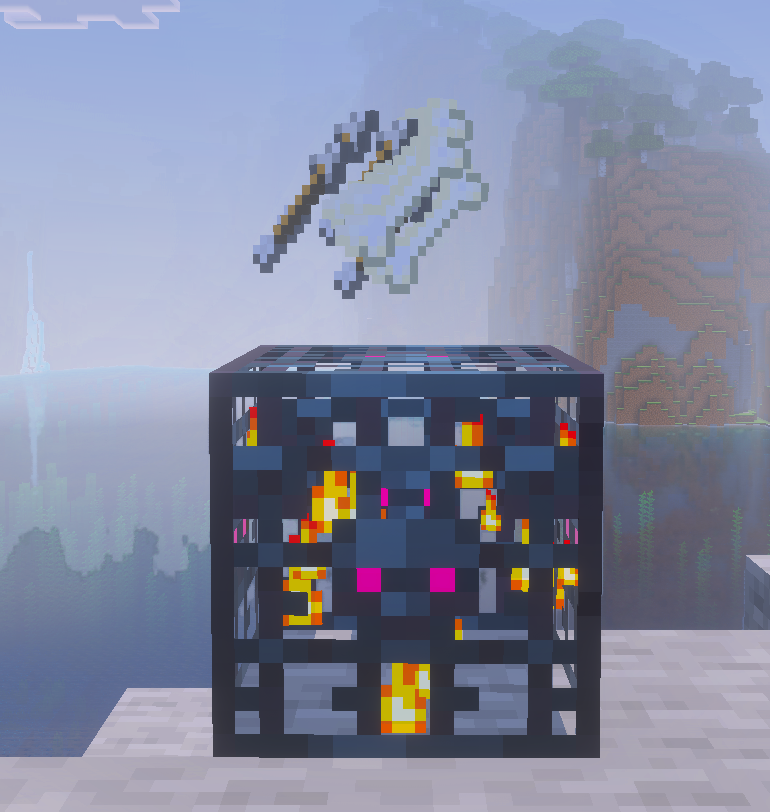
This addon build-in with simple ui that can be customizable in configuration
Loot Store
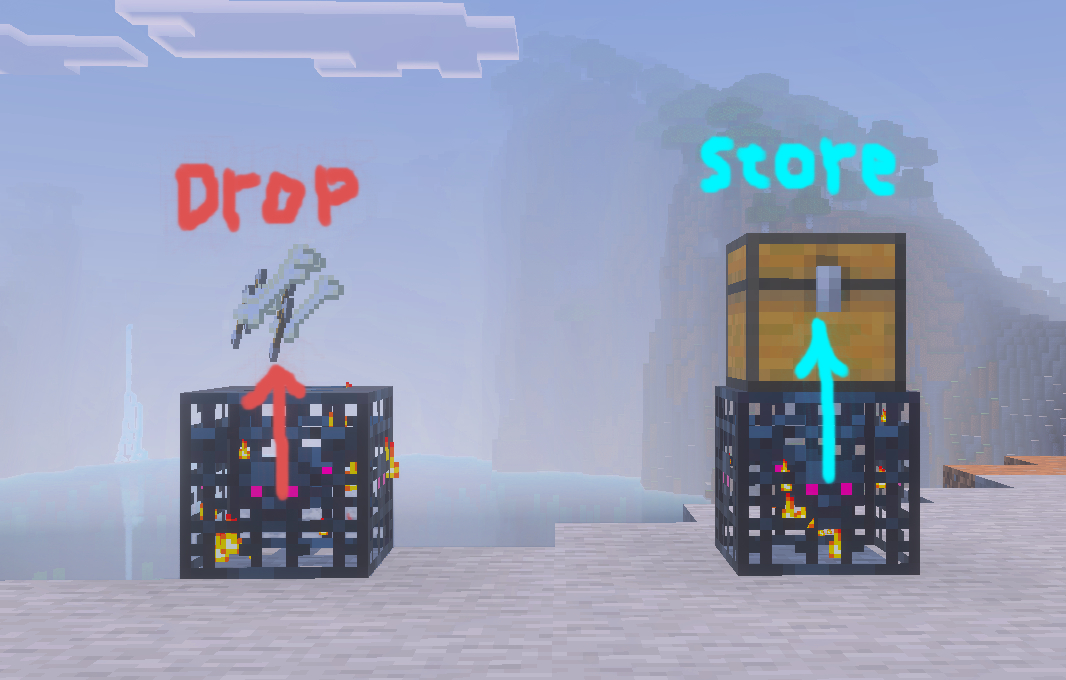
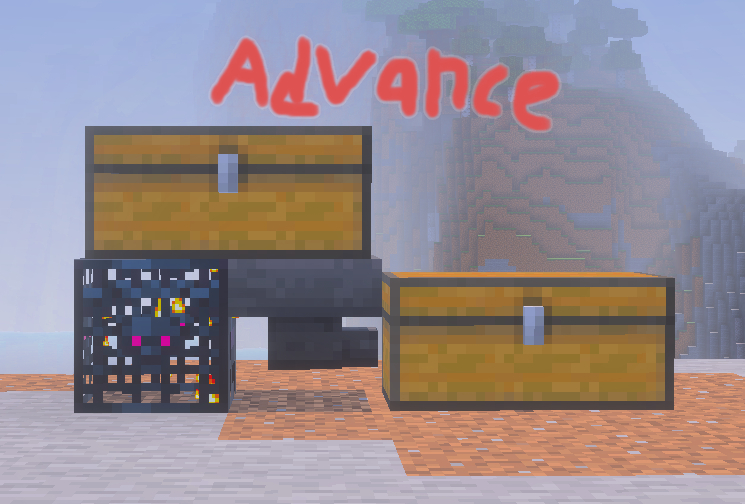
Players can place a container block above the spawner to auto-store the items when players collect the loot. Support all blocks that have inventory component. (Chest, Trapped Chest, Shulker Box, Barrel, etc.)
Custom Loot
To customize a loot you can use the /ssloot commands. Making a README.md makes me more tired than making the addon so you can just click this to see the commands. And feel free to contribute :D
Ender Dragon Loot Example:
1. Run /ssloot create ender_dragon
2. Hold Dragon Egg on your mainhand
3. Run /ssloot set ender_dragon hand
3. Run /ssloot set ender_dragon xp 500
4. Run /ssloot reload
5. Done! You already create the Ender Dragon Smart Spawner!
Commands
| Command | Description |
|---|---|
/givespawner <EntityType> [Amount] [Player] |
Give a Smart Spawner with the specified entity type. |
/ssloot reload |
Reload all SmartSpawner loot configurations. |
/ssloot list |
Show a list of all EntityTypes that have custom loot. |
/ssloot check <EntityType> |
View custom loot data for the specified entity. |
/ssloot create <EntityType> [hand|hotbar|inventory] |
Create custom loot using items from hand, hotbar, or inventory. |
/ssloot delete <EntityType> |
Delete the custom loot of the entity. |
/ssloot set <EntityType> xp <amount> |
Set experience value for the entity’s custom loot. |
/ssloot add <EntityType> <hand|hotbar|inventory> |
Add items from the selected source to custom loot. |
/ssloot set <EntityType> <hand|hotbar|inventory> |
Replace custom loot with items from the selected source. |
/ssloot clear <EntityType> |
Clear all custom loot items. |
/ssloot add <EntityType> table <TablePath> |
Add a loot table to the entity’s custom loot. |
/ssloot set <EntityType> table <TablePath> |
Replace entity loot using a loot table. |
/ssloot clear <EntityType> table |
Remove all loot tables from the entity’s custom loot. |
- Edition: Minecraft Bedrock
- File type: .mcpack or .mcaddon
- Minecraft versions listed: 26.20, 26.30, 26.40
- How to install: Download the .mcpack or .mcaddon file. → Open it — Minecraft imports it. → In your world: Behavior Packs → Available → Activate, then the same under Resource Packs.
- Where to get it: Opens on CurseForge — not every file is mirrored on our own servers.
Install steps are the general flow for this file type — How to install Minecraft Bedrock addons & mods walks through it step by step.
- Pack type: .mcpack — a single pack
- Manifest requires Minecraft 1.26.20 or newer
- Complete pack — everything it depends on is inside the file
- Download size: 123 KB
- Download link checked 13 Oct 2026 — working
These come from our own check of the pack file, not from the source page.