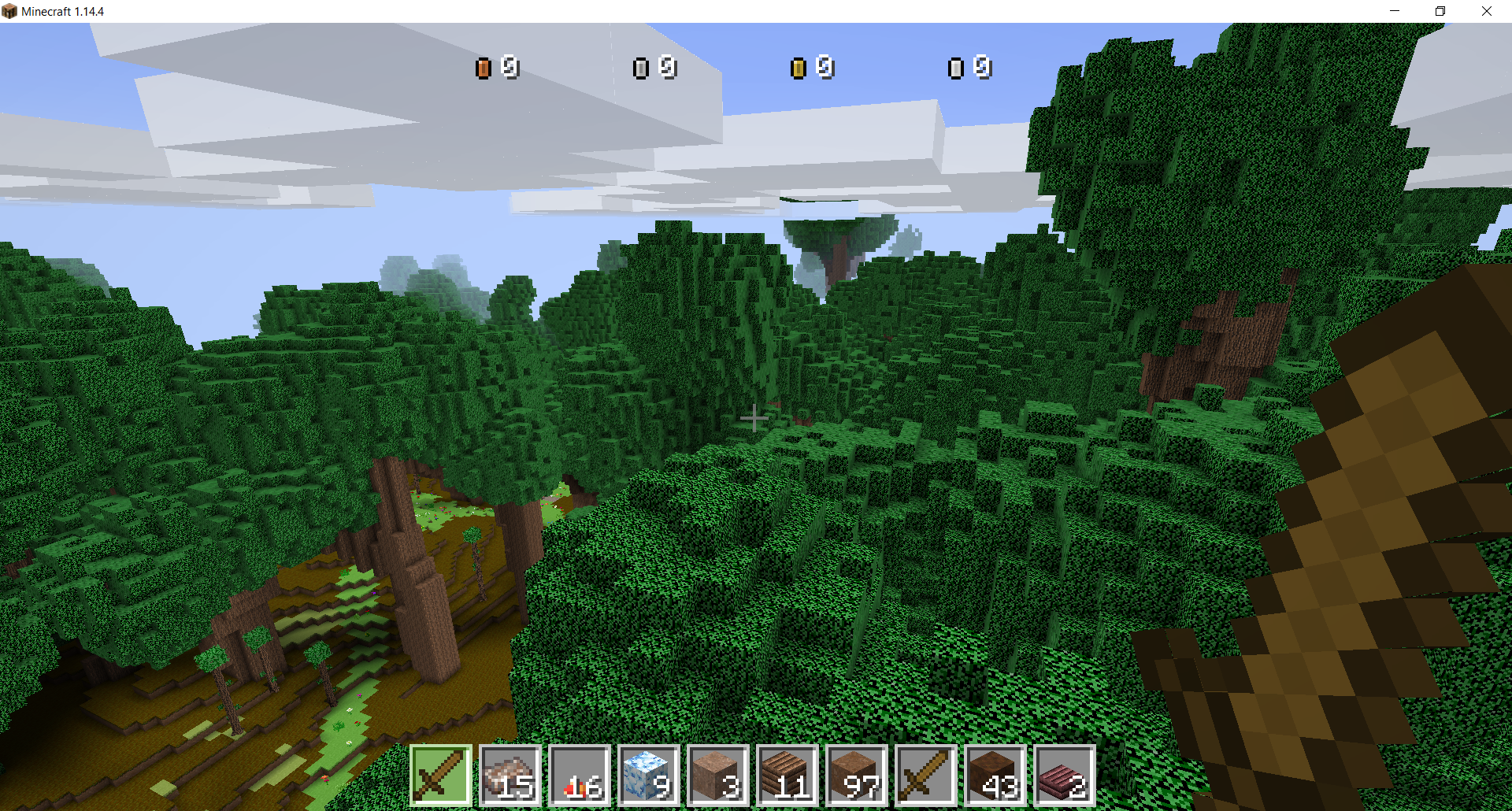
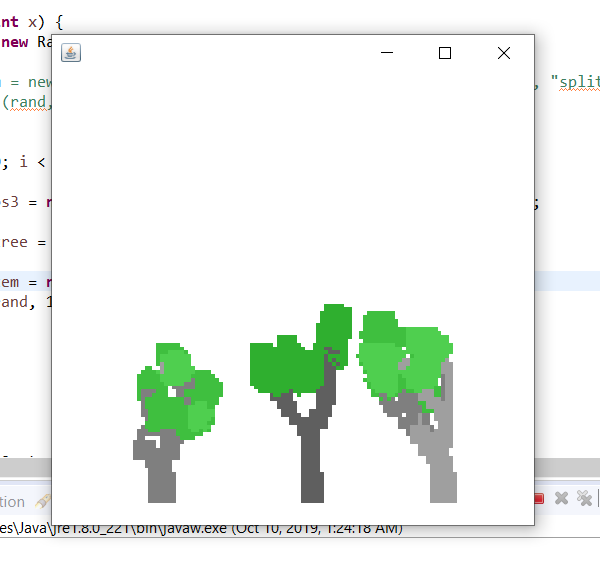
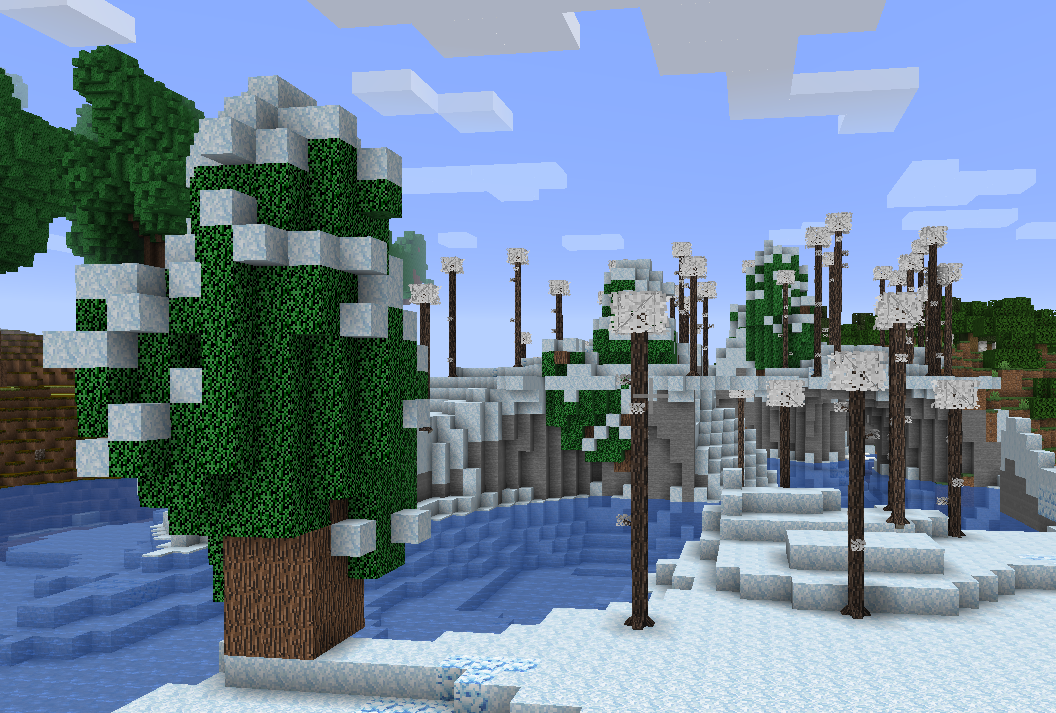
The sole purpose of this mod is to provide an easy to use tree generator for mod developers without having to add any new blocks or items into the game.
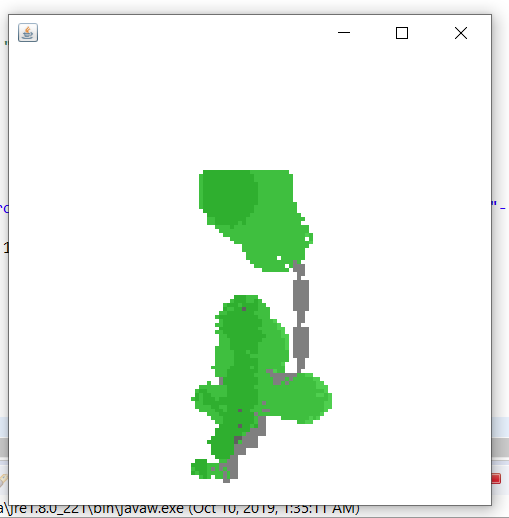
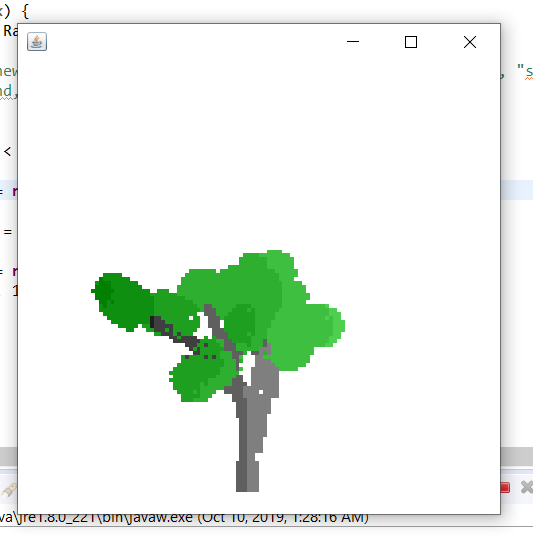
To create a tree, just create a new LTree object, and run the "placeInWorld" function. There is also code for a testing environment for the trees in the sources of the project, which was made so you don't have to load up a new Minecraft world and search for a tree to see what it looks like when generated each time you make a new tree design or modify an existing tree.
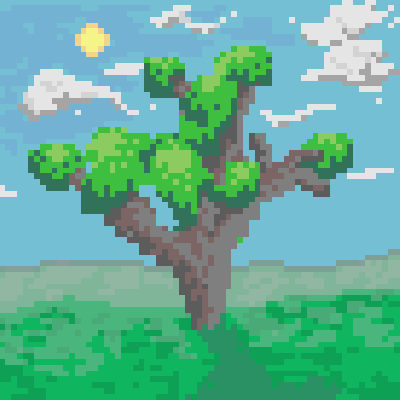
--Fun fact: the mod's curseforge icon is a picture of a tree generated by L-Tree API that I copied into a pixel art program and added extra detail to (shading, and a background)
Creating L-Tree Functions
All of the generation code for L-Trees comes in the form of "functions" represented as an array of strings.
Each string in the array has a different purpose, and each of them work together to create large and complex trees, flowers, vines, etc.
Tree creation hint: setting the leaf scale to 0 makes it so that no leaves generate on the tree.
The different string functions are:
- place (places a block)
- rotnorth, roteast, rotsouth, and rotwest (rotates the current section of the tree 30 degrees towards the respective direction. EX: rotnorth rotates the current section 30 degrees north)
- rotrand (rotates the current section of the tree 30 degrees in any random direction)
- splitnorth, spliteast, splitsouth, and splitwest (creates a new branch in the tree and rotates it 30 degrees in the respective direction)
- splitrand (creates a new branch in the tree and rotates it 30 degrees in any random direction)
- ++ and -- (increments or decrements the number of iterations left in the tree generation)
- shrink (shrinks the size of the current section of the tree by 30%)
- grow (increases the size of the current section of the tree by 30%)
- < and > (put these after a function with no spaces, and include a number between 0 and 100 to determine how likely a certain part of the tree is to generate out of a percent of 100)
- # (place this before a function to make it so it only executes on the main branch of the tree). Example {"#rotrand", "place, "place", "splitrand", "#splitrand"}
- end (ends the current branch of the tree. Good for making trees that look like they're chopped down.
- angle (changes the rotation of the current section of the tree). Example: "angle:45" <- changes the rotation angle to 45 degrees.
- flip (turns the current section of the tree around 180 degrees)
Examples of the tree generation being used in one of my other mods:
evergreen tree: {"splitrand","splitrand","place","place"} , tree scale: 1.5, leaf scale: 2.0, leaf iterations: 3, tree iterations: 10

massive trees: {"place","place","place<75","rotrand<50", "splitrand<75","place<75"}, tree scale: 2, leaf scale: 5, leaf iterations: 4, tree iterations: 10

- Edition: Minecraft Java
- File type: .jar
- How to install: Install the matching mod loader (Forge, Fabric or NeoForge) for your Minecraft version. → Download the .jar. → Put it in the .minecraft/mods folder and launch that loader profile.
- Where to get it: Opens on CurseForge — not every file is mirrored on our own servers.
Install steps are the general flow for this file type — How to install Minecraft Java mods & modpacks walks through it step by step.
- Ships as L-Trees API 1.1.jar — drop this file into the mods folder
- Download size: 22 KB
- Download link checked 24 Sept 2026 — working
These come from our own check of the pack file, not from the source page.