Florist
Minecraft Java mod. Downloads from the MC Java Mods app on Android.
⬇ Download on CurseForge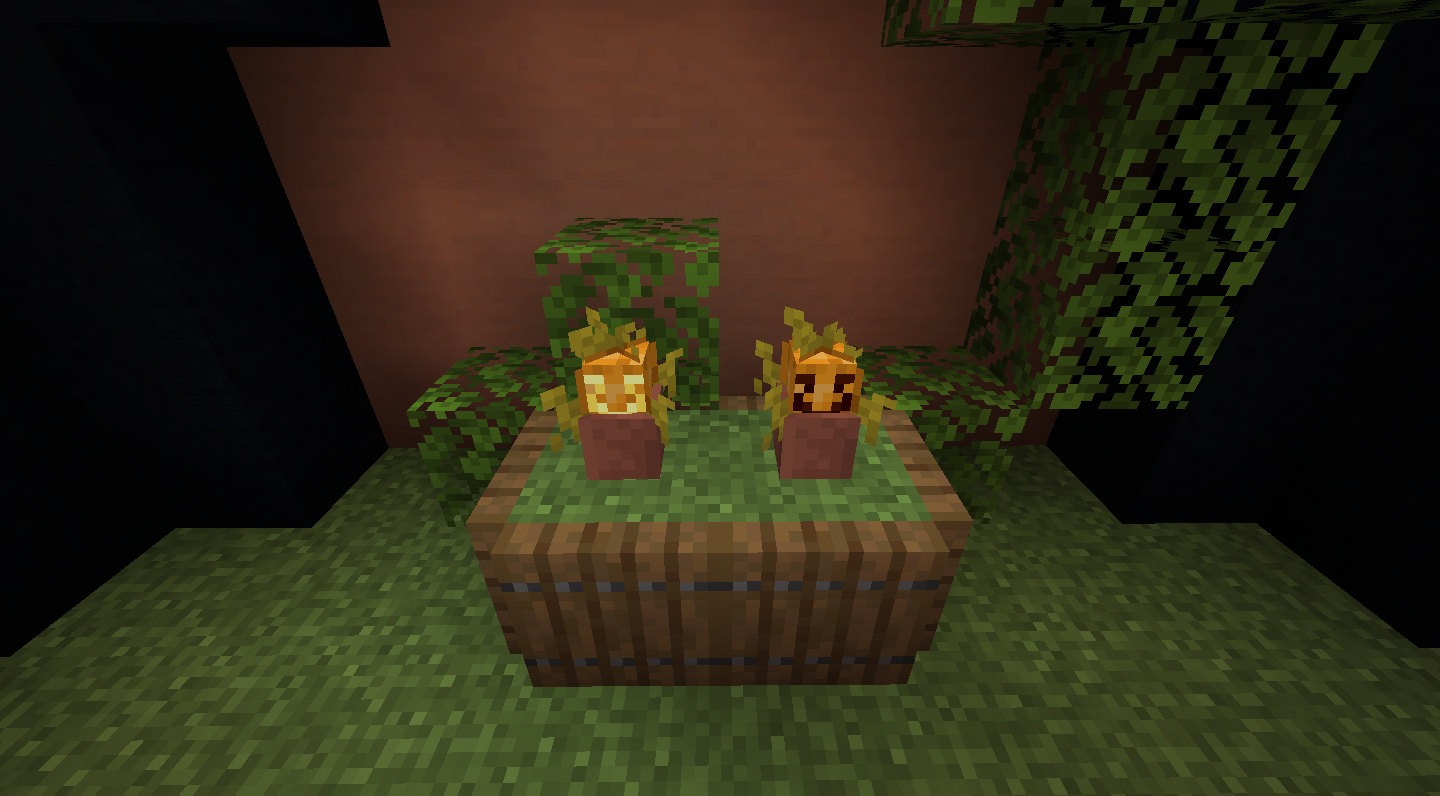
Florist
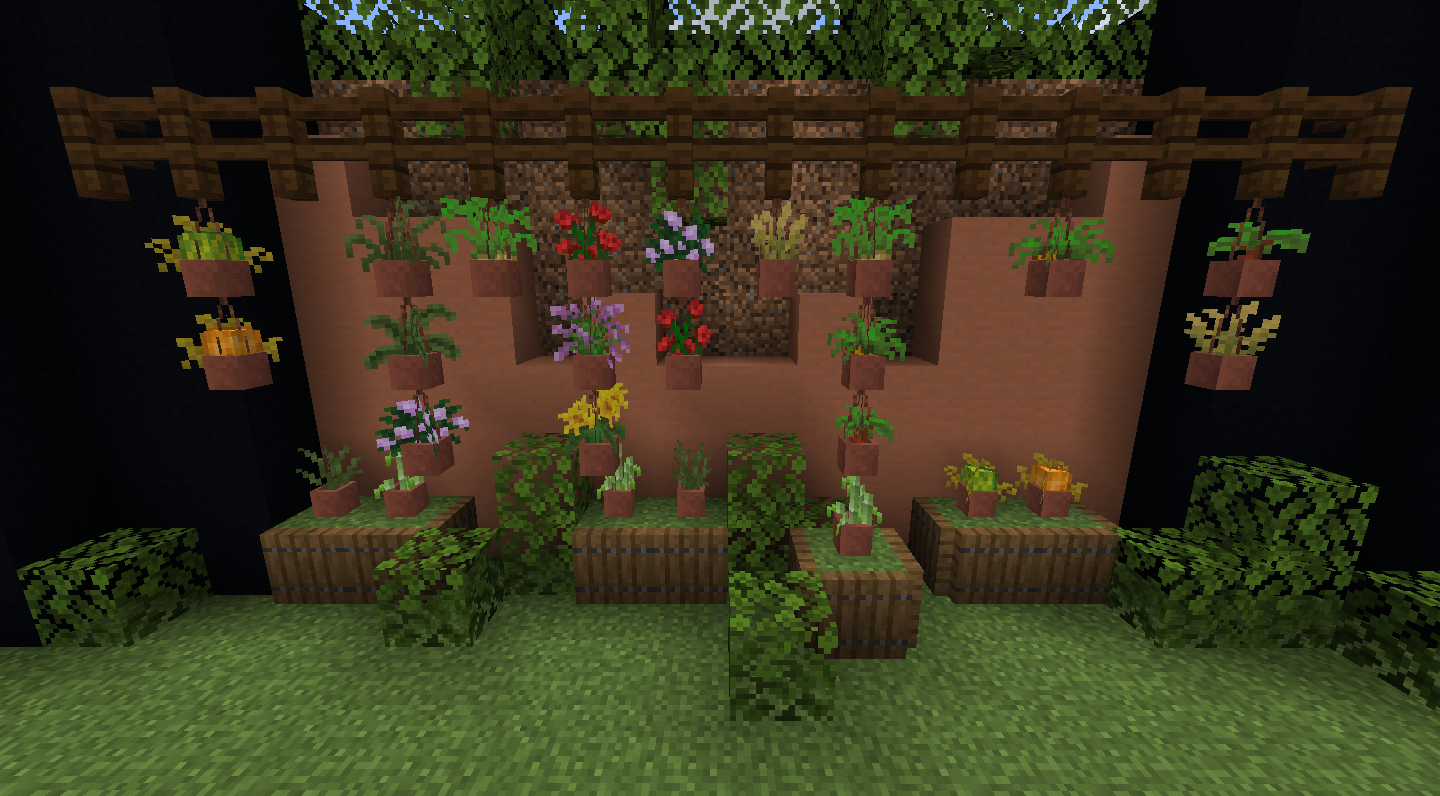
Decorate your builds with new flower pot blocks! They're hang-able too!
New Flower Pot Blocks
A list of every item that can now be put in Flower Pots:
Wheat
Potatoes
Carrots
Beetroot
Sugar Cane
Nether Wart
Chorus Fruit
Pumpkins
Melons
Peonies
Rose Bushes
Sunflowers
Lilacs
Grass
Tall Grass
Double Ferns
Jack O Lanterns
Carved Pumpkins (you can also Shear Potted Pumpkins to get these)
Sweet Berries (they hurt)
Hanging Flower Pots
Flower Pots can be hung on almost every block, Even themselves! This allows you to create awesome decoratives using different kinds of Flower Pots!
Compatible Mods
-bamboo torches
-corrock
-corrock crowns
-wisteria saplings
-delphiniums
-pickerelweed and searockets
-buttercups
-glowshrooms
This mod was made possible through Endergized, an extremely talented texture artist and modeler. Check out other mods worked on by him:
https://www.curseforge.com/minecraft/mc-mods/endergetic
https://www.curseforge.com/minecraft/mc-mods/the-midnight
https://www.curseforge.com/minecraft/mc-mods/upgrade-aquatic
Language Credits:
Everything - Pugz
Florist can of course be used in modpacks, provided you credit Pugz and Endergized. Thanks!
- Edition: Minecraft Java
- File type: .jar
- How to install: Install the matching mod loader (Forge, Fabric or NeoForge) for your Minecraft version. → Download the .jar. → Put it in the .minecraft/mods folder and launch that loader profile.
- Where to get it: Opens on CurseForge — not every file is mirrored on our own servers.
Install steps are the general flow for this file type — How to install Minecraft Java mods & modpacks walks through it step by step.
- Ships as FloristV1.1.4.jar — drop this file into the mods folder
- Download size: 128 KB
- Download link checked 14 Oct 2026 — working
These come from our own check of the pack file, not from the source page.