
Mineralogy Golems Addon
Minecraft Java mod. Downloads from the MC Java Mods app on Android.
⬇ Download on CurseForge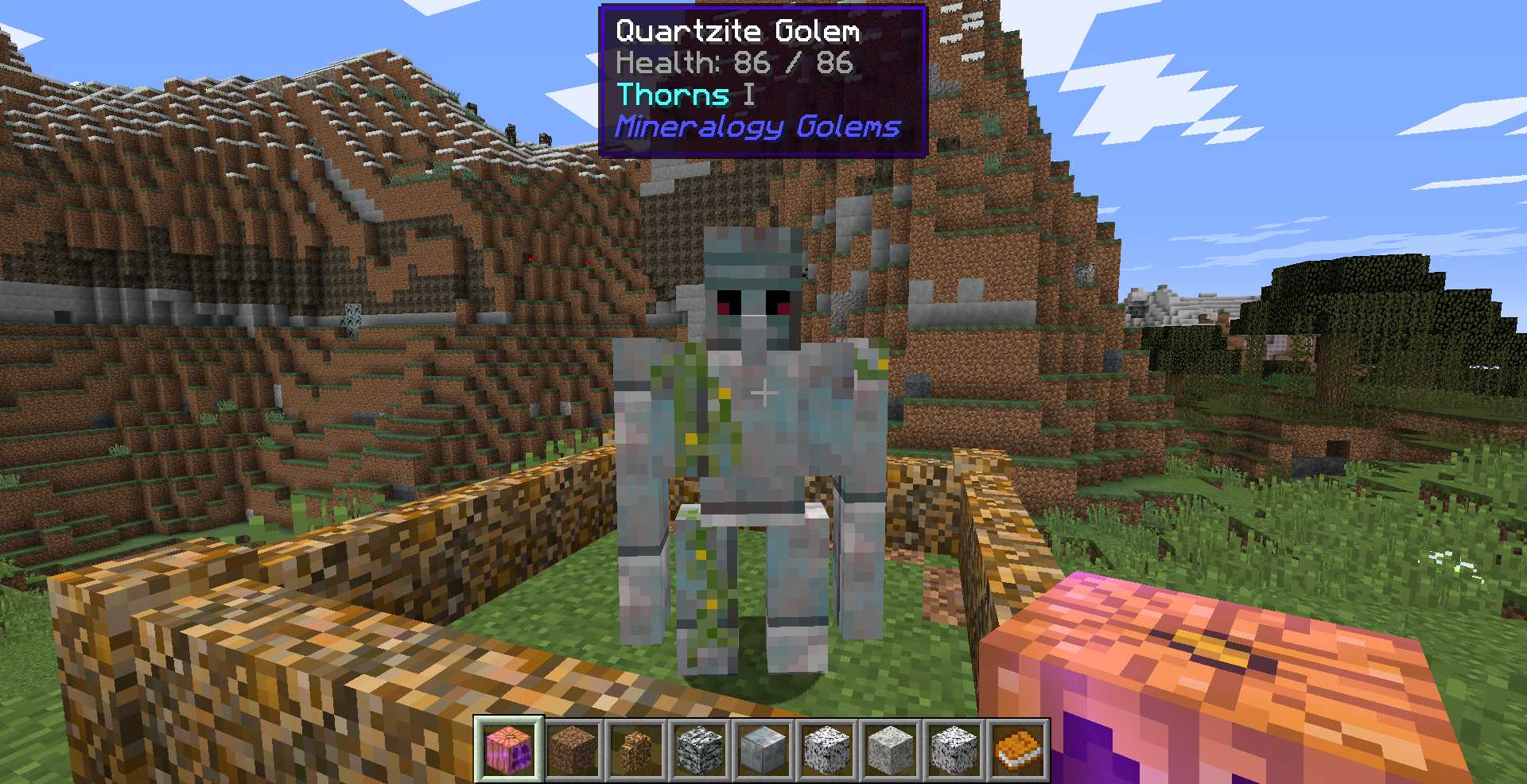
Available for Minecraft 1.12.2!
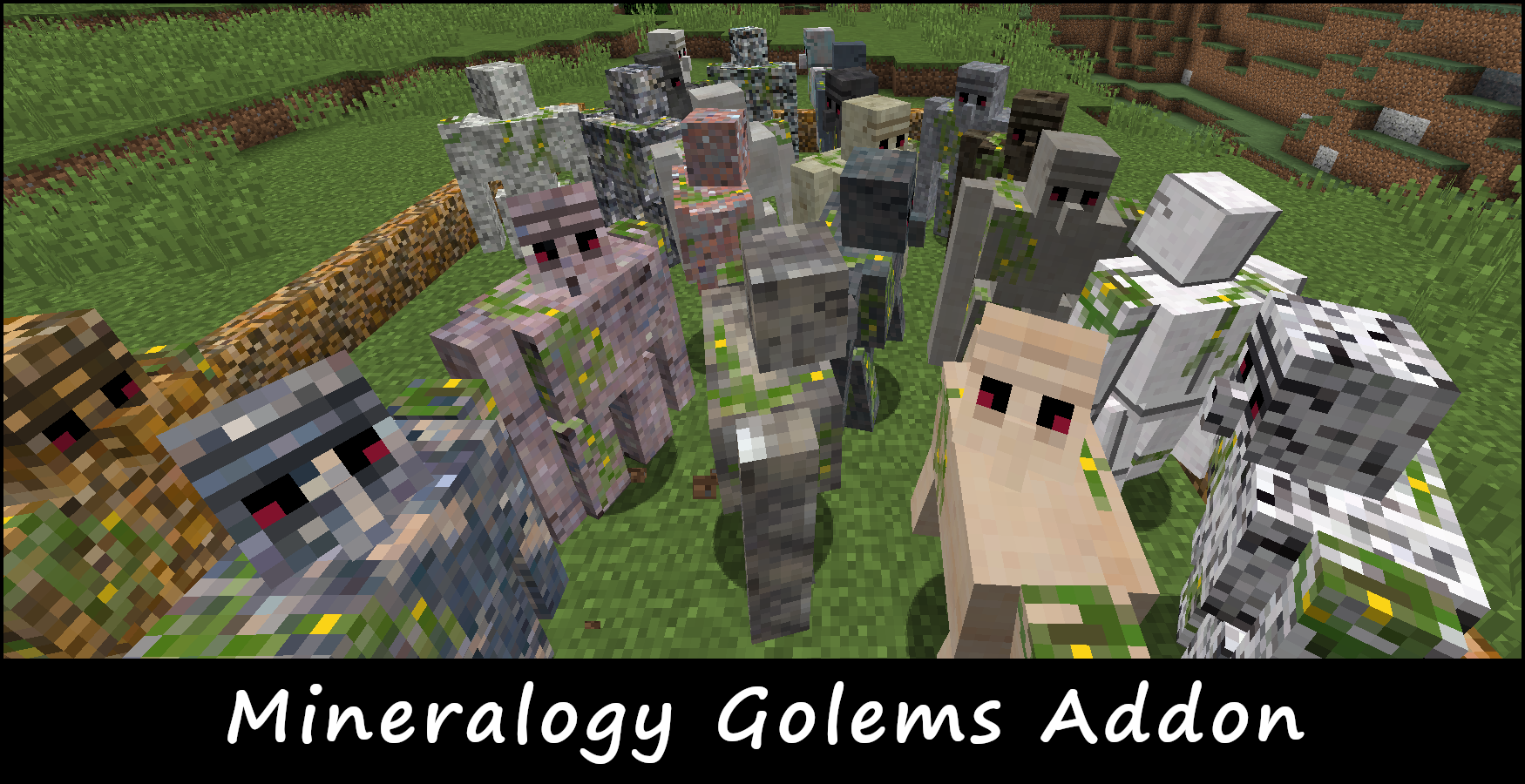
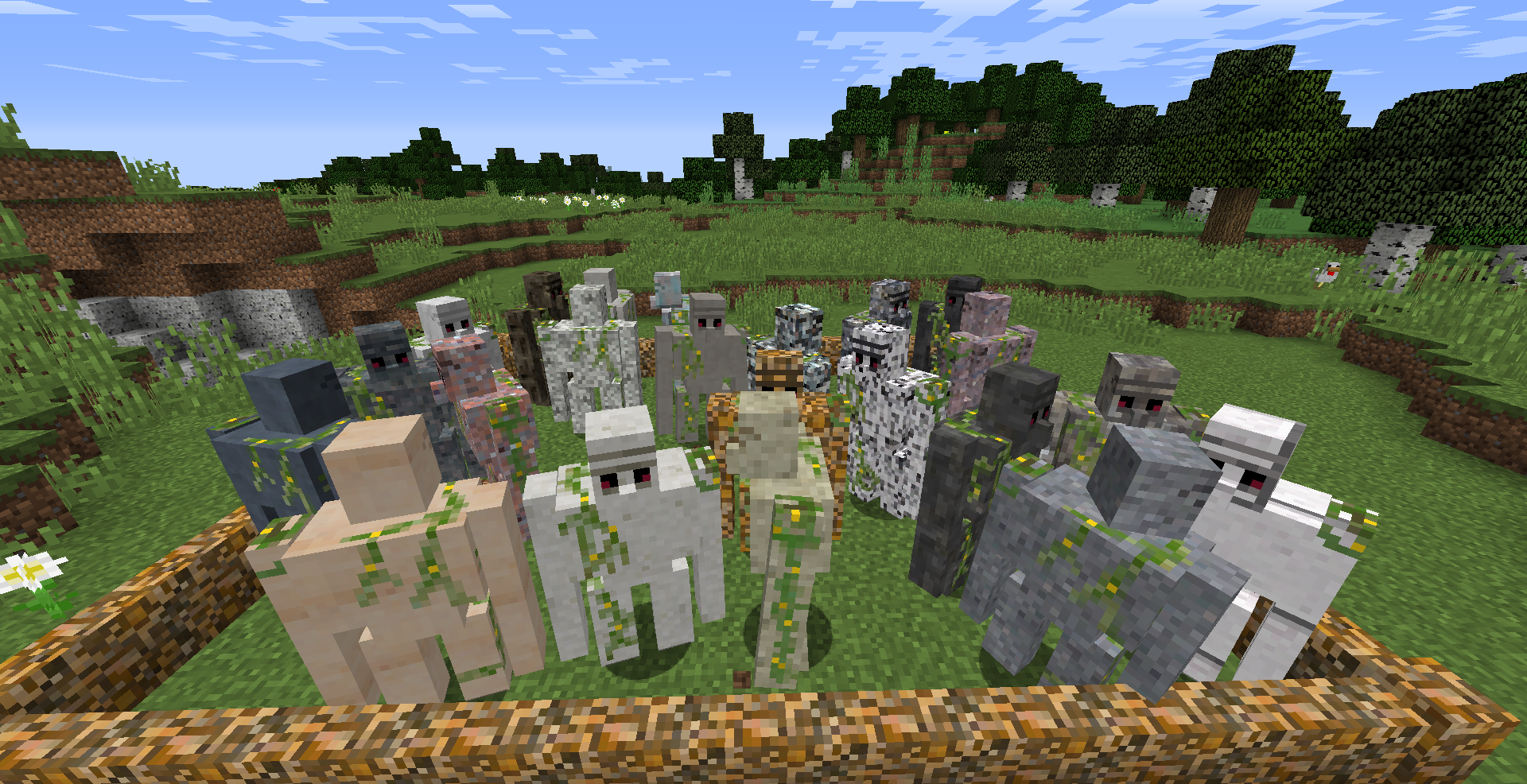
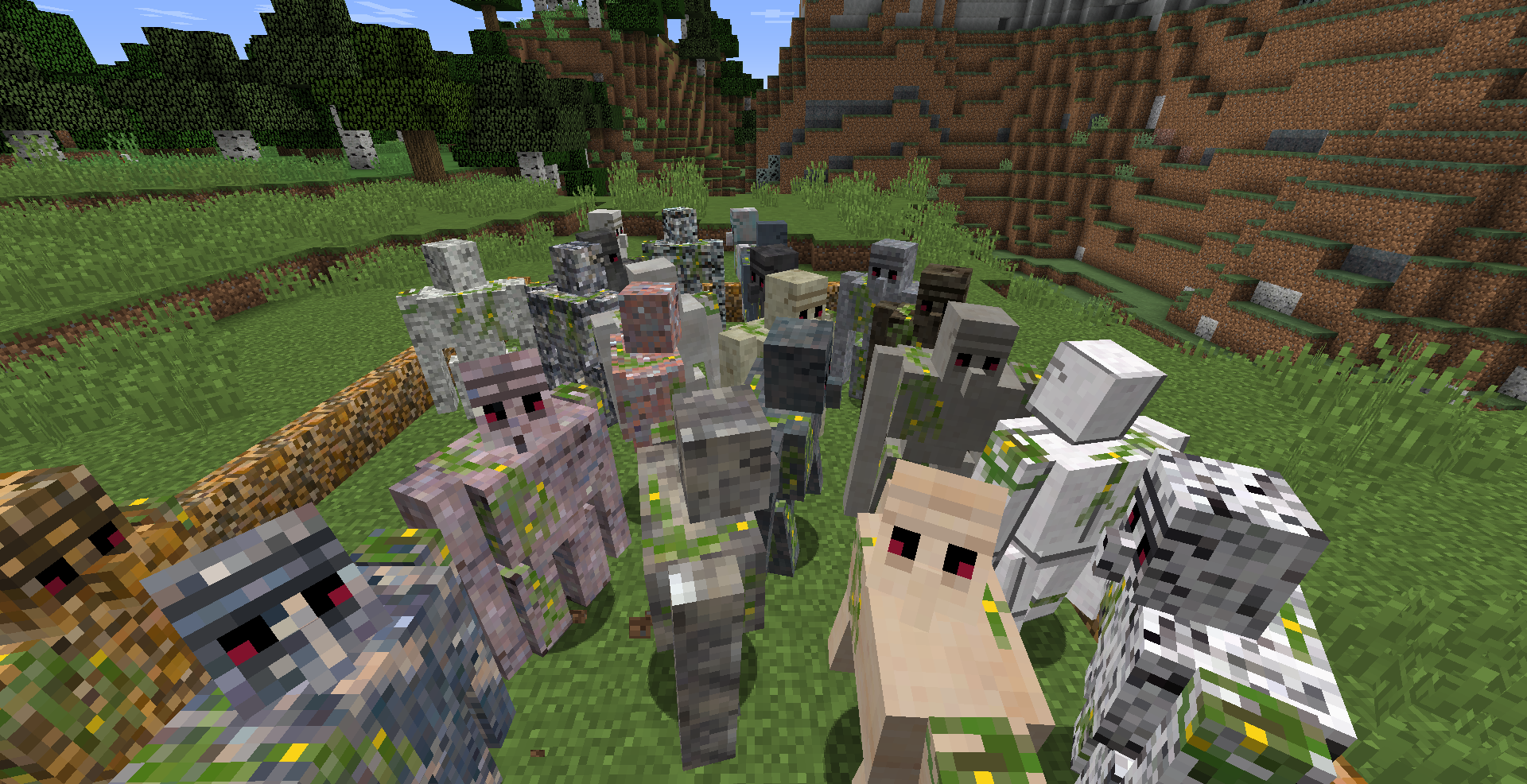
This mod is an add-on to Extra Golems. Using blocks from Mineralogy, you can now build golems to help you fend off monsters! All golems look unique and have configurable health and attack power.
Mineralogy Golems adds the following to the Minecraft Universe:
- Amphibolite Golem: 66 health, 4.5 attack
- Andesite Golem: 48 health, 3 attack
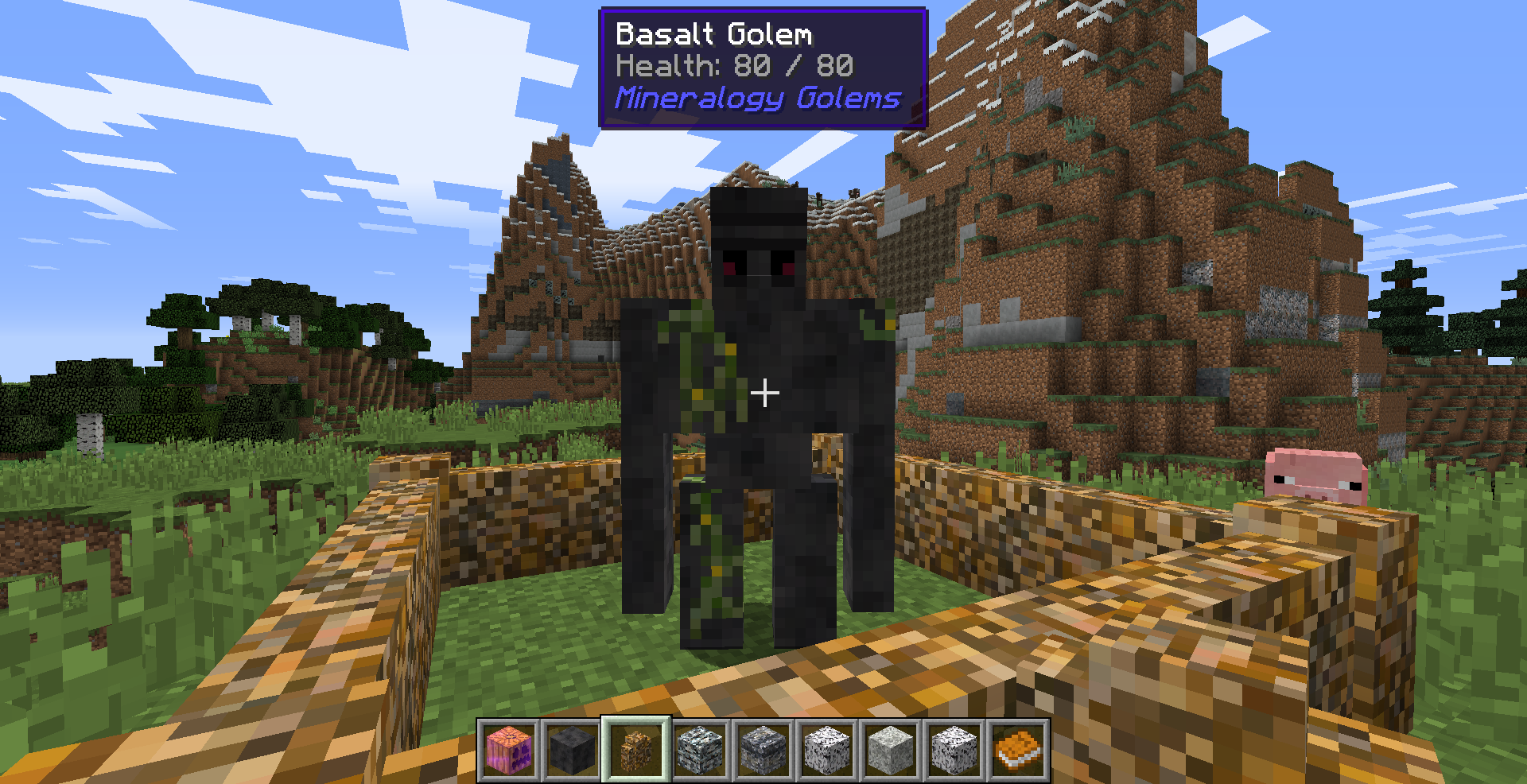
- Basalt Golem: 80 health, 6 attack, fireproof
- Basaltic Glass Golem: 36 health, 4.5 attack, fireproof
- Diabase Golem: 72 health, 6 attack
- Chert Golem: 82 health, 5.8 attack
- Diabase Golem: 72 health, 6 attack, fireproof
- Diorite Golem: 64 health, 4.2 attack
- Dolomite Golem: 50 health, 6.2 attack
- Gabbro Golem: 80 health, 6 attack, fireproof
- Gneiss Golem: 88 health, 4.6 attack, fireproof
- Granite Golem: 96 health, 5.5 attack
- Hornfels Golem: 96 health, 4.6 attack
- Limestone Golem: 42 health, 3 attack
- Marble Golem: 46 health, 4.6 attack
- Novaculite Golem: 82 health, 4 attack
- Pegmatite Golem: 84 health, 5 attack, fireproof
- Peridotite Golem: 70 health, 5.8 attack
- Phosphorous Golem: 56 health, 3 attack, burns spontaneously
- Phyllite Golem: 44 health, 3.5 attack
- Quartzite Golem: 86 health, 6 attack, Thorns
- Rhyolite Golem: 64 health, 4.2 attack
- Rock Salt Golem: 40 health, 2.5 attack, glows in the dark (charges in sunlight)
- Schist Golem: 70 health, 4.1 attack
- Scoria Golem: 70 health, 4 attack
- Shale Golem: 34 health, 3.5 attack
- Siltstone Golem: 36 health, 3.2 attack
- Slate Golem: 40 health, 3.2 attack
- Sulfur Golem: 44 health, 5 attack
- Tuff Golem: 40 health, 3 attack
***Note - all golems must be built using Polished Stone unless specified otherwise in the config!
Using the highly flexible config, you can customize each golem's health, attack damage, spawn permissions, and any special abilities!
Sample config entry:
golem_rock_salt {
# Whether the golem_rock_salt can be built [default: true]
B:"Allow Golem"=true
# Whether the golem can emit light [default: true]
B:"Allow Special: Emit Light"=true
# Base attack damage dealt by this golem [range: 0.0 ~ 300.0, default: 2.5]
S:"Golem Attack"=2.5
# Max health for this golem [range: 0.0 ~ 999.0, default: 40.0]
S:"Golem Health"=40.0
# Number of ticks between light updates [range: 1 ~ 24000, default: 2]
I:"Light Frequency"=2
}
Required:
Extra Golems -- the version indicates which Extra Golems version to use (eg, Mineralogy Golems 7.1.7-x requires Extra Golems 7.1.7)
Mineralogy (currently using version 3.8.0.53)
- Edition: Minecraft Java
- File type: .jar
- How to install: Install the matching mod loader (Forge, Fabric or NeoForge) for your Minecraft version. → Download the .jar. → Put it in the .minecraft/mods folder and launch that loader profile.
- Where to get it: Opens on CurseForge — not every file is mirrored on our own servers.
Install steps are the general flow for this file type — How to install Minecraft Java mods & modpacks walks through it step by step.
- Ships as MineralogyGolemsAddon-1.12-7.1.7-2.jar — drop this file into the mods folder
- Download size: 219 KB
- Download link checked 14 Oct 2026 — working
These come from our own check of the pack file, not from the source page.