
ModsJava
PlasmaCannon
Minecraft Java mod. Downloads from the MC Java Mods app on Android.
⬇ Download on CurseForge


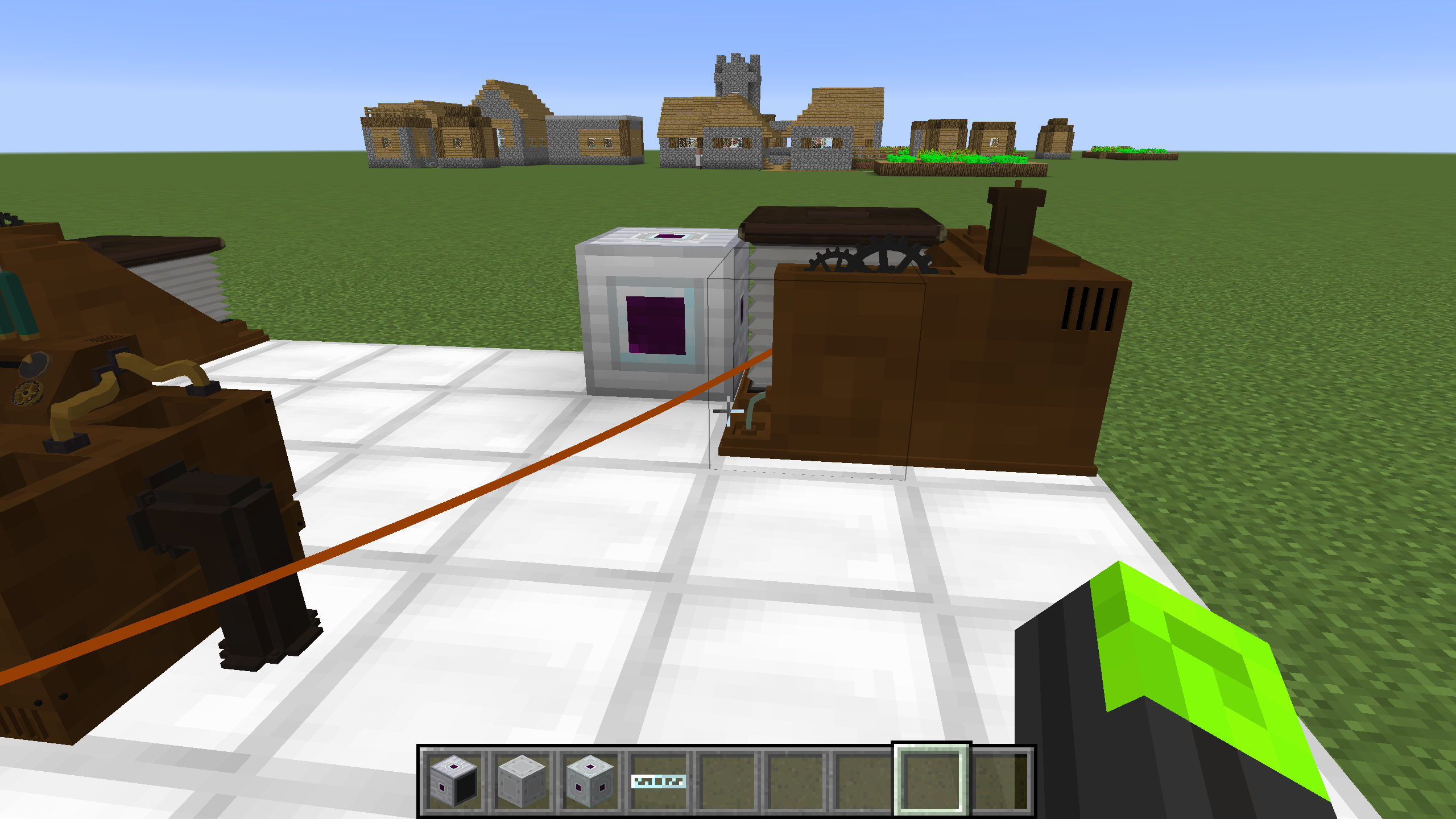


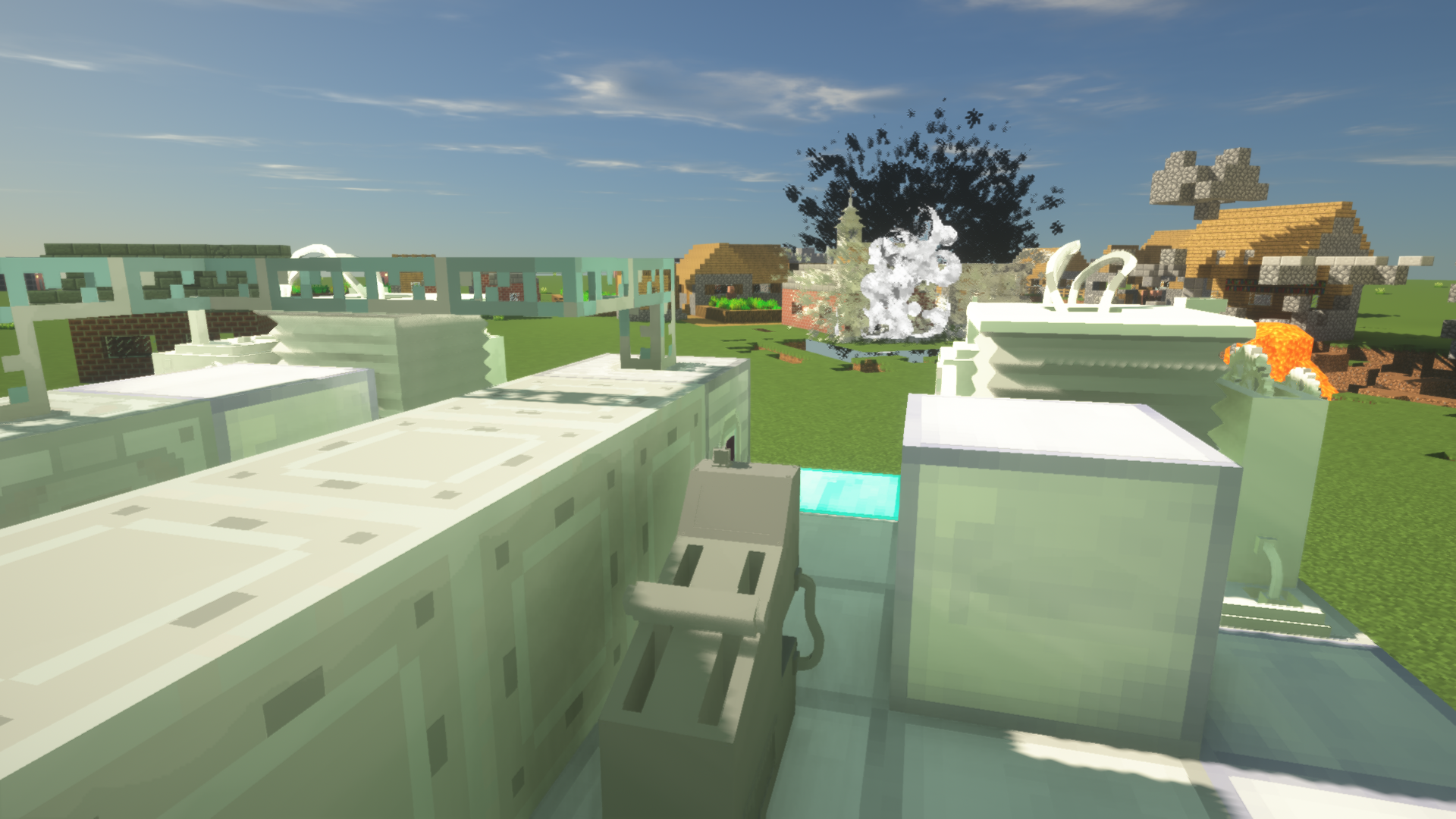
This addon mod requires IndustrialCraft 2 and ValkyrienSkies Mod! This addon adds weapons and armor blocks to ValkyrienSkies ships.
This addon adds
Plasma Cannon: Shoots a deadly plasma ball straight forward. Put Plasma Generators behind to increase firepower. Can destroy Obsidian if attached with more then 25 Plasma Generators. If a Plasma Cannon has more than 55 Plasma Generators behind it can destroy any Armor with a single shot.
Torpedo launcher: Shoots torpedo 3 kinds of torpedo:
High Explosive: Travels slow, but has a large explosion range. CAN destroy Obsidian!
High speed: Travels fast, but has a relatively small explosion range. CAN destroy Obsidian!
Fast Shoot: Travels fast and can shoot continuously, but only damage things around the projectile. It cannot destroy Obsidian.
3 kinds of armor blocks: Steel Armor, Composite Armor, Advanced Composite Armor. Composite Armor and Advanced Composite Armor can only be destroyed by torpedos(except fast shoot) or plasma cannonballs. Torpedos need to hit the same Composite Armor block 2 times and Advanced Composite Armor 4 times to destroy them. Plasma Cannon with more than 11 Plasma Generators behind has the ability to destroy Composite and Advanced Composite Armor.
How to use:
1. Plasma Cannon:
Place a Plasma Cannon block on your ship
Add plasma generators behind to increase the explosion power of a plasma cannon projectile. You can add a maximum of 69 plasma generators behind a cannon.
Connect them with ic2 generators(any type, IC2 tiers dose not mater) using ic2 wires.
Right-click the Plasma Cannon block with Energy Reader to check how much energy it has.
Right-click the Plasma Cannon block with an Electronic Trigger to fire it. Plasma Cannon can only shoot straight forward, so you have to adjust your ship for them to point on a target. The more plasma generators you put behind a cannon, the more energy it requires to fire.
2. Torpedo Launcher: Torpedo Launcher is a block with one side transparent. Put that side toward the inner side of your ship. For High Explosive and High-Speed torpedo, place next to the launcher,
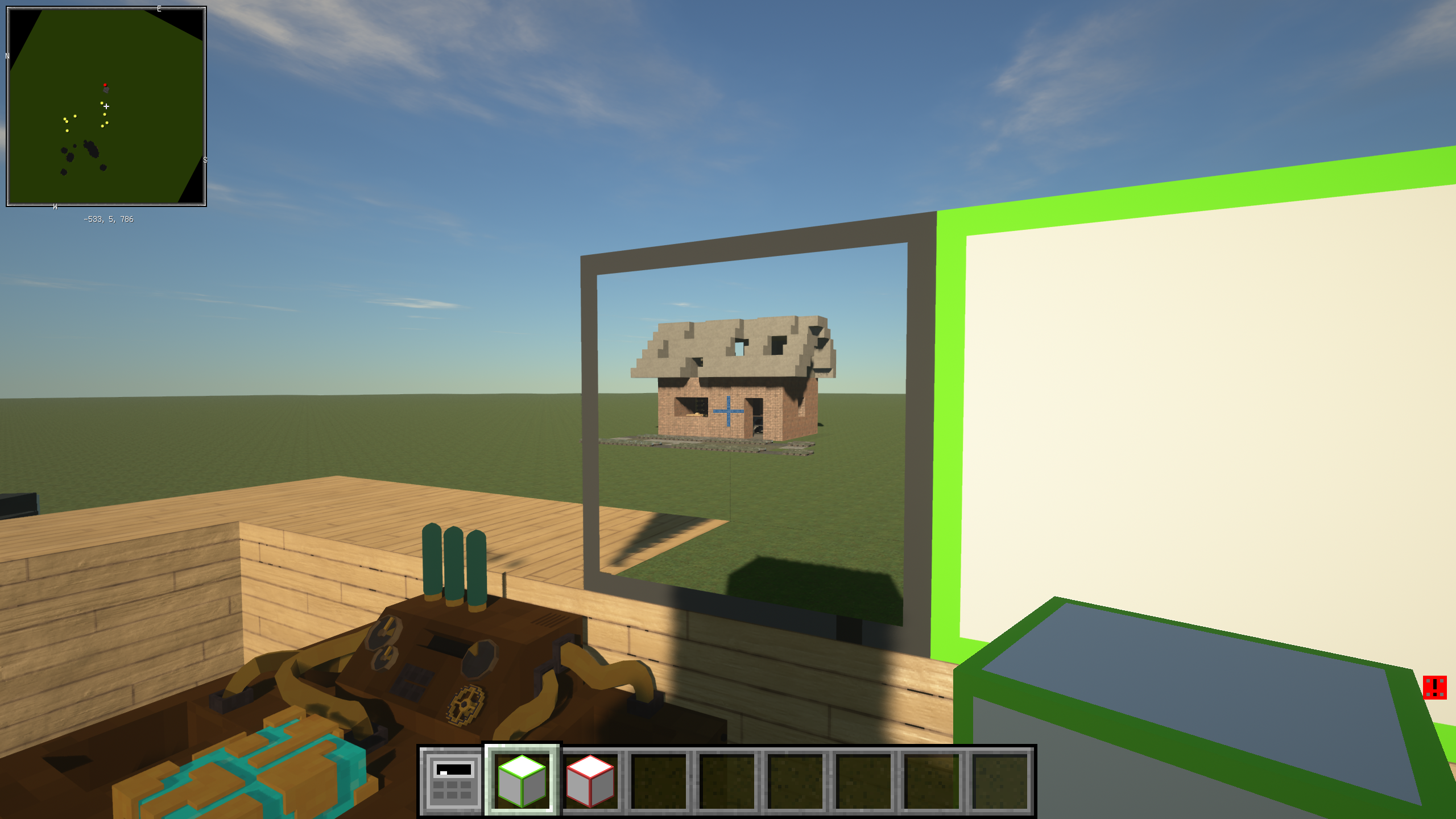
and right-click the launcher with an Electronic Trigger to load the torpedo,
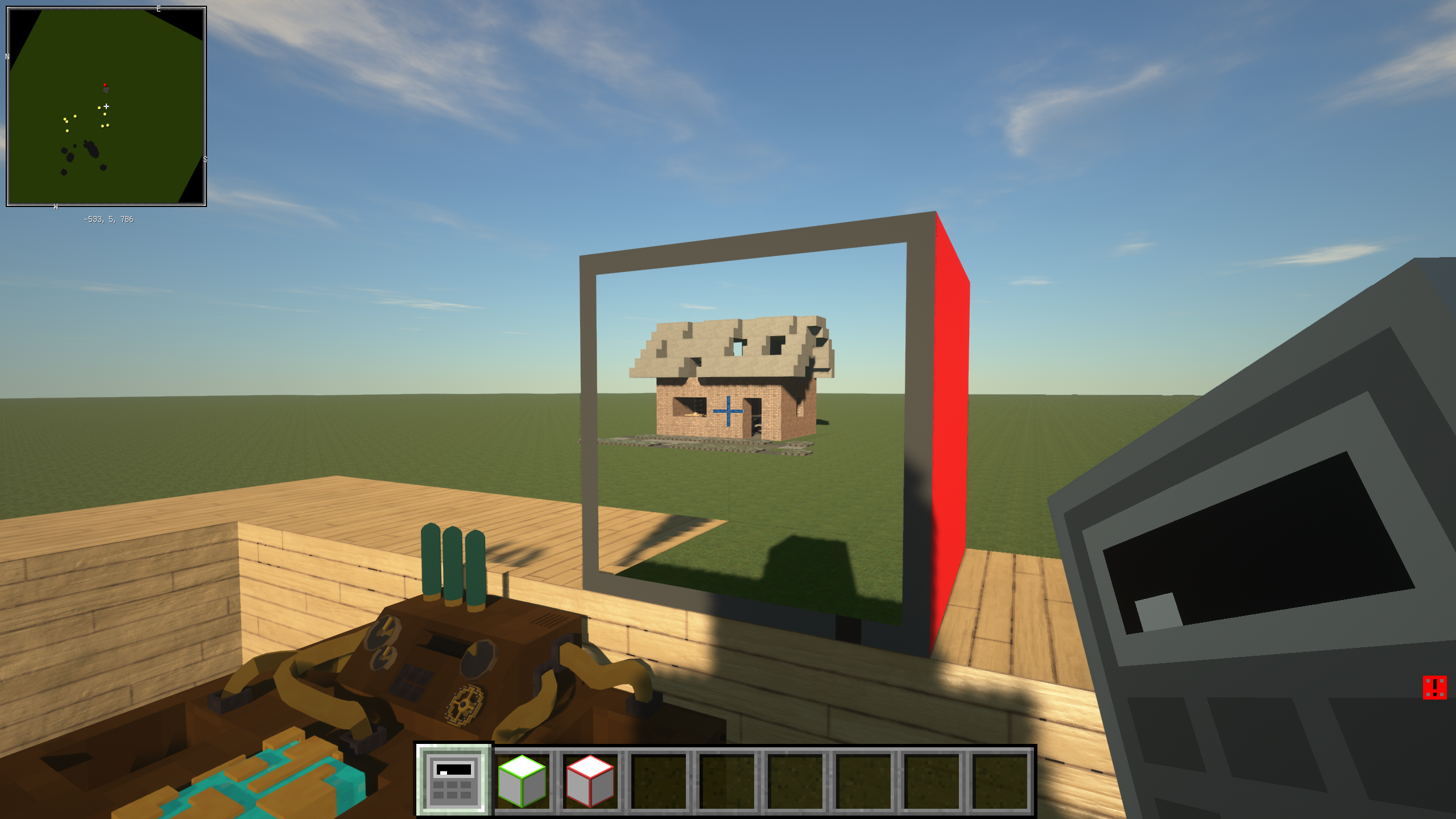
or to launch the torpedo if it is already loaded. The torpedo will shoot parallel to the direction you are watching(that's why it is transparent on one side).
For Fast Shoot Torpedo, you just need to have a group of them on your hand and right-click the launcher with it, it will shoot continuously.
3. Armors: For Steel Armor you just place it like a normal block. For Composite Armor and Advanced Composite Armor, the ones you can craft on survival mode are only items, not blocks, can not be placed like normal blocks. They can only transform Planks, Cobblestones, Irons or Steel Armors to the composite armor when you right-click them with it. The reason for doing so is because these advanced armors are extremely tough, it takes a very long time for a diamond pickaxe to remove them. You have to design your ship by planks or cobblestones first, then transform them into armors. You can also use iridium plates to upgrade Composite Armor to Advanced Composite Armor Directly. The actual blocks are called Composite Armor Plate and Advanced Composite Armor Plate in creative tab. You can use them in creative mode.


Quick facts
- Edition: Minecraft Java
- File type: .jar
- How to install: Install the matching mod loader (Forge, Fabric or NeoForge) for your Minecraft version. → Download the .jar. → Put it in the .minecraft/mods folder and launch that loader profile.
- Where to get it: Opens on CurseForge — not every file is mirrored on our own servers.
Install steps are the general flow for this file type — How to install Minecraft Java mods & modpacks walks through it step by step.
File checked by MCModsHub
- Ships as PlasmaCannon-1.3.1.jar — drop this file into the mods folder
- Download size: 188 KB
- Download link checked 14 Oct 2026 — working
These come from our own check of the pack file, not from the source page.