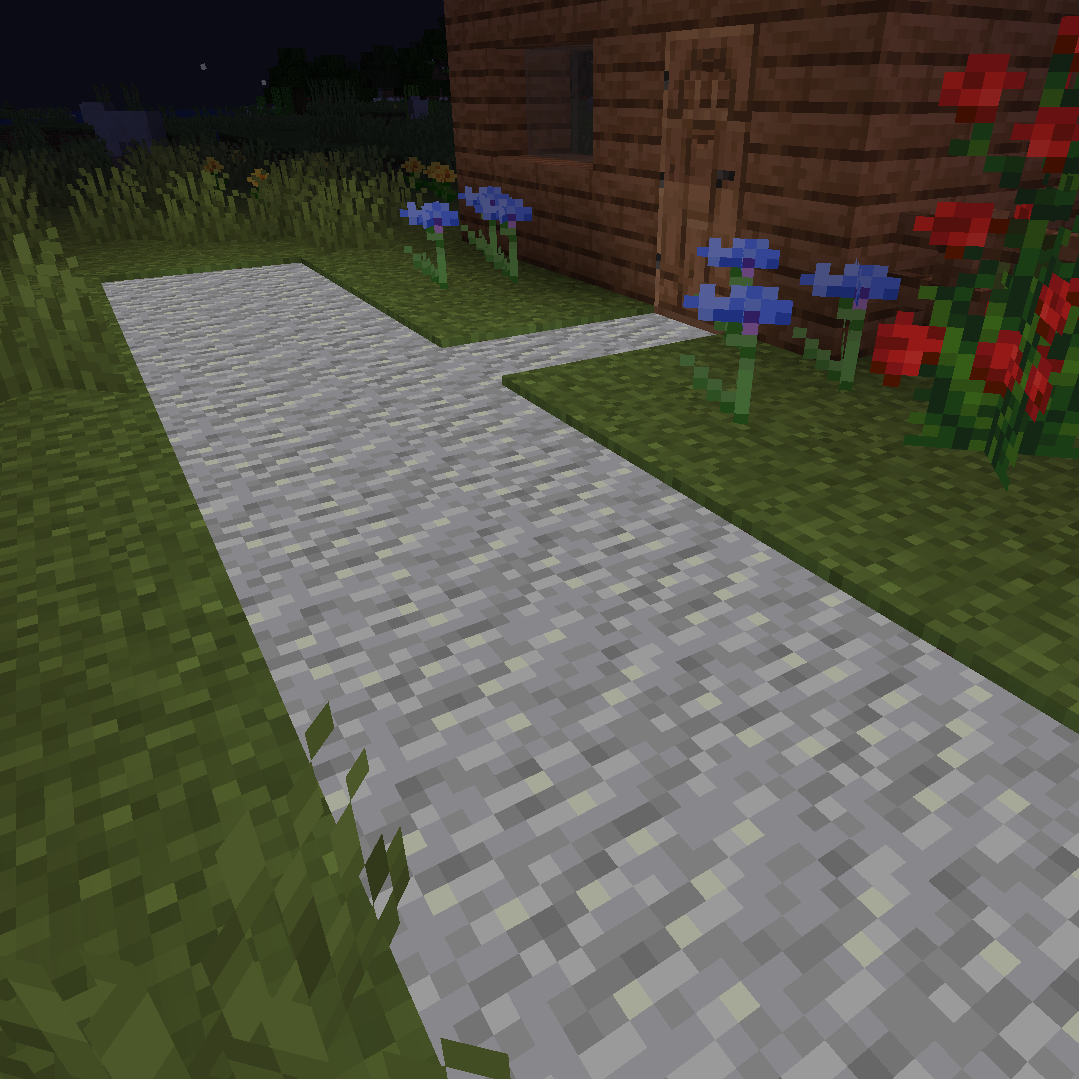
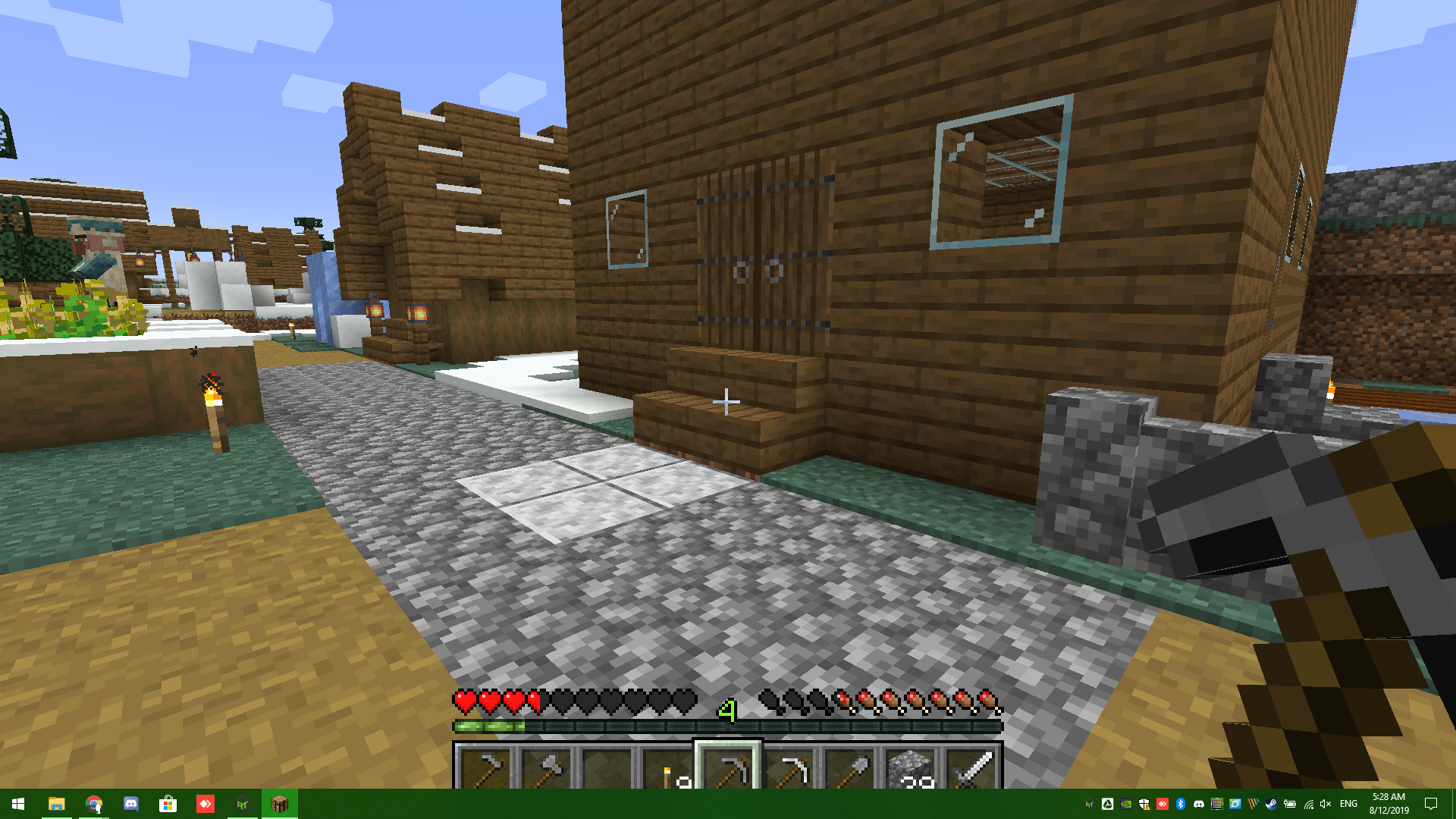
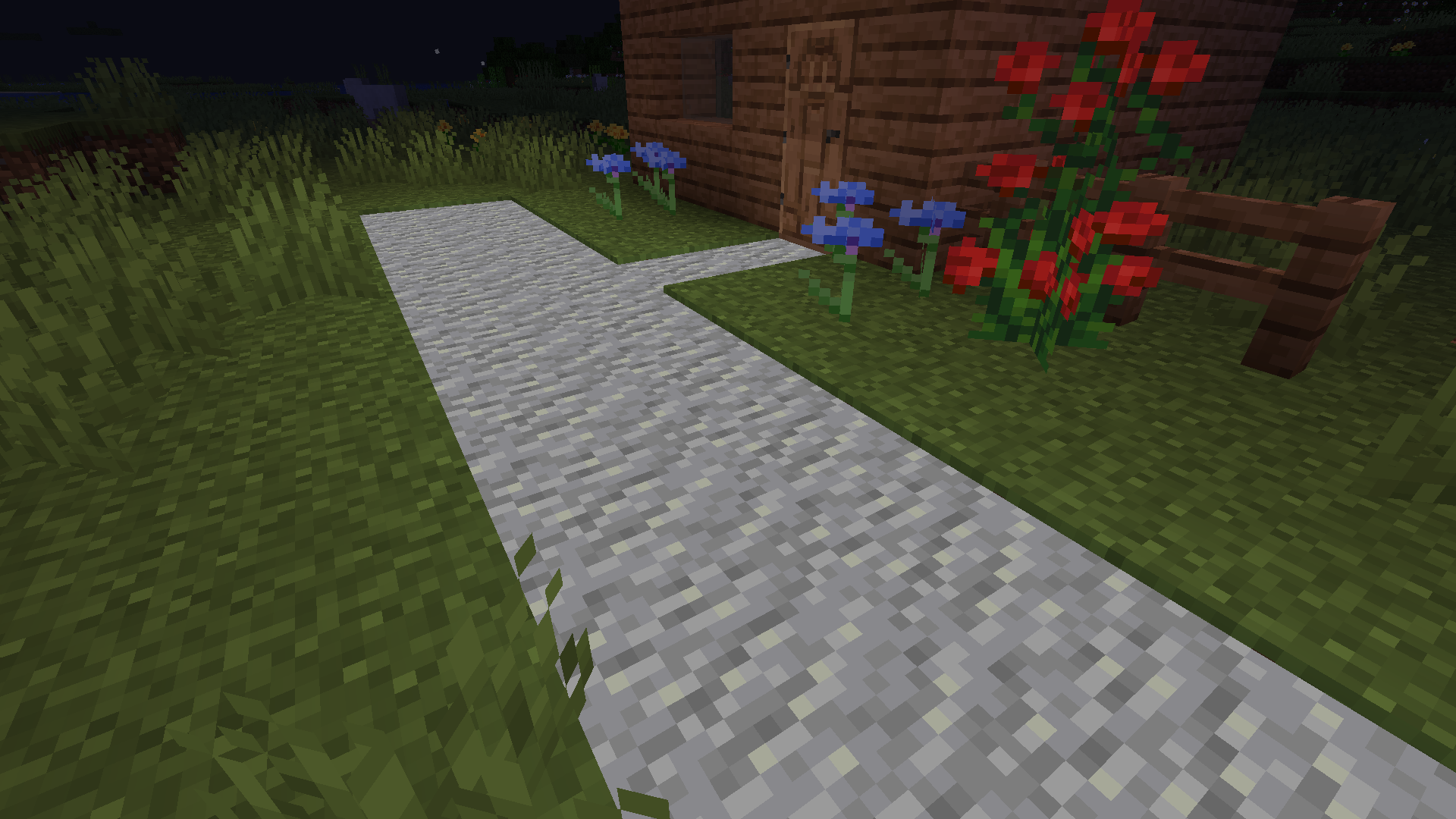
Add a bit of variety to your road networks, whether it be a generated village, your own small town or a complex city with extra path blocks. Simply grab a pickaxe, shovel or axe (depending on the block) and right-click to create!
Need to light up your roads but don't want ugly lanterns? Just right-click one of your new paths (except the vanilla grass paths, we haven't touched those yet) to make it glow in the dark!
Currently, we support the following blocks (More will be added in time!):
- All vanilla planks
- Regular stone
- Smooth stone
- Cobblestone
- Granite (and Polished Granite)
- Diorite (and Polished Diorite)
- Andesite (and Polished Andesite)
- Prismarine (including Dark Prismarine and Prismarine Bricks)
- Sand and Red Sand
- Sandstone and Red Sandstone (Regular, Smooth, Cut and Chiseled)
- Soul Sand
Got another block you need added? Just head over to our issue tracker and report it. We'll aim to get it in the next release if it's a good fit for the mod :) (Alternatively, check out our code for creating it in ExtraPathsMod.java - It's quite easy and most of the hard work is now automated. If you can't get the blockstates and models generated just open a merge request anyway and we can do that once it's in)
- Edition: Minecraft Java
- File type: .jar
- How to install: Install the matching mod loader (Forge, Fabric or NeoForge) for your Minecraft version. → Download the .jar. → Put it in the .minecraft/mods folder and launch that loader profile.
- Where to get it: Opens on CurseForge — not every file is mirrored on our own servers.
Install steps are the general flow for this file type — How to install Minecraft Java mods & modpacks walks through it step by step.
- Ships as extrapaths-1.0.0.jar — drop this file into the mods folder
- Download size: 100 KB
- Download link checked 24 Sept 2026 — working
These come from our own check of the pack file, not from the source page.