
Fantastica
Minecraft Java modpack. Downloads from the MC Java Mods app on Android.
⬇ Download on CurseForge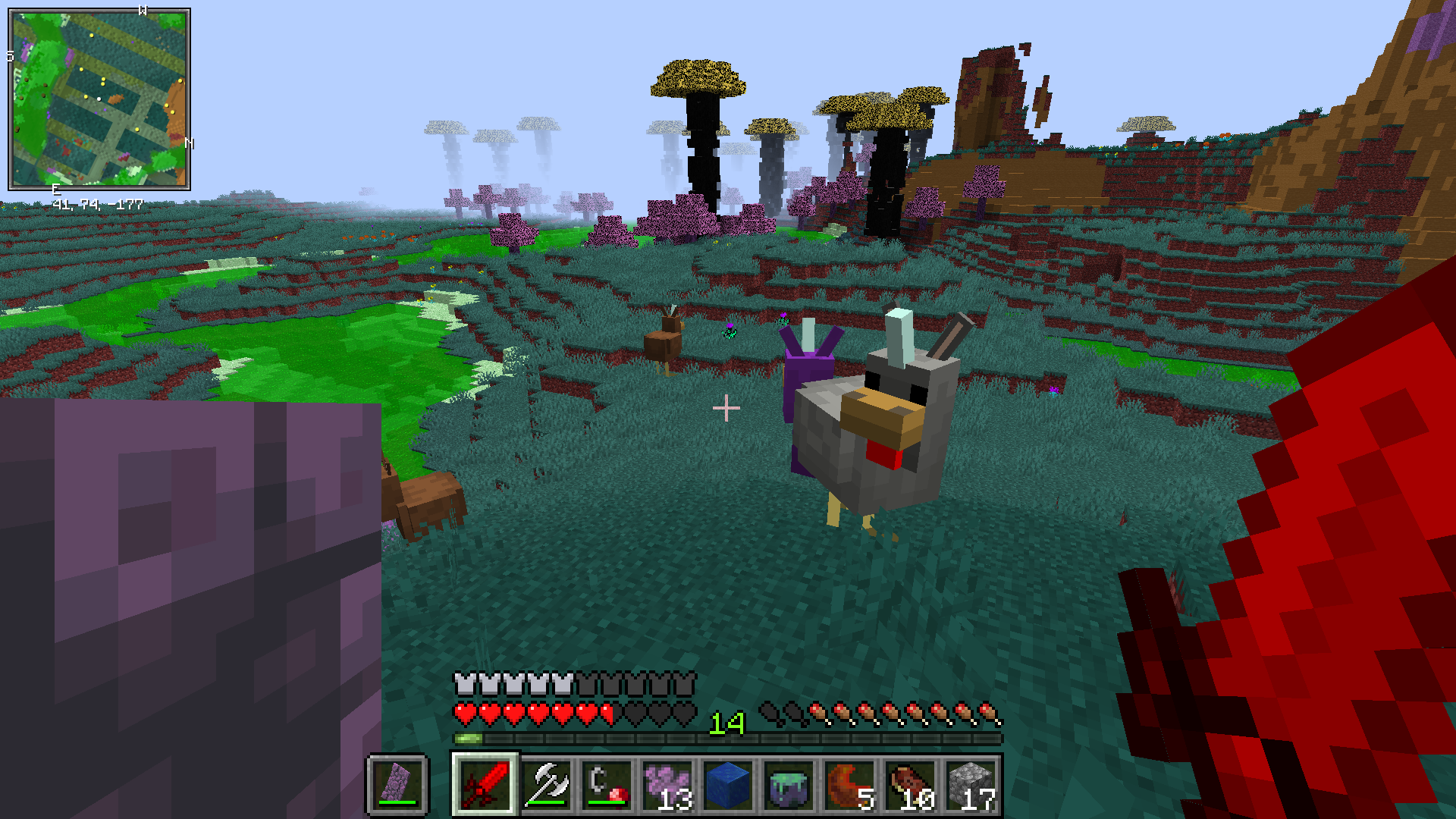
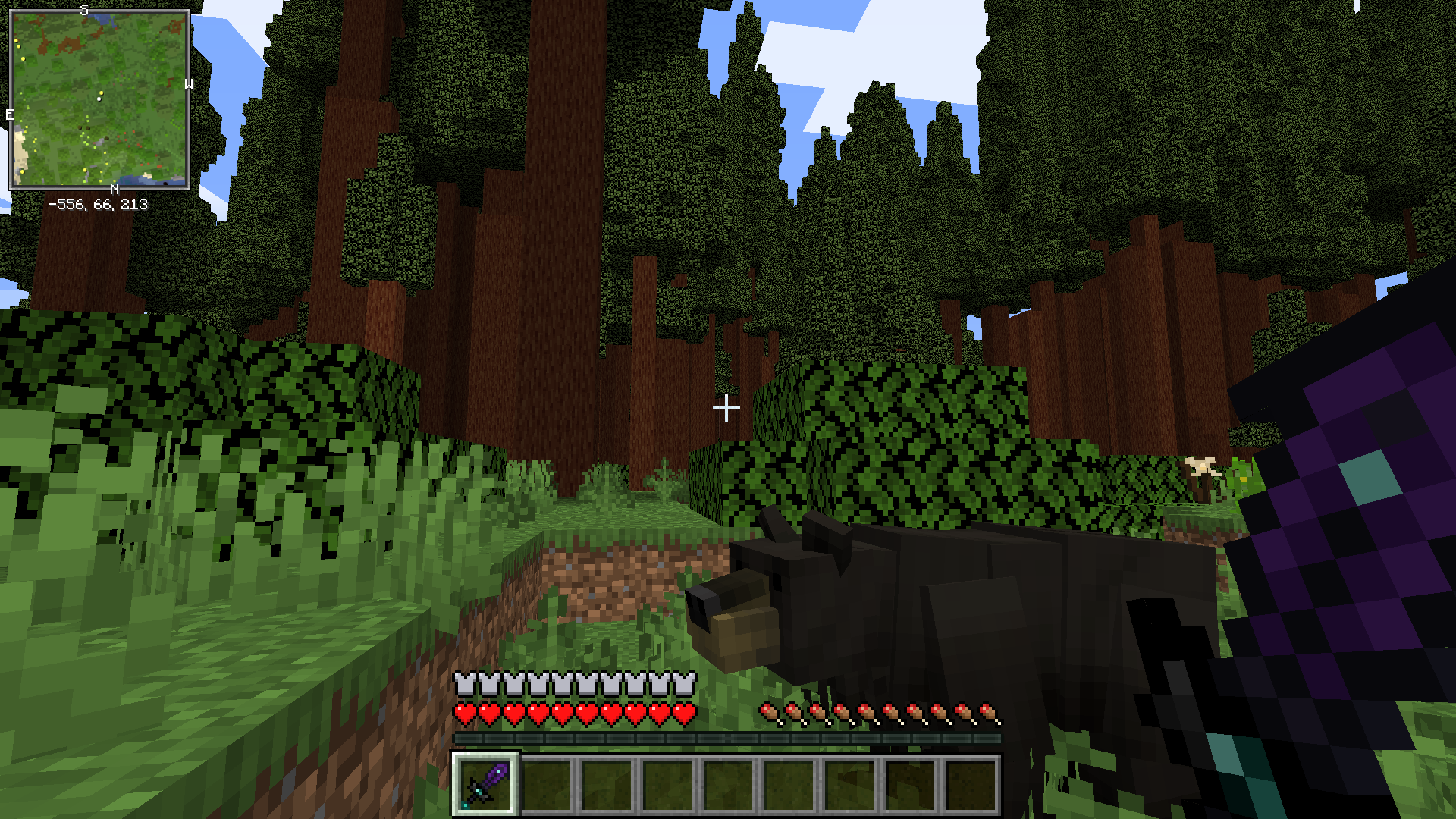
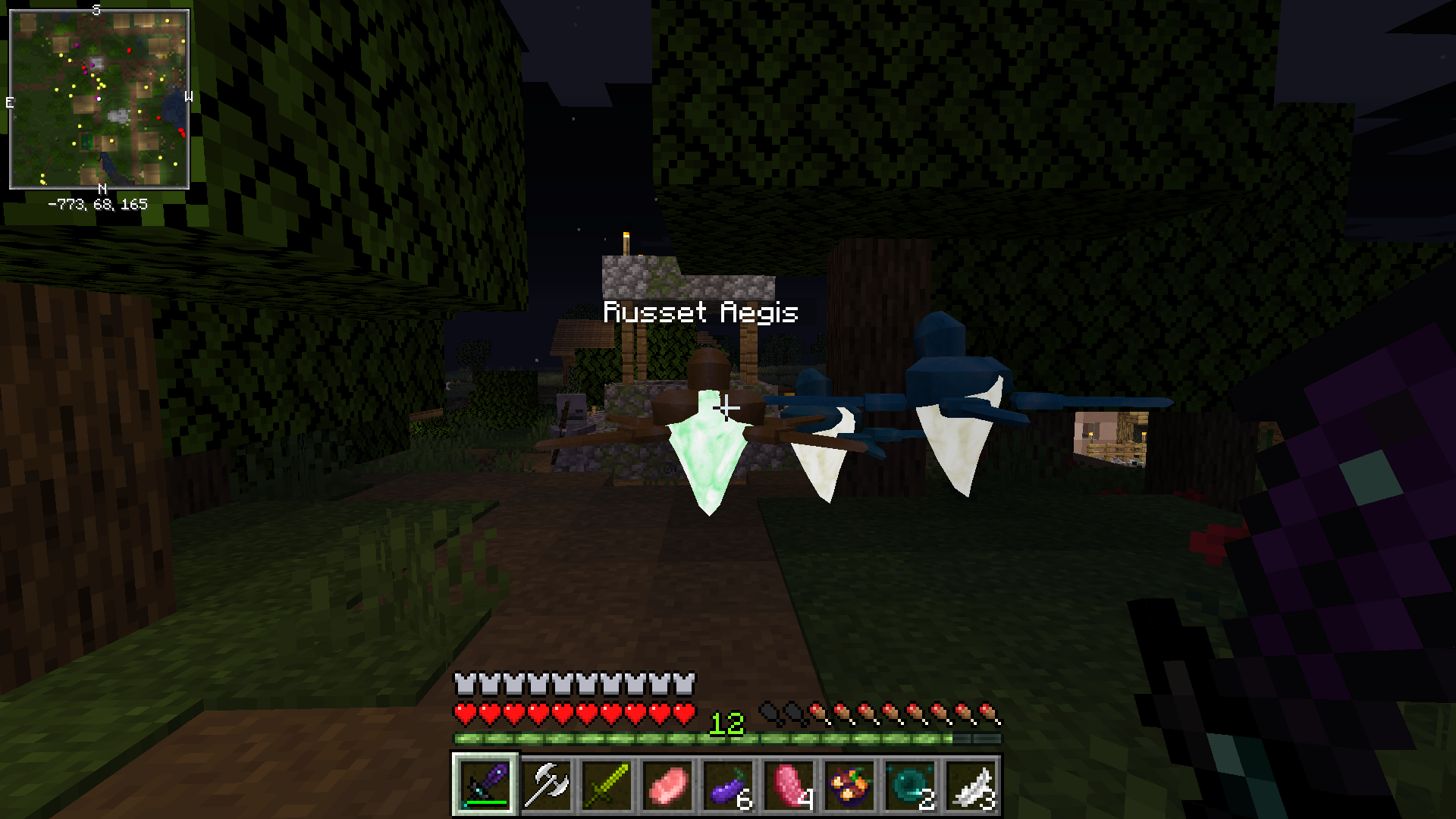
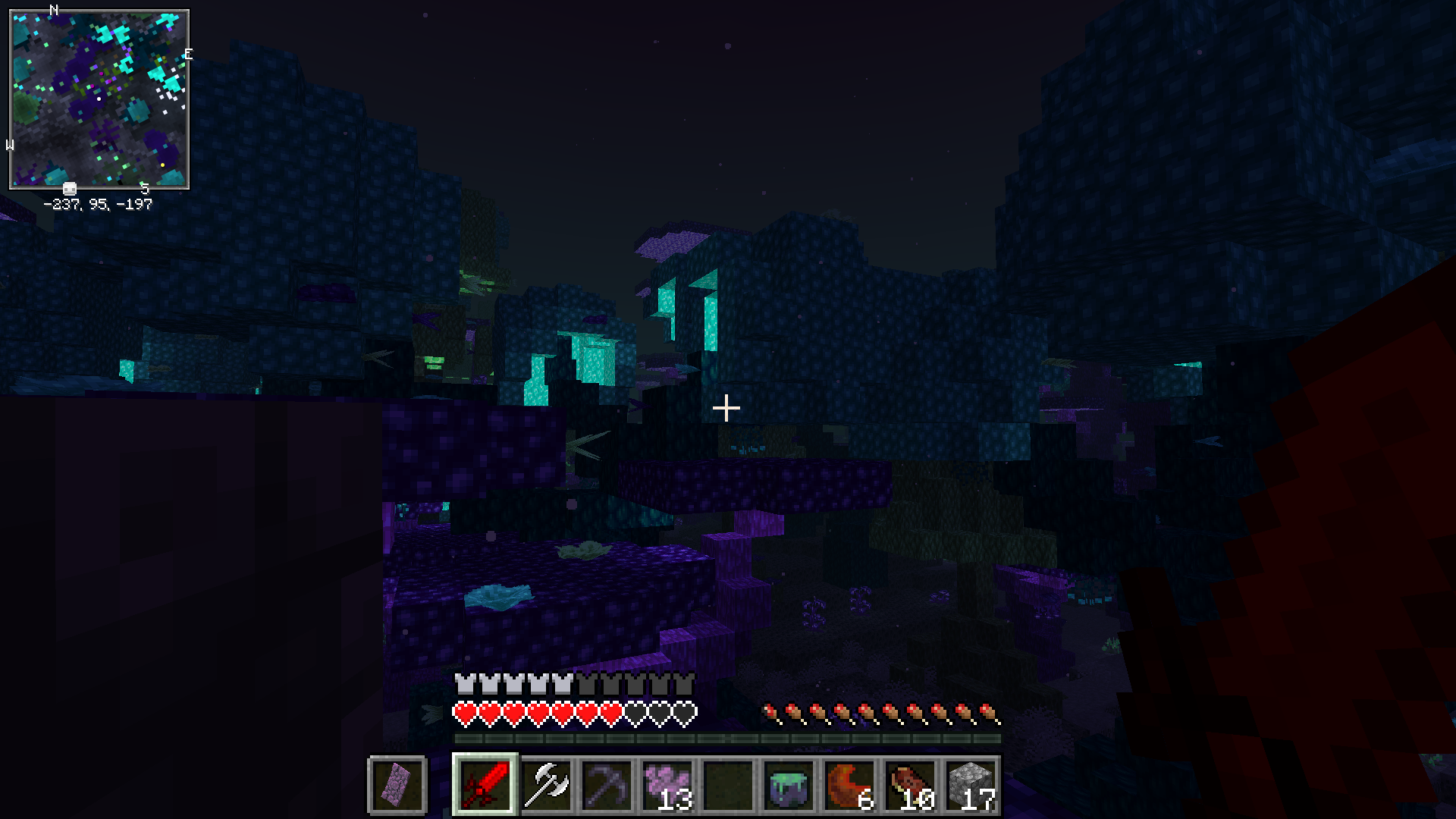
Currently compatible with Minecraft 1.14.4
Fantastica 0.10 "Welcome to Quests" NOW AVAILABLE
The first implementation of quests is here! Many more are to be added in coming updates.
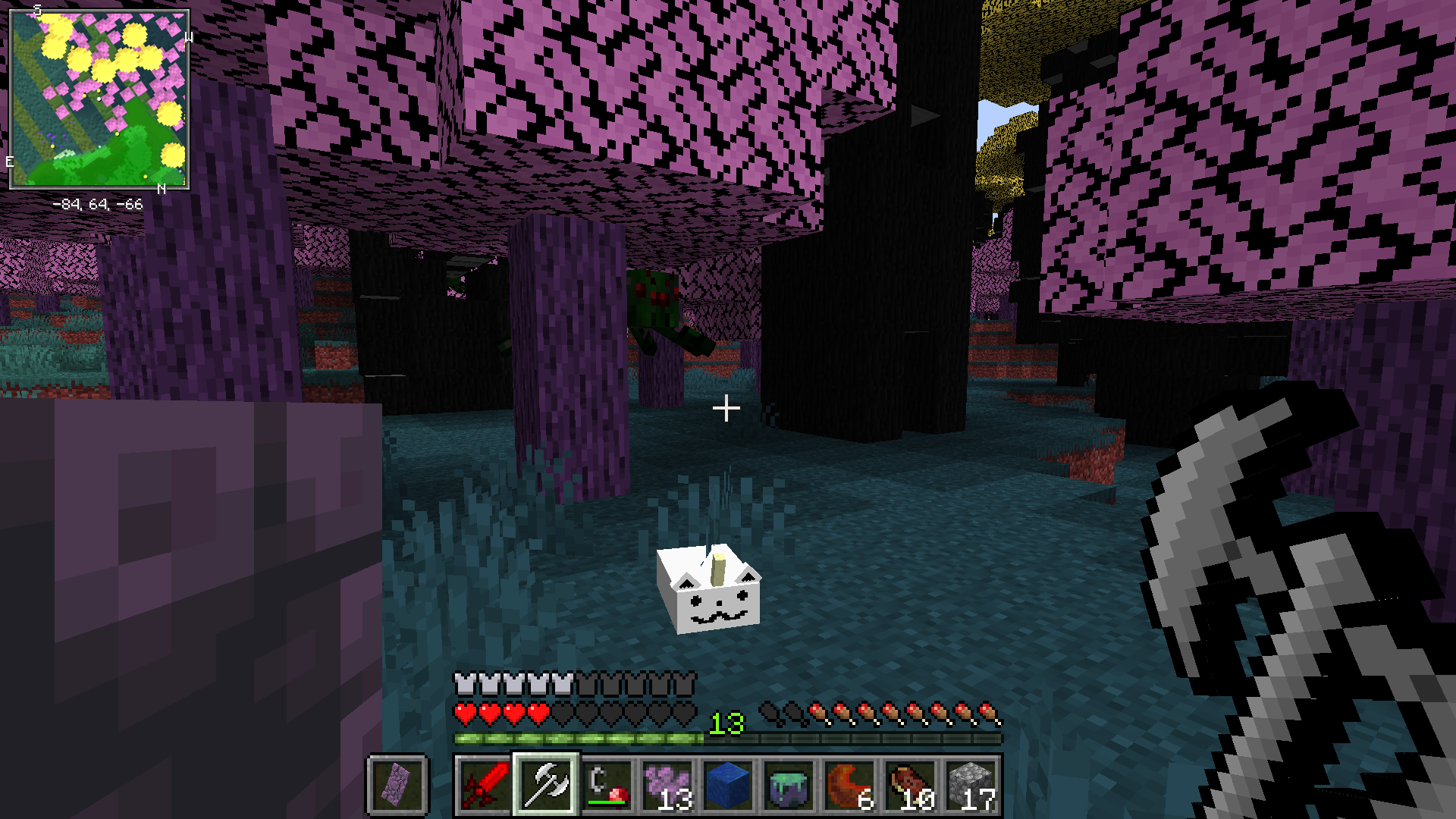
Vampires, dragons, monsters in the woods. Now the world is even more dangerous, but you can be even more powerful! Harvest the power of nature itself and craft new armour and weapons with much easier-to-obtain materials. Get onto horseback and slay super-charged mobs! One thing lurks in the overworld, though. Be careful where you tread, because you may end up lost in a world that you have no idea how to escape.
About
Fantastica turns Minecraft into the ultimate fantasy and exploration experience. Explore hundreds of new biomes, dimensions, caves, dungeons and fortresses. Fight incredible monsters or tame them to fight alongside you. Make yourself more powerful than ever before with new food, new weapons, new tools, new enchantments, magic and potions.
Fantastica allows you to harness many different powers through different routes of mining and crafting. If you love to mine, there are many new ores and special objects found underground, as well as dungeons to be raided! If you love exploring on the surface, you can travel the world without ever setting foot underground. Find structures scattered around your world and loot them of their supplies.
Custom Configurations
Fantastica comes with custom configurations for each mod. These have been optimised for maximum inter-mod integration. You can edit any of the config files to your own preferences, but this may result in mod conflicts.
OptiFine is highly recommended for Fantastica. OptiFine is not available through Forge. Please install separately.
Mods List
Mods that are not included in the latest version of Fantastica have been greyed out.
Keyboard Controls
Most of the mods have had their default keys changed to allow for them all to be compatible.
- Edition: Minecraft Java
- File type: .jar
- How to install: Install the matching mod loader (Forge, Fabric or NeoForge) for your Minecraft version. → Download the .jar. → Put it in the .minecraft/mods folder and launch that loader profile.
- Where to get it: Opens on CurseForge — not every file is mirrored on our own servers.
Install steps are the general flow for this file type — How to install Minecraft Java mods & modpacks walks through it step by step.
- Downloads as Fantastica-0.7 Beta.zip
- Download size: 414 KB
- Download link checked 4 Nov 2026 — working
These come from our own check of the pack file, not from the source page.