
Galaxy Fast Food Mega Factory Modpack
Minecraft Java modpack. Downloads from the MC Java Mods app on Android.
⬇ Download on CurseForge

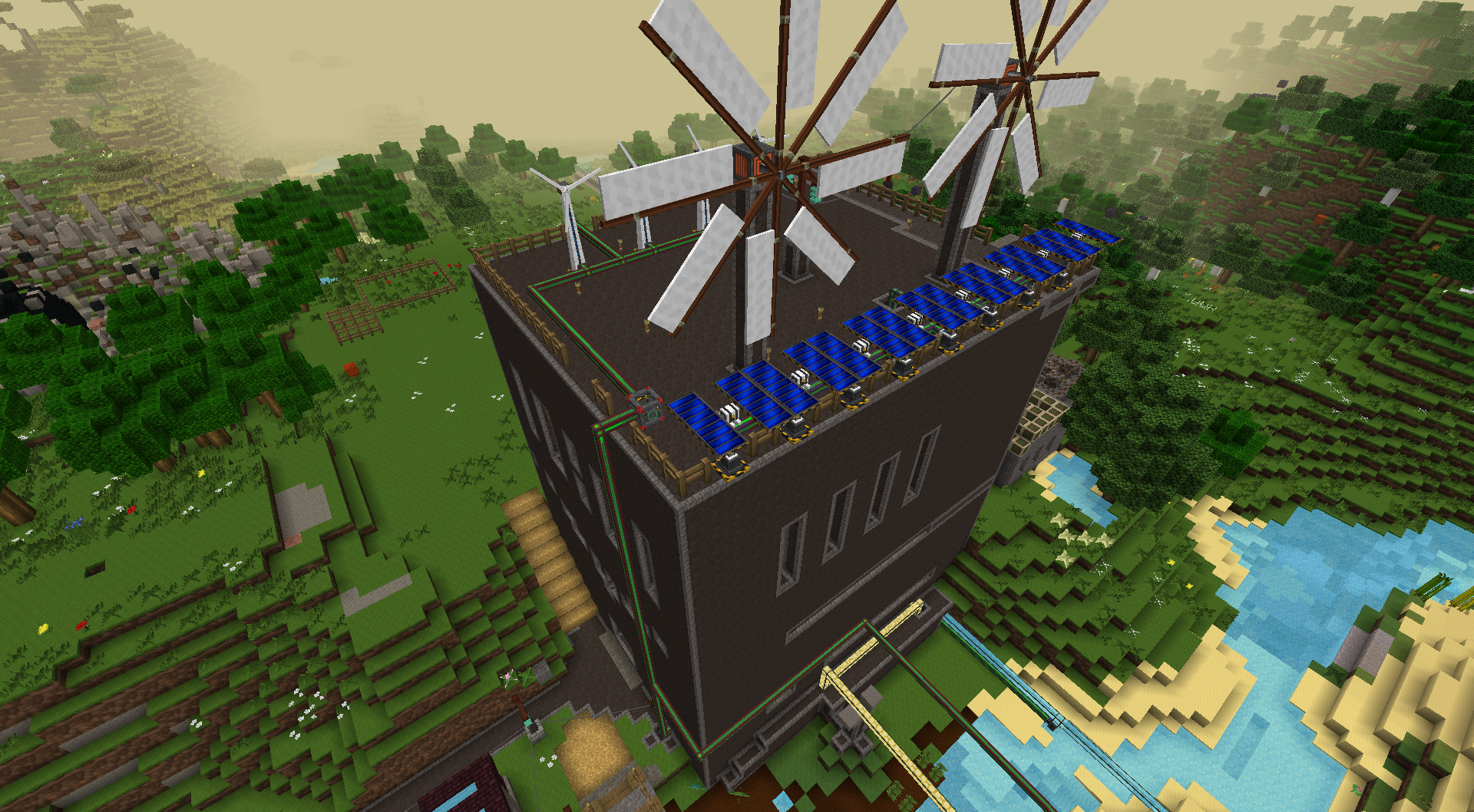
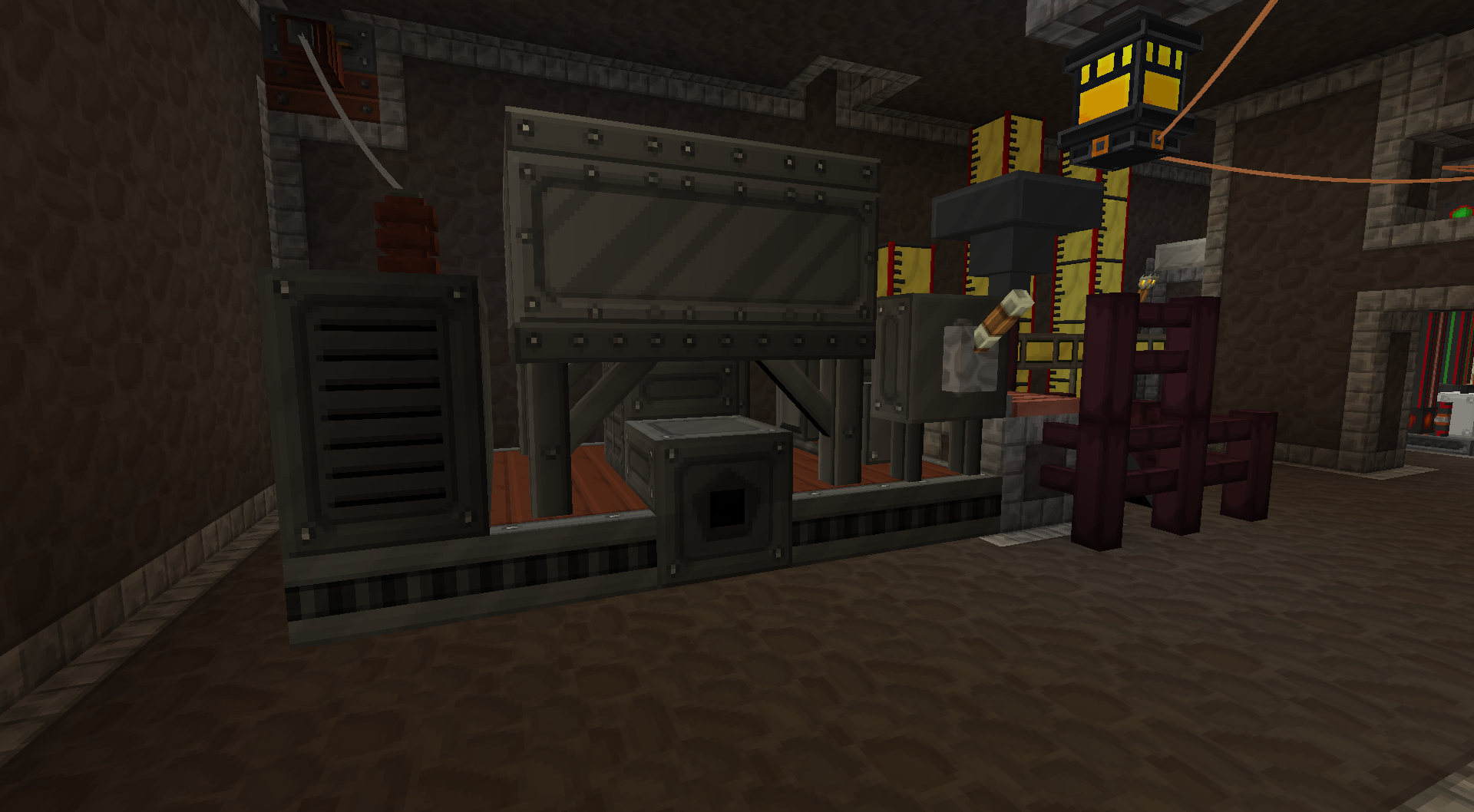
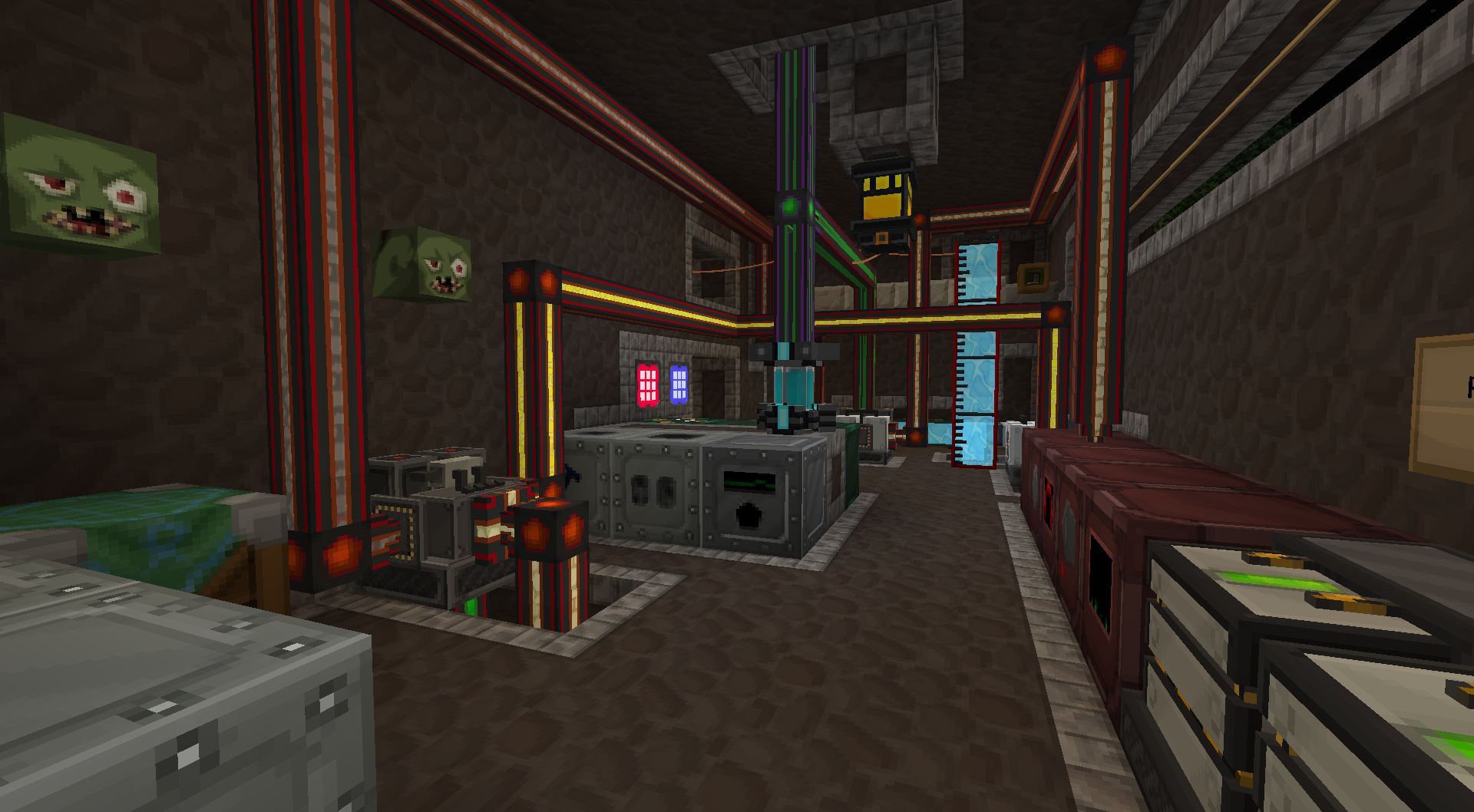
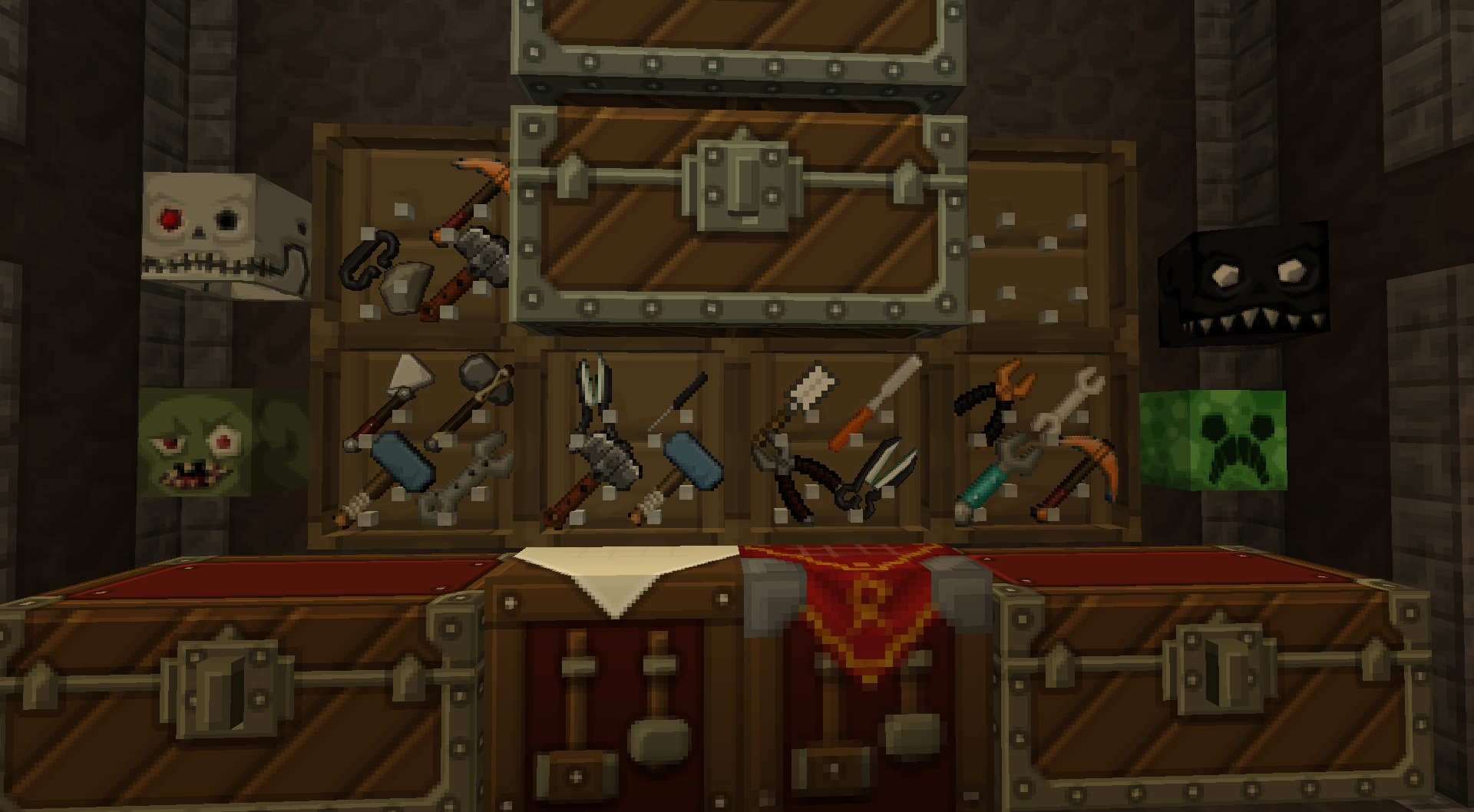
Food Factory is a Farming/Tech-based Modpack for people looking for a great assortment of mods involving anything to do with Farming & Food, Tech and Machines, Adventure and Building. It is a great option for Singleplayer or a Multiplayer server with friends. The pack has notable mods such as Pam's Harvestcraft and Forestry for farming, Immersive Engineering, IC2 and Buildcraft just to name a few for Tech, Bibliocraft, Biomes O Plenty and Natura for Biomes, GalacticCraft for Adventure, whats a factory without Security so added Open Turrets and SecurityCraft and many more. Food Factory is the right pack for you if you are looking for a great overall Farming and Tech experience!
The pack will be updated over time with various new mods to make the experience even more fun.
Full Texture Pack Support of all mods here: https://www.curseforge.com/minecraft/texture-packs/galaxy-fast-food-maga-factory-modpack-texture-pack
Mod List:
- Carpenter's Blocks (by _ForgeUser7446961)
- Logistics Pipes (by mc_rs485)
- Cosmetic Armor Reworked (by LainMI)
- ASP + GS Patcher (by Chocohead)
- Power Converters3 (by covers1624)
- Natura (by mDiyo)
- Backpacks! (by Brad16840)
- EnderTech (by Carrot)
- Thermal Foundation (by TeamCoFH)
- Enderman Disruptor (by _ForgeUser10981985)
- Mekanism (by bradyaidanc)
- Nuclear Control 2 (by xbony2)
- Traincraft (by Mrbrutall)
- Mekanism Generators (by bradyaidanc)
- Mekanism Tools (by bradyaidanc)
- CoFH Core (by TeamCoFH)
- Project Red - Integration (by MrTJP)
- Project Red - Lighting (by MrTJP)
- Project Red - Mechanical (by MrTJP)
- Project Red - World (by MrTJP)
- Project Red - Compat (by MrTJP)
- Big Doors (by Texelsaur)
- iChunUtil (by ohaiiChun)
- NotEnoughKeys (by dmodoomsirius)
- Security Craft (by Geforce132)
- Forestry (by _ForgeUser7678633)
- EnderCore (by tterrag1098)
- Portal Gun (by ohaiiChun)
- Binnie's Mods (by _ForgeUser9116757)
- RFTools (by McJty)
- Pam's HarvestCraft (by pamharvestcraft)
- LetsEncryptCraft (by CloudyPSP)
- Another One Bites the Dust (by ganymedes01)
- Thermal Dynamics (by TeamCoFH)
- Open Modular Turrets (by Keridos)
- Waila Harvestability (by squeek502)
- Galacticraft Add-on - More Planets (by SteveKunG)
- OpenComputers (by Sangar_)
- PneumaticCraft (by minemaarten2)
- Track API (by cam72cam)
- BiblioCraft (by Nuchaz)
- Simply Paths (by Zundrel)
- NEI Integration (by tonius11)
- Chisel (by tterrag1098)
- Solar Expansion (by s0m3b0dy_)
- Brandon's Core (by brandon3055)
- NotEnoughResources (by way2muchnoise)
- Simply Jetpacks (by tonius11)
- Immersive Engineering (by BluSunrize)
- Wawla - What Are We Looking At (by DarkhaxDev)
- CraftTweaker (by Jaredlll08)
- Steve's Carts 2 (by _ForgeUser7319596)
- Big Reactors (by _ForgeUser23750043)
- Steve's Factory Manager (by _ForgeUser7319596)
- Funky Locomotion (by RWTema)
- McJtyLib (by McJty)
- StepUp (by NotTooManyItems)
- Mantle (by mDiyo)
- ExtraCells2 (by Destroyer7128)
- Inventory Tweaks (by JimeoWan)
- Biomes O' Plenty (by Forstride)
- Controlling (by Jaredlll08)
- Resource Loader (by Lumien231)
- project-223106 (by user-14099390)
- Gendustry (by bdew)
- Buildcraft Compat (by buildcraftchildsplay)
- BdLib (by bdew)
- Chunk Animator (by Lumien231)
- CoFH Lib (by TeamCoFH)
- Project Red - Base (by MrTJP)
- Industrial Craft (by sfPlayer1)
- Mo' Villages (by TheWeatherPony)
- Craftable Horse Armour & Saddle [CHA&S] (by EwyBoy)
- Enchanting Plus (by DarkhaxDev)
- Steve's Workshop (by _ForgeUser7319596)
- FTB Utilities (by LatvianModder)
- FTB Tweaks (by Jaredlll08)
- Fast Leaf Decay (by olafskiii)
- Ender Storage (by Chicken_Bones)
- FastCraft (by sfPlayer1)
- WR-CBE-Universal (by Chicken_Bones)
- Minefactory Reloaded (by skyboy026)
- Translocators (by Chicken_Bones)
- NEI Addons (by bdew)
- INpureCore (by _ForgeUser16919252)
- Applied Energistics 2 (by AlgorithmX2)
- FTB Library (by LatvianModder)
- OpenModsLib (by OpenMods)
- OpenBlocks (by OpenMods)
- Immersive Integration (by UnwrittenFun)
- Guide-API (by TehNut)
- CoroUtil (by Corosus)
- Dense Ores (by RWTema)
- Twitch Notifier (by FireBall1725)
- Steve's Addons (by _ForgeUser16618358)
- More Planets Extras (by MJRLegends)
- Dynamic Surroundings (by OreCruncher)
- Railcraft (by Covert_Jaguar)
- WailaAddonBC (by punyo_)
- Waila (by ProfMobius)
- Ender IO (by CrazyPants_MC)
- JourneyMap (by techbrew)
- NotEnoughItems (by Chicken_Bones)
- Nature's Compass (by Chaosyr)
- CodeChickenCore (by Chicken_Bones)
- WAILA Plugins (by tterrag1098)
- MalisisDoors (by Ordinastie)
- BinniePatcher (by Chocohead)
- MalisisCore (by Ordinastie)
- Buildcraft (by Covert_Jaguar)
- Jabba (by ProfMobius)
SETUP & INSTALLATION
FORGE: The latest version of Forge for 1.7.10 should work, the version I have currently packaged with the modpack is forge-10.13.4.1614-universal.jar
PARAMETERS: From what I was able to test, the default 1GB of RAM that is allocated won't be enough. Recommend allocating 6 to 8GB's of RAM. You can do this by going to Launch Options, enabling JVM Arguments, and changing "-Xmx6G" to "-Xmx8G". My JVM Arguments looks like this:
-Xmx8G -XX:+UseConcMarkSweepGC -XX:+CMSIncrementalMode -XX:-UseAdaptiveSizePolicy -Xmn128M
FILES: (For manual install using the server pack only, which can also be used for client as well) Make sure there is nothing in your Mods or Config folders, then copy the folders over from this modpack into your Minecraft directory.
OPTIONAL RECOMMENDATIONS: I'd personally recommend the use of OptiFine_1.7.10_HD_U_D8Optifine
- Edition: Minecraft Java
- File type: .jar
- How to install: Install the matching mod loader (Forge, Fabric or NeoForge) for your Minecraft version. → Download the .jar. → Put it in the .minecraft/mods folder and launch that loader profile.
- Where to get it: Opens on CurseForge — not every file is mirrored on our own servers.
Install steps are the general flow for this file type — How to install Minecraft Java mods & modpacks walks through it step by step.
- Downloads as Galaxy Fast Food Mega Factory Modpack-1.0.2.zip
- Download size: 14.1 MB
- Download link checked 4 Nov 2026 — working
These come from our own check of the pack file, not from the source page.