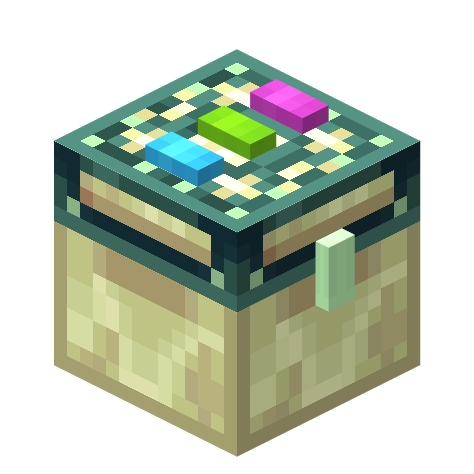
Linked Storage
Java mod listed for Minecraft 1.16–1.20. Downloads from the MC Java Mods app on Android.
I don't know my version or loader
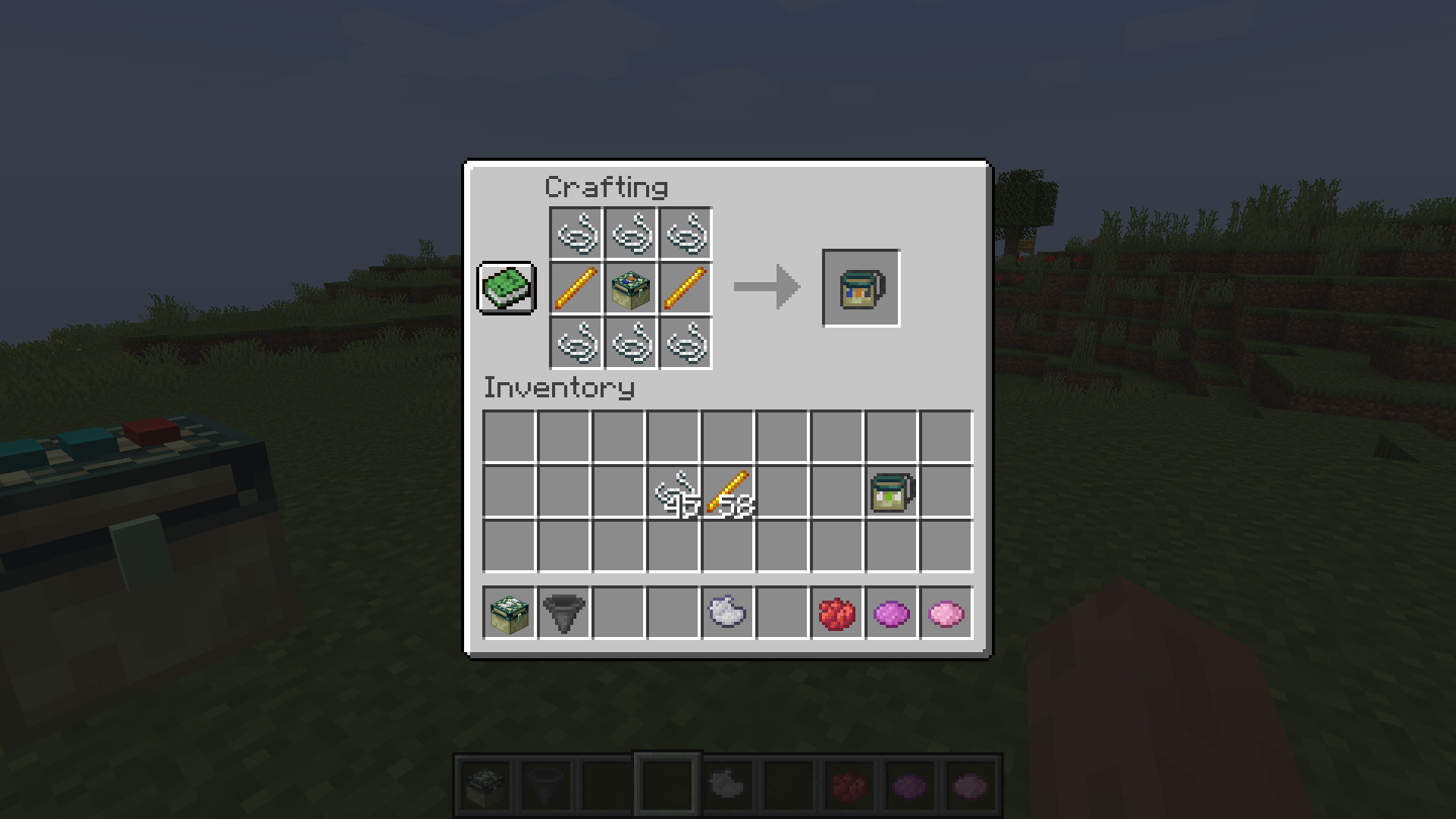
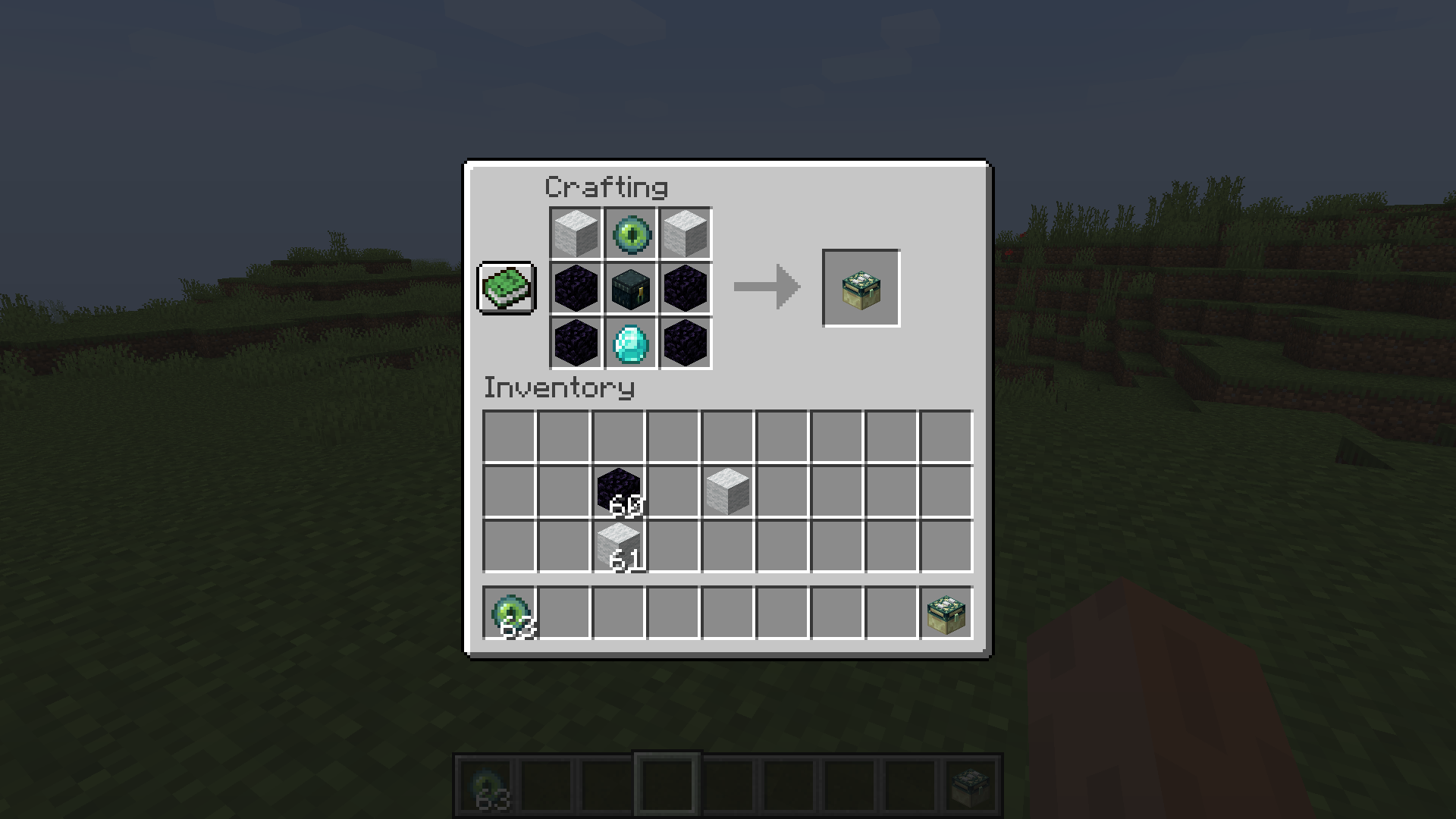
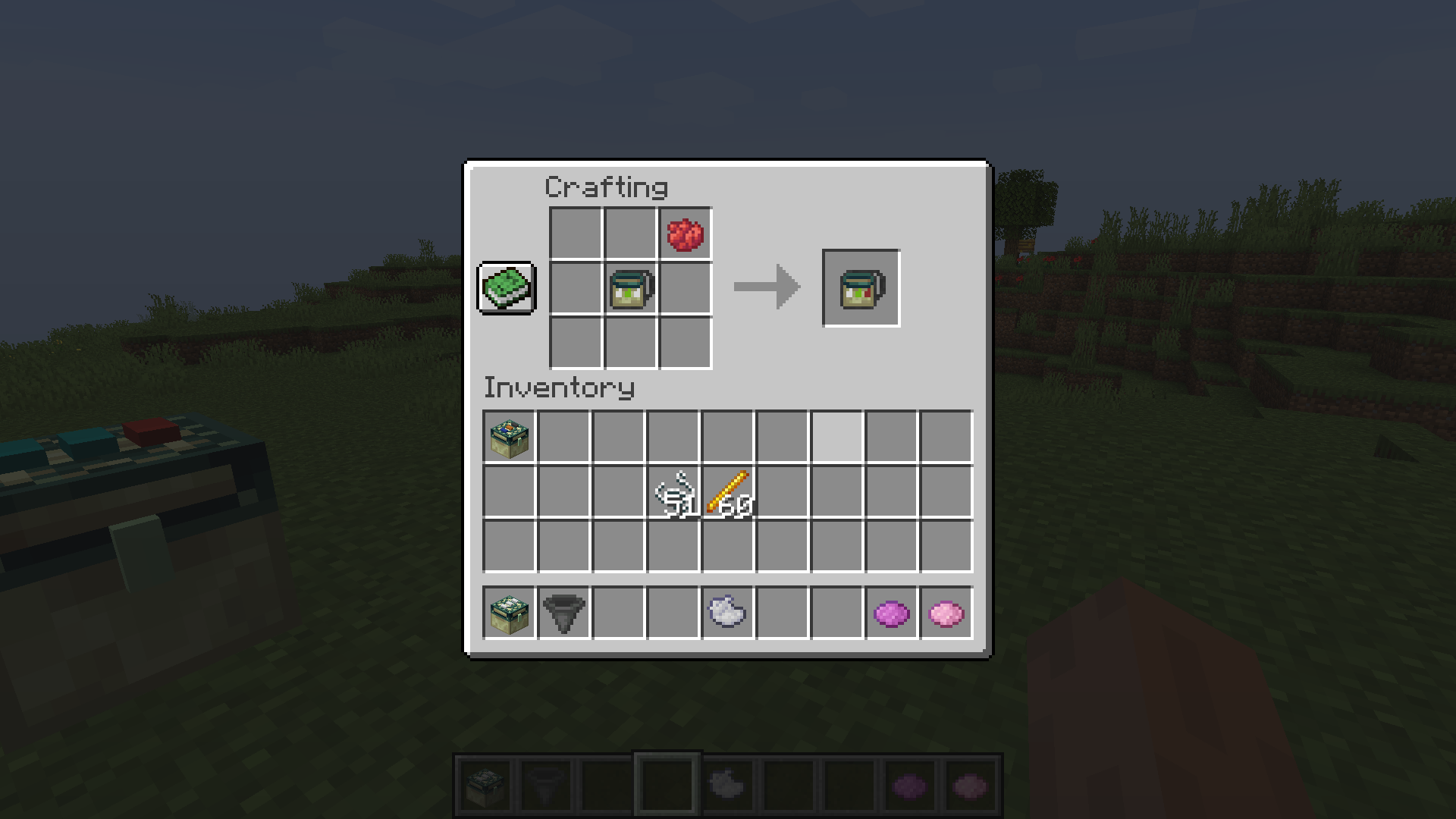
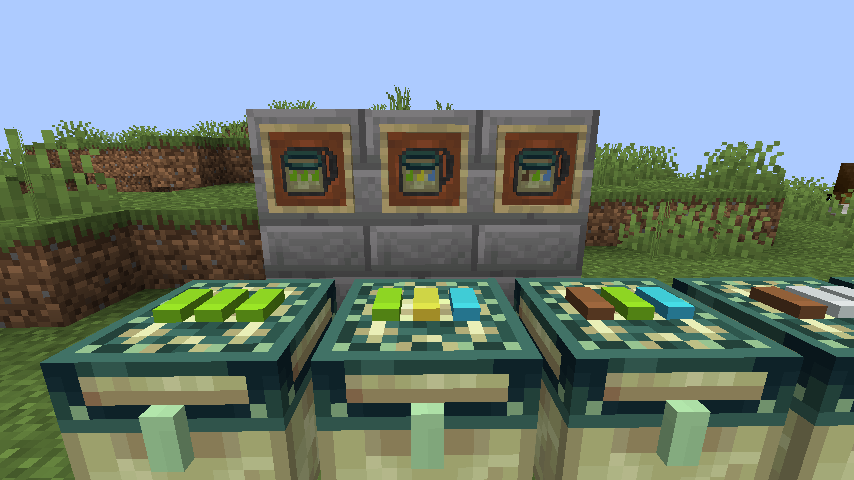
Linked storage allows you to link your inventories together.
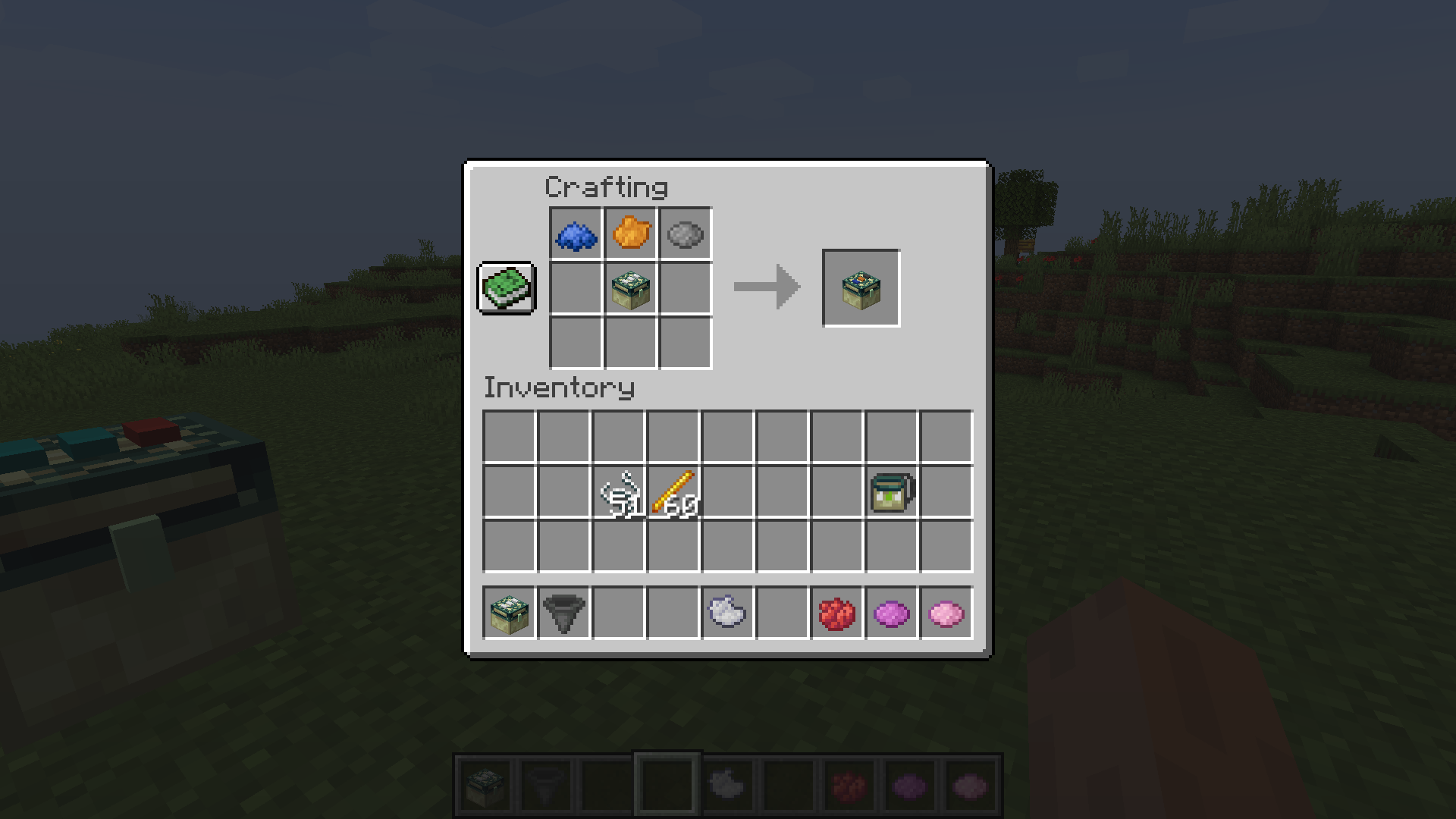
By applying a dye to the dye-able pads on top of the chest you can specify the "channel" that chest is linked to. All other Storage Blocks with the same dye pattern will share the same inventory. Storage Blocks are compatible with hoppers and most other forms of "pipes"
Right clicking on a chest while holding a diamond will turn the chest into a personal dye channel chest. Personal dye channel's are unique to you.
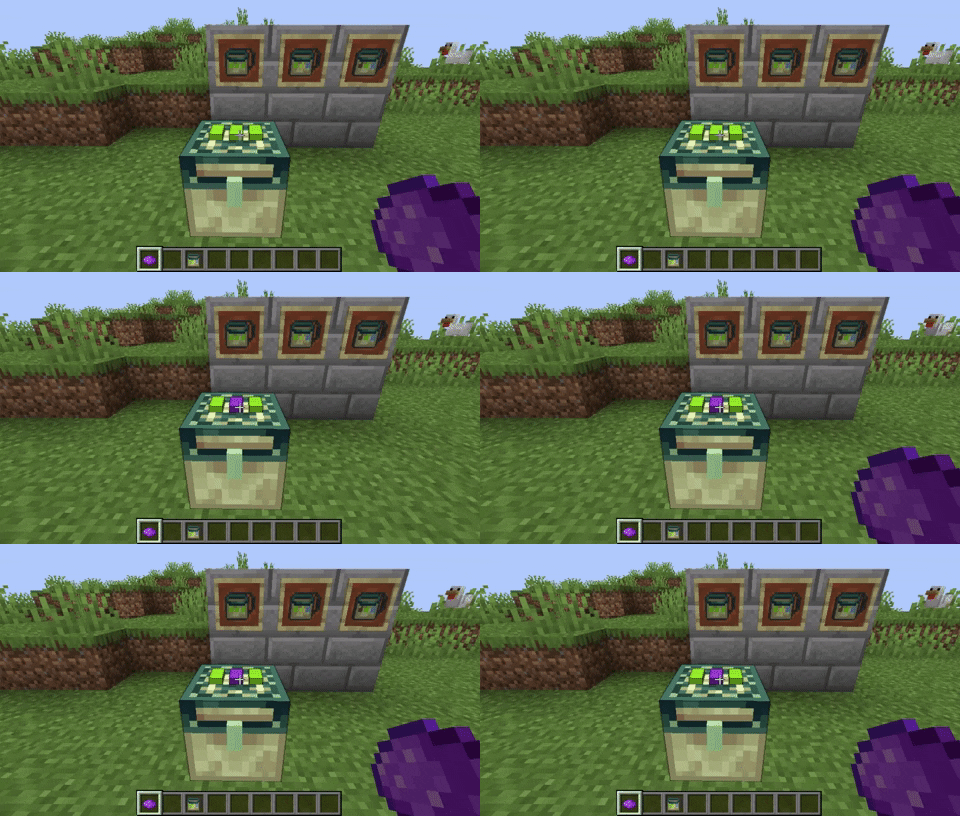
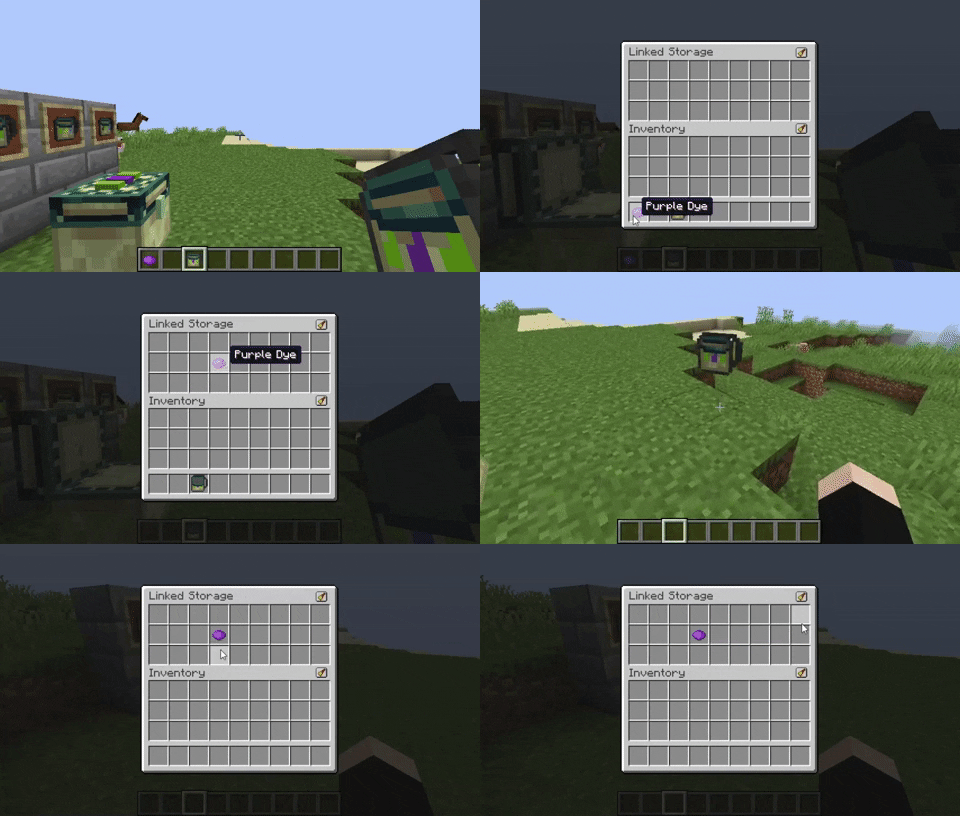
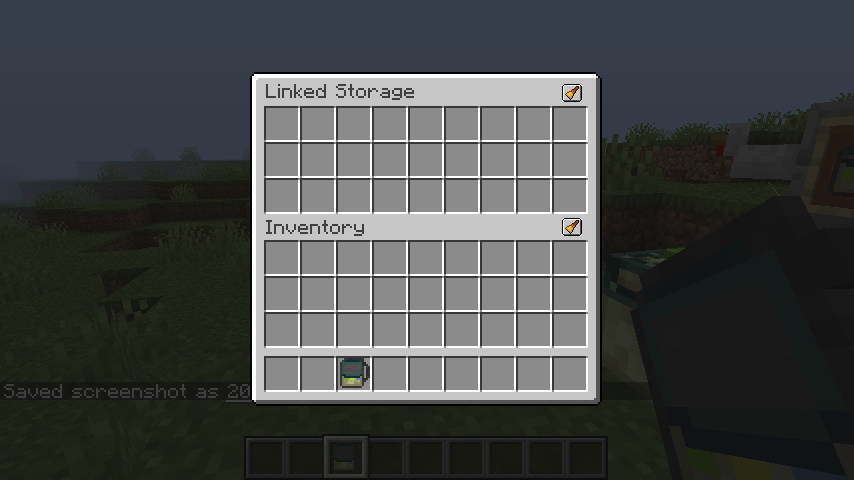
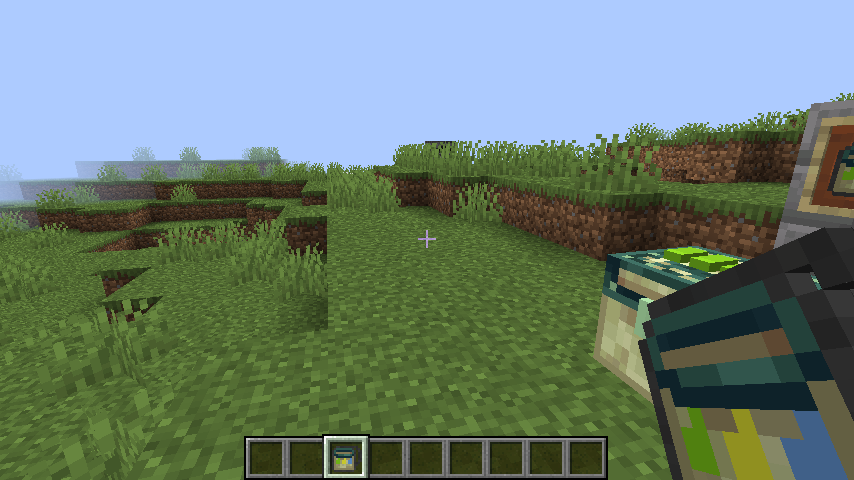
Crafting a Handheld storage will allow you to access the inventories remotely. The dye channel will be copied to the Handheld storage when crafting. Right clicking on a Storage Block will copy the dye channel to your Handheld storage
Linked Storage now by default includes a resourcepack that can be enabled to use textures from the original EnderStorage! Thanks to https://www.curseforge.com/minecraft/texture-packs/enderstorage-for-fabric
Huge thanks to Samo Lego for creating the textures!
- Edition: Minecraft Java
- File type: .jar
- Minecraft versions listed: 1.20.1, 1.20, 1.19.3
- How to install: Install the matching mod loader (Forge, Fabric or NeoForge) for your Minecraft version. → Download the .jar. → Put it in the .minecraft/mods folder and launch that loader profile.
- Where to get it: Opens on CurseForge — not every file is mirrored on our own servers.
Install steps are the general flow for this file type — How to install Minecraft Java mods & modpacks walks through it step by step.
- Ships as linkedstorage-1.5.2-1.20.jar — drop this file into the mods folder
- Download size: 123 KB
- Download link checked 14 Oct 2026 — working
These come from our own check of the pack file, not from the source page.