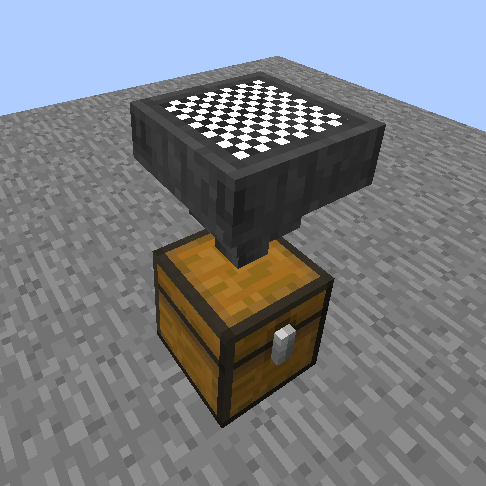
ModsJava
Filtered Hopper
Minecraft Java mod. Downloads from the MC Java Mods app on Android.
⬇ Download on CurseForge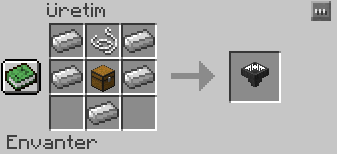
Details:
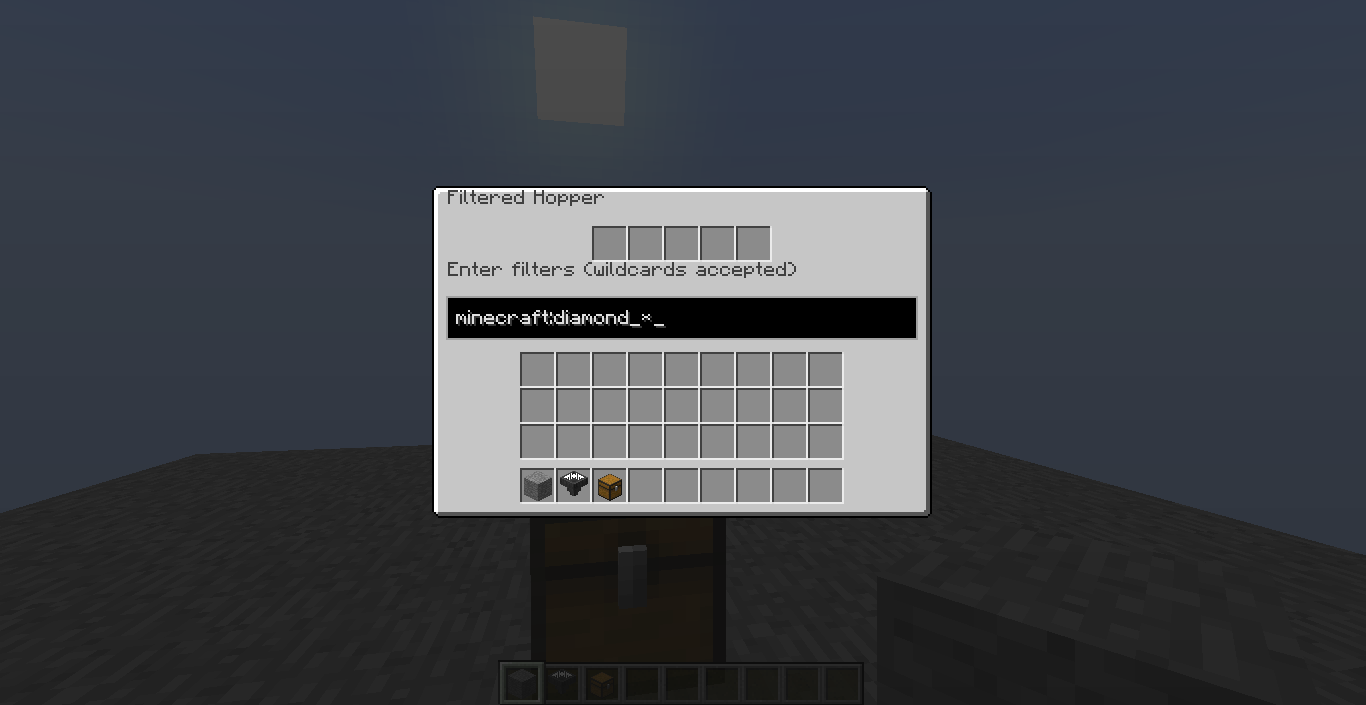
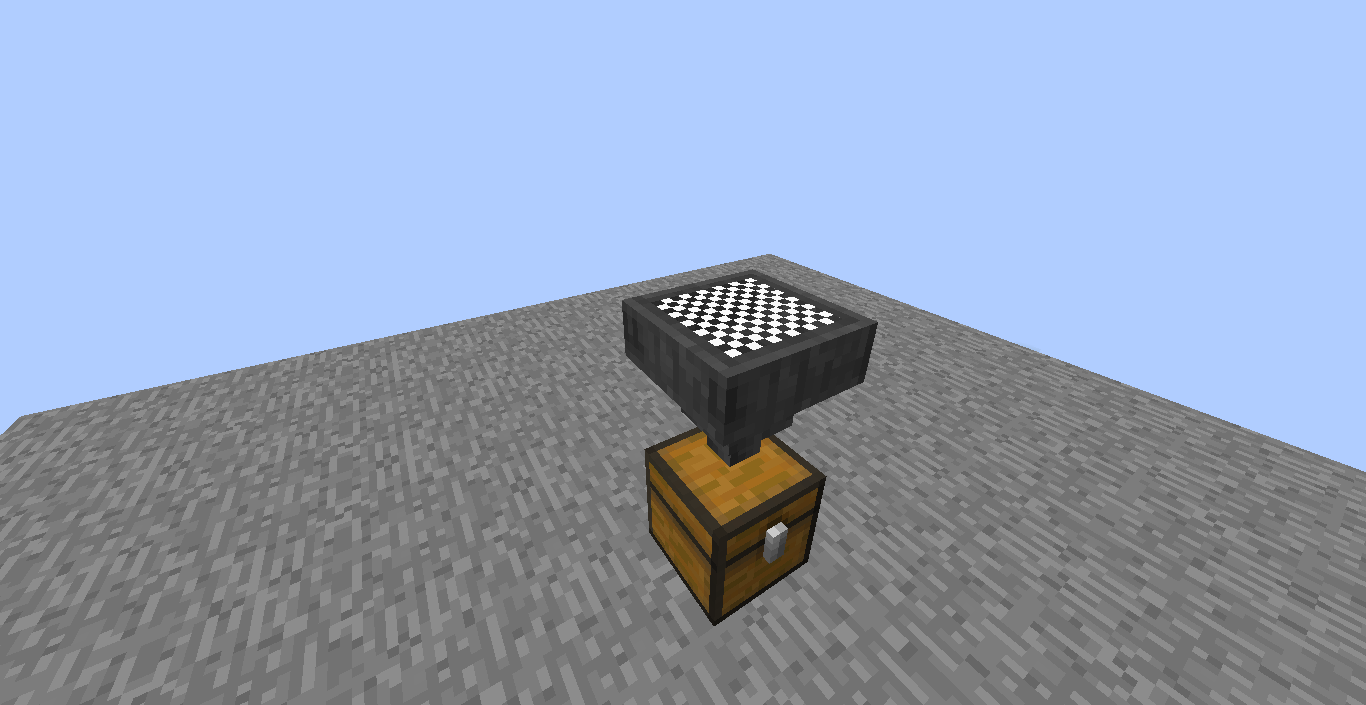
By entering a filter into the GUI, you can change what this block will be able to pull from above it.
Some notes:
- The filter you enter must be Namespaced ID (i.e.
minecraft:diamond) (You can see them in your inventory by doing F3+H and hovering over items in game.) - You can use
*character to filter multiple items (i.e.minecraft:diamond_*will filter every diamond item, except diamond; andsome_mod_name:*will filter every item from the specified mod.) - If you don't define a namespace (the part before
:), it will be defaulted tominecraft. - You can define multiple filters by seperating them with
,(i.e.minecraft:gold_ingot,minecraft:iron_ingot) - When NOT powered by redstone, it will allow only if the item is in filters. When powered, it will allow only if the item is NOT in filters.
- Filters you enter affect both dropped items and, if exists, inventory above the Filtered Hopper.
Quick facts
- Edition: Minecraft Java
- File type: .jar
- How to install: Install the matching mod loader (Forge, Fabric or NeoForge) for your Minecraft version. → Download the .jar. → Put it in the .minecraft/mods folder and launch that loader profile.
- Where to get it: Opens on CurseForge — not every file is mirrored on our own servers.
Install steps are the general flow for this file type — How to install Minecraft Java mods & modpacks walks through it step by step.
File checked by MCModsHub
- Ships as filteredhopper-2.1.1.jar — drop this file into the mods folder
- Download size: 60 KB
- Download link checked 14 Oct 2026 — working
These come from our own check of the pack file, not from the source page.