What Should Be in MC (WSBIM)
Minecraft Java mod. Downloads from the MC Java Mods app on Android.
⬇ Download on CurseForge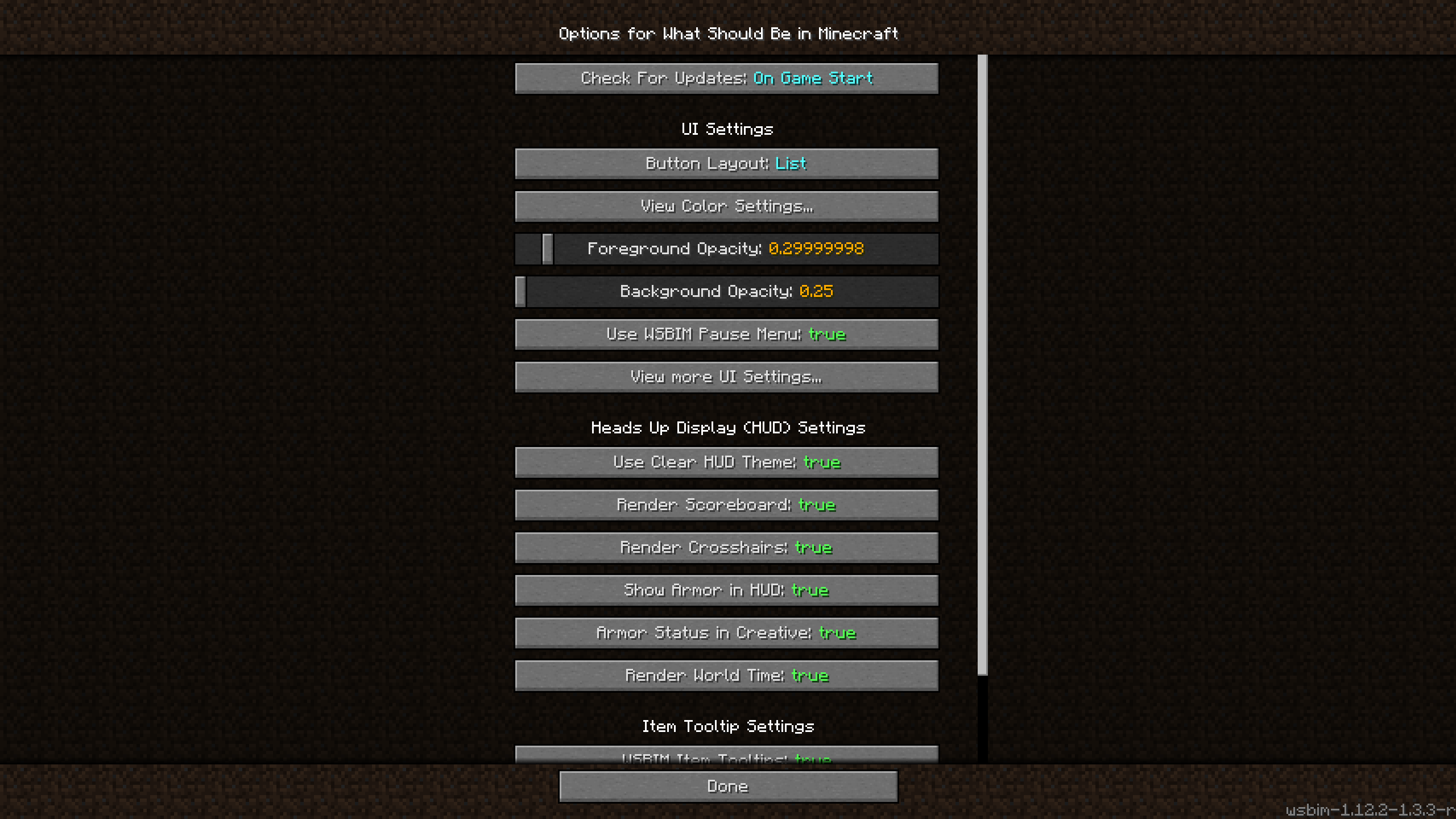
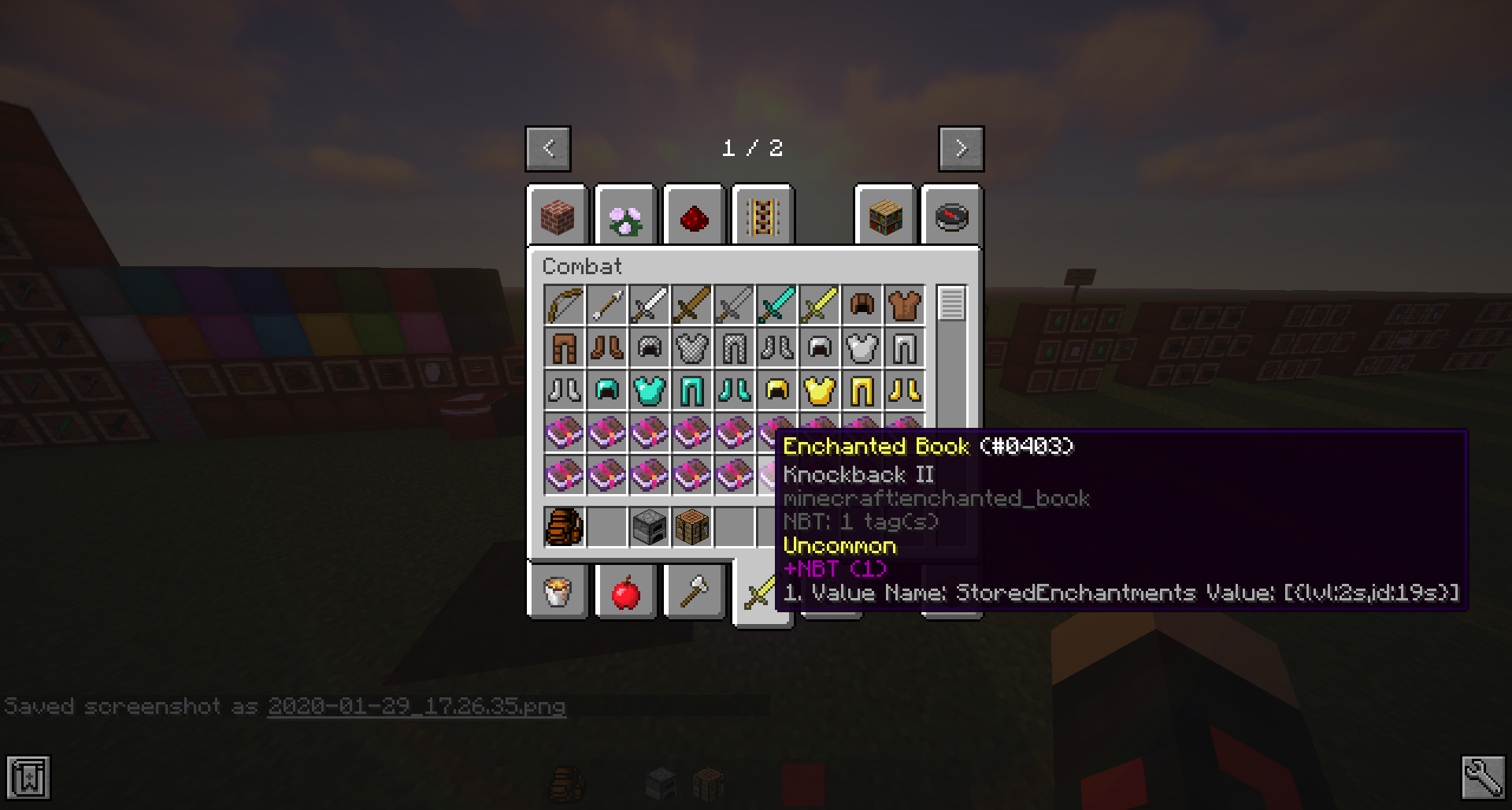
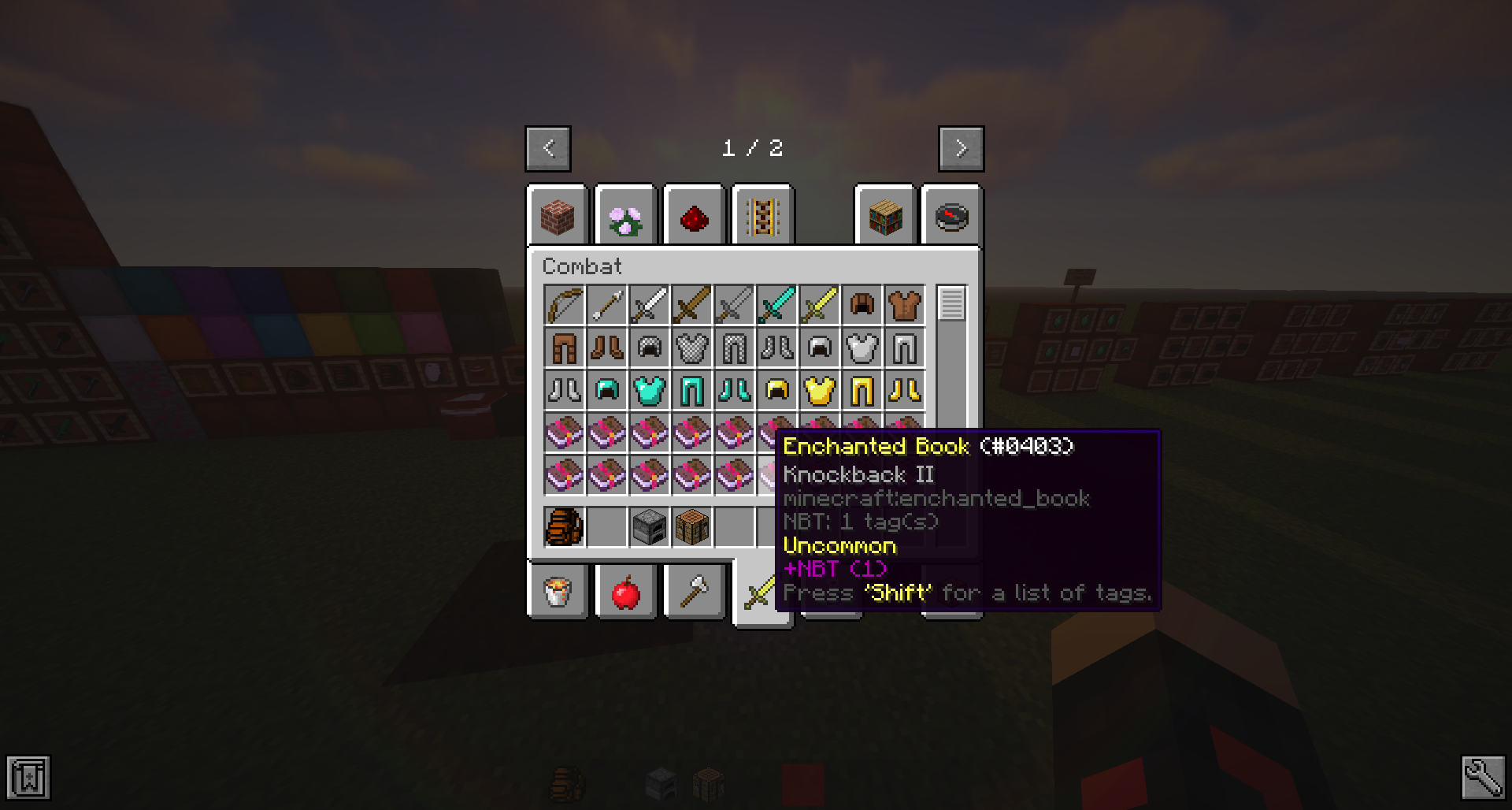
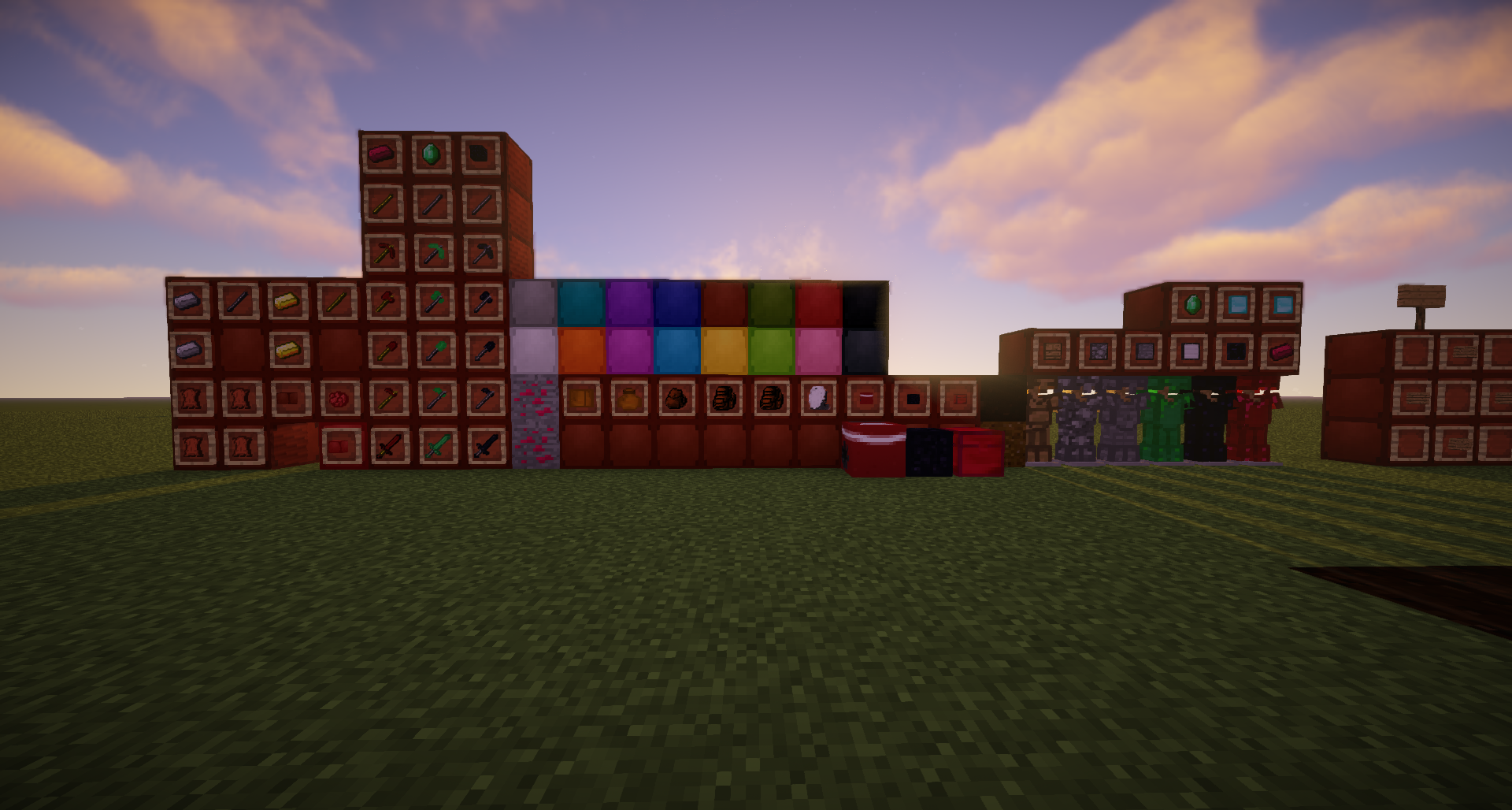
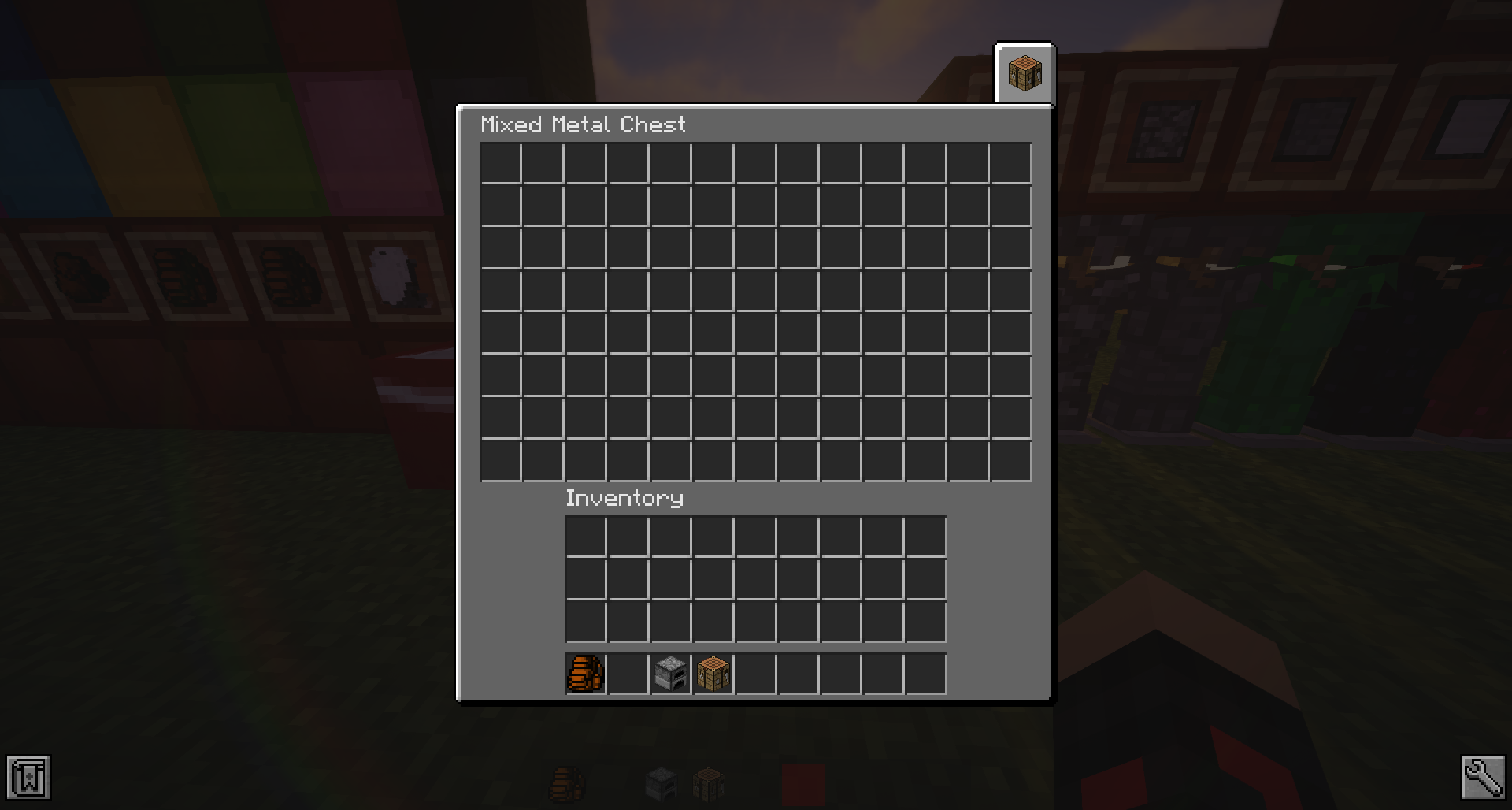
After writing a full version of this mod for 1.7.10 in 2016, I decided to port this over to 1.12 and give it a fresh re-write (2020).
The minecraft mod, What Should Be in MC is specifically tailored to things that you would think are included in the vanilla game, but currently are not.
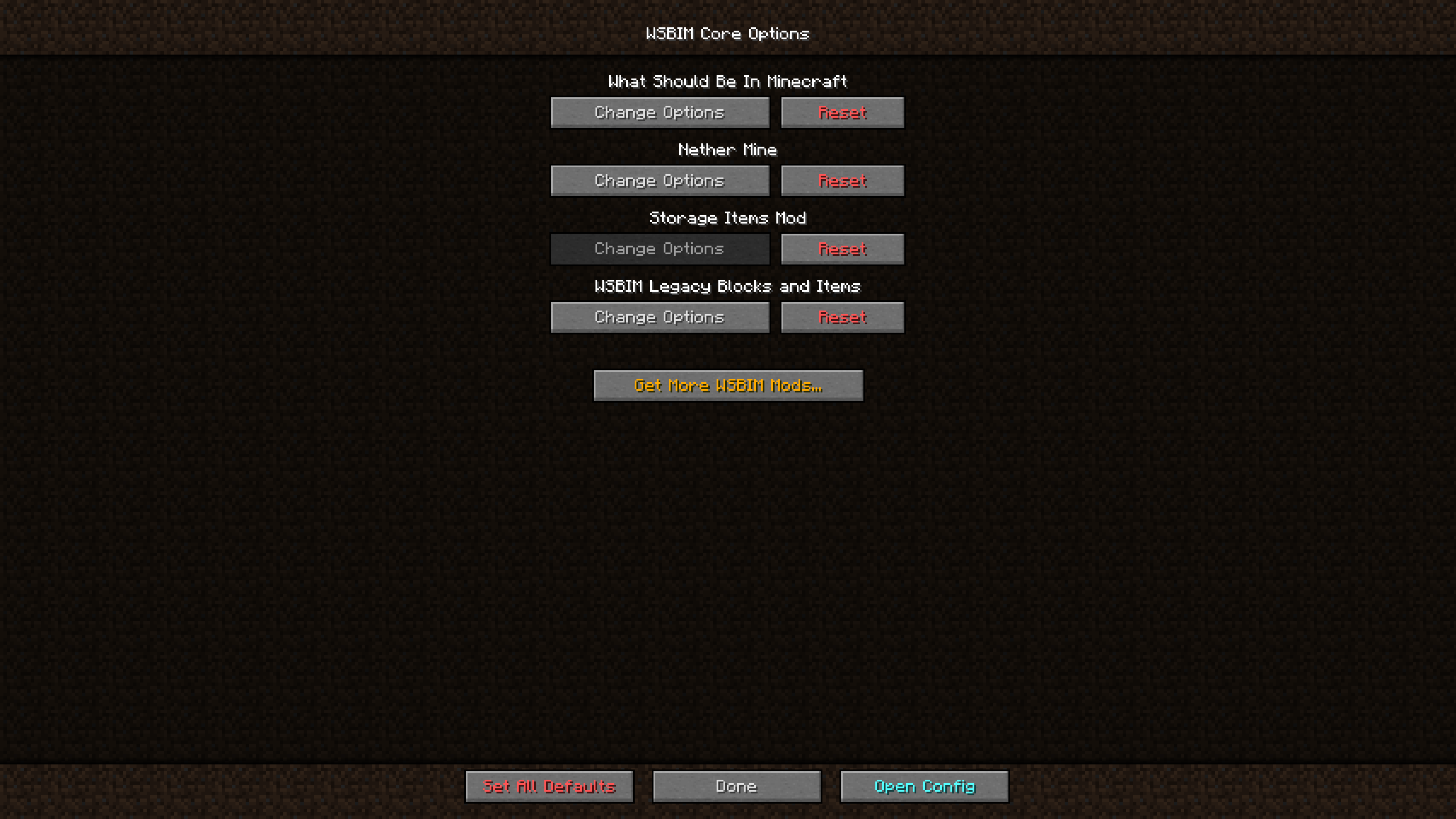
This mod serves as a core mod and API for all of my other mods.
Dependencies:
Requires forge version 14.23.5.2768 or greater
WARNING: as of version 1.1.1 and later, legacy blocks and items have been moved to a separate mod (links below)
Mods that require this mod:
What's In This Mod:
UI Improvements:
-WSBIM Options page. A full custom, separate options menu for every option in the mod. You can enable/disable many things.
-Modders can use this mod to create their own options page/file, and update checker!
-Transparent or Listed buttons, by changing the Button Layout in the WSBIM settings. They can be seen on the main menu or the pause menu, which leads me to:
-Overhaul of the main menu and pause menu.
-Clear Hotbar (HUD) and Experience Bar (Can be disabled, enabled by default)
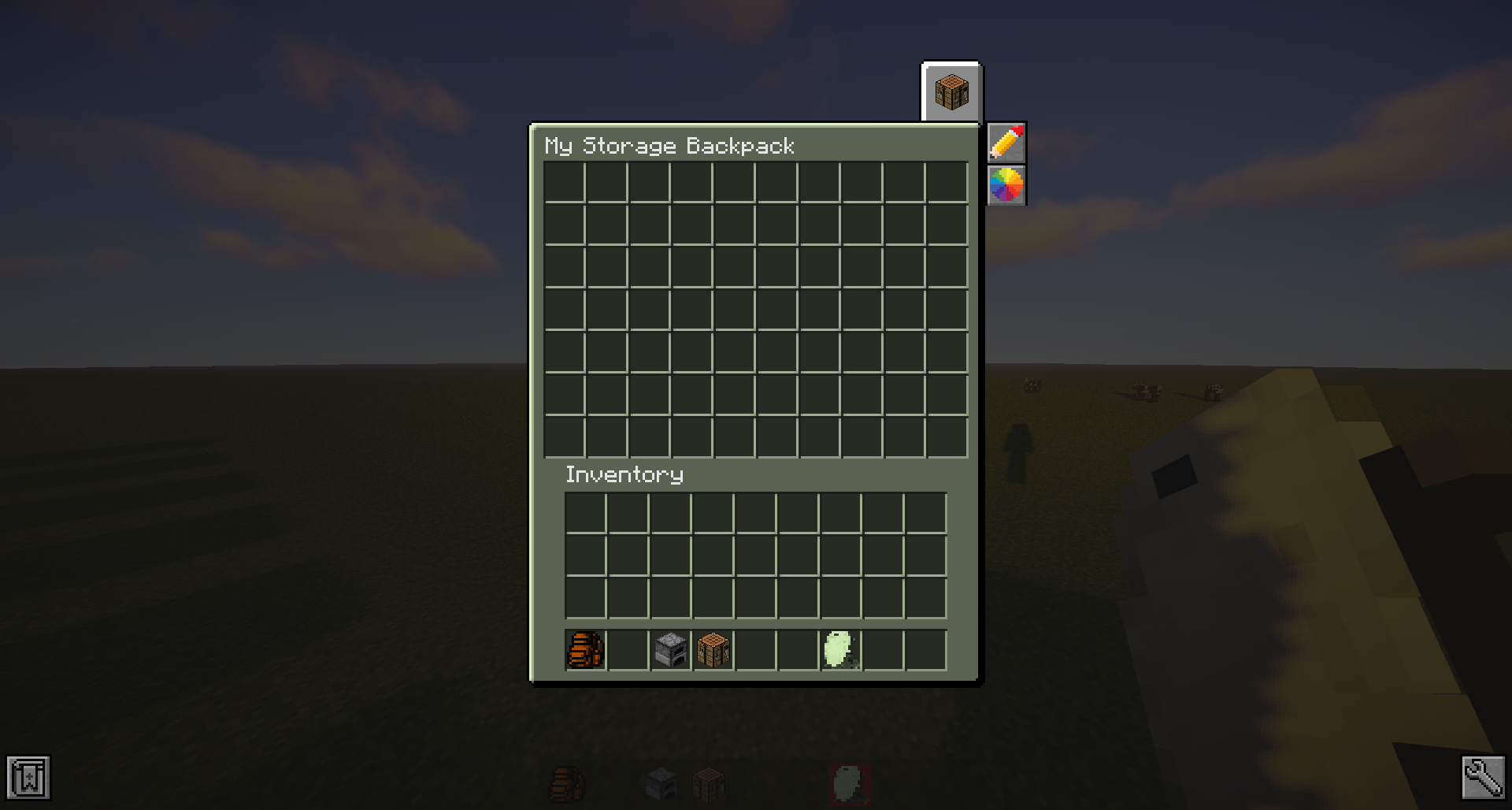
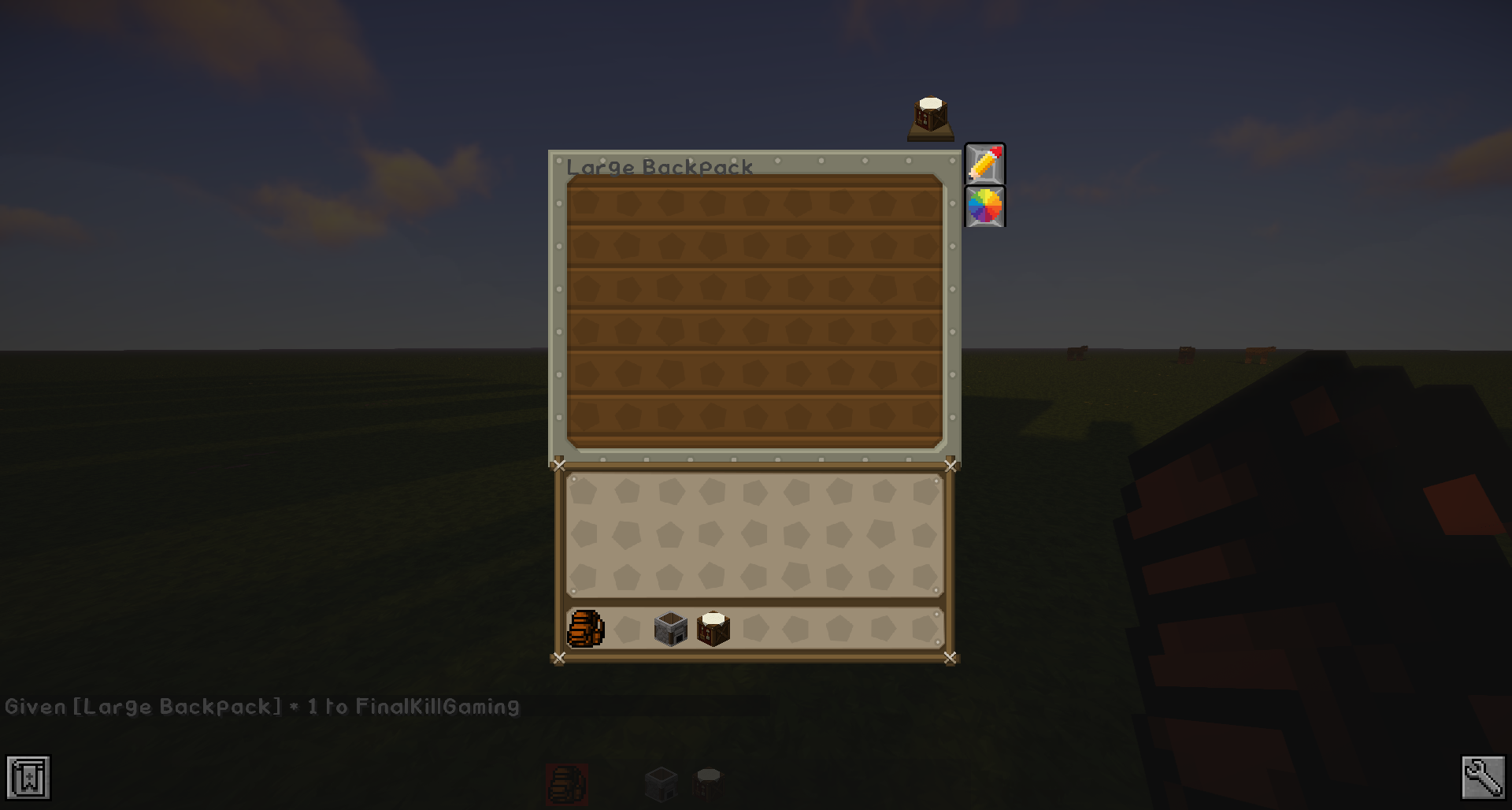
-Crafting Table Button: Appears in the top right of any inventory, clicking on the crafting button will open a 2x2 crafting grid and a 3x3 crafting grid if the player has a crafting table in their inventory.
-A dark mode for GUI textures within the mod
-Out-of-box resource pack support for GUI s by using draw functions with vanilla textures.
-Detailed item tool tips for vanilla items or other modded items. Can be disabled within the settings
-NBT Tag data tool tips: Press shift to view a list of tags and values when hovering over any item with NBT
-HUD Armor Status: Shows your armor in the HUD. Can be disabled.
This mod also includes an update checker and an automated download function, that will update the mod for you!
In your root/config directory, a wsbim_options.config file is generated. Modpack authors can use this mod to tailor the game to the style of their modpacks!
Found a bug? Report it on the github link!
I am always open to suggestions for the future!
Can I use this mod in a modpack?
Of course!
However, if you are going to post this mod as a download on your website (outside of a modpack) you need written permission from me. If you link to this curseforge post, you do not have to. Shoot me a PM!
- Edition: Minecraft Java
- File type: .jar
- How to install: Install the matching mod loader (Forge, Fabric or NeoForge) for your Minecraft version. → Download the .jar. → Put it in the .minecraft/mods folder and launch that loader profile.
- Where to get it: Opens on CurseForge — not every file is mirrored on our own servers.
Install steps are the general flow for this file type — How to install Minecraft Java mods & modpacks walks through it step by step.
- Ships as WSBIM-1.7.10-1.7.1.5.jar — drop this file into the mods folder
- Download size: 2.3 MB
- Download link checked 24 Sept 2026 — working
These come from our own check of the pack file, not from the source page.