
Aurum's More Blocks (AMB)
Java mod listed for Minecraft 1.16. Downloads from the MC Java Mods app on Android.
I don't know my version or loader
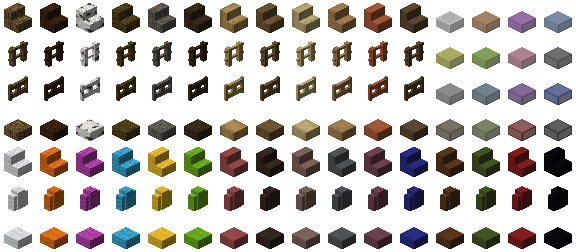
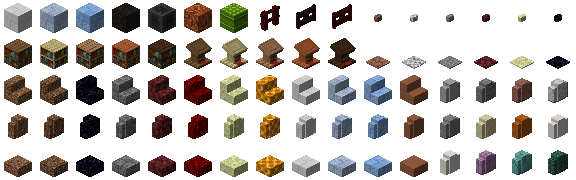
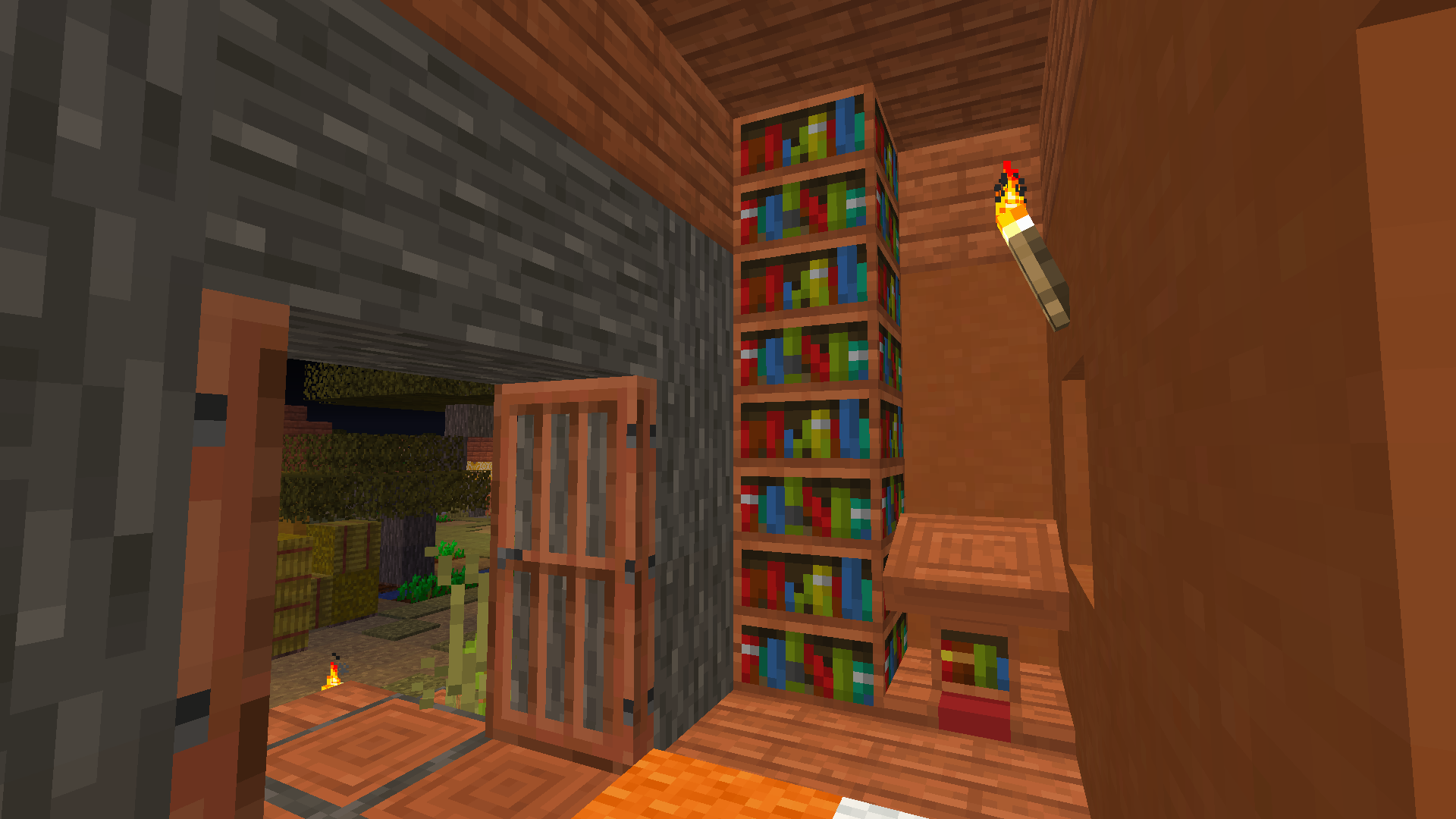
This mod was created all by myself (SunakazeKun, or Aurum).
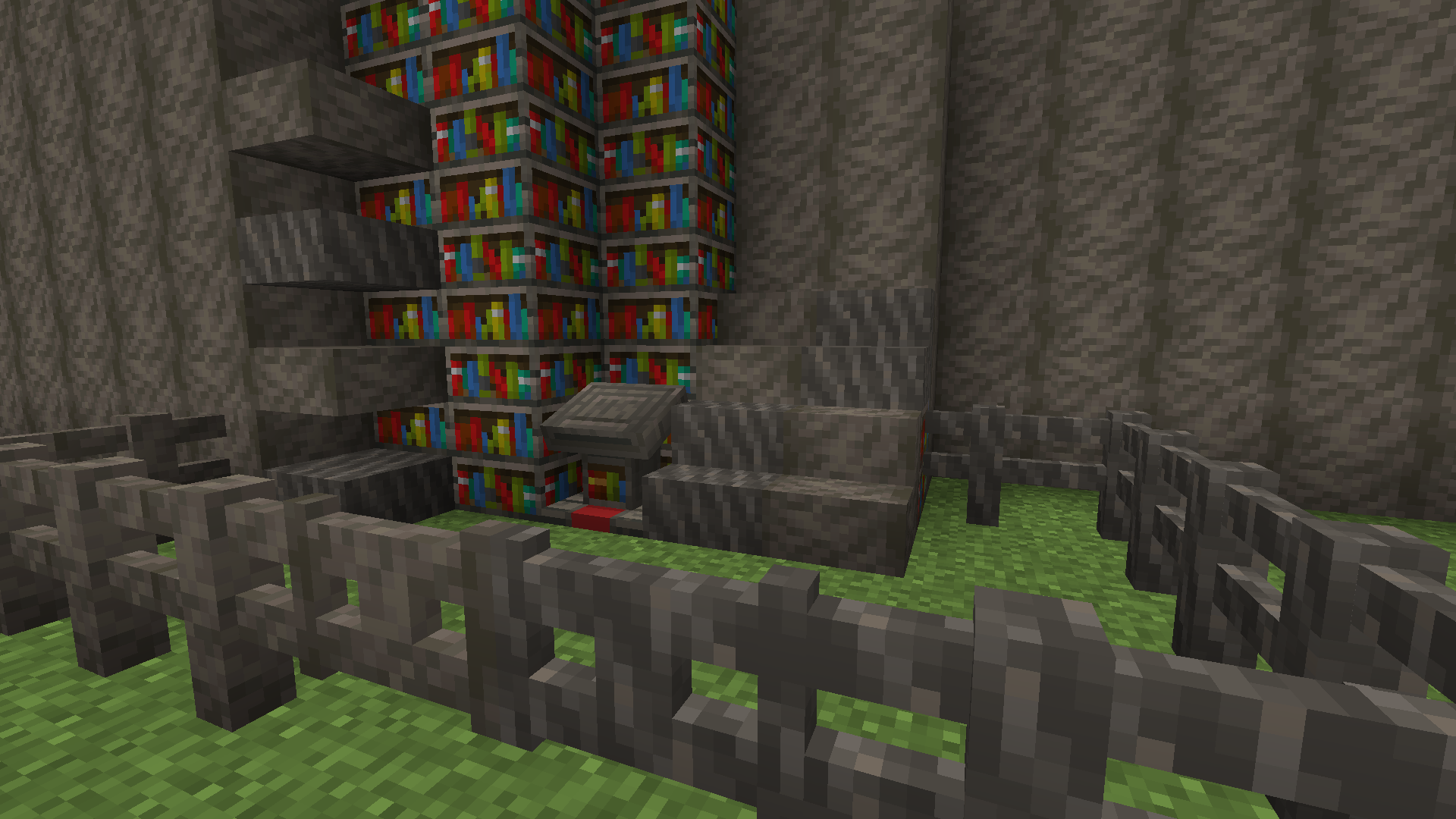
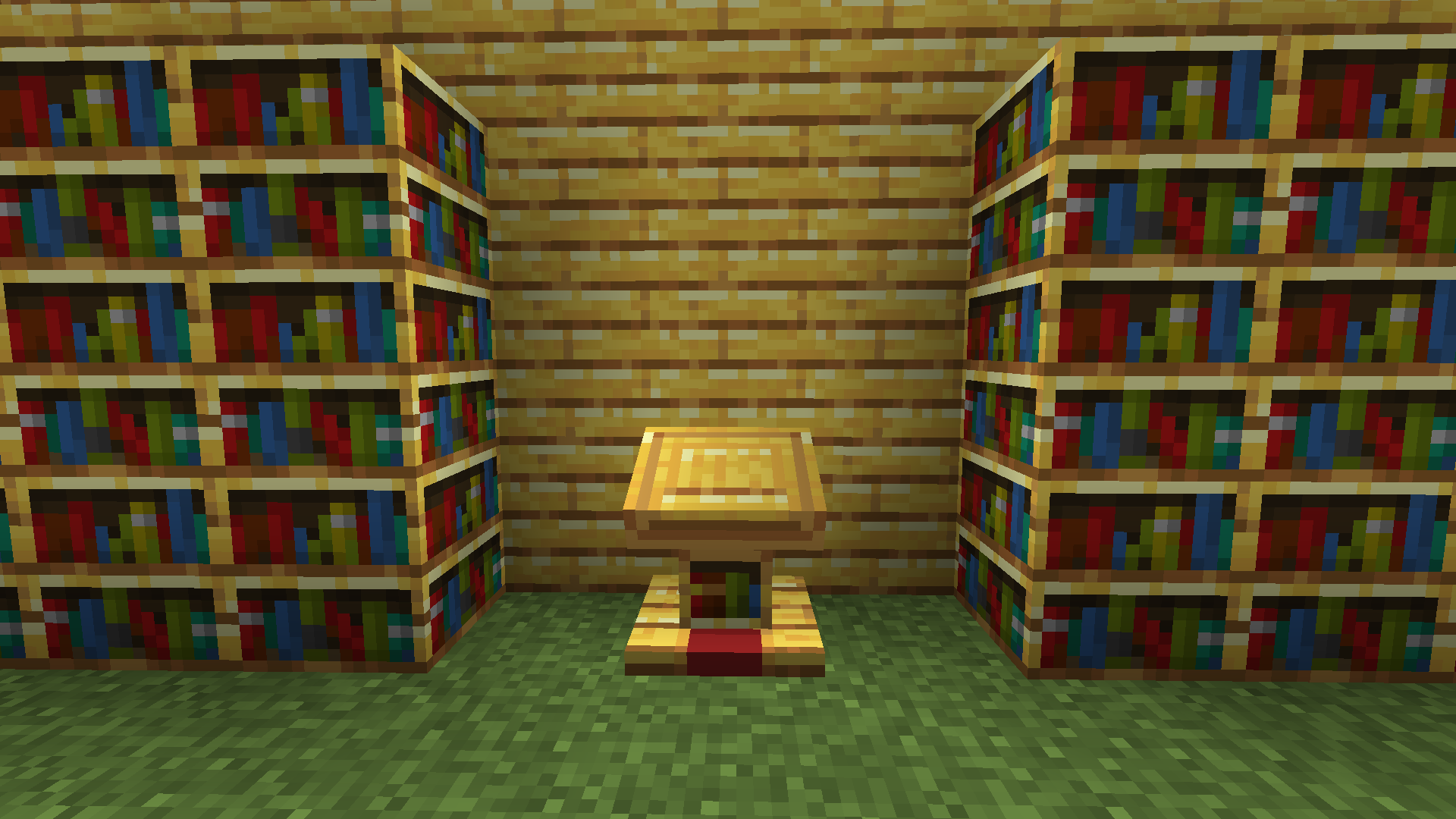
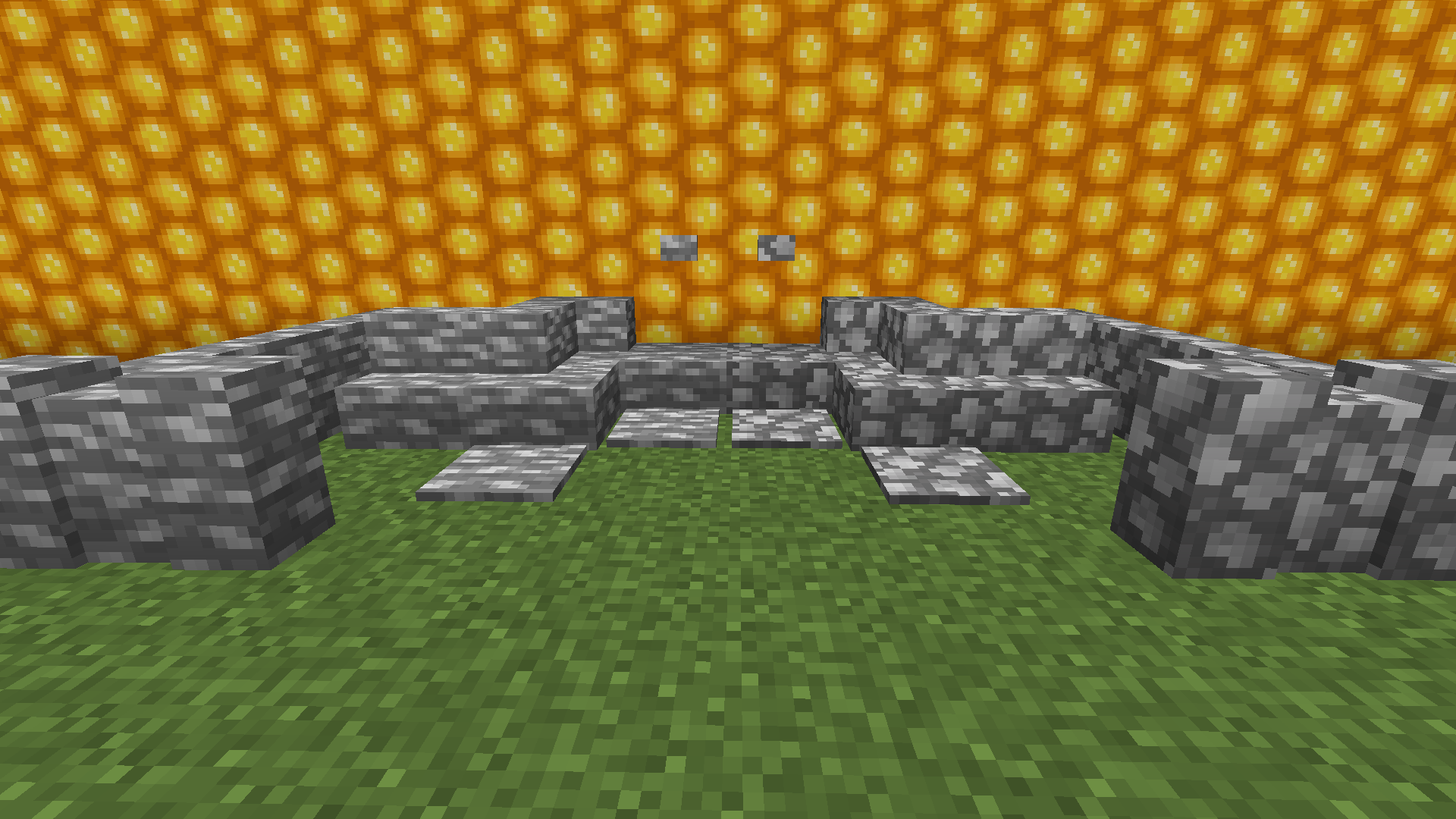
Aurum's More Blocks (or AMB) adds over 500 aesthetic building blocks to Minecraft and several other mods. This includes stairs, walls, bookshelves and more! A complete list of features can be found below. Please keep in mind that this is my very first Minecraft mod ever. It originally started out as a single test before it was expanded on. AMB requires Minecraft Forge. Fabric is not supported yet.
What's new?
- New frosty blocks: Snow, Ice & Blue Ice Bricks
- Cracked and Chiseled Red Nether Bricks!
- Chiseled and Smooth Purpur Blocks!
- Added Soul o'Lanterns!
- Storage blocks for Charcoal, Flint, Rotten Flesh and Bamboo
- Many new building blocks (full list below)
- Functional bookshelves and lecterns for all wood variants!
- Obsidian Pressure Plates: Can only be activated by players
- Support for other mods!
- Added Infested Mossy Cobblestone
- Crafting Recipes are unlocked as you collect the required material
- Supports both English and German localizations
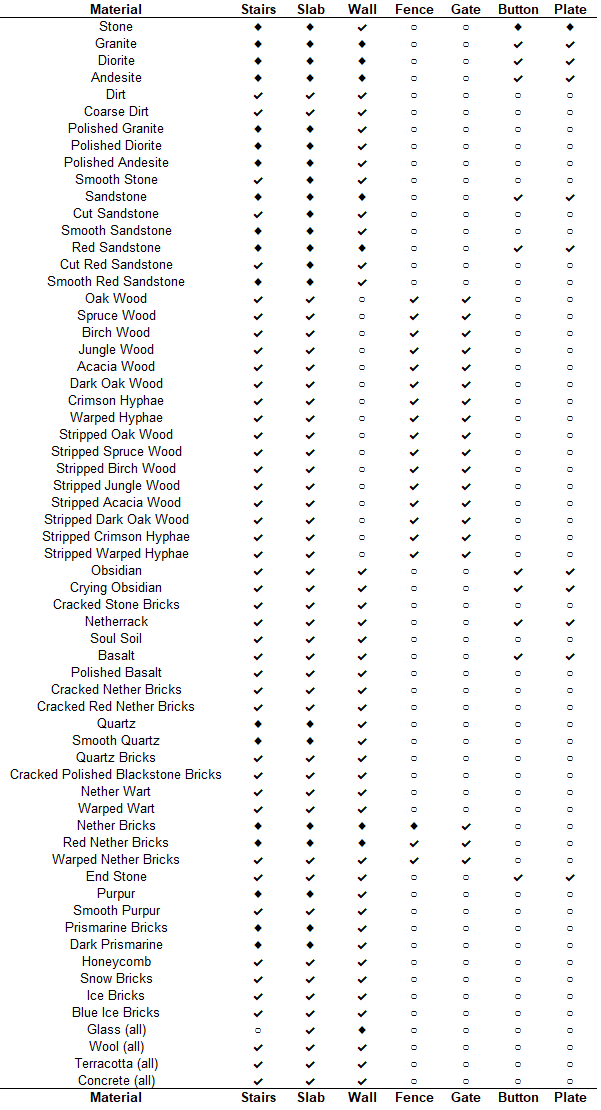
The following table shows what building block variants are supported and the symbols declare whether a block is new or not.
(◆ = vanilla; ✔ = added; ○ = not supported)
Supported Mods
- Biomes O' Plenty: https://www.curseforge.com/minecraft/mc-mods/biomes-o-plenty
- Buzzier Bees: https://www.curseforge.com/minecraft/mc-mods/buzzier-bees
- The Bumblezone: https://www.curseforge.com/minecraft/mc-mods/the-bumblezone-forge
- Upgrade Aquatic: https://www.curseforge.com/minecraft/mc-mods/upgrade-aquatic
- Edition: Minecraft Java
- File type: .jar
- Minecraft versions listed: 1.16.4, 1.16.3, 1.16.1
- How to install: Install the matching mod loader (Forge, Fabric or NeoForge) for your Minecraft version. → Download the .jar. → Put it in the .minecraft/mods folder and launch that loader profile.
- Where to get it: Opens on CurseForge — not every file is mirrored on our own servers.
Install steps are the general flow for this file type — How to install Minecraft Java mods & modpacks walks through it step by step.
- Ships as amb-1.16.4-0.1.1.jar — drop this file into the mods folder
- Download size: 1.5 MB
- Download link checked 14 Oct 2026 — working
These come from our own check of the pack file, not from the source page.