
Boring Backgrounds
Java mod listed for Minecraft 1.16–1.20. Downloads from the MC Java Mods app on Android.
I don't know my version or loader
Boring Backgrounds
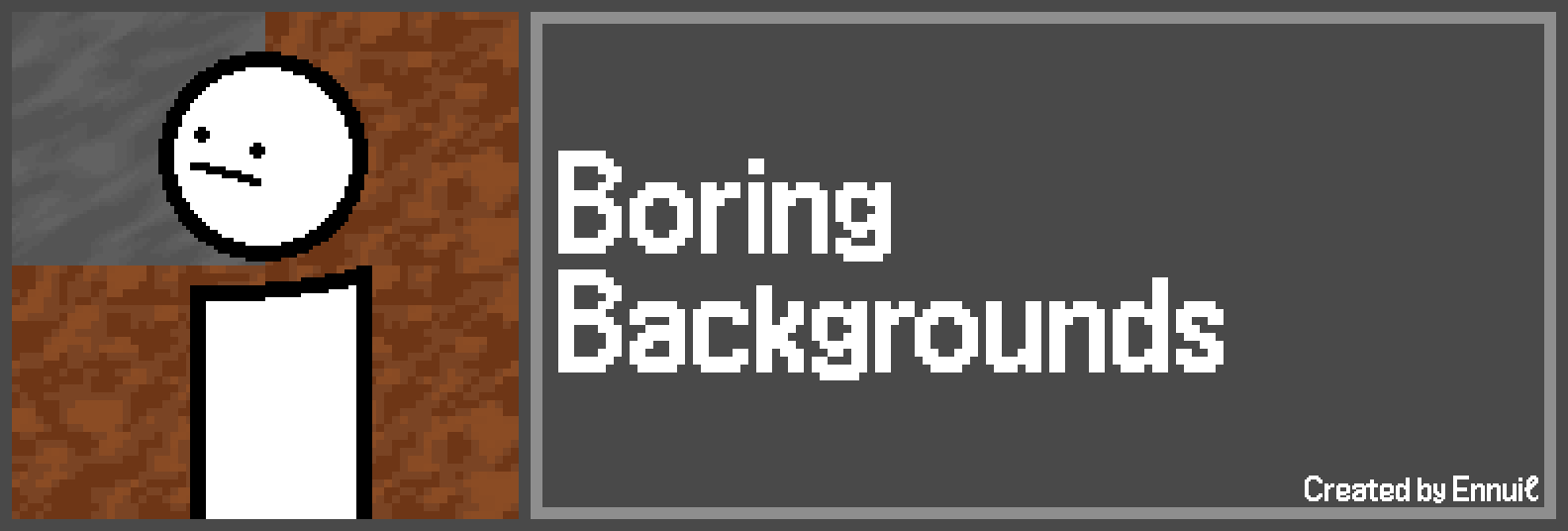
Boring Background is a mod that allows for changing dirt background with another texture. You can simply change to a single texture, use a weighted list of textures, and even make it change every time the screen is changed!
Part of the Boring series. Don't forget to check out Boring Default Game Rules and Damage Incorporated!
Dependencies
This mod requires Minecraft 1.19+ and the Quilt Standard Libraries.
Configuration
There are two ways to configure this mod: through a resource pack, or through the global "config" folder.
The config format is shared by both methods, and can be seen below:
{
// A map of texture identifiers and its weight. A bigger weight means more chances to be chosen over the others.
"textures": {
"minecraft:textures/gui/options_background.png": 1
},
// If this is enabled, a new background is chosen if a screen is opened, else, it's only chosen after a texture reload.
"randomize_on_new_screen": false
}
If you want to configure the mod through a resource pack, create the file at the path "assets/boring_backgrounds/backgrounds/background_settings.json".
If you want to use a global config file, the path is ".minecraft/config/boringbackgrounds.json". Keep in mind that it will override any resource pack-provided settings.
If you want to reload the settings, you may do so through F3 + T. This is due to the configuration being handled by a resource reloader.
License
This mod is licensed under the MIT license. You can freely include the mod on any modpack with no permission. Usage of this mod's code on other projects or derivatives of this mod is allowed as long as attribution is given.
- Edition: Minecraft Java
- File type: .jar
- Minecraft versions listed: 1.20.2, 1.20.1, 1.20
- How to install: Install the matching mod loader (Forge, Fabric or NeoForge) for your Minecraft version. → Download the .jar. → Put it in the .minecraft/mods folder and launch that loader profile.
- Where to get it: Opens on CurseForge — not every file is mirrored on our own servers.
Install steps are the general flow for this file type — How to install Minecraft Java mods & modpacks walks through it step by step.
- Ships as boringbackgrounds-3.0.6+1.18.rc3.jar — drop this file into the mods folder
- Download size: 15 KB
- Download link checked 3 Nov 2026 — working
These come from our own check of the pack file, not from the source page.