Block Update Disabler
Minecraft Java mod. Downloads from the MC Java Mods app on Android.
⬇ Download on CurseForge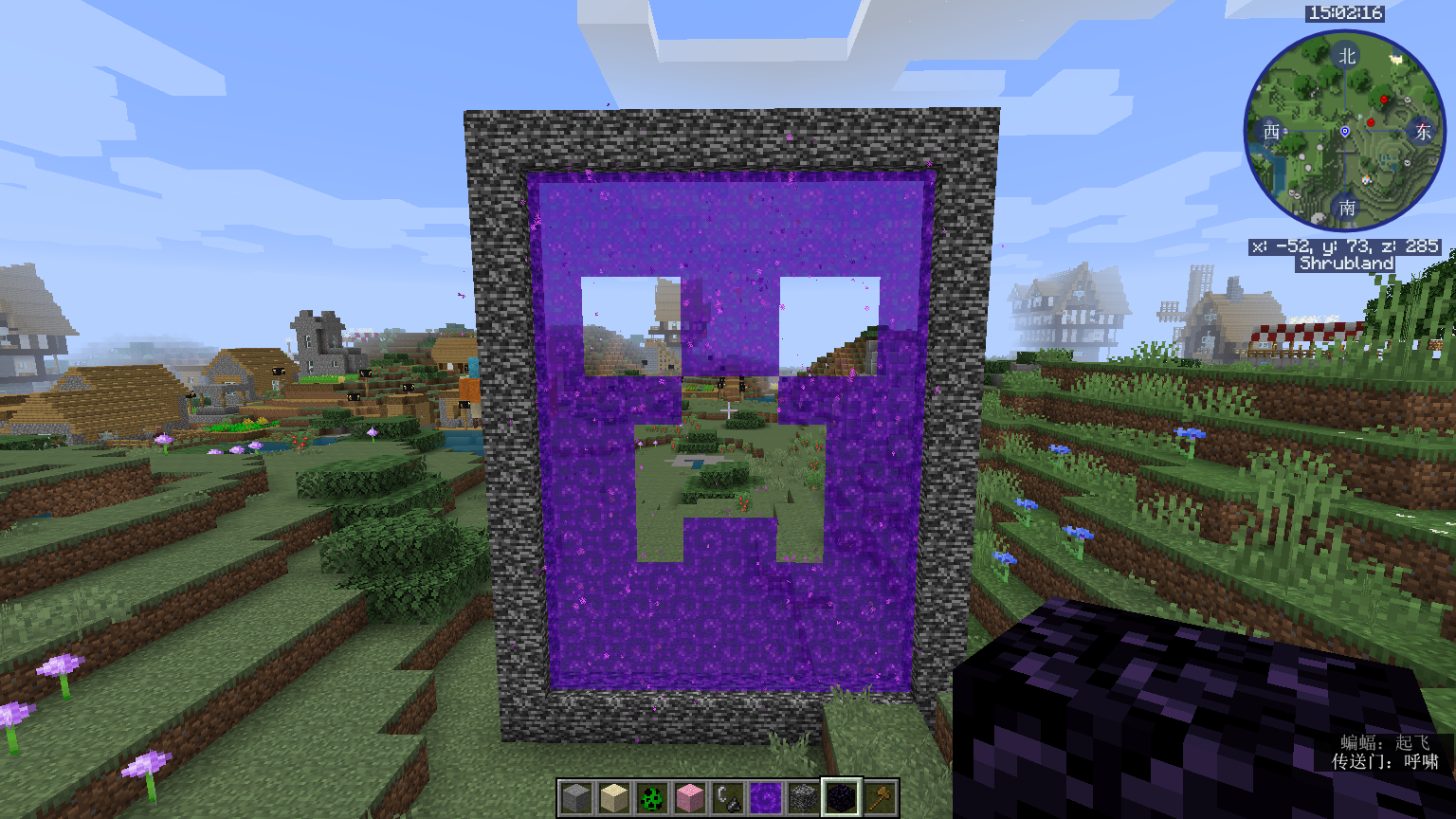
Introduction
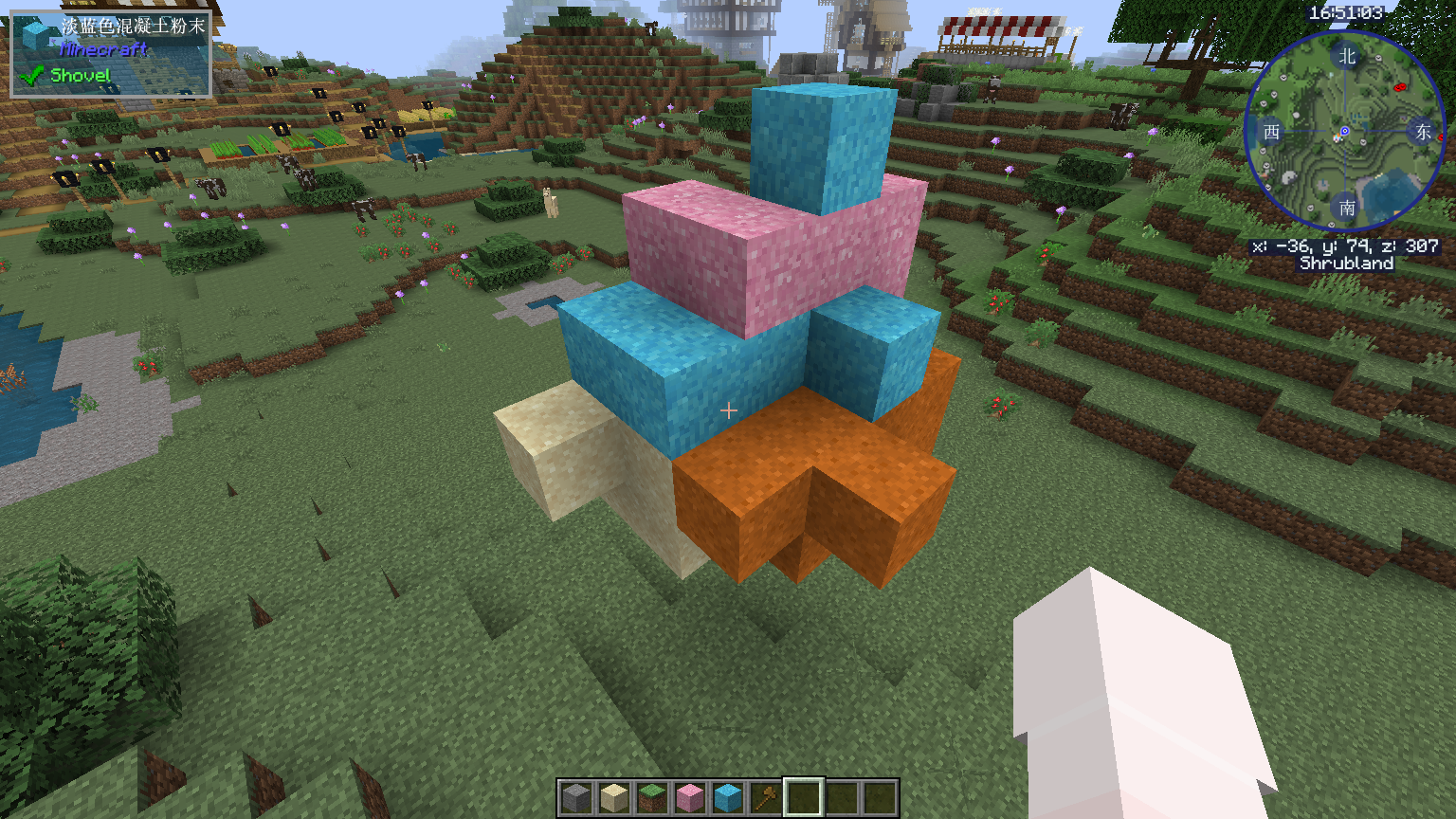
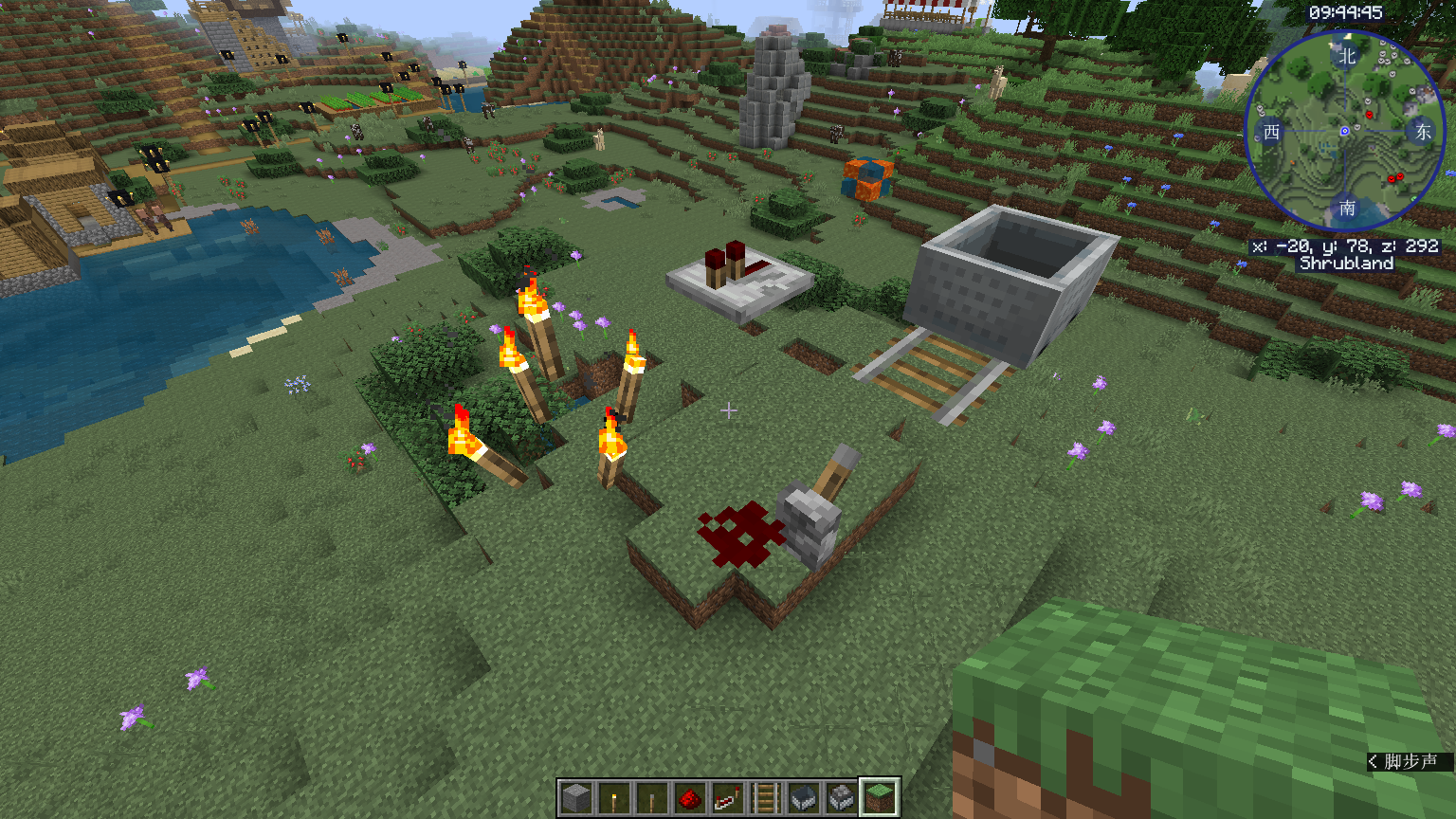
Have you ever tried to build things like floating torches? Have you ever broken floating sand in some maps without any idea to recover it? Are you fed up of the complicated steps of making floating sand? Have you ever pasted something with WorldEdit and found modded blocks dropping all over the ground? Then this is for you!
(All these things can be done with MCEdit, but MCEdit does not support modded Minecraft or JEID. Using WorldEdit with this mod is recommended)
Brief Description
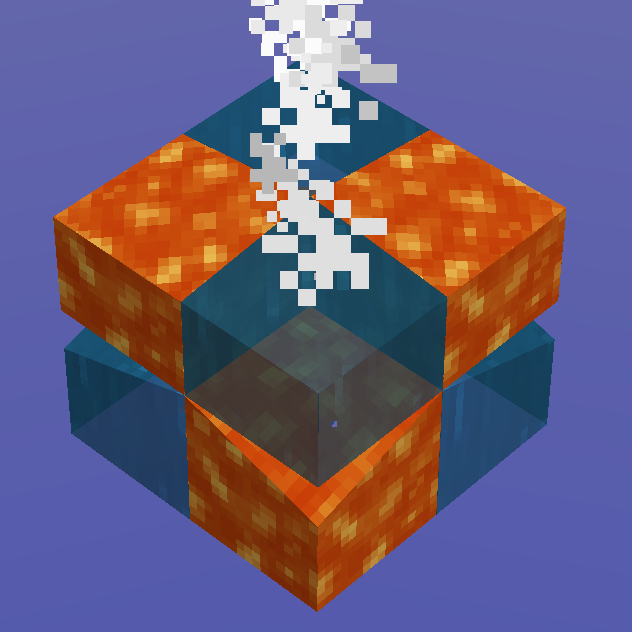
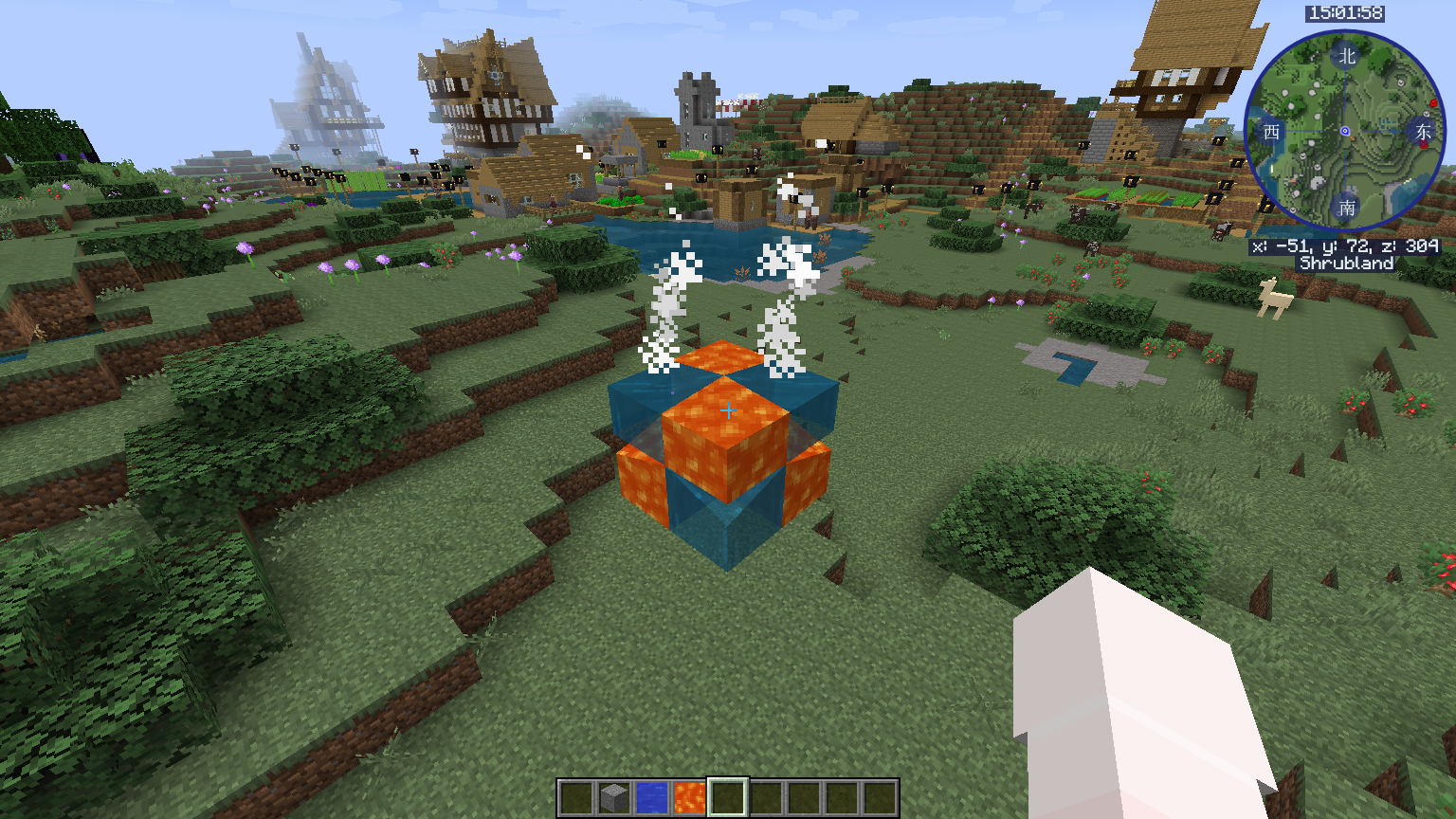
This mod disables some of tI he block updates (the ones caused by changes of neightboring blocks). This allows you to build strange things in game like floating sand, floating torches, water mixing with lava, "broken" nether portals, etc. It can also fix most of the WorldEdit pasting issues.
The effect can be toggled in game using /gamerule preventBlockUpdates true and /gamerule preventBlockUpdates false. The mentioned gamerule is a virtual rule(i.e. it won't appear in tab completion), since I dunno how to register a gamerule properly. If someone knows how, please tell me.
Screenshots
See the "Images" tab for screenshots.
Warnings
- Backup your world before using it. Using this with some mods may cause game-breaking issues. Mod-specific fixes will not be added (but a blacklist config option may be added later)
- Does not disable block updates caused by placing a block (if someone knows how to do this, feel free to tell me).
- Do not tell me things like "I cannot place torches in the air". That's intended and saying these means you don't know how to use it.
Plans
- Github repository will be created before 2020/04/01 (this is not aprilfools)
- Not planned to be updated to 1.14/1.15 in a short time. However, you can do it yourself.
- Edition: Minecraft Java
- File type: .jar
- How to install: Install the matching mod loader (Forge, Fabric or NeoForge) for your Minecraft version. → Download the .jar. → Put it in the .minecraft/mods folder and launch that loader profile.
- Where to get it: Opens on CurseForge — not every file is mirrored on our own servers.
Install steps are the general flow for this file type — How to install Minecraft Java mods & modpacks walks through it step by step.
- Ships as BlockUpdateDisabler-1.12.2-0.1.jar — drop this file into the mods folder
- Download size: 4 KB
- Download link checked 14 Oct 2026 — working
These come from our own check of the pack file, not from the source page.