World Tweaker
Minecraft Java mod. Downloads from the MC Java Mods app on Android.
⬇ Download on CurseForge About World Tweaker:
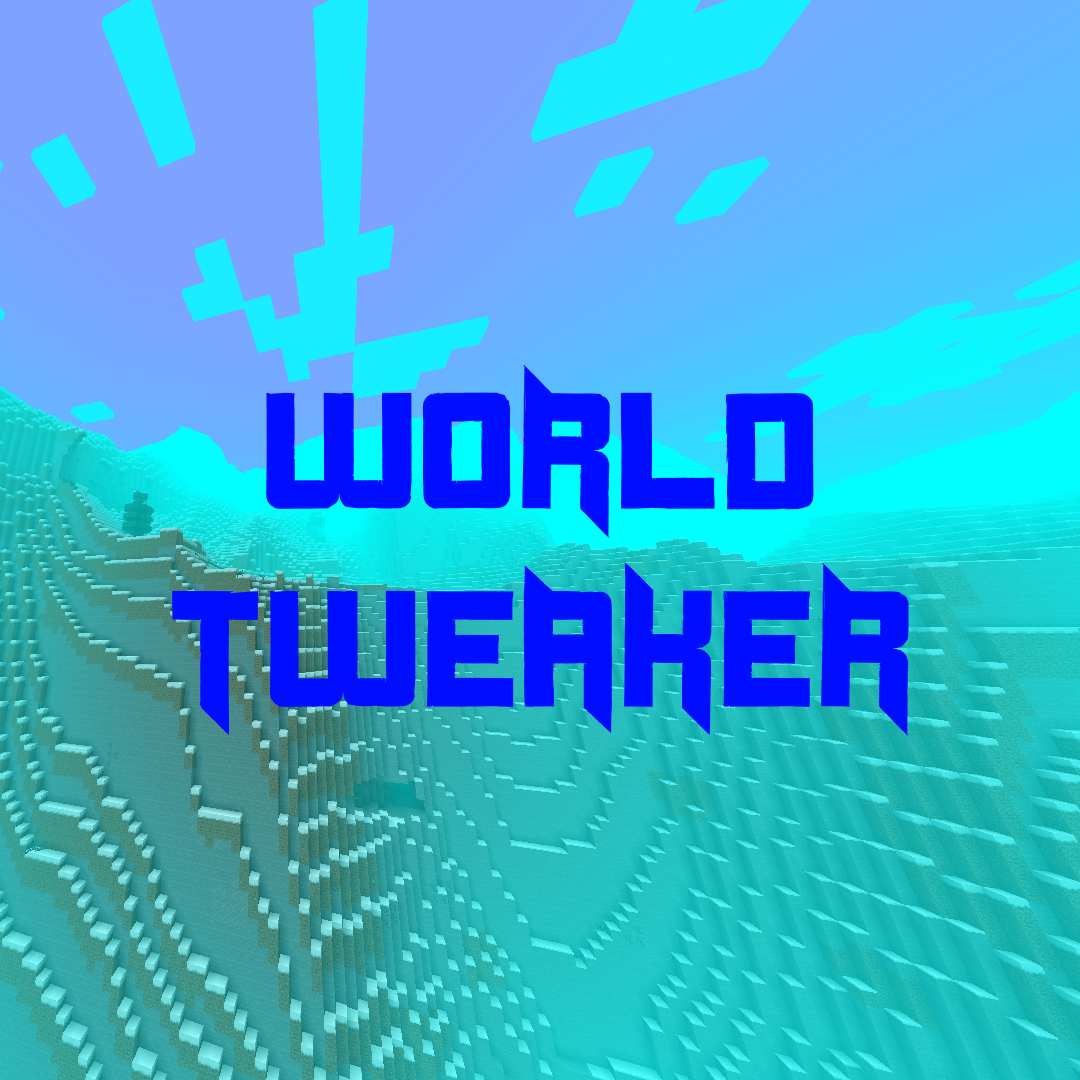
World Tweaker is a world tweaking mod where players can control several aspects of visuals and some world options in relation too the Overworld. Players are given the ability to control: Fog Color, Fog Density, Cloud Height, Day/Night length, and Weather. The mod also rewrites the default/large biome world type generators so mountains are taller and plateaus are flatter.
Notes:
- There are 2 configs in which the settings are split. One is the client config in your config folder and the 2nd is the server config in your world's folder.
- Modified World time can only be seen on the user's client. World Objects such as mobs will follow the set world time if the client is hosting the world. External clients will still have a normal day/night cycle visually so don't be surprised if your friend says he sees a zombie walking around in the broad daylight.

- Edition: Minecraft Java
- File type: .jar
- How to install: Install the matching mod loader (Forge, Fabric or NeoForge) for your Minecraft version. → Download the .jar. → Put it in the .minecraft/mods folder and launch that loader profile.
- Where to get it: Opens on CurseForge — not every file is mirrored on our own servers.
Install steps are the general flow for this file type — How to install Minecraft Java mods & modpacks walks through it step by step.
- Ships as WorldTweaker-1.0.jar — drop this file into the mods folder
- Download size: 1.0 MB
- Download link checked 14 Oct 2026 — working
These come from our own check of the pack file, not from the source page.