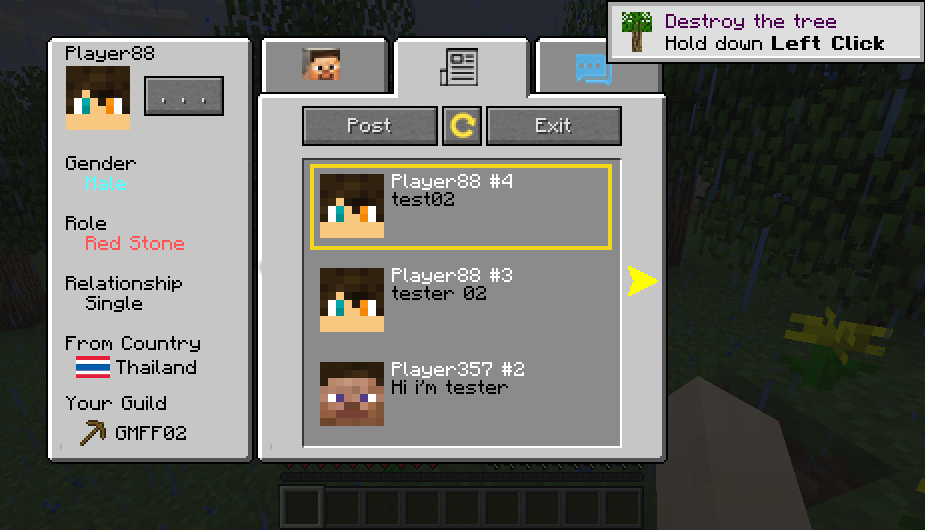
Hello Guys this time, I'd like to present Platform for minecraft that can be discussed within the server. But still unable to talk across servers Because I will update later For older versions of the game, I will update as well.
At this time, we look at the highlights from the pictures first.
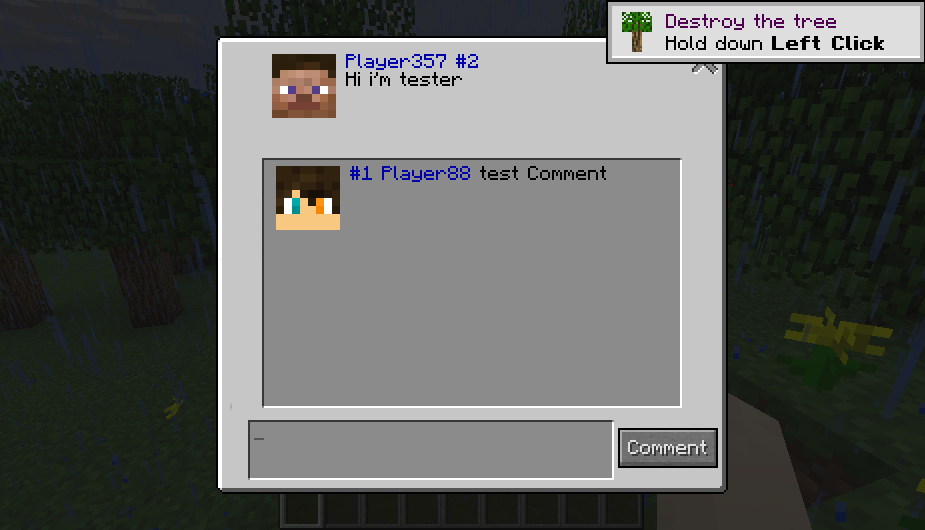
You can Post on this mod.
You can Comment this mod.
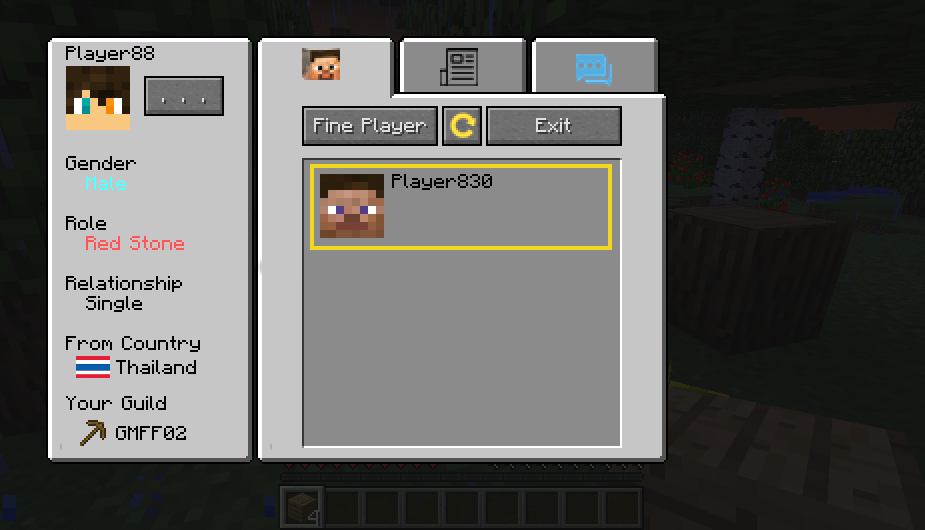
You can add remove friend and Chat this mod.
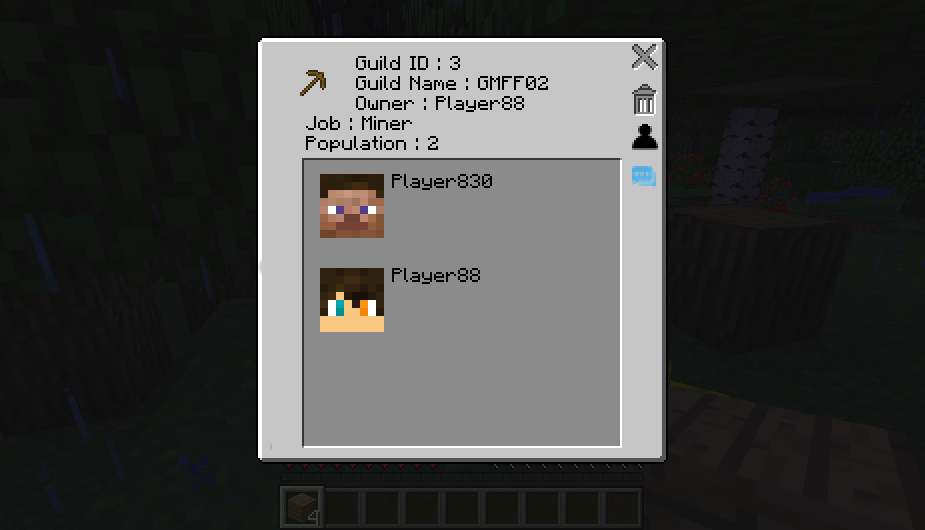
You can make guild or join from this mod.
How to Install :
- Download forge and install.
- Donwload this mod.
- copy this mod to %appdata%\.minecraft\mods\
- enjoy :)
How to Use:
- Press B for open public Post.
- Press C for open your chats.
- Press P for open your Profile.
if you can't open just get option>controls and the get down you will see option for button keyboard, set it.
If I have free time, I will develop this mod.
Good luck
- Edition: Minecraft Java
- File type: .jar
- How to install: Install the matching mod loader (Forge, Fabric or NeoForge) for your Minecraft version. → Download the .jar. → Put it in the .minecraft/mods folder and launch that loader profile.
- Where to get it: Opens on CurseForge — not every file is mirrored on our own servers.
Install steps are the general flow for this file type — How to install Minecraft Java mods & modpacks walks through it step by step.
- Ships as the-social-1.1.0.jar — drop this file into the mods folder
- Download size: 1.4 MB
- Download link checked 24 Sept 2026 — working
These come from our own check of the pack file, not from the source page.