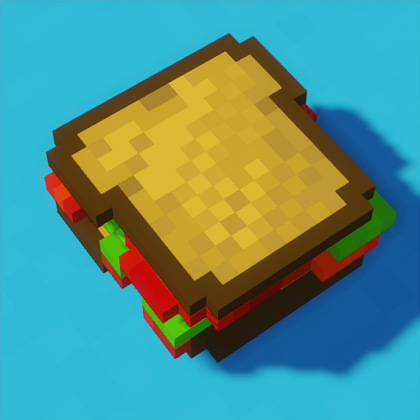
Sandwichable
Java mod listed for Minecraft 1.16–1.20. File opened and checked on 3 Oct 2026; downloads from the MC Java Mods app on Android.
I don't know my version or loader
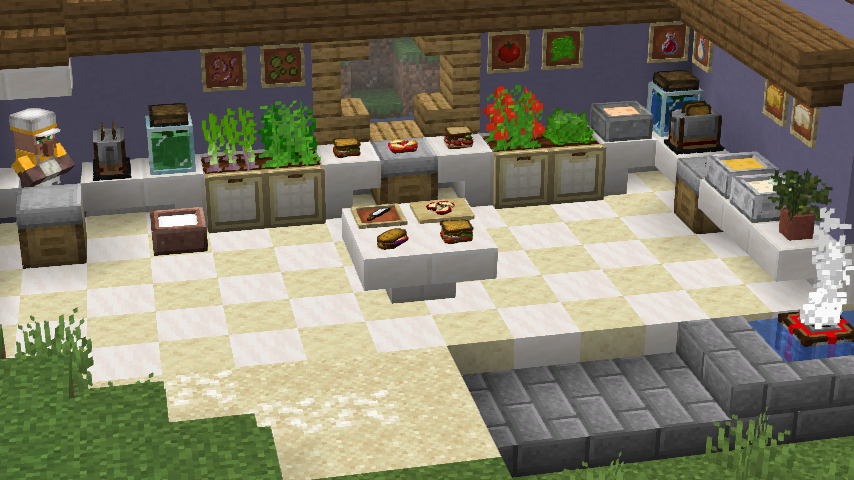
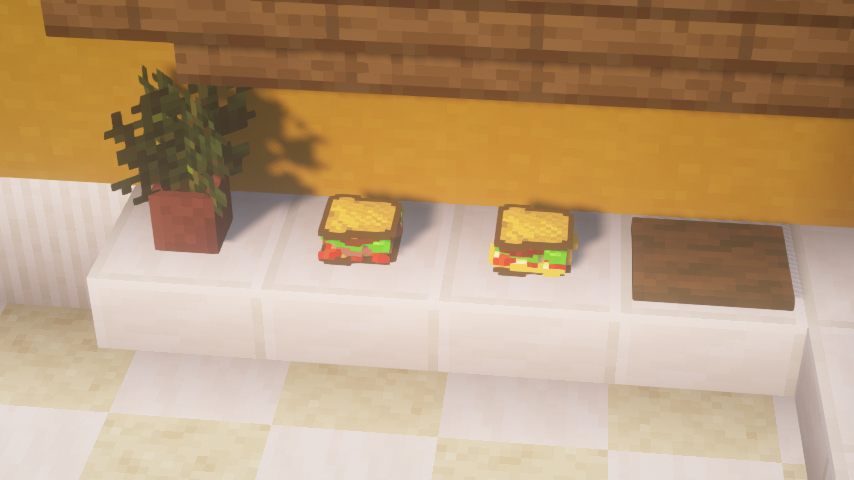
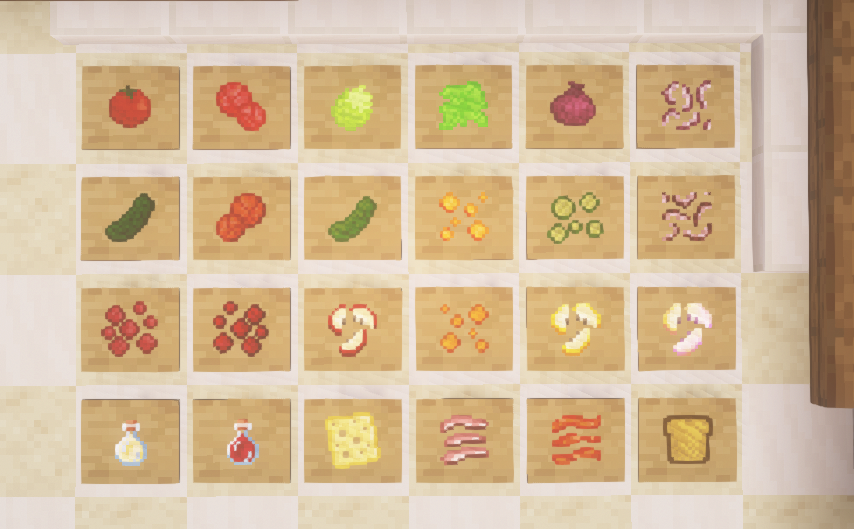
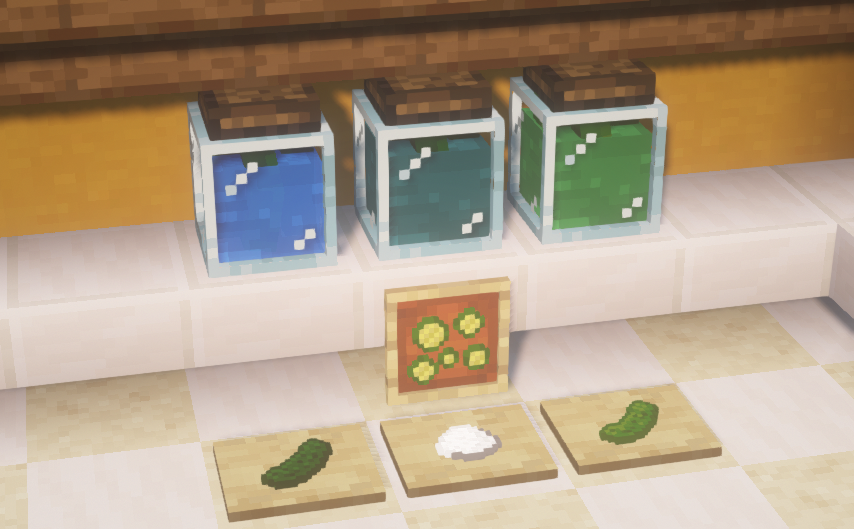
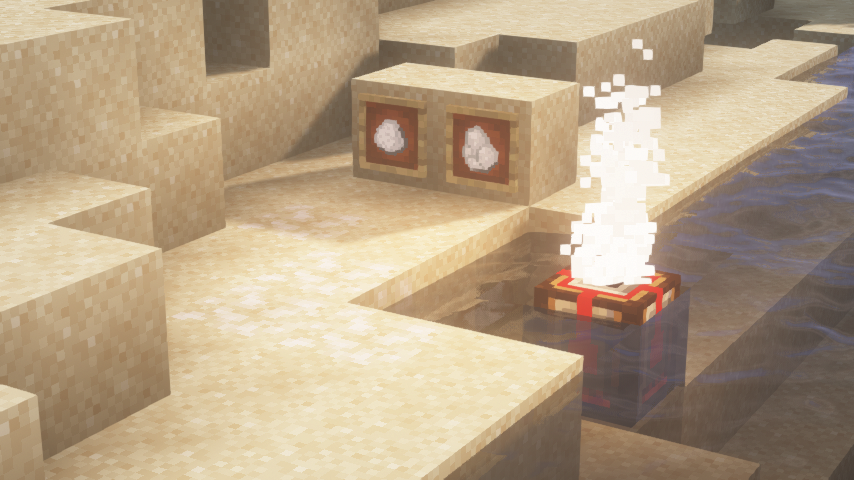
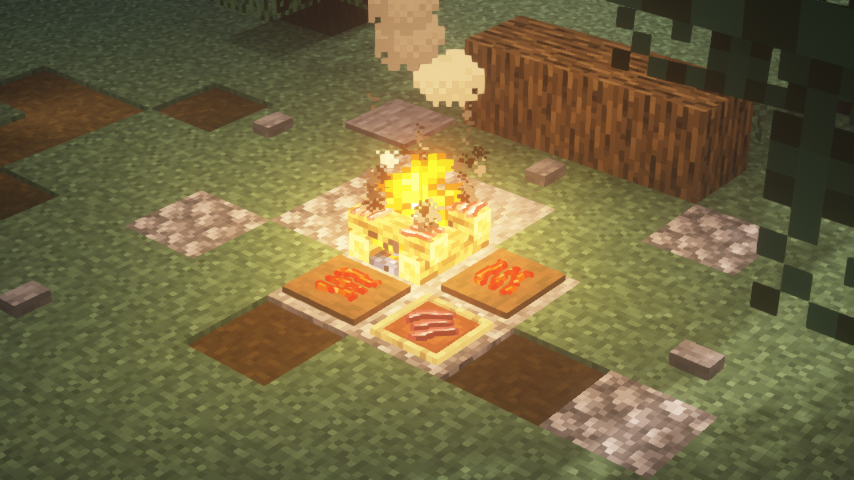
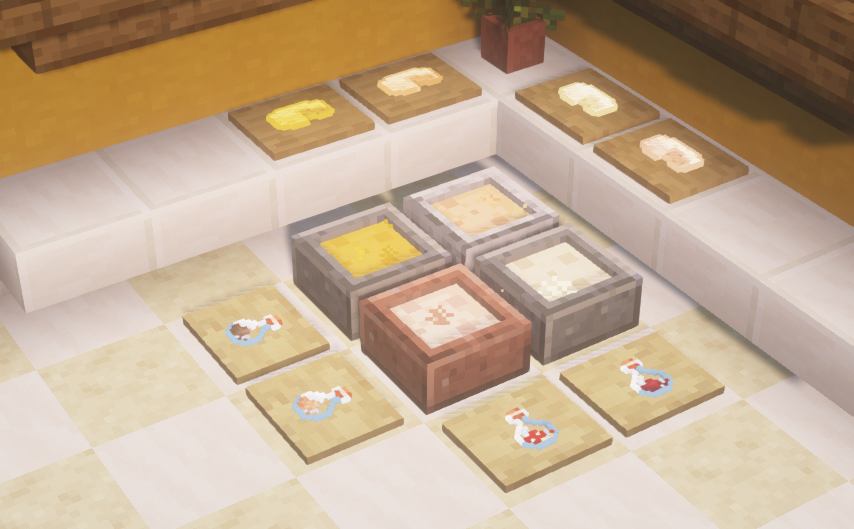
 Customizable Sandwiches in Minecraft!
Supported for 1.20-1.20.1
Unsupported versions available for 1.16.x-1.19.2, will not be ported to older versions
This is a Fabric Mod. Installing Fabric is easy, just download and install the Fabric Loader and put your mods in the .minecraft/mods folder. Launch from the vanilla launcher.
Requires:
- Fabric API - The core library for almost all Fabric mods. (You must put this in your mods folder like any other mod)
Supports:
- Meal API [RECOMMENDED] - Make sandwiches fill past the vanilla food bar's limits! (Meal API v0.3 only works with Sandwichable v1.2-rc1 and above)
- Nourish - Sandwichable foods are part of a nutritionally balanced diet!
- Croptopia - Make use of more crops and foods, which work with Sandwichable's recipes!
- SimpleHarvest - Right-click harvest Sandwichable crops! (Must be configured manually in SimpleHarvest config, Sandwichable's harvest:seeds tag comes preconfigured)
- Roughly Enough Items / REI - View all of Sandwichable's recipes, including those for the toaster and cutting board!
Our Discord Server:
Forge? 1.12 - 1.15?
No.
Reasons? It would be a lot of work to rewrite the entire mod for another platform/version, and the mod is already very well situated in the tools available for Fabric.
Quick Start Guide

You can see how to use the various blocks and items of Sandwichable by holding Shift while hovering over items to see the extended tooltips. Works great with REI.
Making a Sandwich
1. Craft a Sandwich Table.
2. Gather some Bread. You may slice it up on a Cutting Board, and even toast it in a Redstone Toaster.
3. Find some ingredients for your sandwich. If you can, slice them up so they can restore more overall hunger.
4. Place (Right-Click) your Bread on the Sandwich Table, and stack your ingredients on top. Make the sandwich as tall as you want! Top it off with one last piece of Bread.
5. With an empty hand, sneak and right-click on the Sandwich Table. A completed Sandwich will pop right off!
6. You can place your Sandwich by sneaking, or eat it whole. If you have Meal API installed, your Sandwich may fill past your hunger bar's limit!
- Edition: Minecraft Java
- File type: .jar
- Minecraft versions listed: 1.20.1, 1.20, 1.19
- How to install: Install the matching mod loader (Forge, Fabric or NeoForge) for your Minecraft version. → Download the .jar. → Put it in the .minecraft/mods folder and launch that loader profile.
- Where to get it: Opens on CurseForge — not every file is mirrored on our own servers.
Install steps are the general flow for this file type — How to install Minecraft Java mods & modpacks walks through it step by step.
- Ships as sandwichable-1.2-alpha1--1.16.4.jar — drop this file into the mods folder
- Download size: 928 KB
- Download link checked 14 Oct 2026 — working
These come from our own check of the pack file, not from the source page.