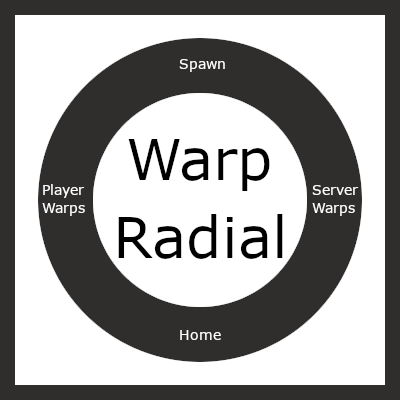
Warp Radial
Java mod listed for Minecraft 1.16–1.20. Downloads from the MC Java Mods app on Android.
I don't know my version or loader
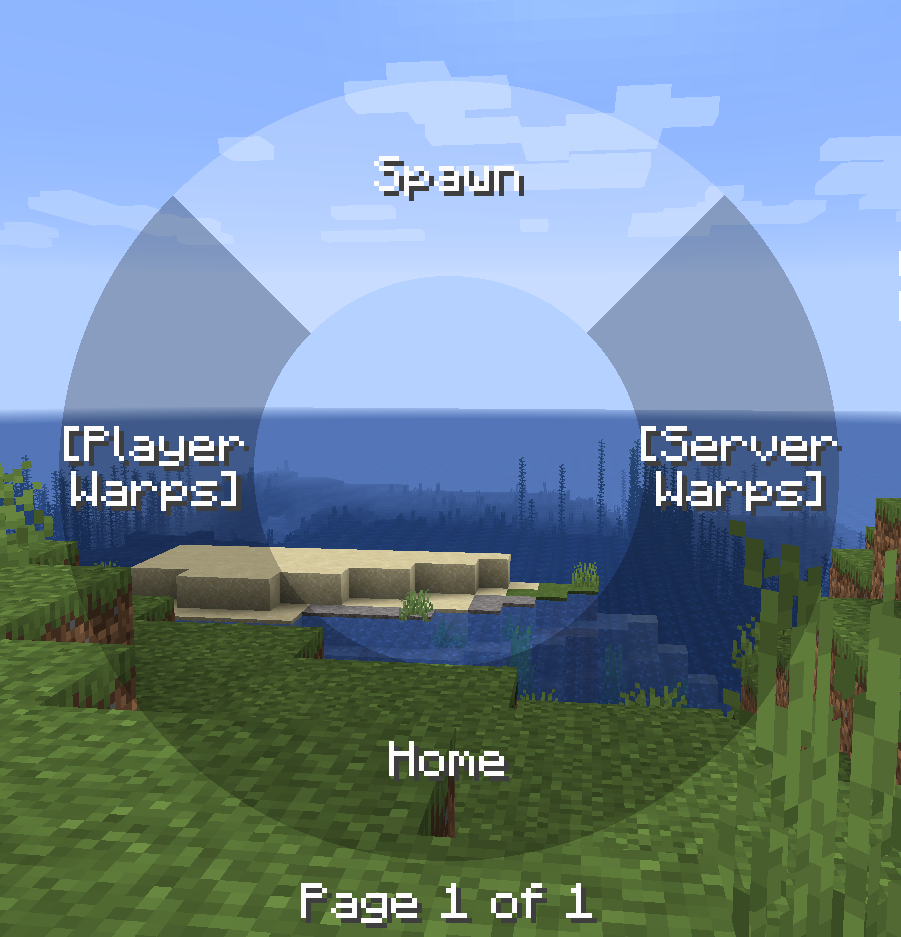
Warp radial
The radial menu is heavily inspired by the brilliant Tool Belt mod.
This mod requires BML version 1.0.18 or above, this is because the general radial implementation used in this mods is implemented in BML for wider use.
Features
- Warp to different points, this includes home, spawn, server warps added by ops on the server or player warps with cooldown.
- Cooldown can be either disabled, global or per warp category.
- Highly configurable in terms of what warps are allowed, the cooldown if any per category.
Commands
Commands can are used to set all the different warp points besides spawn if that type is allowed (You could also use the radial menu to add warps)
- warpradial (Base command)
- wr (Alternative base command)
- wr home set
- wr home remove
- wr warp add "x"
- wr warp remove "x"
- wr serverwarp add "x" (Only ops and players with create permissions)
- wr serverwarp remove "x" (Only ops and players with delete permissions)
- wr permission serverwarp create "player"
- wr permission serverwarp delete "player"
Radial
The radial menu is opened when the default keybind 'r' is pressed, then the mouse can be used to hover over items and it that item is not a category when releases you will warp to that point, you can also click on warp points to teleport to them.
You can also add and remove warps points by right clicking on categories and items.
The server and player warps are categories and requires you to click on them to view the warp points of that type.
There can be 7 items on each page and the scroll wheel can be used to switch pages.

Warps
Warps are stored in the world directory both for singleplayer worlds and server worlds. These warps are sent to the player when the player connects to the server or a new server warp is added / removed by a op / player with permission or player warp created by the player.
It is possible to disable player warps and then the radial will only have three main items. If all but one item is disabled and the last non-disabled item is a category the warps inside that category is shown instead of first having to select that category.
- Edition: Minecraft Java
- File type: .jar
- Minecraft versions listed: 1.20.1, 1.19.4, 1.19.2
- How to install: Install the matching mod loader (Forge, Fabric or NeoForge) for your Minecraft version. → Download the .jar. → Put it in the .minecraft/mods folder and launch that loader profile.
- Where to get it: Opens on CurseForge — not every file is mirrored on our own servers.
Install steps are the general flow for this file type — How to install Minecraft Java mods & modpacks walks through it step by step.
- Ships as warp-radial-1.20.1-1.0.3.jar — drop this file into the mods folder
- Download size: 126 KB
- Download link checked 14 Oct 2026 — working
These come from our own check of the pack file, not from the source page.