The Community Update
Minecraft Java mod. Downloads from the MC Java Mods app on Android.
The Community Update takes the best suggestions from the community that fit into the vanilla game, and compiles them into one mod.
⬇ Download on CurseForge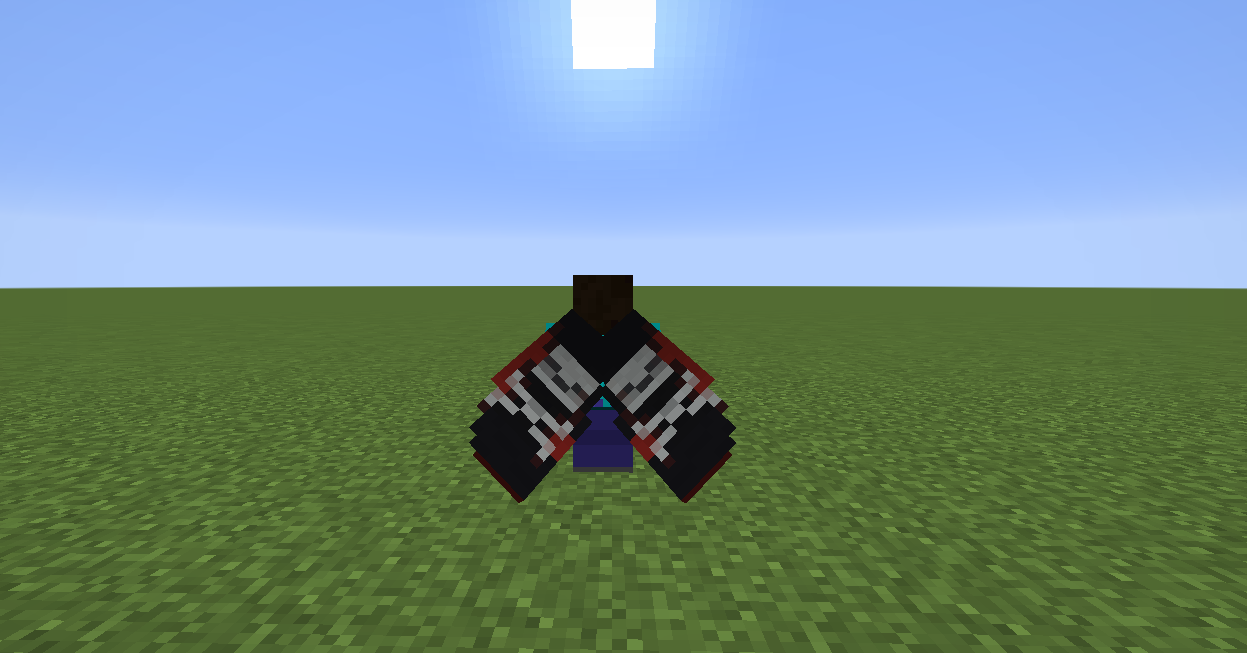
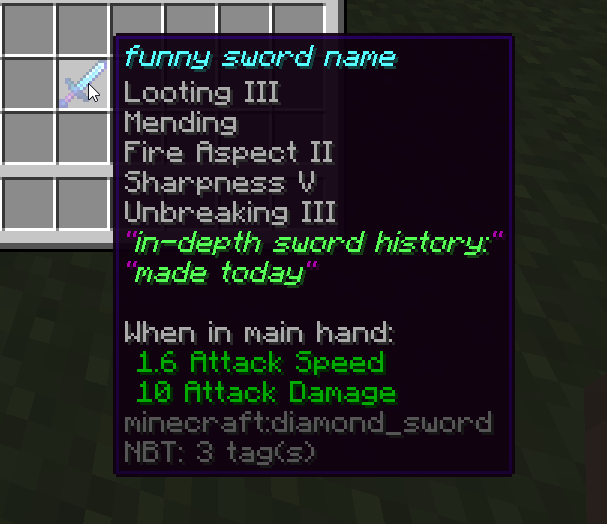
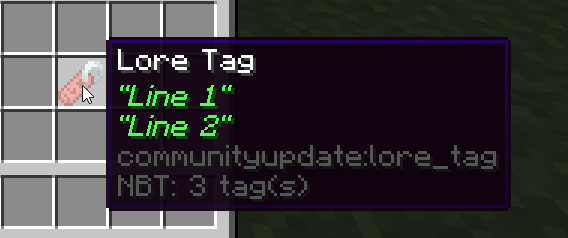
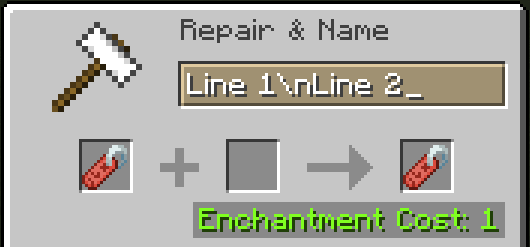
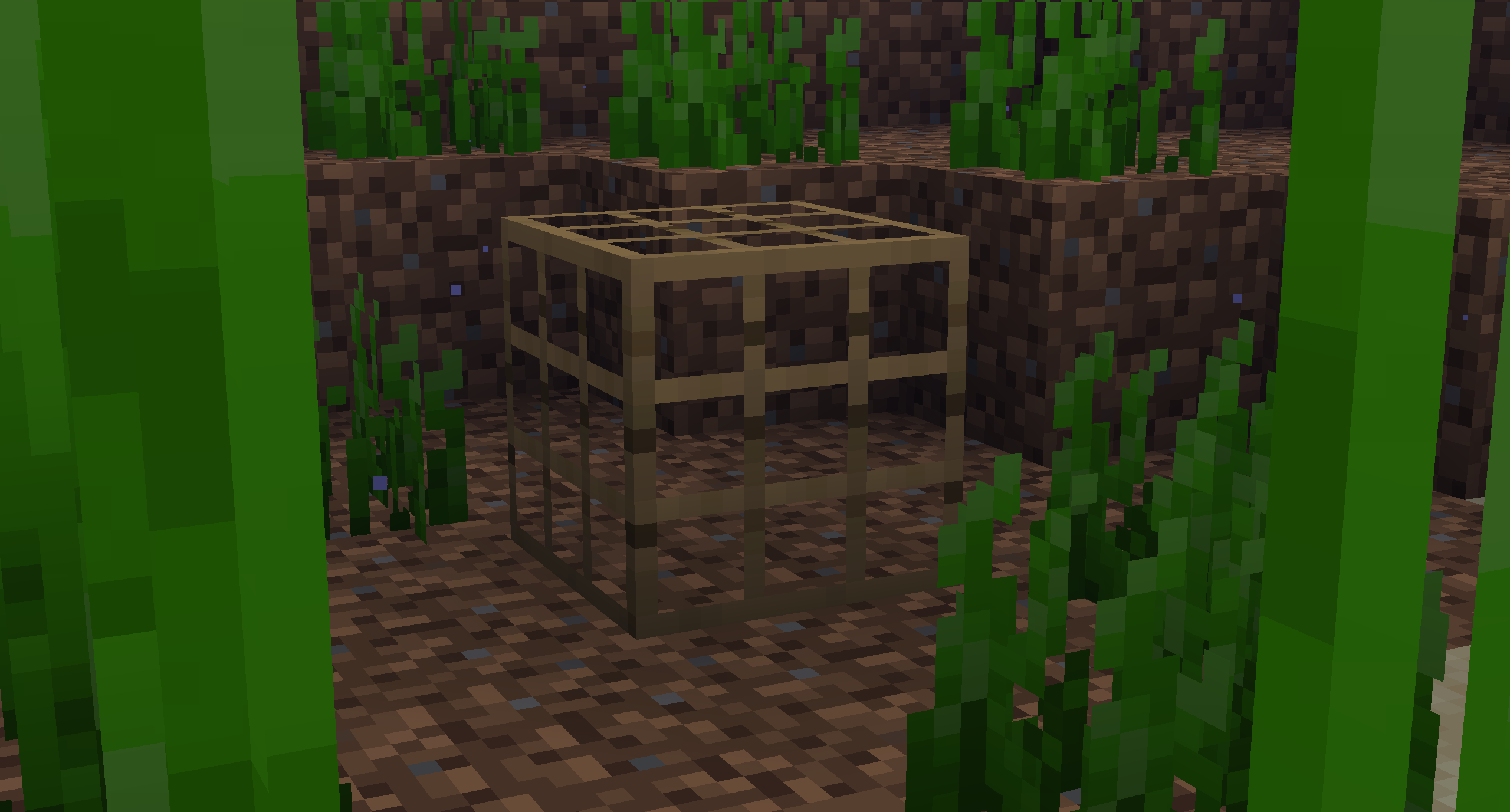
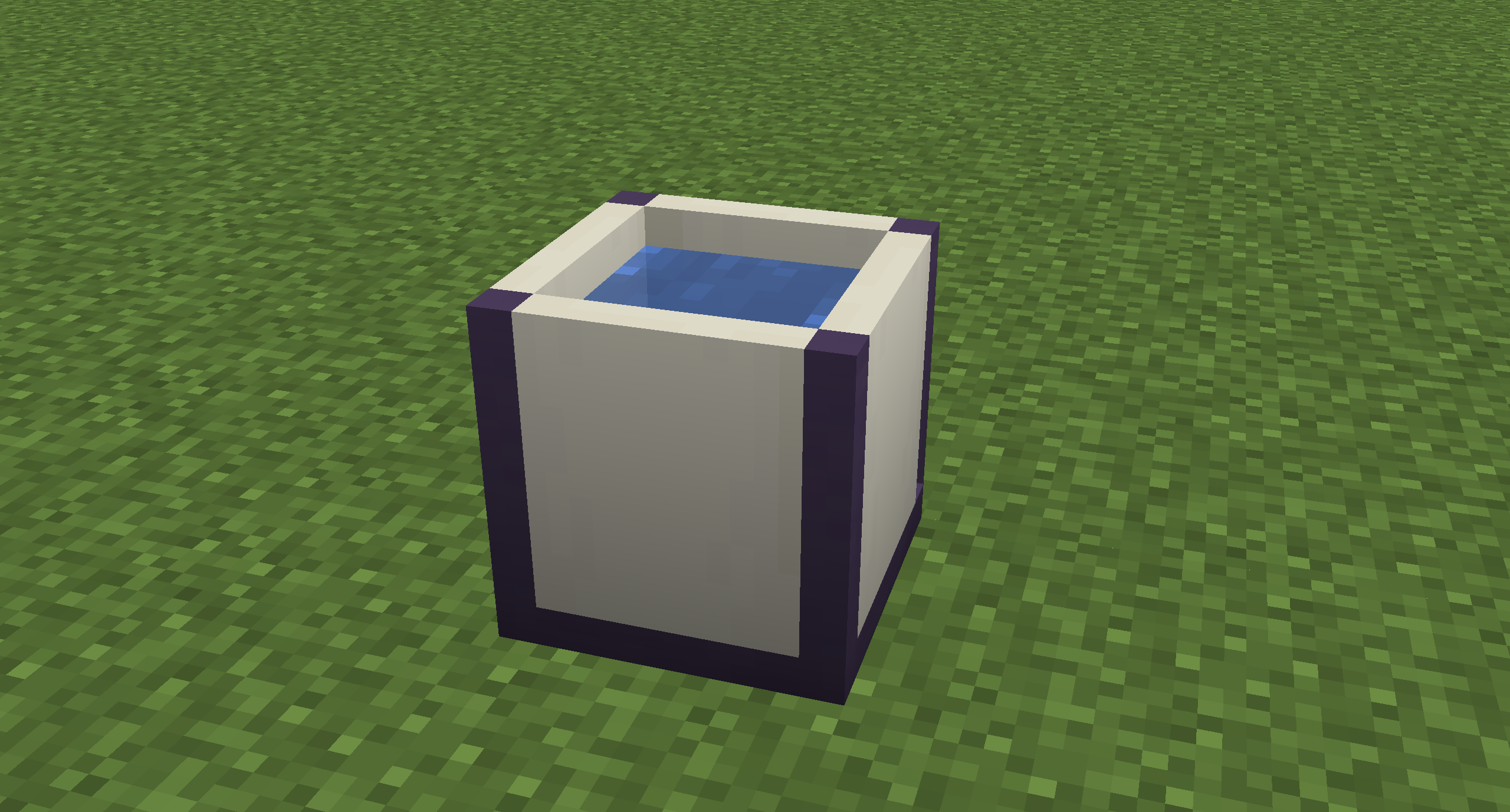
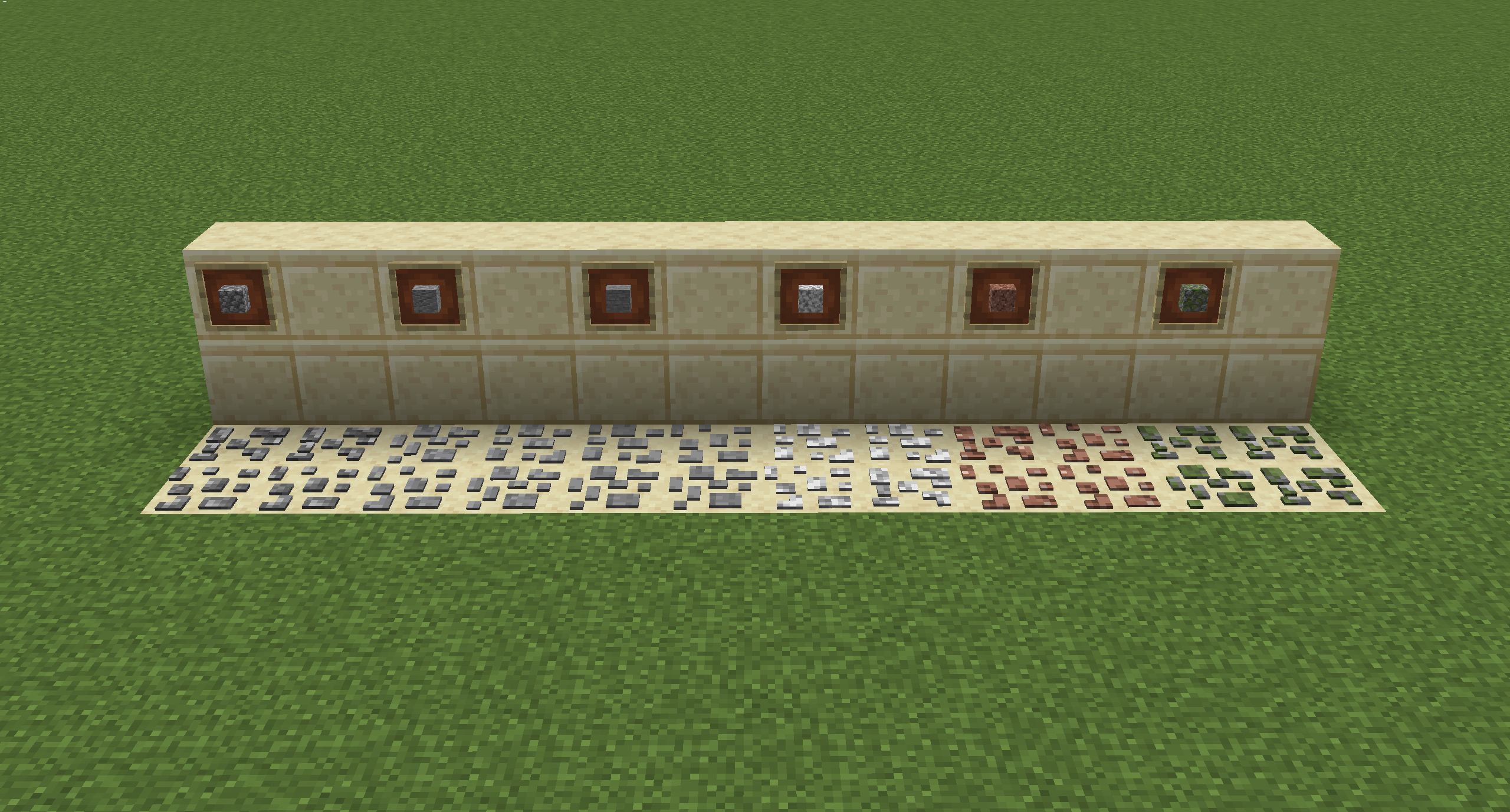
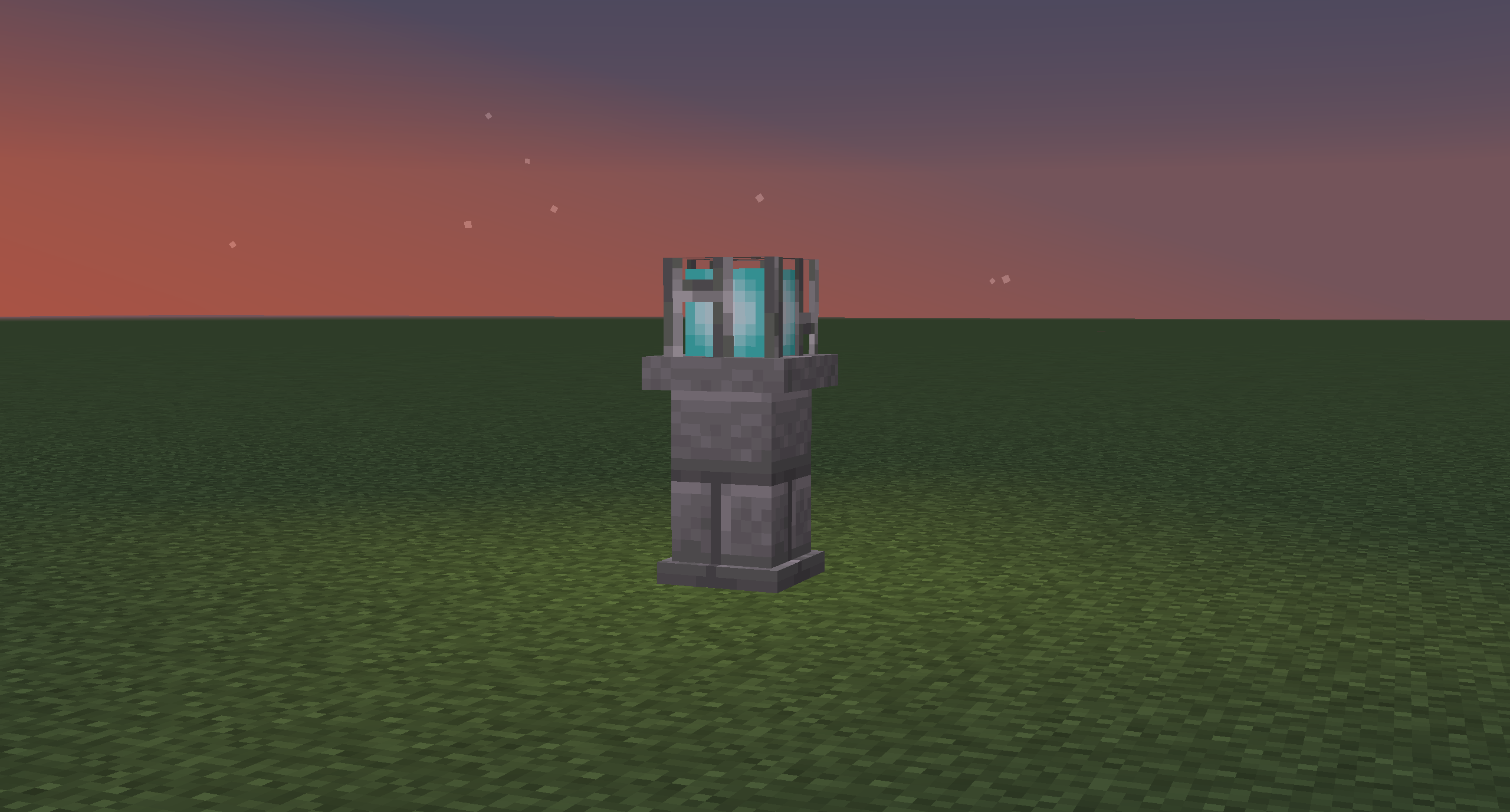
 To suggest a new feature, click here and submit a new issue with the ENHANCEMENT label.
The Community Update aims to add Vanilla-esque blocks, items, and mechanics to game at the suggestion of the community.
This mod is still in beta, so things are going to change, and they're going to change fast. As seen, I'm not the best at modelling & texturing, if you'd like to help out create an issue on the GitHub :)
To view the full feature breakdown, including recipes, head to the Wiki.
- Edition: Minecraft Java
- File type: .jar
- How to install: Install the matching mod loader (Forge, Fabric or NeoForge) for your Minecraft version. → Download the .jar. → Put it in the .minecraft/mods folder and launch that loader profile.
- Where to get it: Opens on CurseForge — not every file is mirrored on our own servers.
Install steps are the general flow for this file type — How to install Minecraft Java mods & modpacks walks through it step by step.
- Ships as CommunityUpdate-1.14.4-0.2.0.jar — drop this file into the mods folder
- Download size: 400 KB
- Download link checked 14 Oct 2026 — working
These come from our own check of the pack file, not from the source page.