MC Client Tweaks
Java mod listed for Minecraft 1.16–1.17. Downloads from the MC Java Mods app on Android.
I don't know my version or loader
MC Client Tweaks
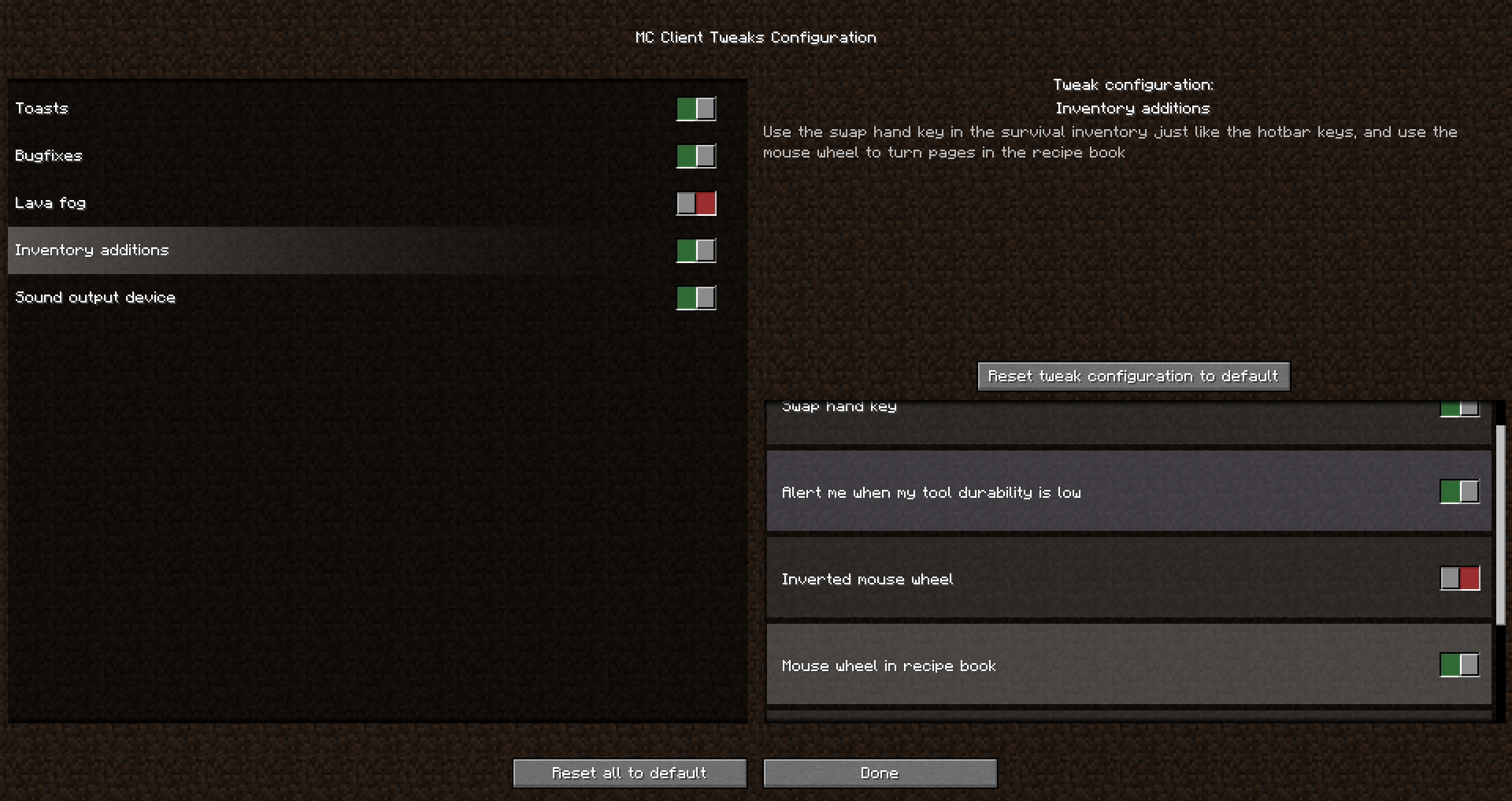
I sometime feel like the vanilla Minecraft client is missing some things, this is my attempt at fixing it. MC Client Tweaks is a Minecraft Fabric mod. It is entirely client side, and the tweaks should work on any server. Fabric API is required. Each tweak can be toggled on or off and configured in the configuration screen. It can be accessed by pressing the assigned key binding in-game (J by default), or from the mod information page using Modmenu.
Tweaks:
Inventory:
- The switch hand key can be used in the survival inventory just like the hotbar keys (only for 1.15, 1.16 has that feature in the vanilla game).
- You can scroll the mouse to turn pages in the recipe book.
- Get alerts when your inventory is full
- Get alerts when your item durability is low
Miscelaneous:
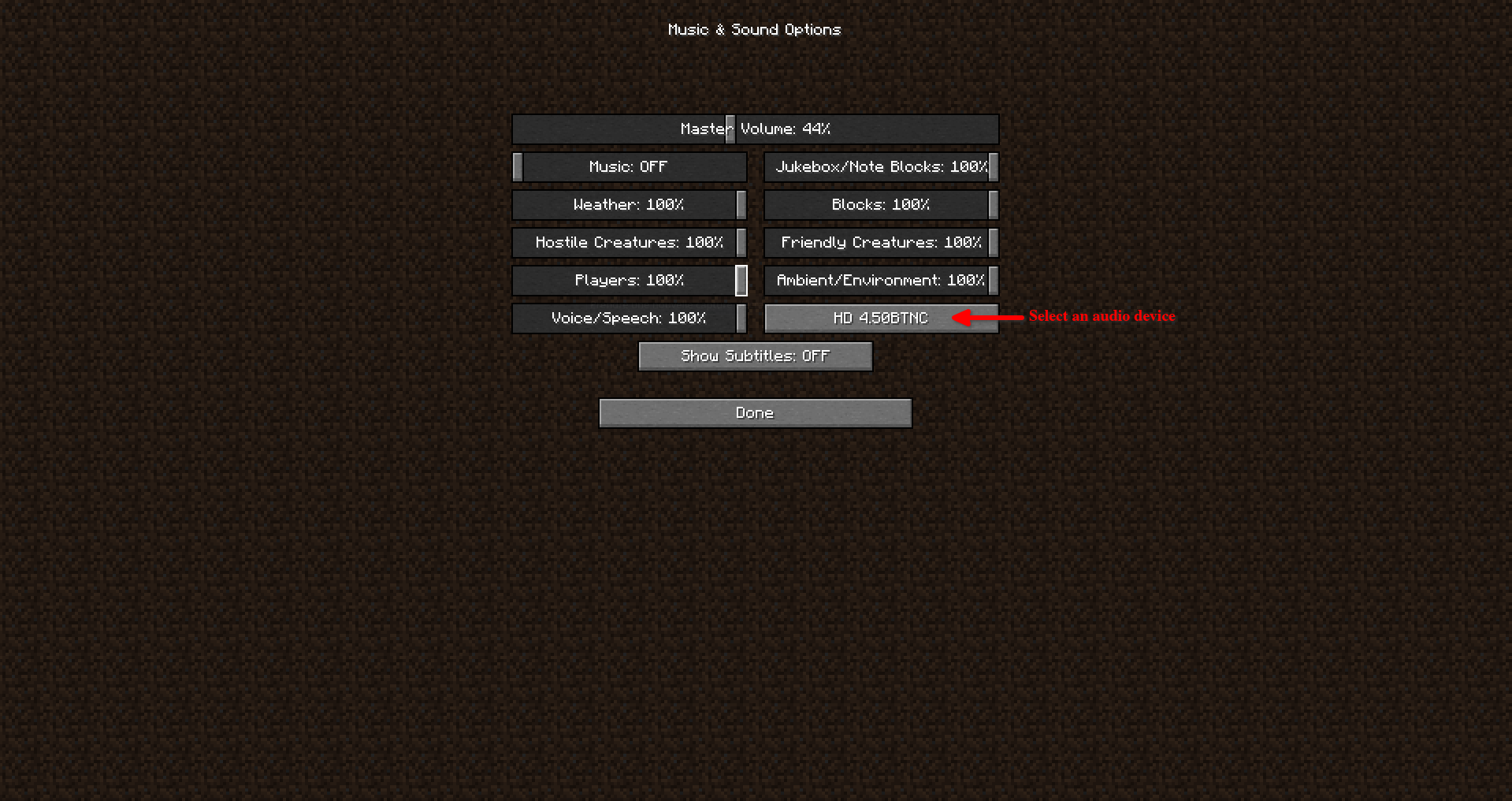
- The audio output device can be changed in the sound/music options menu without restarting the game.
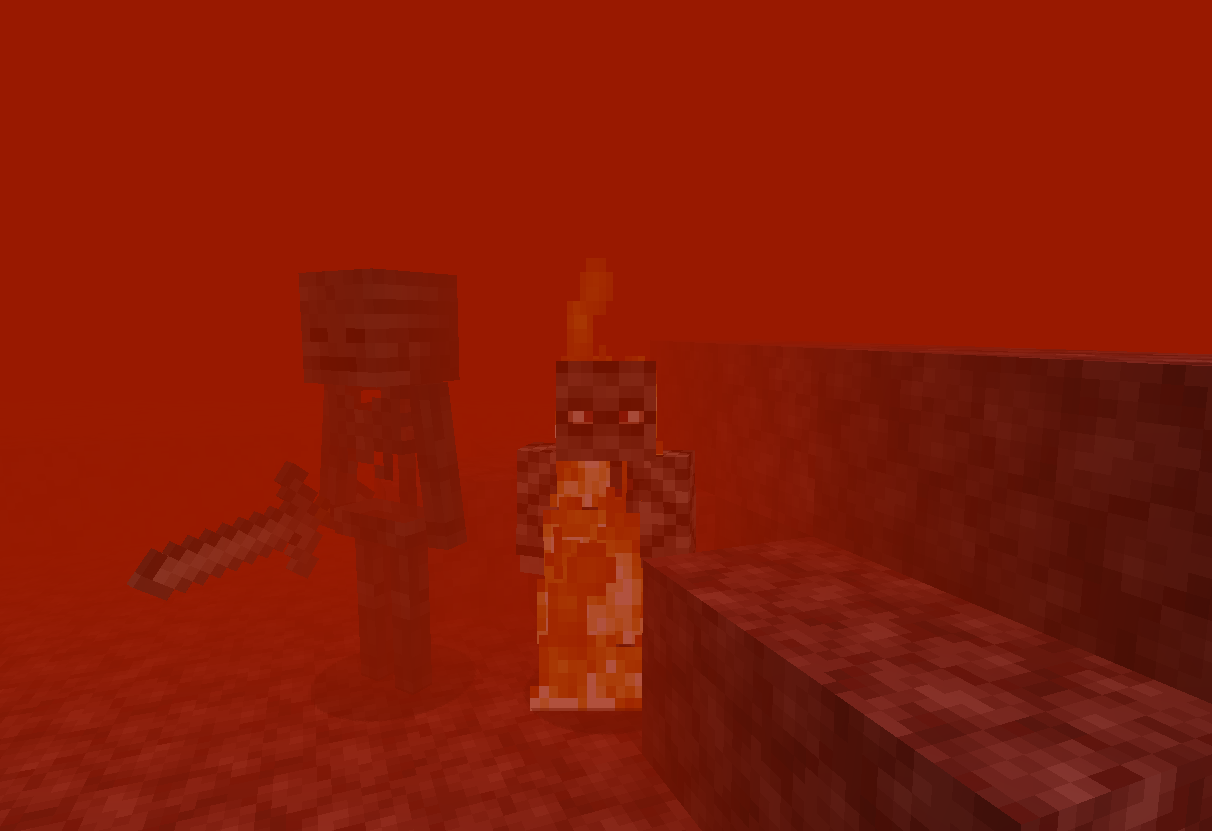
- The lava fog density can be adjusted for better visibility under lava (only 1.15, fire resistance already improves visibility under lava in 1.16).
Toasts:
Toasts are the little cards that show up on the upper right side on your screen on specific occasions such as unlocking new recipes. MCCT allows you to disable specific types of toasts.
Bugfixes:
- Vanilla bug MC-200083 : Opening files hangs the game until the file viewer is closed on Linux (e.g. opening screenshots, resource pack folder, etc...).
Compatibility with other mods:
MC Client Tweaks should be compatible with most mods. You can report incompatibility in the issues section. The lava fog tweak may not wotk with some Optifine/Optifabric versions, but has been tested to work with Optifine 15.2HDUG1pre13 and Optifabric 1.0.0-beta8.
Screenshots:
- Edition: Minecraft Java
- File type: .jar
- Minecraft versions listed: 1.17.1, 1.17, 1.16.5
- How to install: Install the matching mod loader (Forge, Fabric or NeoForge) for your Minecraft version. → Download the .jar. → Put it in the .minecraft/mods folder and launch that loader profile.
- Where to get it: Opens on CurseForge — not every file is mirrored on our own servers.
Install steps are the general flow for this file type — How to install Minecraft Java mods & modpacks walks through it step by step.
- Ships as mcct-1.4.0-1.17.1.jar — drop this file into the mods folder
- Download size: 118 KB
- Download link checked 14 Oct 2026 — working
These come from our own check of the pack file, not from the source page.