
Where Am I Going? (WAIG)
Minecraft Java mod. Downloads from the MC Java Mods app on Android.
Highly configurable mod allows pack makers to configure biomes with an inherent difficulty level to provide progression. Sorta like game stages, but not…
⬇ Download on CurseForge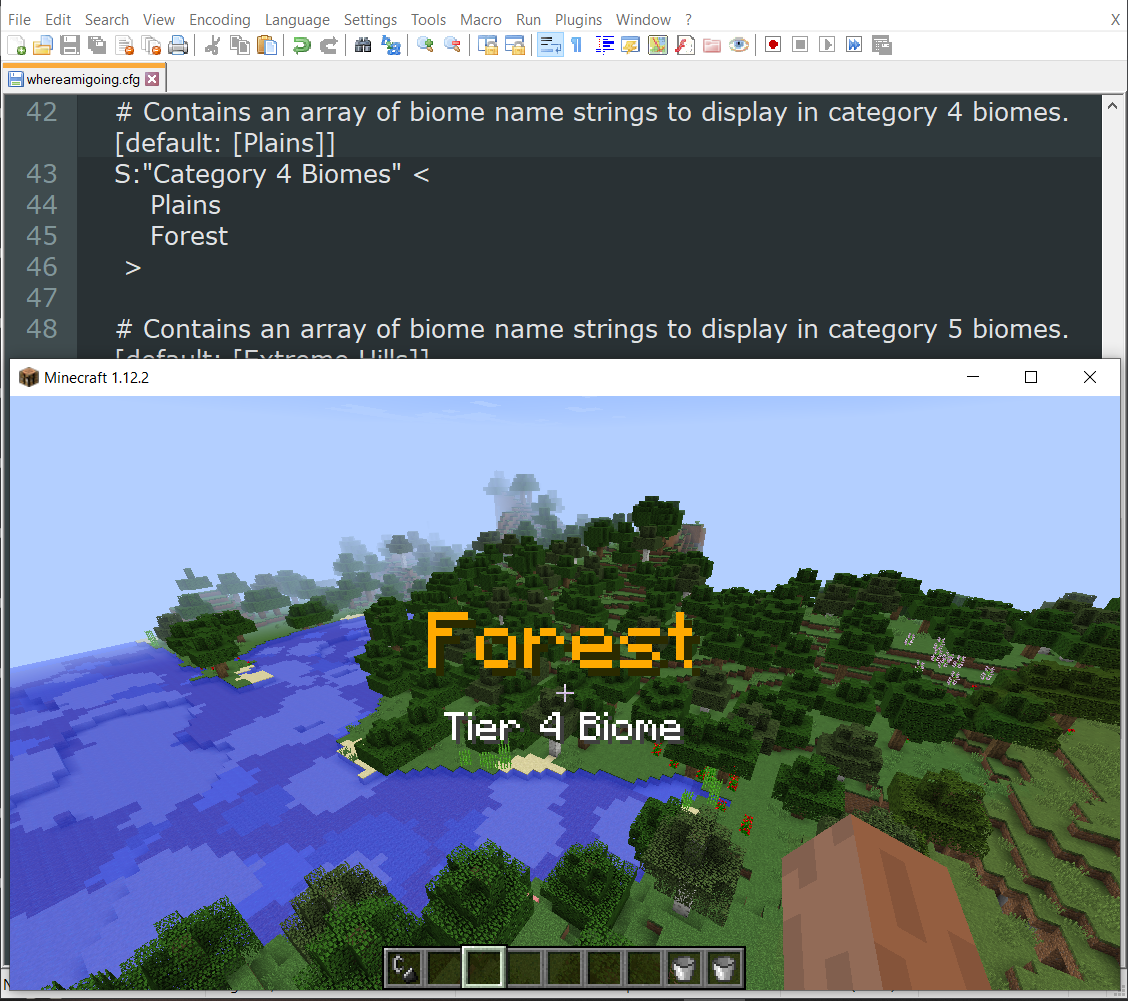
Looking for help? Come chat with us on Discord
Where Am I Going (WAIG) is a mod created for use with the MMO – Let’s Go modpack. The purpose of this mod is to allow the configuration of a biome difficulty. That is to say, making the hostile mobs that spawn in one biome stronger adversaries than the mobs in other biomes to create a sense of progression. The default configuration of the mod is for use with the modpack and this mod must be installed on both the client and the server.
The mod is broken down into modules, each offering a different feature and can be toggled on and off in the config file. There are also debug options for some of the modules that tell you what it’s doing as it does them. They’re extremely chatty, so I do not recommend leaving them on or using them on a server (lots and lots and lots of lines will be generated in your log file).
Finally, please back up your config file and delete and make a fresh one between updates.
Biome Navigation Display
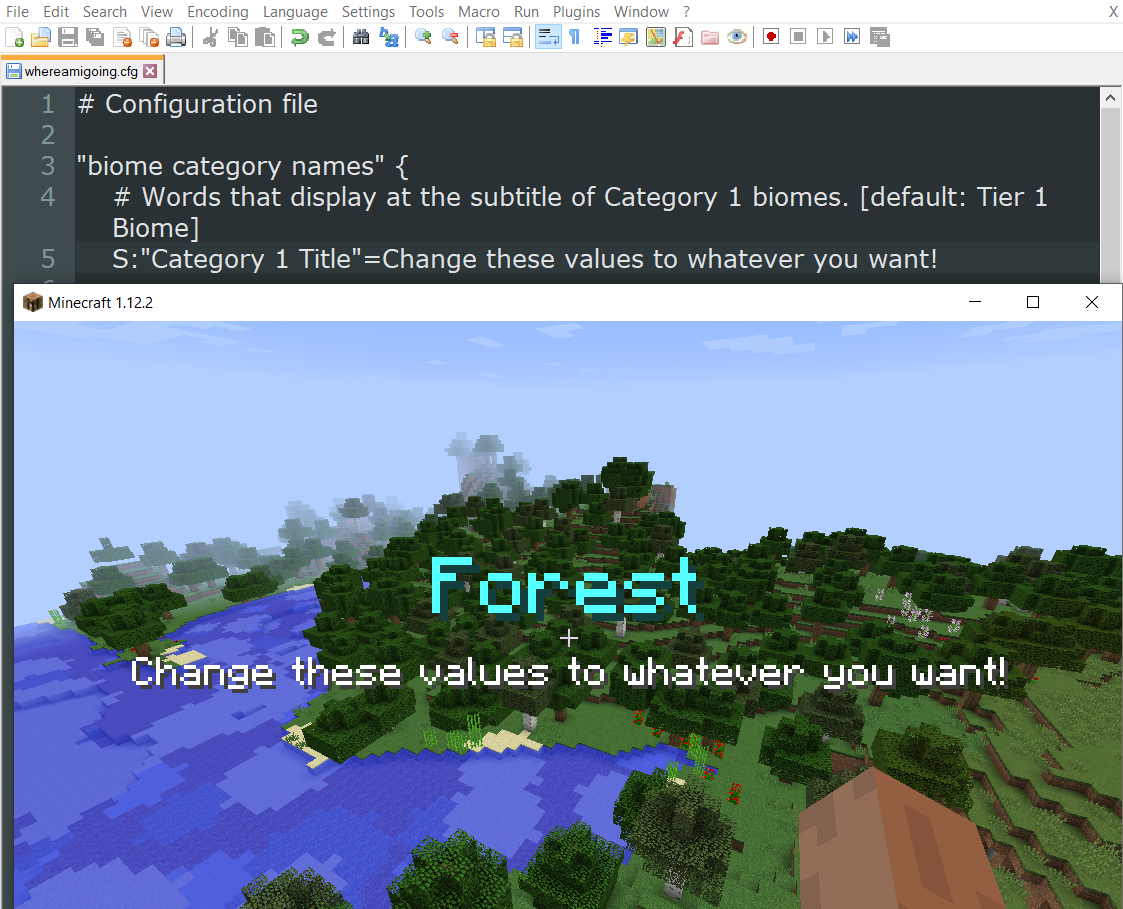
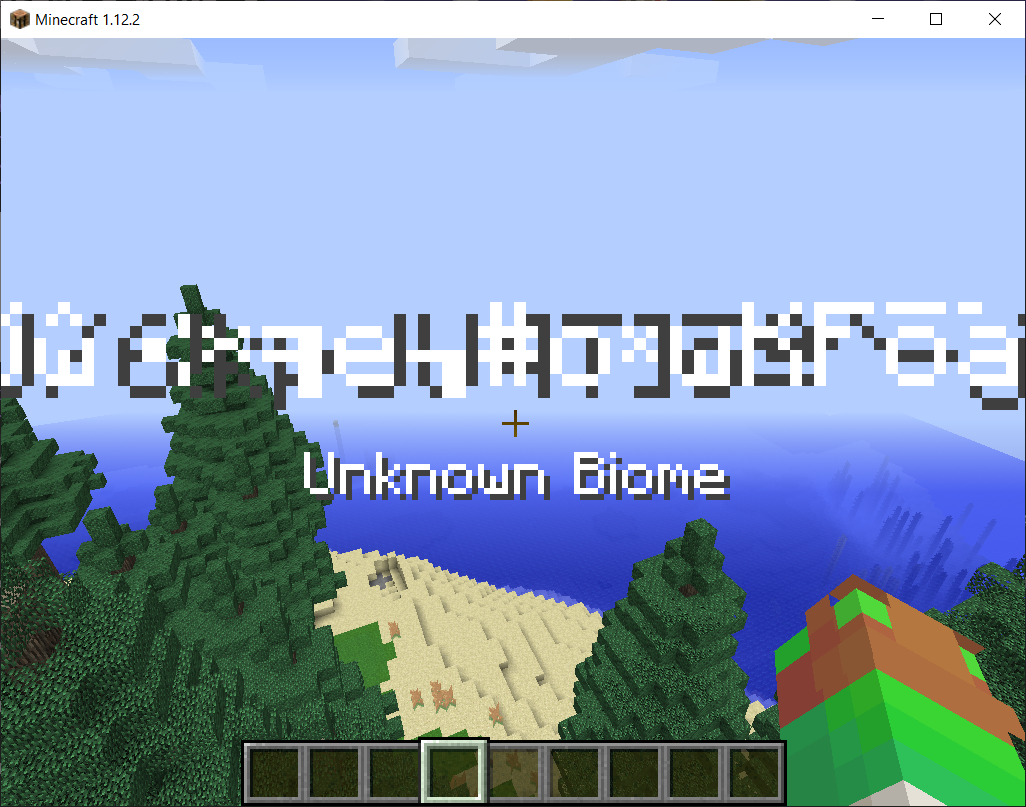
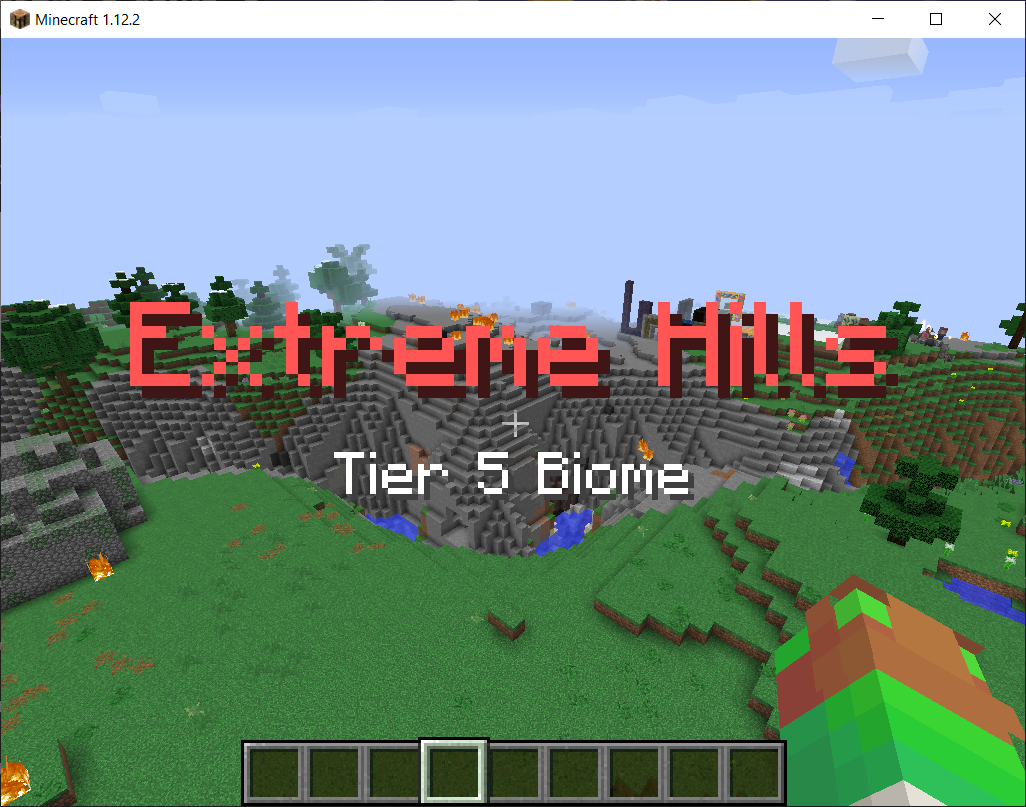
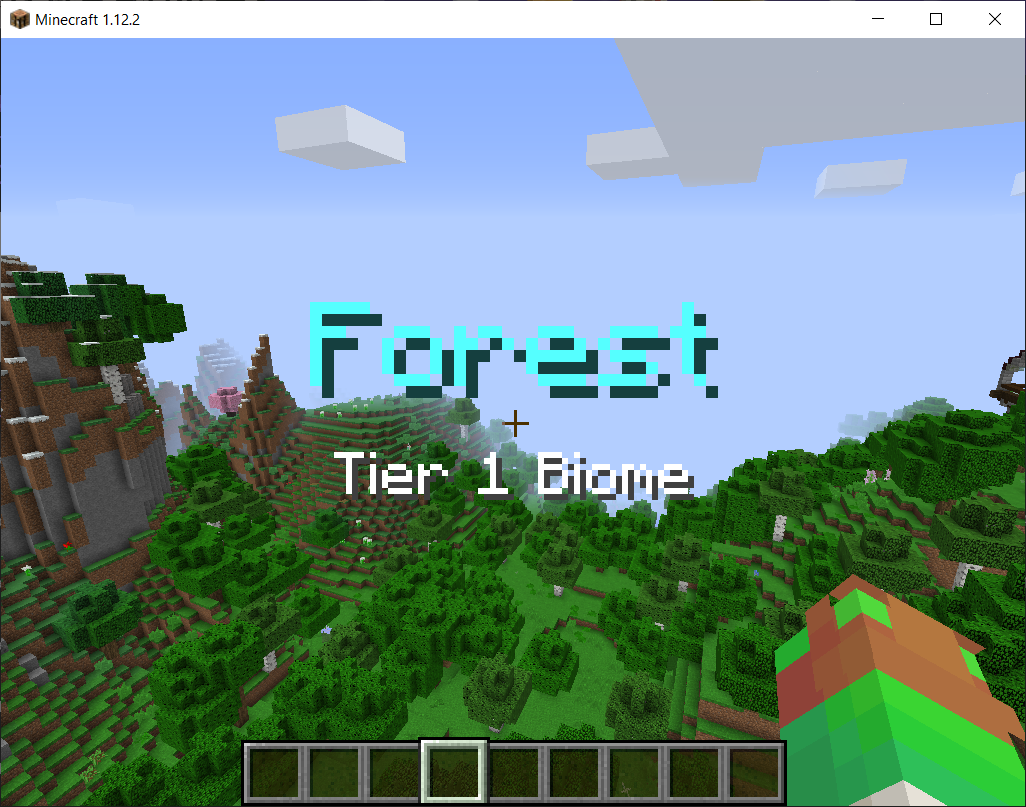
The first feature of WAIG is a heads up display each time you change biomes. It will remember the last 2 biomes you crossed and not display them to stop you from being spammed when straddling 2 biomes. Up to 16 biome categories can be configured with a color and a subtitle and must be entered with full resource ID (minecraft:plains or biomesoplenty:orchard). Biomes can also be entered into an exlusion category if you never want to see them (I suggest River, Beach, Frozen River, and Frozen Beach).
Biome Difficulty
Using the 16 categories mentioned above, you can customize the attributes of all hostile mobs that spawn in biomes of that category. Examples include health, damage, speed, armor, armor toughness, knockback resistance, and experience drops. This is the meat-and-potatoes of WAIG. These values are limited by the base minecraft values, for instance a mob cannot have more than 1024 health, or have more than 1.0F knockback resistance. There are some safeties in place that will attempt to put the configured numbers into an acceptable range, so if if seems like its limiting your entries, that's likely to stop the entry from overflowing the field!
Rare-Spawns
The Rare Spawn module allows for you to customize a mob type to occasionally spawn as a “rare” version of itself. You can only configure a single rare-spawn per mob (as in, only 1 for zombie, only 1 for enderman, etc). The first few parameters on the line are hard coded, but you can add any number (only one of each) of name-and-value-pairs to increase the attributes or customize the drops of a mob.
This one is tricky to configure, so read the config file comment carefully and stop by the discord channel with questions.
Biome Type Tweaks
There’s a (currently hard-coded) feature that will tweak all hostile mobs attributes based on the biome type that they spawn in to give them a modest advantage (or quirk) that represents their spawn biome. For instance, Jungle mobs attack faster and deal less damage, Plains mobs run faster but have less health, and Spooky mobs might try to break into your house, beat on your doors, or come inside to see you...
Mob Color Rendering
To help the player understand when mob has been affected by a Biome Type Tweak (as above), you can enable an option to overlay a light color change to the mob. This is very subtle and I suggest turning it off if you run into any rendering issues with mobs. The color is related to the biome type, so plains are green, swamps are brown, mountains are grey, etc.
One more thing… This mod works like crap in The Midnight. I love that mod, but they do something unusual with their biomes and I cannot seem to create code to fix it. It’s technically compatible, but will spam the crap out of you. The Midnight 1.12.2 is no longer supported, so I cannot seek their help in fixing it. I recommend skipping Midnight biome configs.
Update; version 1.4b has another attempt at fixing this problem. Please report results to the comments here or discord!
Intended for use with MMO - Let's Go modpack, but anyone may use this for their mod packs. Feedback welcome!
- Edition: Minecraft Java
- File type: .jar
- How to install: Install the matching mod loader (Forge, Fabric or NeoForge) for your Minecraft version. → Download the .jar. → Put it in the .minecraft/mods folder and launch that loader profile.
- Where to get it: Opens on CurseForge — not every file is mirrored on our own servers.
Install steps are the general flow for this file type — How to install Minecraft Java mods & modpacks walks through it step by step.
- Ships as whereamigoing-1.4.0BETA.jar — drop this file into the mods folder
- Download size: 56 KB
- Download link checked 14 Oct 2026 — working
These come from our own check of the pack file, not from the source page.