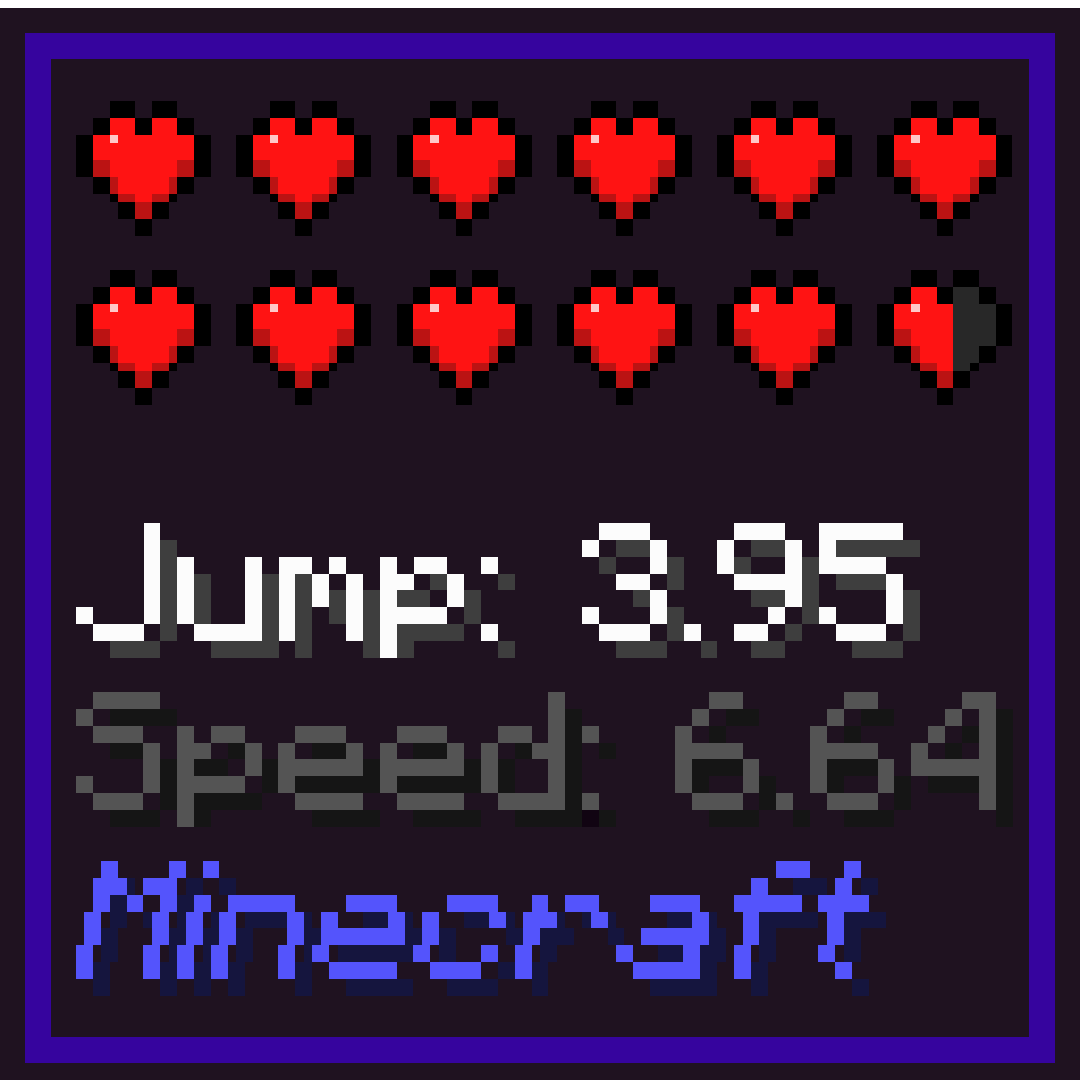
Hwyla Addon Horse Info
Java mod listed for Minecraft 1.16–1.19. File opened and checked on 19 Oct 2026; downloads from the MC Java Mods app on Android.
I don't know my version or loader
This project has been discontinued as it is now integrated into WTHIT for Minecraft 1.19.2+
This is an addon for Hwyla or WTHIT (Hwyla successor) mod fabric version.
You only need one of them. Do not install both Hwyla and WTHIT.
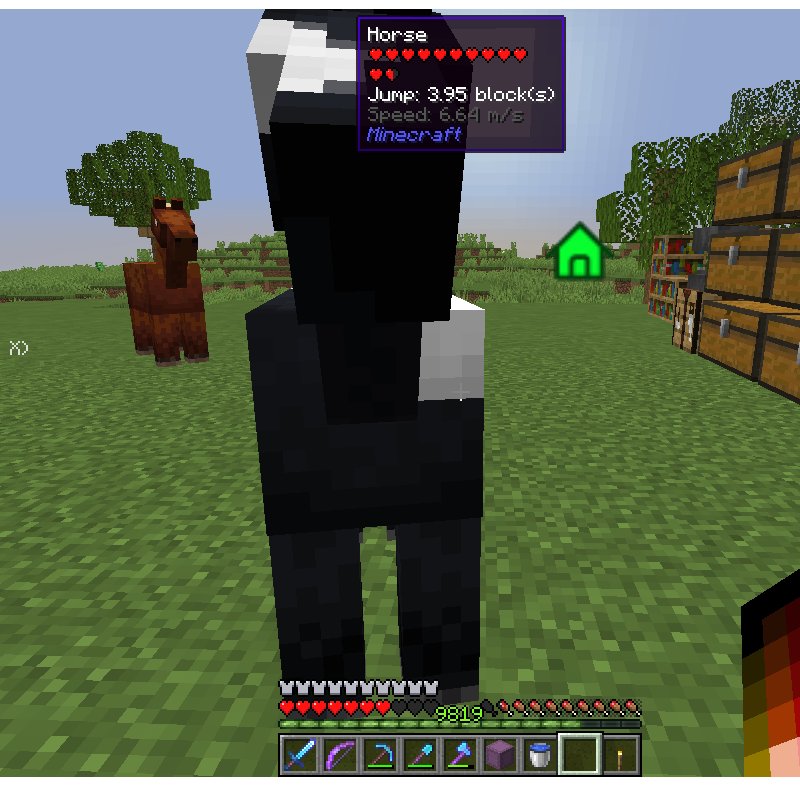
This addon provide horse jump and speed information when looking at any horse.
This addon must be enabled first in Hwyla/WTHIT plugin settings.
- 1. Find minecraft folder
- 2. Open config -> waila -> waila_plugins.json
- 3. Either add these entry at the end or set the corresponding value

You can also use ModMenu instead for easy access in-game
Support:
Mod version 0.3.0-1.17 and later will only work for WTHIT, not Hwyla.
For issues, please use Issues tab, or use Github repo instead.
Please, do not ask for Forge version!
Credits:
The new mod icon and mod project icon are created by Minenash
Minecraft 1.18 and 1.19 support update by Kosma Moczek
New config option "Ignore Mounted Horse" by Tenzin Pelletier
- Edition: Minecraft Java
- File type: .jar
- Minecraft versions listed: 1.19.3, 1.19.2, 1.19.1
- How to install: Install the matching mod loader (Forge, Fabric or NeoForge) for your Minecraft version. → Download the .jar. → Put it in the .minecraft/mods folder and launch that loader profile.
- Where to get it: Opens on CurseForge — not every file is mirrored on our own servers.
Install steps are the general flow for this file type — How to install Minecraft Java mods & modpacks walks through it step by step.
- Ships as hwyla-addon-horseinfo-0.2.2-1.16.1.jar — drop this file into the mods folder
- Download size: 8 KB
- Download link checked 14 Oct 2026 — working
These come from our own check of the pack file, not from the source page.