
Ender Tap Mod
Java mod listed for Minecraft 1.16–1.17. Downloads from the MC Java Mods app on Android.
⬇ Download on CurseForge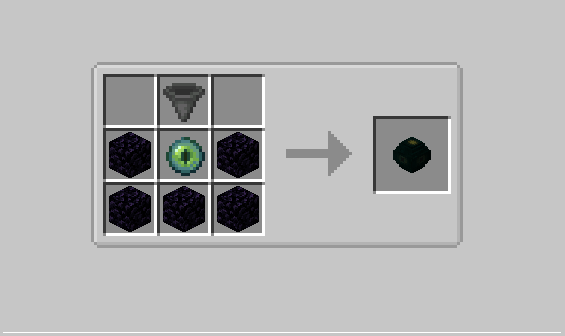
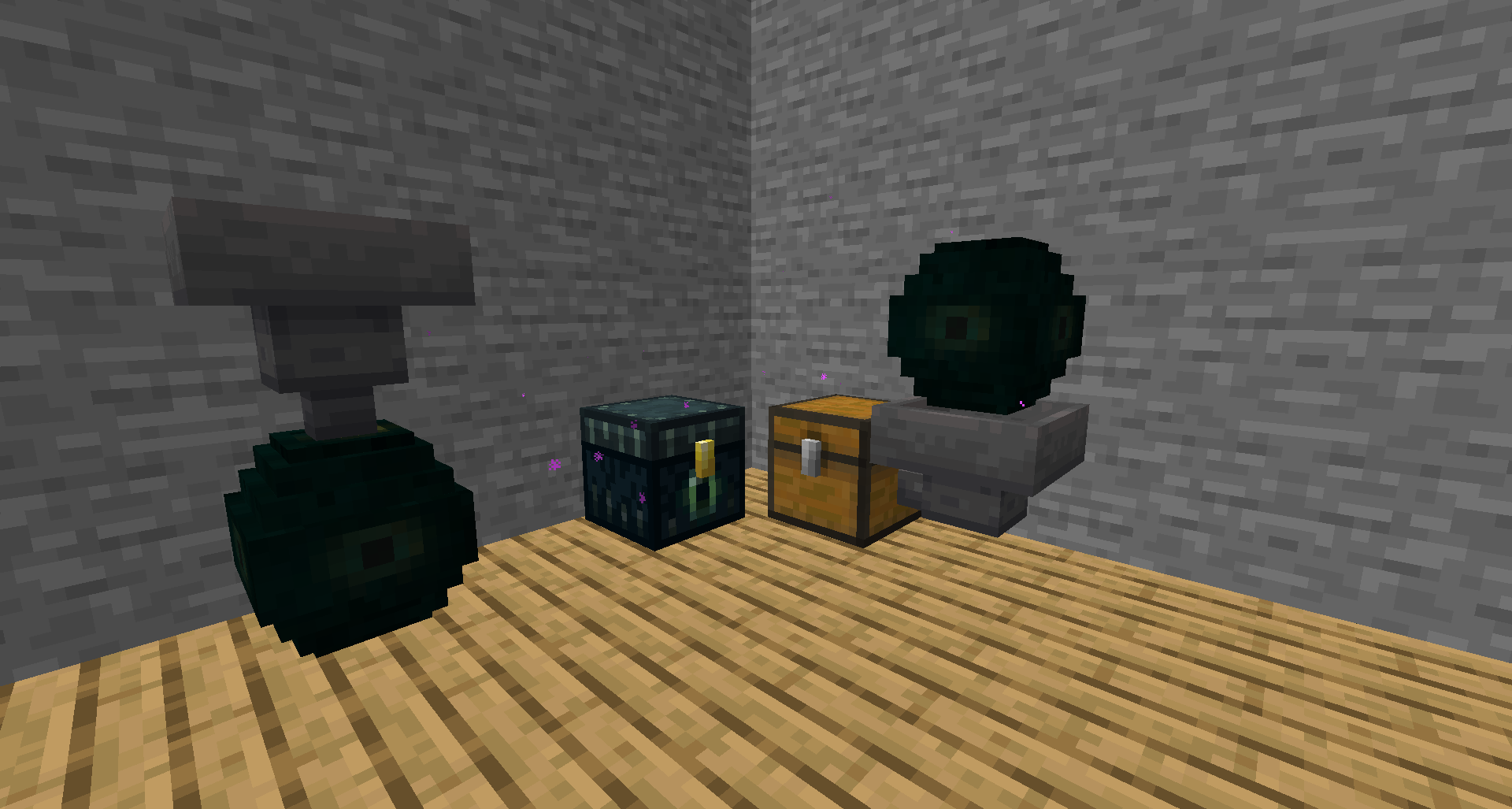
As most people know, the Ender Chest cannot interact with a hopper. The Ender Tap Mod, made with Minecraft Forge, adds a block called the Ender Tap that basically mimics a regular chest, but is attached to the player's Ender Chest inventory. You can use a hopper to put items into or extract items from the Ender Chest inventory. However, you will still need a physical Ender Chest in order to actually see the items in the chest’s inventory.
How to get started:
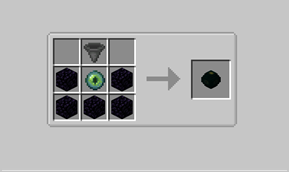
To craft the Ender Tap:
To use the block just sneak and interact with the block just like how you'd open a furnace. This will link your payer's identification to the ender tap block (placing the block in the latest update automatically sets the ender tap to the players identification). Anyone can then place a hopper under the Ender Tap to extract items from the ender chest inventory, or they can place the hopper going into the Ender Tap to insert items into the ender chest
FAQs (that I came up with myself):
Q: Will other players be able to access my Ender Chest while I am not on the server?
A: No, the Ender Tap only works while the player is loaded in the world and the chunk that contains the Ender Tap is loaded.
Q: Am I able to prevent other players from stealing items from my Ender Chest?
A: At least in this version, there is no way to stop other players from using your Ender Tap.
Q: Are other players able to change the player linked to the Ender Tap.
A: Yes, any time a player shift-interacts the block, the block will become linked to that player.
Q: Can you add ___ to the mod?
A: I am always open for suggestions, whether that be to fix a bug or to make the mod more enjoyable.
Please leave a comment and let me know if you like the mod or if I need to change anything. Also I'm aware that the block model looks bad so if you want to make a better looking one for me just let me know. :)
- Edition: Minecraft Java
- File type: .jar
- Minecraft versions listed: 1.17.1, 1.16.5
- How to install: Install the matching mod loader (Forge, Fabric or NeoForge) for your Minecraft version. → Download the .jar. → Put it in the .minecraft/mods folder and launch that loader profile.
- Where to get it: Opens on CurseForge — not every file is mirrored on our own servers.
Install steps are the general flow for this file type — How to install Minecraft Java mods & modpacks walks through it step by step.
- Ships as endertap-1.01.jar — drop this file into the mods folder
- Download size: 35 KB
- Download link checked 14 Oct 2026 — working
These come from our own check of the pack file, not from the source page.