
FurbishCraft
Java mod listed for Minecraft 1.16–1.18. Downloads from the MC Java Mods app on Android.
Furniture mod that adds functional furniture, similar to Decocraft, Bibliocraft, or MrCrayFish's Furniture Mod
I don't know my version or loader
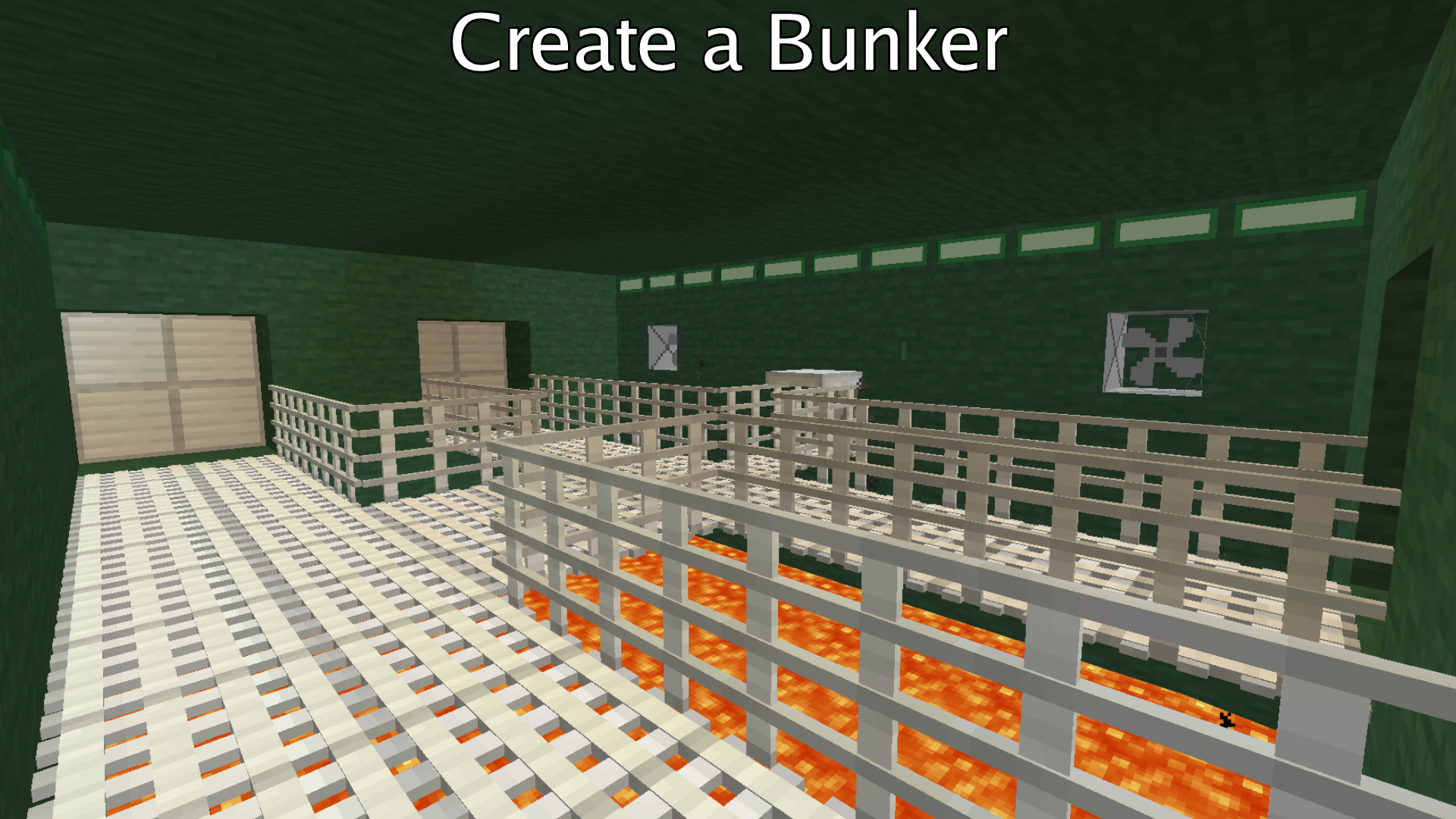
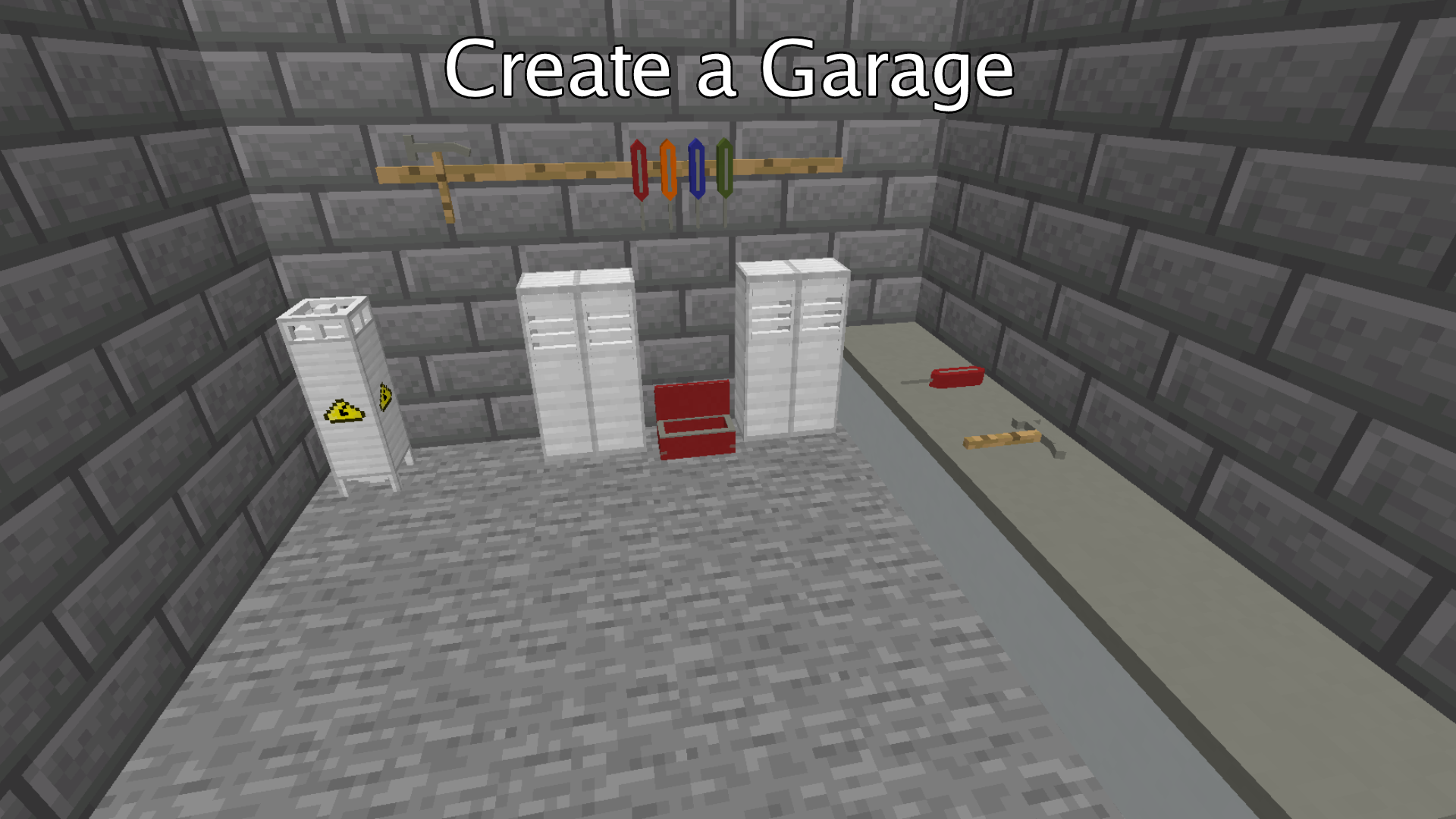
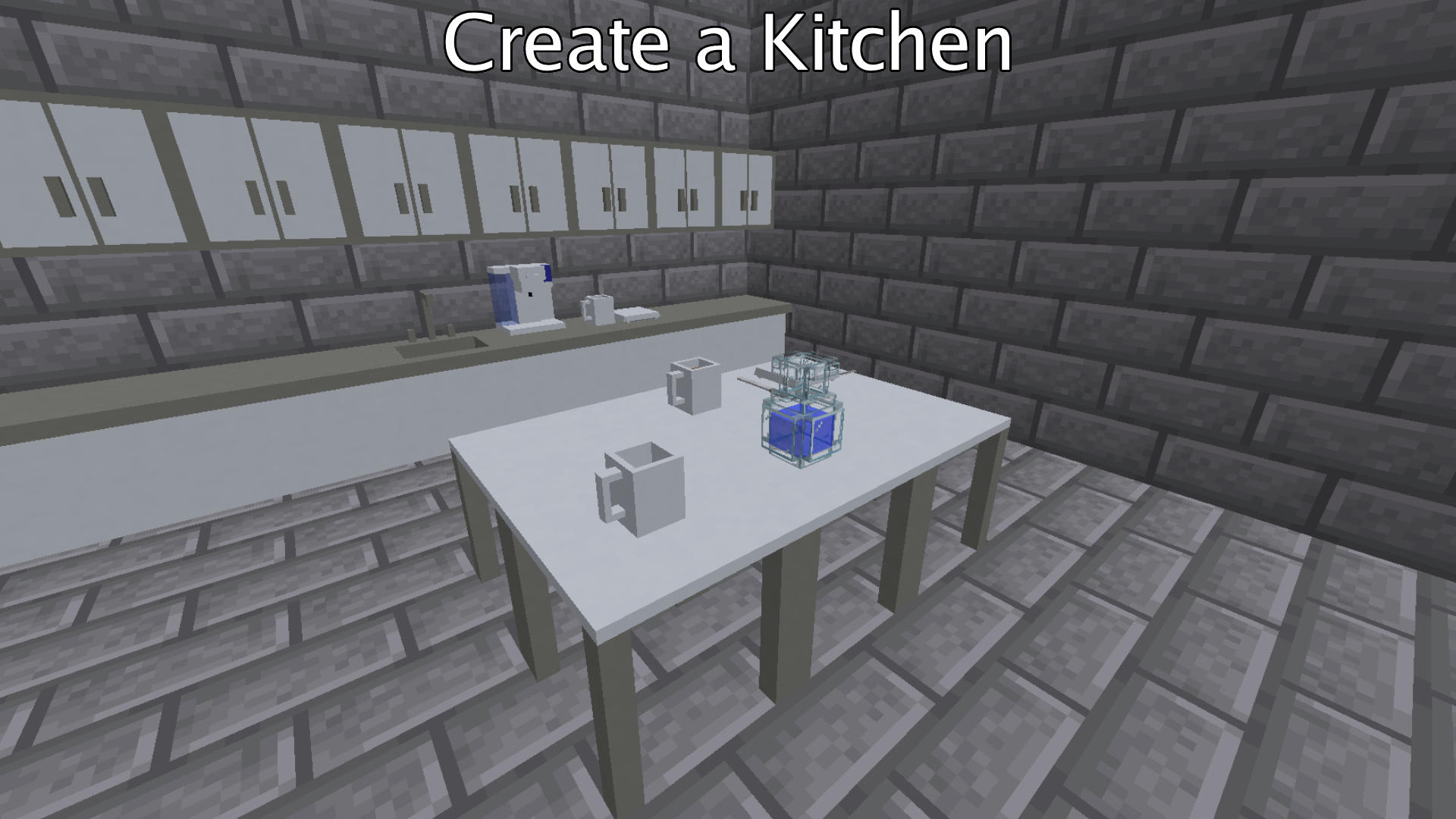
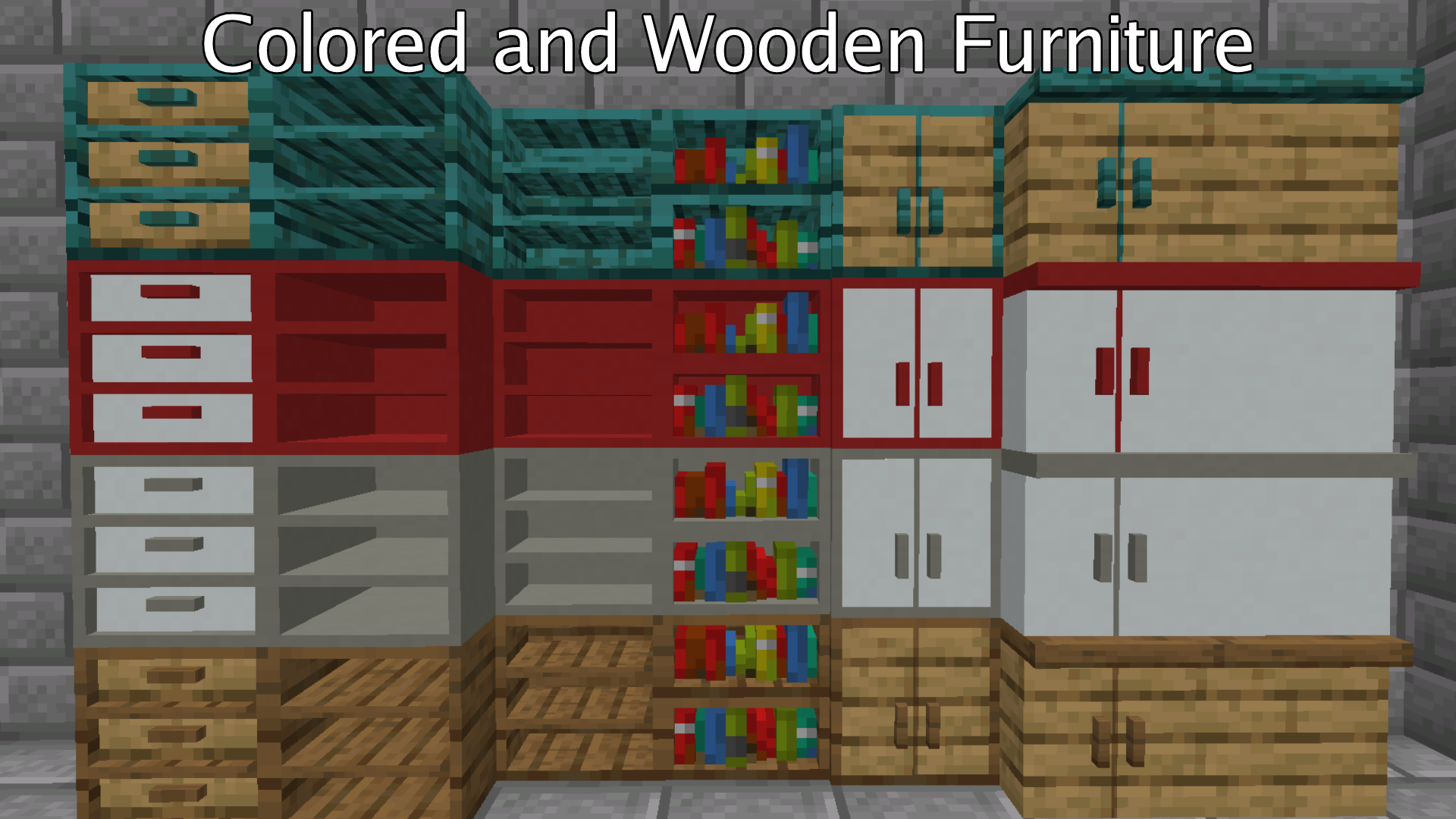
FurbishCraft is a furniture mod that adds a bunch of decoration blocks. FurbishCraft adds blocks such as shelves and kitchen decor. Many of the blocks also come in multiple colors, including being made of wood.
It's recommended that you play this mod along side JEI.
Feel free to use this mod in modpacks, no credit is needed.
This mod is only for forge.
Below are all the items included in the mod (All items listed are for version 1.2.1, other things will be listed under updates):
Shelves:
Shelf, Bookshelf, Half Shelf, Modern Drawer (storage)
Lighting:
Lamp, Light pad
Kitchen Decor:
Fork, Knife, Plate, Coffee Machine, Coffee (drink), Coffee (placeable), Empty Bottle (placeable), Water Bottle (placeable), Counter top, Counter top with Cabinet, Sink, Wall Cabinet, Fridge
Garage Decor:
Water Heater, Tool Box (Left click to open/close), Locker (Right click with another locker to add more storage), Tool Racks (Only works with screwdrivers and hammers), Screwdriver (placeable), Hammer (placeable)
Misc Decor:
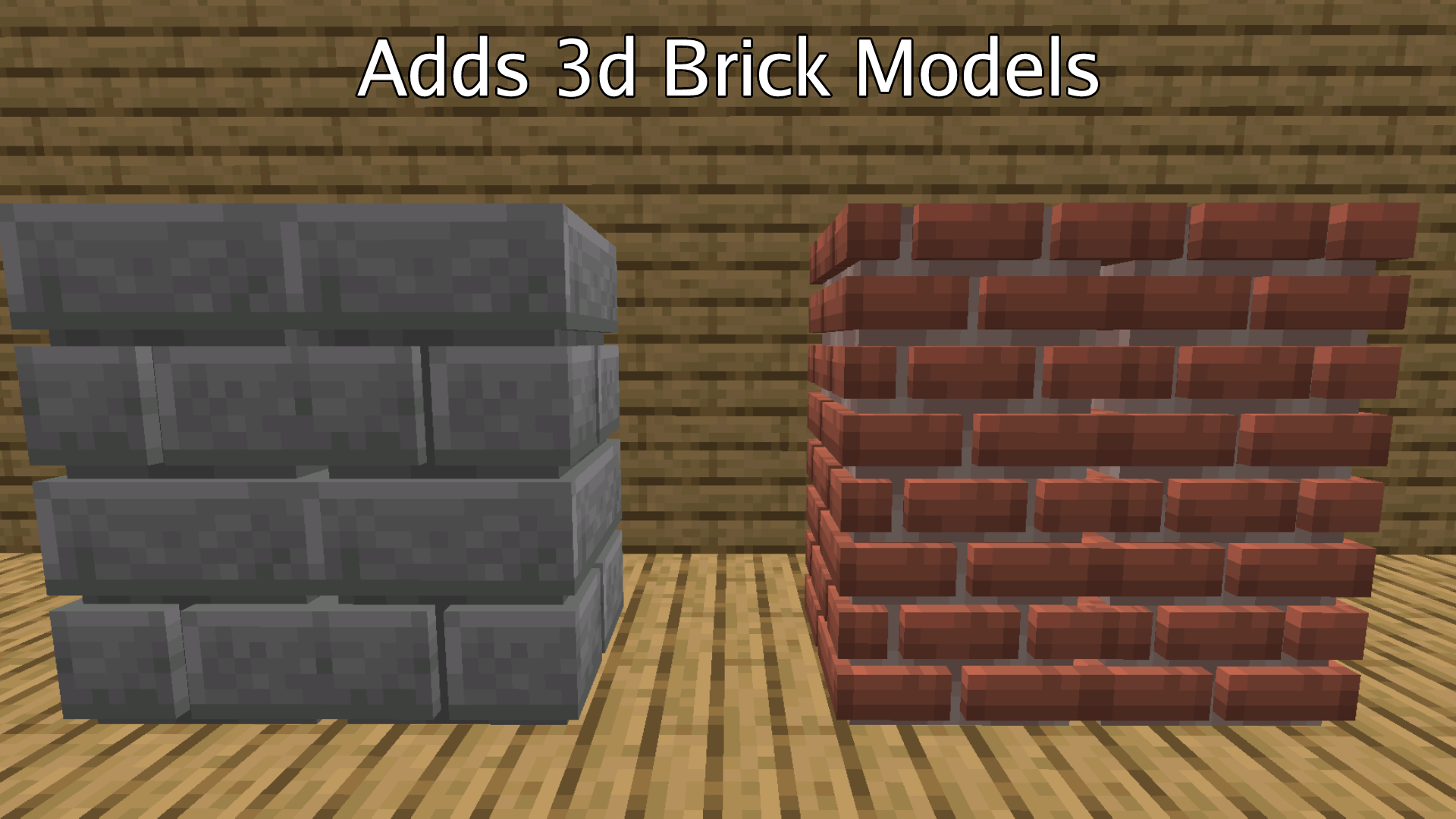
Fancy Bricks, Fancy Stone Bricks, Outlet, TV (Right click to turn on/off)
---UPDATES---
1.1.0:
Added Fridge and TV
The Fridge is made of 2 blocks with separate inventories
The TV can be right clicked to toggle it on or off
1.2.0:
Added the following items:
Water Heater, Tool Box, Locker, Tool Racks, Screwdriver, Hammer
1.3.0:
Adds Bunker Addon:
Bunker Wall: blast resistant, cracks when blown up rather than breaking
Cracked Bunker Wall: weaker version of bunker walls, will break if blown up
Bunker Lights: 4 variations, glow the same as glowstone
Bunker Windows: 2 variations, stylized glass
Vents: 2 variations, open vents have a opening and can be crawled in, closed vents are standard blocks
Vent Cover: Simple vent cover
Vent Fan: connect to open vents, have 5 different speed options, can also be crawled through
Bunker Storage: 3 variations, each have the same storage space
Iron Catwalk: thin iron platform
Iron Fence: 5 variations, go well with iron catwalks
Bunker Ladder: stylized ladder
And bunker stairs, bunker slabs, bunker buttons, and bunker pressure plates
1.3.2:
Adds more Vent variations and enables entering vents by right clicking. Vent variations include a corner, t-shape, and one with no sides.
1.4.0:
Changed wood textures to their 1.15+ variants
Remade bookshelf model and texture
Fixed incorrect names for "Shelf with Storage" and "Sink" blocks
Minor changes to all GUIs
Changed order of items in creative menu
Fixed "Counter Top with Cabinet" model for certain wood types
1.4.1:
Fixed Purple Lamp recipe
Added Plate recipe
Added ability to craft Fancy Stone Bricks, Fancy Bricks, Placeable Water Bottle, and Placeable Bottle back into their normal variants
1.4.2:
Added the TV from the mod's logo as a block
Other minor changes
From now on all updates to the mod will be on 1.16. All updates will be ported to 1.17.1 and 1.18 on later dates.
If you notice any bugs please comment with the mod version and minecraft version
- Edition: Minecraft Java
- File type: .jar
- Minecraft versions listed: 1.18.2, 1.17.1, 1.16.5
- How to install: Install the matching mod loader (Forge, Fabric or NeoForge) for your Minecraft version. → Download the .jar. → Put it in the .minecraft/mods folder and launch that loader profile.
- Where to get it: Opens on CurseForge — not every file is mirrored on our own servers.
Install steps are the general flow for this file type — How to install Minecraft Java mods & modpacks walks through it step by step.
- Ships as FurbishCraft 1.3.0 [1.16.5].jar — drop this file into the mods folder
- Download size: 2.6 MB
- Download link checked 14 Oct 2026 — working
These come from our own check of the pack file, not from the source page.