
Status Tags
Minecraft Java mod. Downloads from the MC Java Mods app on Android.
⬇ Download on CurseForgeStatus Tags
Status Tags adds a new Name Tag for Players.
What is special about it is that it displays additional information about what the player is doing and it can be seen from up to 128 blocks and through walls.
Note: Despite how it may seem, this is NOT a Client-Only mod. The Server is required to send information about what the players are doing.
These are the Status States:
Idle:
This is shown anytime a player doesn't do anything special.

Placing Block:

Breaking Block:

Open GUI:

Sleeping:

Damage Taken:

Attacking:

Eating:

Low Health:
Gets activated when the player has less than 3 Hearts.
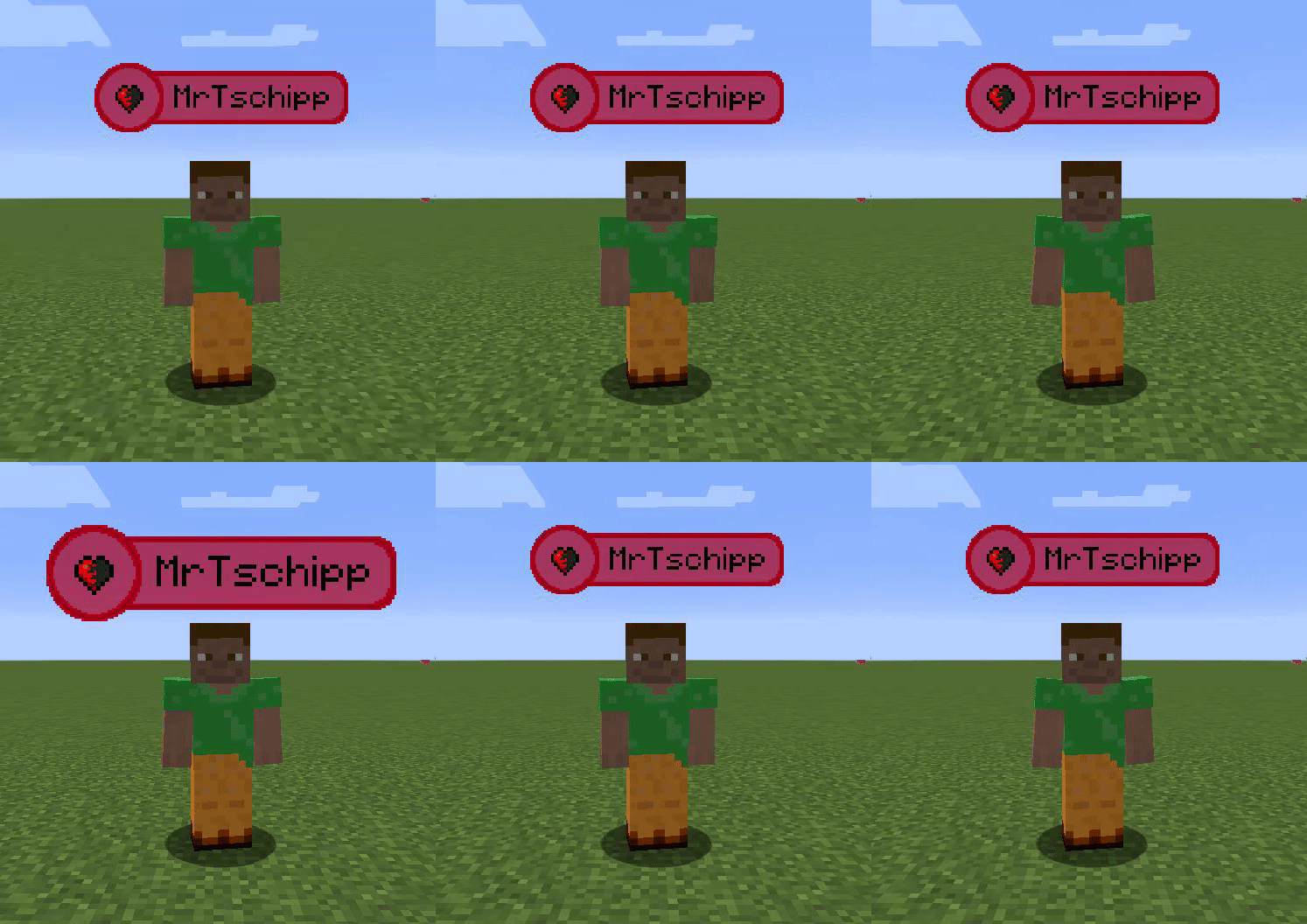
The Colors can be configured and there is an easy API available for Developers to add your own Status Updates.
- Edition: Minecraft Java
- File type: .jar
- How to install: Install the matching mod loader (Forge, Fabric or NeoForge) for your Minecraft version. → Download the .jar. → Put it in the .minecraft/mods folder and launch that loader profile.
- Where to get it: Opens on CurseForge — not every file is mirrored on our own servers.
Install steps are the general flow for this file type — How to install Minecraft Java mods & modpacks walks through it step by step.
- Ships as statustags-1.12.2-1.0.2.7.jar — drop this file into the mods folder
- Download size: 66 KB
- Download link checked 4 Nov 2026 — working
These come from our own check of the pack file, not from the source page.