
ProtoSky
Java mod listed for Minecraft 1.16–1.20. Downloads from the MC Java Mods app on Android.
I don't know my version or loader
Overview
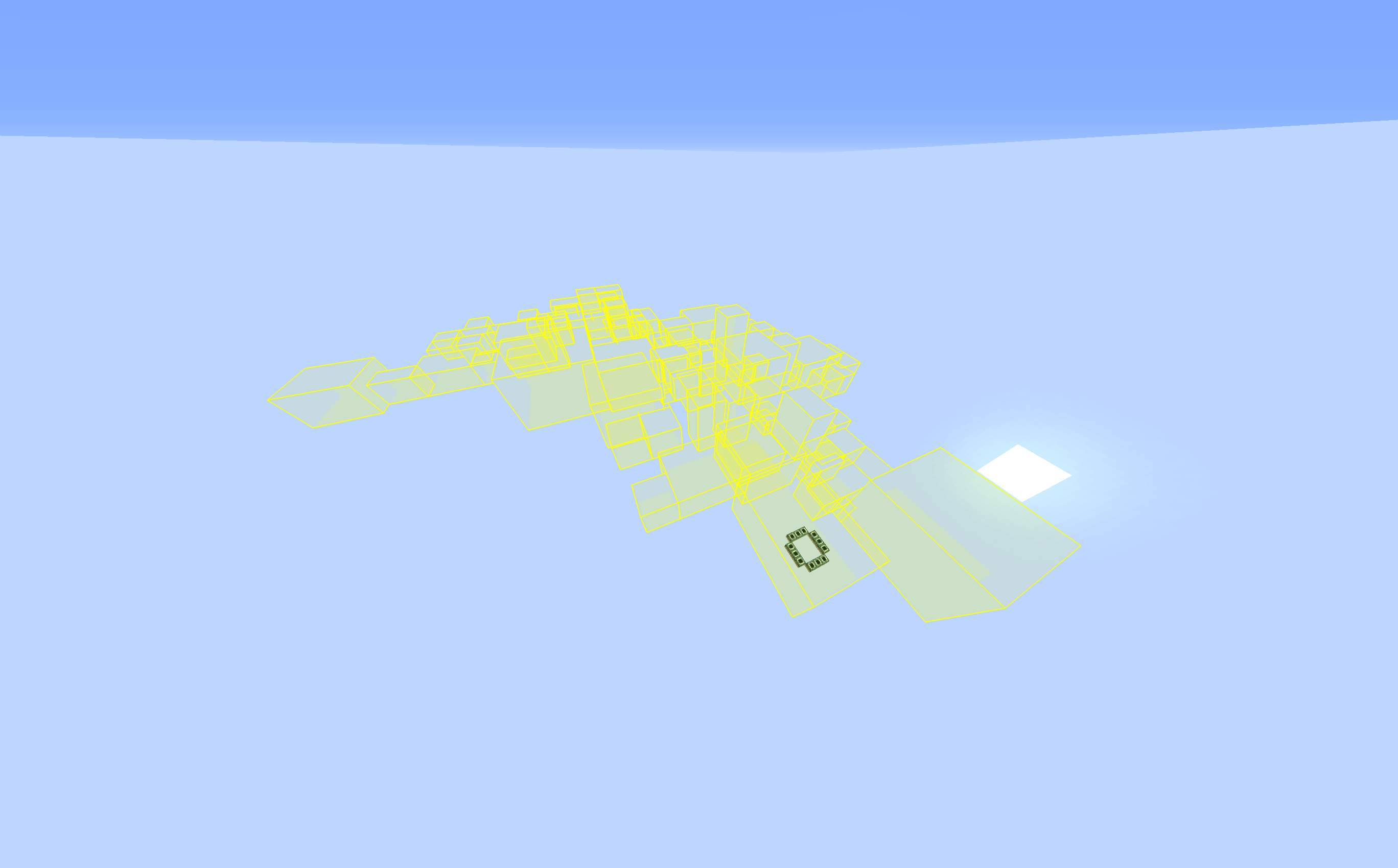
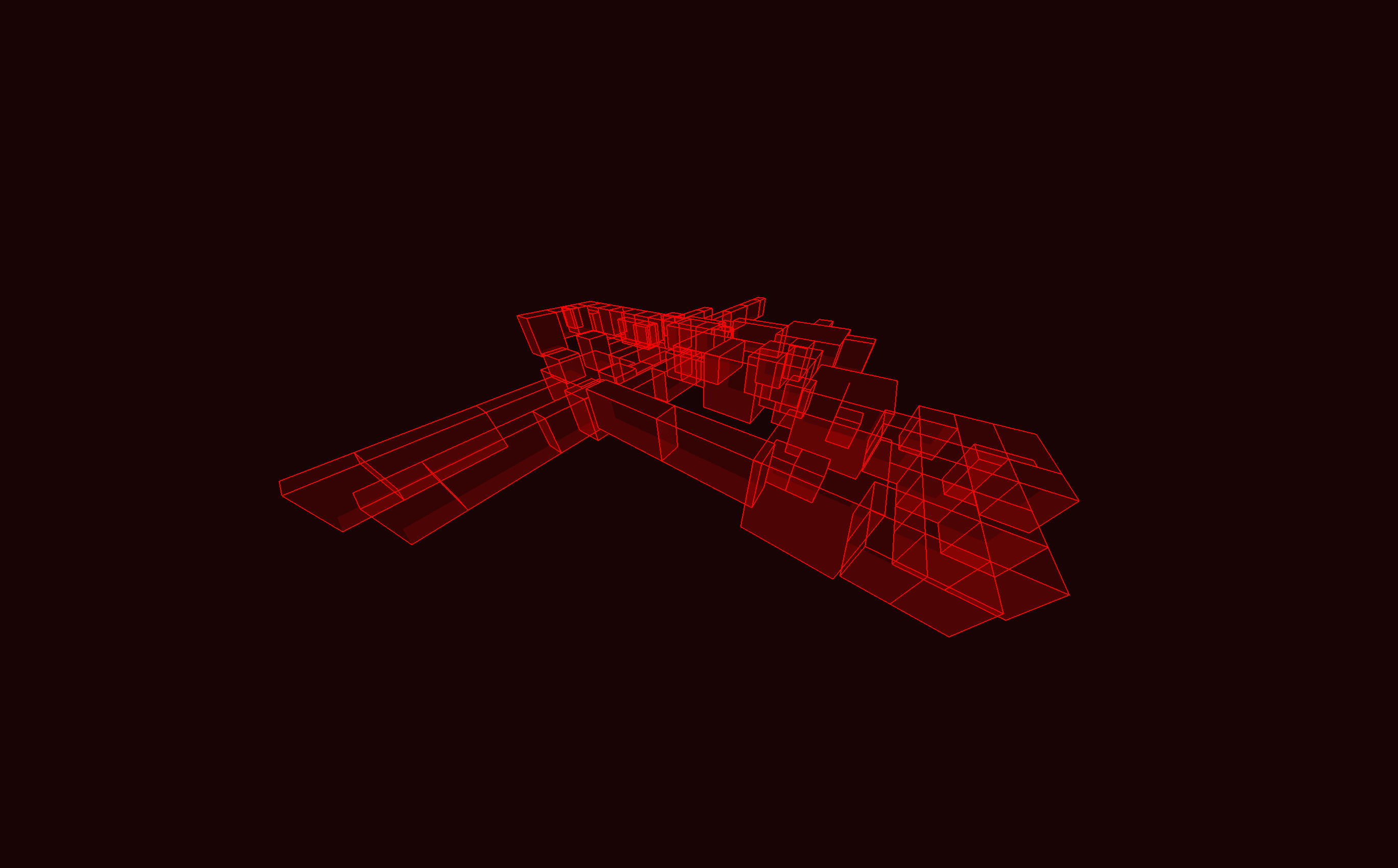
This mod is intended to provide you a world in which you can play "vanilla" skyblock in the style of the ProtoTech server. It deletes (almost) all blocks and entities in the world after they generated. This is done so that the world keeps all structure bounding boxes in their original position.
Some Blocks and Entities are kept:
- End Portal Frames in Strongholds (to enable getting to the end)
- Obsidian Pillars and End Crystals (since they regenerate anyway)
- Exit End Portal (vanilla would generate it below y-level 0)
- Shulkers and Elytra Item Frames in End Cities (since we thought they would be fun!)
Keep in mind that this mod itself doesn't generate any starting blocks! You need to place those yourself. It also doesn't set your world spawn in your nether, you can set your spawn point in the nether yourself, but this will have to be redone whenever you use a bed or respawn anchor.
FAQ
- Q: What mod loader does this use? A: The ProtoSky mod uses the fabric mod loader.
- Q: Why doesn't it delete blocks?
- A: Are you using the Fabric Mod Loader?
- A: Is the mod loading correctly? Check the Minecraft logs and search for
protosky. If you find it, it's working.
If you have any other problems with the mod, read the FAQ and if you can't find your question there then go ask in the SkyTech Discord or use the GitHub issue tracker.
- Edition: Minecraft Java
- File type: .jar
- Minecraft versions listed: 1.20.1, 1.20, 1.19.3
- How to install: Install the matching mod loader (Forge, Fabric or NeoForge) for your Minecraft version. → Download the .jar. → Put it in the .minecraft/mods folder and launch that loader profile.
- Where to get it: Opens on CurseForge — not every file is mirrored on our own servers.
Install steps are the general flow for this file type — How to install Minecraft Java mods & modpacks walks through it step by step.
- Ships as protosky-1.1.4.jar — drop this file into the mods folder
- Download size: 17 KB
- Download link checked 14 Oct 2026 — working
These come from our own check of the pack file, not from the source page.