
Kaleido (Discontinued)
Java mod listed for Minecraft 1.16. Downloads from the MC Java Mods app on Android.
⬇ Download on CurseForgeThe author built this one for Minecraft 1.16.5 on Forge. On other versions it may install and then do nothing.
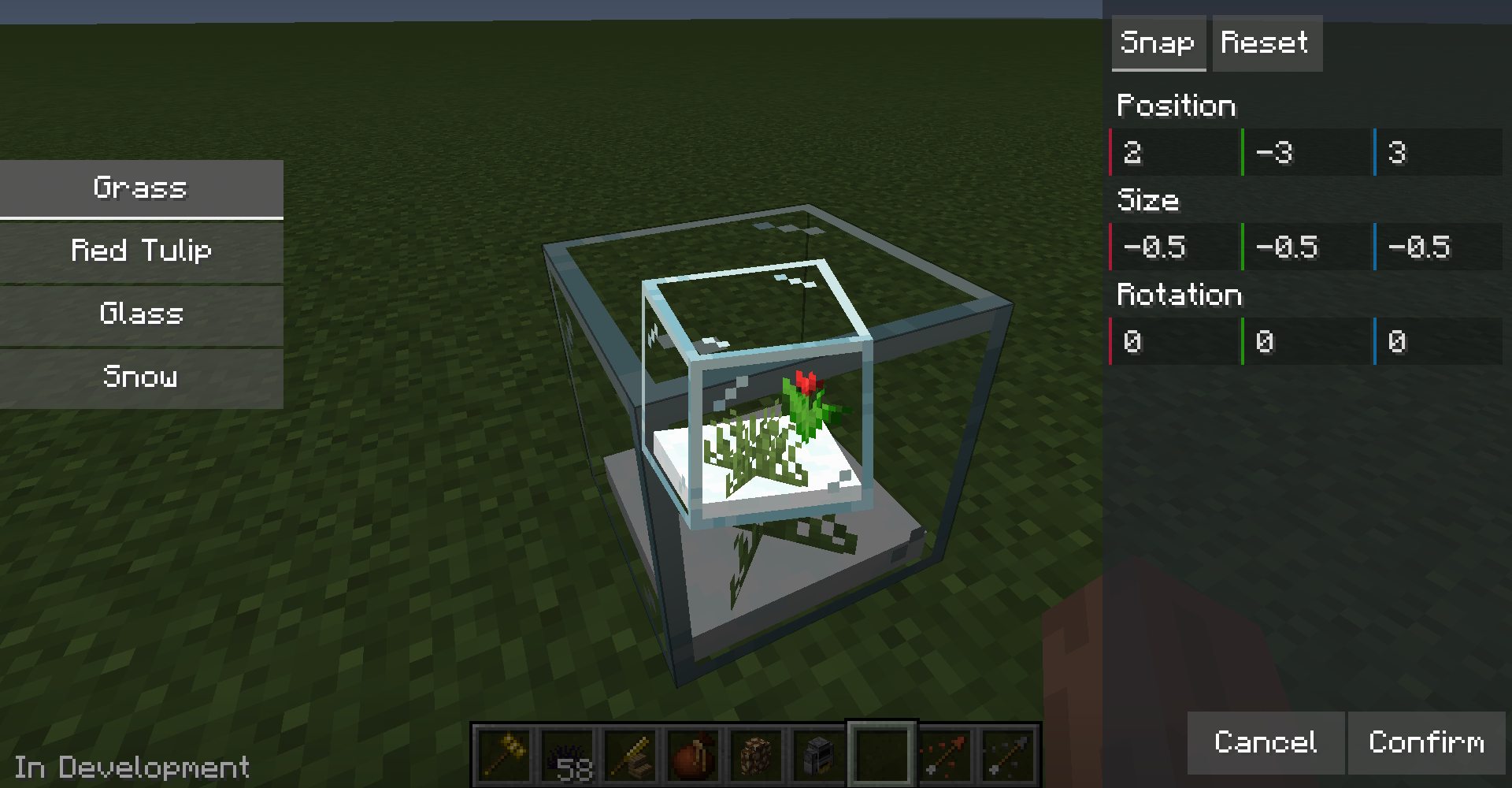
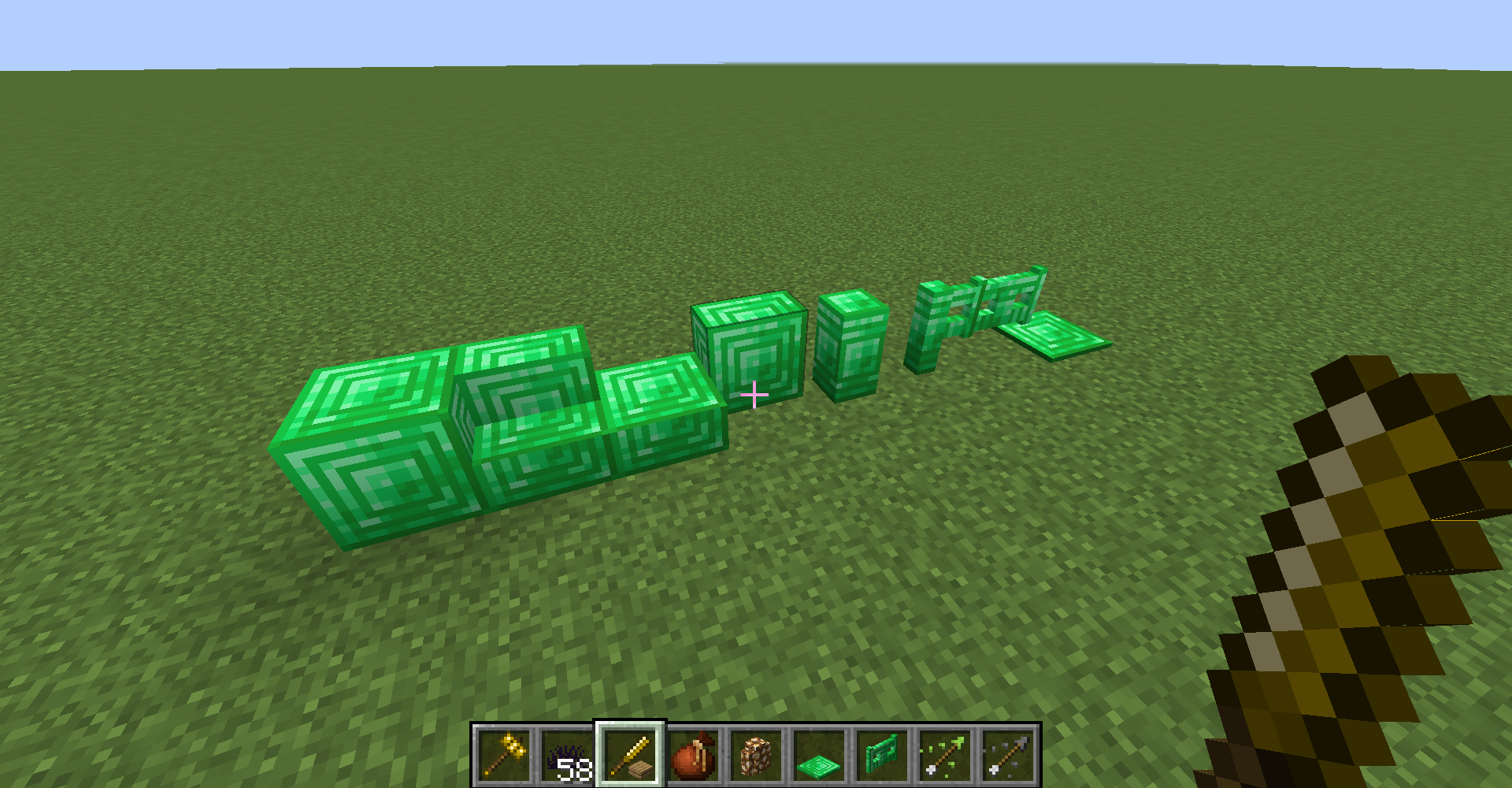
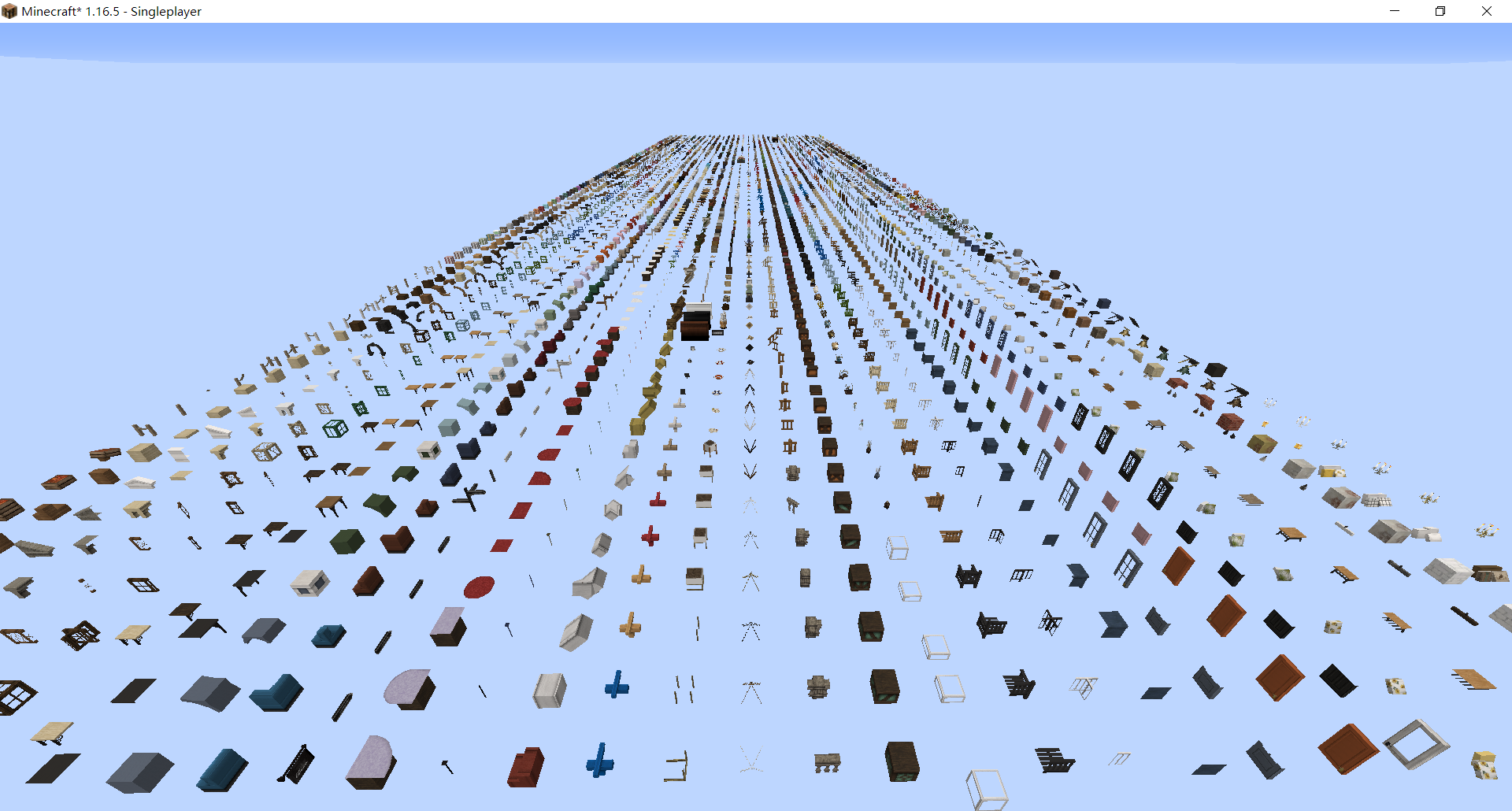
Kaleido is a Forge mod that allows you to dynamically import customized blocks and items via data pack and resource pack.
For customizing blocks please check our wiki.
Environments
- Forge 1.16.5 latest
- Kiwi latest
Importing Blocks
- After first time launching game, a
kaleido-loaderfolder will be generated in your game folder. Put your datapack in it, it will load packs globally. - Put resource packs in
resourcepacksfolder and enable it in options. - Enter world
- Now you should be able to find your newly-added blocks in decorations creative inventory tab. Or use Kaleido's woodworking bench.
Note: Kaleido is not responsible for the problems caused by the version update. Please backup before updating.

Importing Cocricot Mod Blocks
- Download Java 1.12.2-Resourcepack & Mod from Cocricot official website
- Extract the mod from the zip file and put it into the resourcepacks folder. If you want to use the vanilla resource pack provided by Cocricot, it is recommended to use the 1.16.1 version.
- Download and install the Kaleido-Cocricot compatibility packs. Just like steps in Importing Blocks section.
- All done!

Importing Yuushya Townscape Blocks
- Download Yuushya Townscape and Yuushya 16x
- Put the mod file and resourcepack into the resourcepacks folder.
- Download and install Kaleido - Yuushya Townscape Data and Kaleido - Yuushya Townscape Resources. Just like steps in Importing Blocks section.
- All done!
Note: There are still some problems with Cocricot and Yuushya support. Welcome to send a PR to the conversion script to fix the problems.
- Edition: Minecraft Java
- File type: .jar
- Minecraft version listed: 1.16.5
- How to install: Install the matching mod loader (Forge, Fabric or NeoForge) for your Minecraft version. → Download the .jar. → Put it in the .minecraft/mods folder and launch that loader profile.
- Where to get it: Opens on CurseForge — not every file is mirrored on our own servers.
Install steps are the general flow for this file type — How to install Minecraft Java mods & modpacks walks through it step by step.
- Ships as Kaleido-1.16.5-2.7.1.jar — drop this file into the mods folder
- Download size: 519 KB
- Download link checked 14 Oct 2026 — working
These come from our own check of the pack file, not from the source page.