Pick-BlockState
Java mod listed for Minecraft 1.16–1.21. Downloads from the MC Java Mods app on Android.
I don't know my version or loader

For a more advance version, look at Pick Block Pro by Sjouwer!
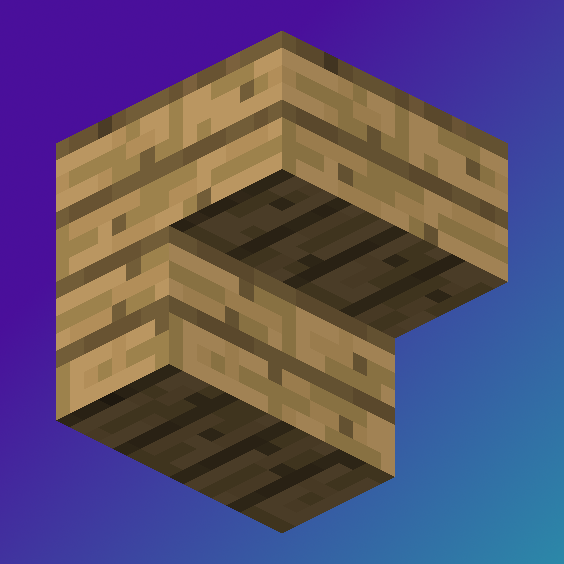
In vanilla, you can pick-block (default Middle-Click). If you in creative mode and hold Ctrl while you pick-block a Block Entity (Chests, Hoppers, Droppers, Furnaces, Campfires, etc.) you get an item with the data associated with it (like what's in a chest). With this mod, if the block you ctrl + pick-block isn't a Block Entity then it will copy it's block state (the direction it's facing, if a redstone powered device is on/off, if a campfire is lit, if a block is water logged, etc). For example stairs: If you ctrl + pick-block an upside down, west facing stair, then no matter which way you're facing, it'll always be upside down, facing west.
- Edition: Minecraft Java
- File type: .jar
- Minecraft versions listed: 1.21, 1.21.3, 1.21.1
- How to install: Install the matching mod loader (Forge, Fabric or NeoForge) for your Minecraft version. → Download the .jar. → Put it in the .minecraft/mods folder and launch that loader profile.
- Where to get it: Opens on CurseForge — not every file is mirrored on our own servers.
Install steps are the general flow for this file type — How to install Minecraft Java mods & modpacks walks through it step by step.
- Ships as pickblockstate-1.0.0+1.21.jar — drop this file into the mods folder
- Download size: 9 KB
- Download link checked 14 Oct 2026 — working
These come from our own check of the pack file, not from the source page.