Zot's Only Silver
Java mod listed for Minecraft 1.16–1.20. Downloads from the MC Java Mods app on Android.
I don't know my version or loader
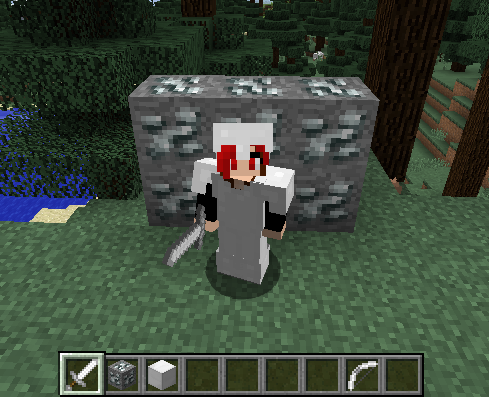
Back in the day, the original Simple Ores from Minecraft 1.5.2 or earlier had silver ore instead of tin ore. The original author, AleXndrtheGr8st/Skrallexy, removed silver ore and replaced it with tin ore in Minecraft 1.6.4. It turns out that there was still some demand for a silver ore, so Zot201 created Only Silver as an add-on for SimpleOres that put back silver ore and silver tools, and added some enchantments for silver items and, eventually, a silver golem. Zot201 maintained the original OnlySilver through Minecraft 1.7.10, 1.8, 1.9.4, and 1.10.2. Alas, Zot201 is no longer maintaining their old mods. Fortunately, they licensed it with a FOSS (free and open source) license, that allows others to port and modify the original mod.
Not only is silver a metal in demand for many tech mods, OnlySilver (or other source of silver) is also a required dependency for one of akkamaddi's mods that I will be porting, "Silver & Black". Therefore, welcome back "Zot's Only Silver", providing silver ore and tools and other silver things for Simple Ores mods.
For Minecraft 1.14.4 to 1.16.1, OnlySilver is a standalone mod, not dependent on any other mod. (Though JEI, as always, is recommended).
For Minecraft 1.16.3 and later, SimpleCoreLib is a required dependency.
The original version of Only Silver can be found >here<. The original Minecraft Forum thread is >here<.
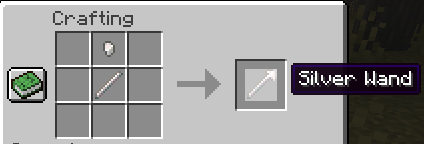
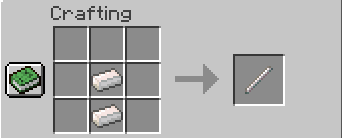
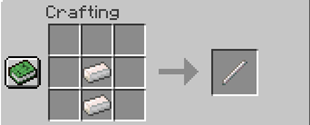
A minor change from the original: building a silver golem requires the use of a silver wand. First, create a silver wand from a silver rod and a silver nugget:
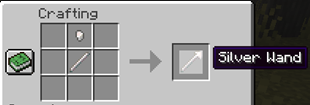
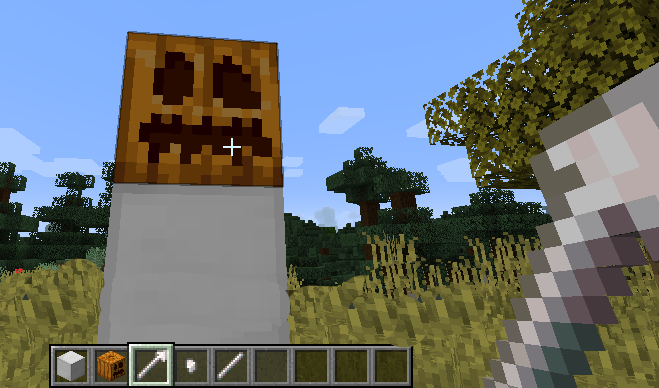
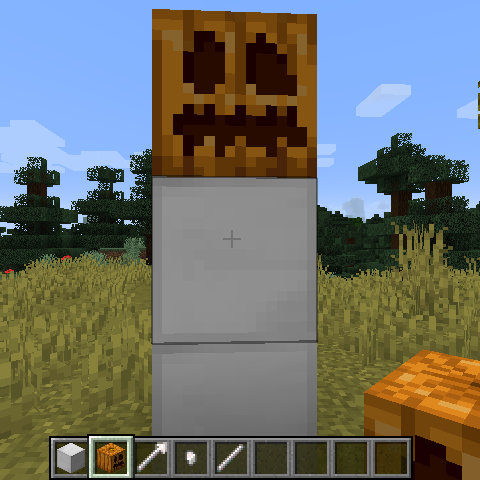
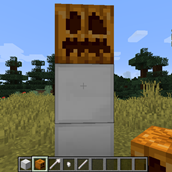
Build your golem pattern with 1 silver block and a carved pumpkin/jack o'lantern (image is out-of-date):
 Then click on it with your silver wand: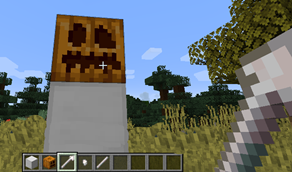
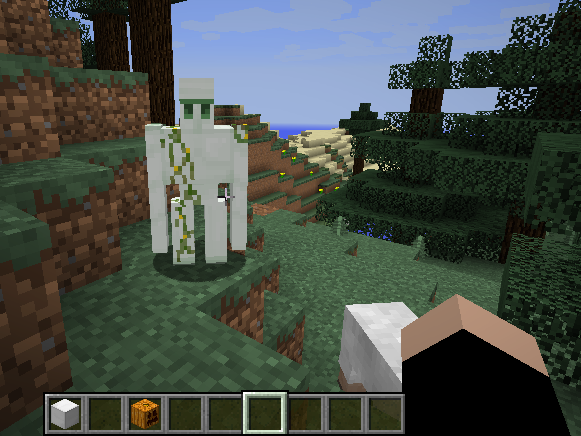
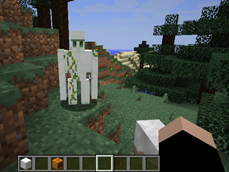
And presto! Silver Golem:
- Edition: Minecraft Java
- File type: .jar
- Minecraft versions listed: 1.20.1, 1.19.2, 1.19
- How to install: Install the matching mod loader (Forge, Fabric or NeoForge) for your Minecraft version. → Download the .jar. → Put it in the .minecraft/mods folder and launch that loader profile.
- Where to get it: Opens on CurseForge — not every file is mirrored on our own servers.
Install steps are the general flow for this file type — How to install Minecraft Java mods & modpacks walks through it step by step.
- Ships as OnlySilver-1.19.2-5.1.0.1.jar — drop this file into the mods folder
- Download size: 222 KB
- Download link checked 14 Oct 2026 — working
These come from our own check of the pack file, not from the source page.