Nicephore (better screenshots)
Java mod listed for Minecraft 1.16–1.20. Downloads from the MC Java Mods app on Android.
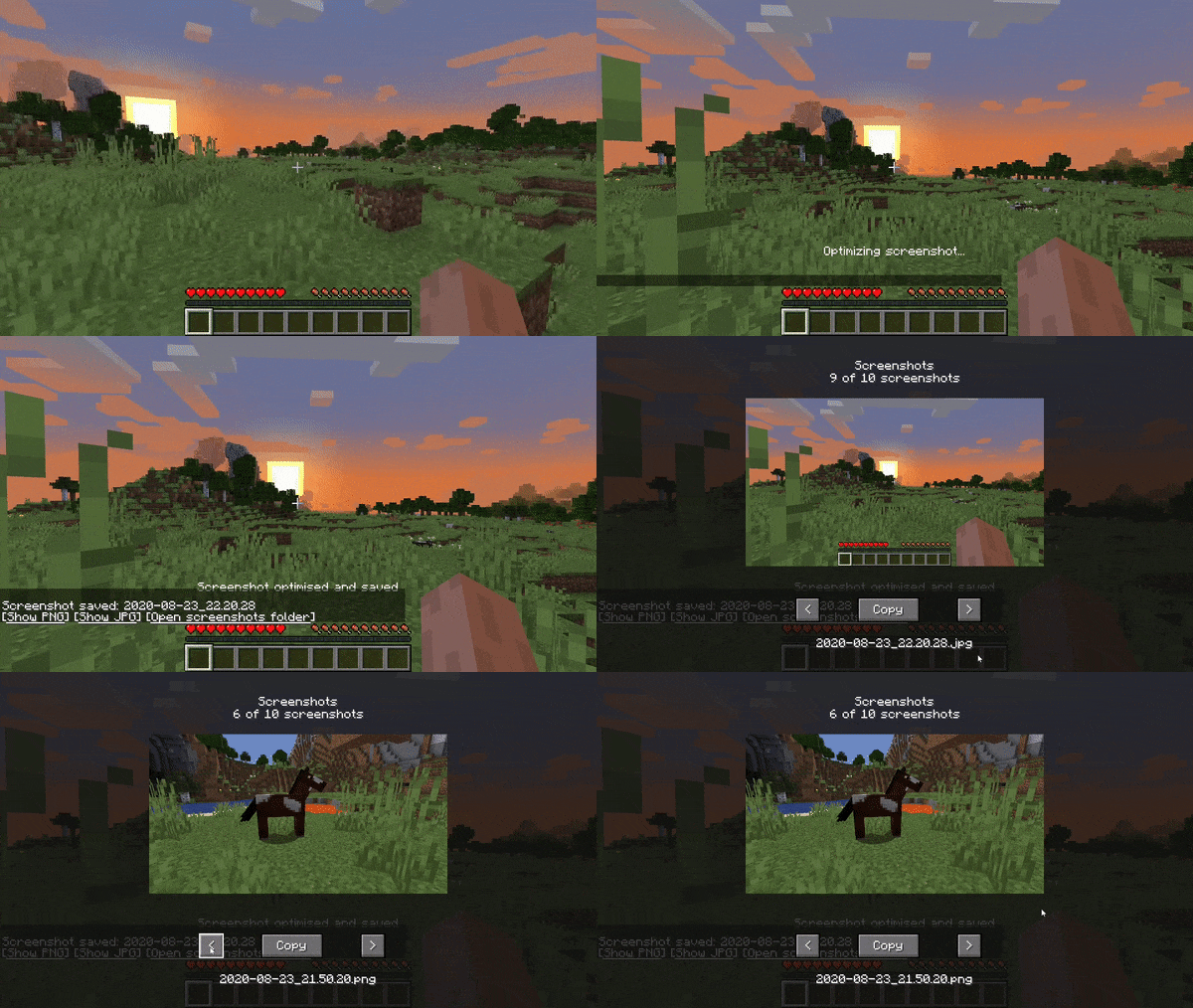
Nicephore is a Minecraft mod which convert any screenshot taken to JPEG, and add some useful tools to share these screenshots
I don't know my version or loader
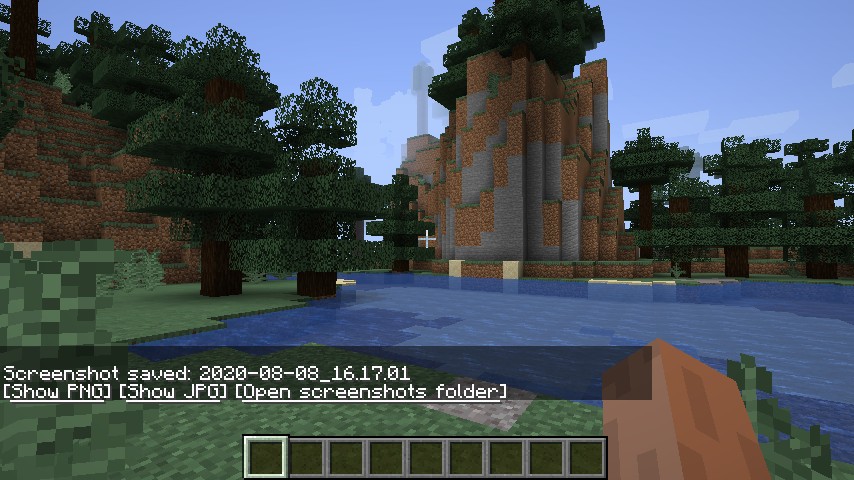
Take better screenshots in Minecraft.
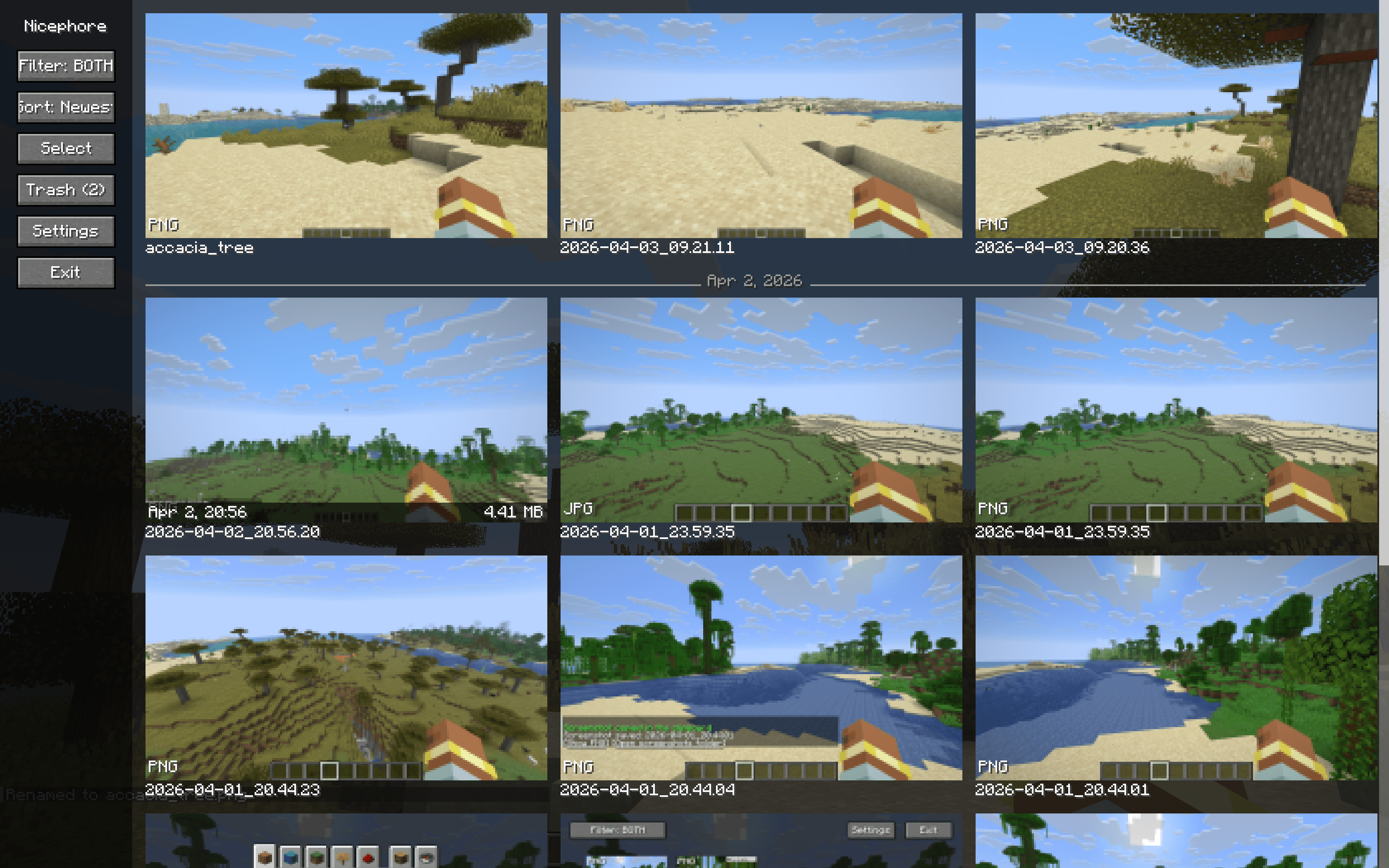
Nicephore enhances Minecraft's built-in screenshot system with a full-featured gallery, image optimization, and clipboard integration — all without leaving the game.
Gallery
Browse all your screenshots in an infinite-scroll gallery with a clean sidebar layout. Thumbnails load on-the-fly, so it handles hundreds or even thousands of screenshots without breaking a sweat.
- Infinite scroll — no more clicking through pages
- Sort by date — newest or oldest first, with subtle day separator lines
- Filter by format — show PNG, JPEG, or both
- Hover info — date and file size on mouse-over
- Configurable grid — auto-fit or set 2–6 columns
Screenshot Management
- Detail view — view any screenshot full-size with one click
- Copy to clipboard — copy screenshots directly (Windows & macOS)
- Rename — rename screenshots from the detail view
- Trash system — move screenshots to trash instead of deleting permanently, with restore and auto-cleanup after 30 days
- Bulk operations — select multiple screenshots and trash them at once
Image Optimization
Nicephore can automatically optimize your screenshots for smaller file sizes with no quality loss:
- PNG optimization via oxipng
- JPEG creation — optionally save a compressed JPEG copy alongside the PNG for easy sharing
- JPEG optimization via ECT
Keybindings
| Key | Action |
|---|---|
Ctrl+C |
Copy last screenshot to clipboard |
Ctrl+S |
Open screenshot detail view |
Ctrl+G |
Open gallery |
Configuration
All settings are accessible in-game via the gallery sidebar:
- Toggle JPEG creation
- Toggle optimization
- Toggle clipboard auto-copy
- Toggle custom screenshot message
- Adjust gallery column count
- Set PNG optimization level
- Set JPEG compression quality
Client-side only. No server required.
Do not hesitate to join our Discord here
- Edition: Minecraft Java
- File type: .jar
- Minecraft versions listed: 1.20.1, 1.19.4, 1.19.3
- How to install: Install the matching mod loader (Forge, Fabric or NeoForge) for your Minecraft version. → Download the .jar. → Put it in the .minecraft/mods folder and launch that loader profile.
- Where to get it: Opens on CurseForge — not every file is mirrored on our own servers.
Install steps are the general flow for this file type — How to install Minecraft Java mods & modpacks walks through it step by step.
- Ships as nicephore-1.18.x-1.2.0.jar — drop this file into the mods folder
- Download size: 54 KB
- Download link checked 23 Sept 2026 — working
These come from our own check of the pack file, not from the source page.