MuchMoreSymbols - Mystcraft add-on
Minecraft Java mod. Downloads from the MC Java Mods app on Android.
⬇ Download on CurseForge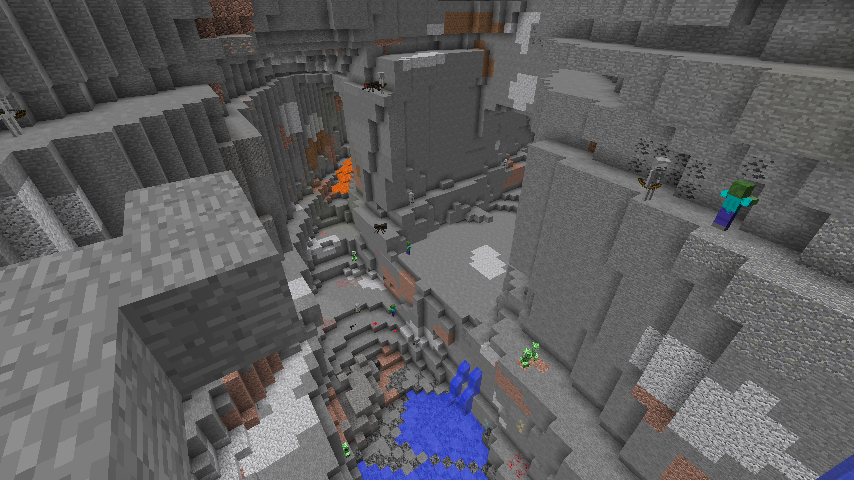
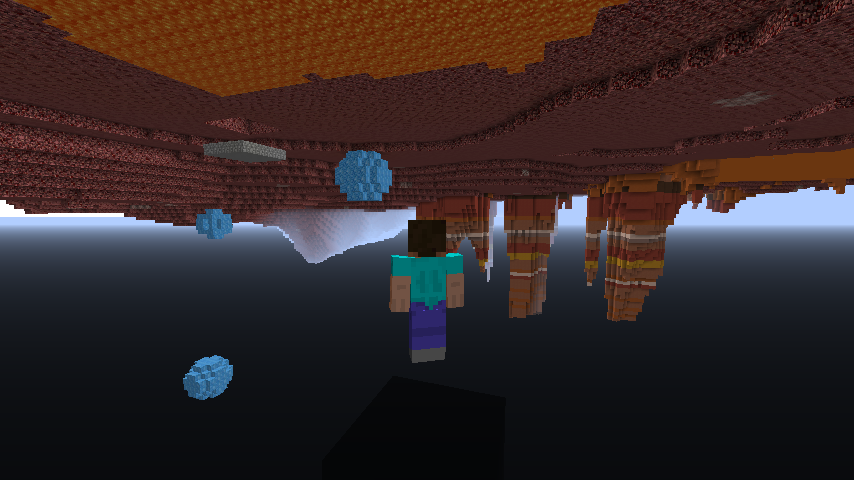
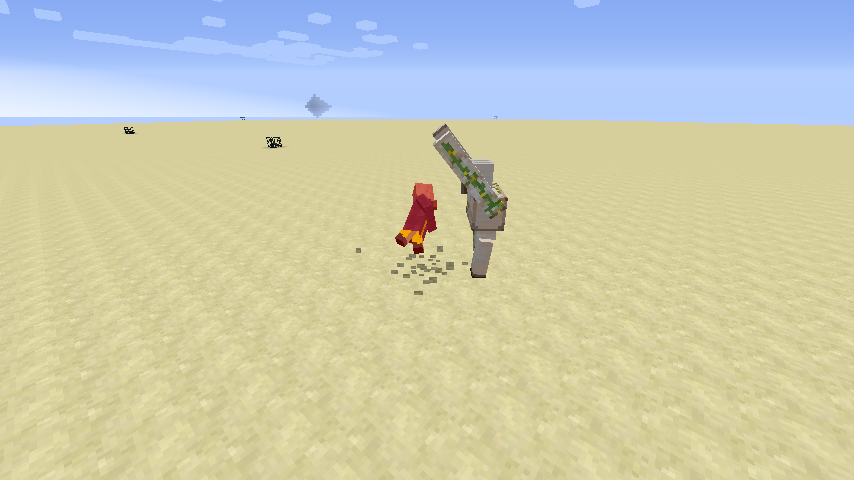
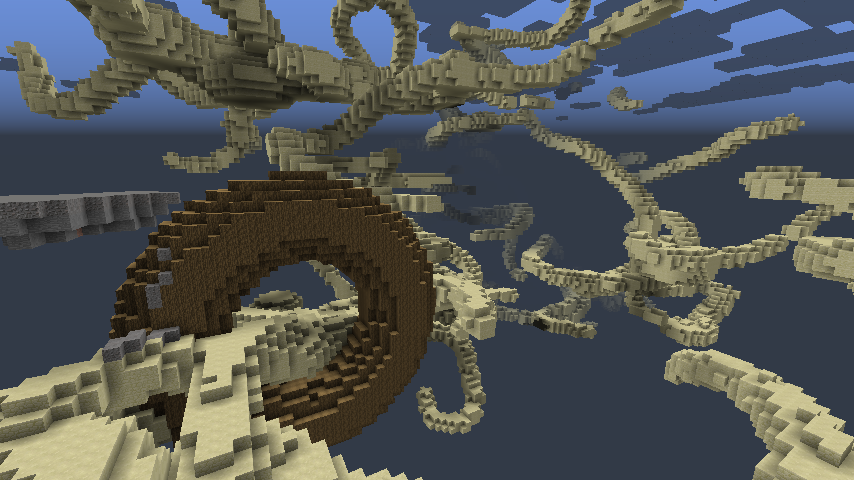
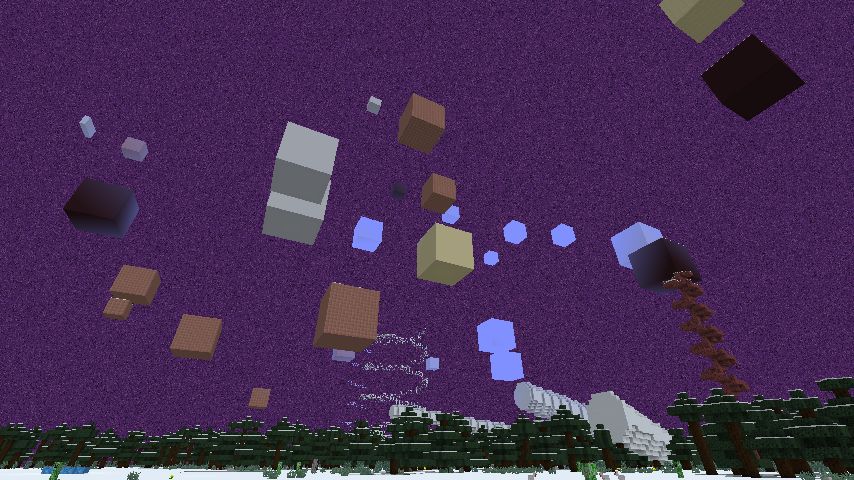
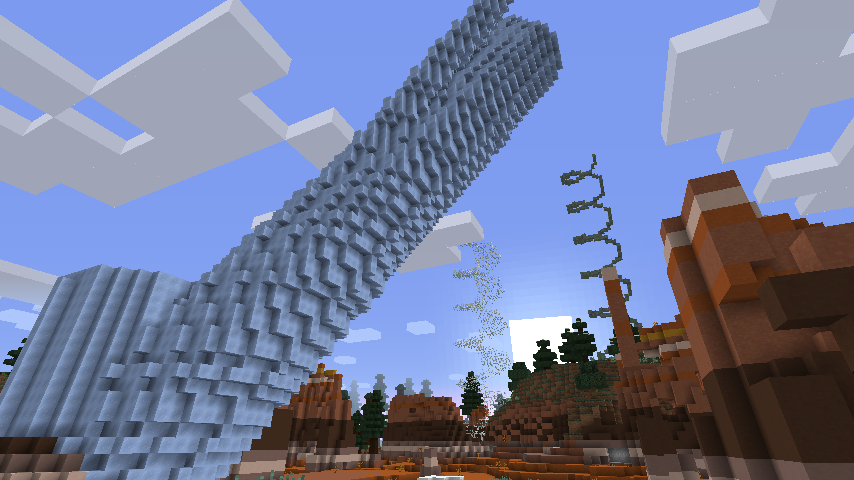
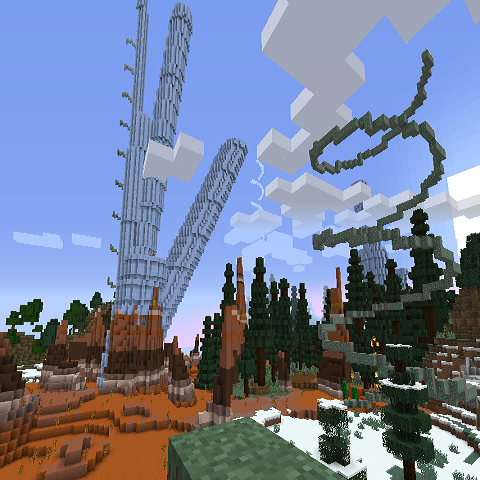
Adds symbols that creates big structures, inverse world etc...
How to use?
You can find new symbols by exploring some white Descriptive Book but you can also generate the ages with them by putting newly added pages in your Descriptive Book.
What do I need?
Essentials
Minecraft Forge -> http://files.minecraftforge.net/
Mystcraft -> https://www.curseforge.com/minecraft/mc-mods/mystcraft
MystLibrary -> https://www.curseforge.com/minecraft/mc-mods/mystlibrary
Optionals
Linking Through the Ages (Beginners guide of Mystcraft) -> https://www.curseforge.com/minecraft/mc-mods/ltta
More Mystcraft( More symbols focused on visuals ) -> https://www.curseforge.com/minecraft/mc-mods/more-mystcraft
Pages ( More symbols focused on collaboration with AE2 , EnderIO etc... ) -> https://www.curseforge.com/minecraft/mc-mods/pages
Screenshots
More screenshots in "Images" page!
Grammar
Modifiers
Floating / Grounded ... Following objects are floating / grounded
Objects
<>...Essential []...Optional
*Cylinders : [Blocks][Floating][Length][Phases][Directions]<Cylinder>
*CylinderCluster : [Blocks][Floating][Length][Phases][Directions]<CylinderCluster>
*Torus:[Blocks][Floating][Length][Phases][Directions]<Torus>
*Cubes : [Blocks][Floating][Length]<Cube>
*Helix : [Blocks][Floating][Length]<Helix>
*HelixStaircase : [Blocks][Floating][Length]<HelixStaircase>
*Rings:[Blocks][Floating][Length]<Rings>
*Octahedron:[Blocks][Floating][Length]<Octahedron>
Effects
*FriendlyField:<FriendlyField>
Slightly increases instability.
*HostileField:<HostileField>
Slightly decreases instability.
*Vulnerability:<Vulnerability>
Decreases instability.
*WitherSpawn:<WitherSpawn>
Significantly decreases instability.
Fields
*MobSpawner:<MobSpawner>
Slightly decreases instability.
Terrain
*Inverse Terrain : <Inverse Terrain>
*Great Ravine : <Great Ravine>
Volunteers needed!
1. Modding supporter(1~2)
Requirements:
>6month minecraft modding experience
English or Japanese skill
Jobs:
Updating mods , Modeling / Building for new mods
2.Web designer (1~2)
Requirement:
Ability to write mod page in Curseforge
English skill
Jobs:
Write mod pages in Curseforge
For application, please send me Private Message on CurseForge !
- Edition: Minecraft Java
- File type: .jar
- How to install: Install the matching mod loader (Forge, Fabric or NeoForge) for your Minecraft version. → Download the .jar. → Put it in the .minecraft/mods folder and launch that loader profile.
- Where to get it: Opens on CurseForge — not every file is mirrored on our own servers.
Install steps are the general flow for this file type — How to install Minecraft Java mods & modpacks walks through it step by step.
- Ships as MuchMoreSymbols_v1.0.0.jar — drop this file into the mods folder
- Download size: 80 KB
- Download link checked 14 Oct 2026 — working
These come from our own check of the pack file, not from the source page.