YDM - Ygo Dueling Mod II
Java mod listed for Minecraft 1.16–1.19. Downloads from the MC Java Mods app on Android.
The Ygo Dueling Mod for Minecraft aims to reflect the real life TCG experience in a 3D open world game by not only adding the cards but also the packs and…
I don't know my version or loader
About
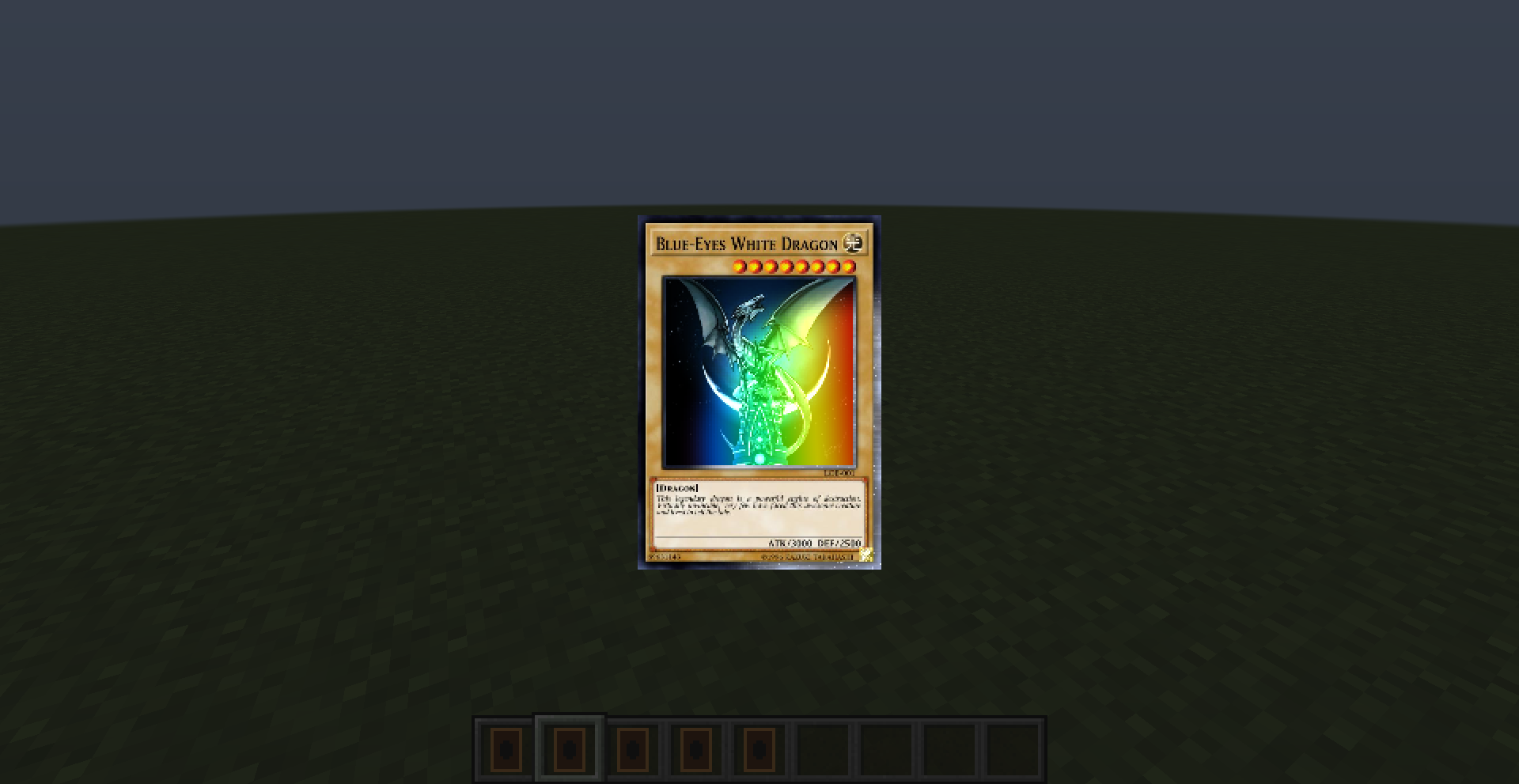
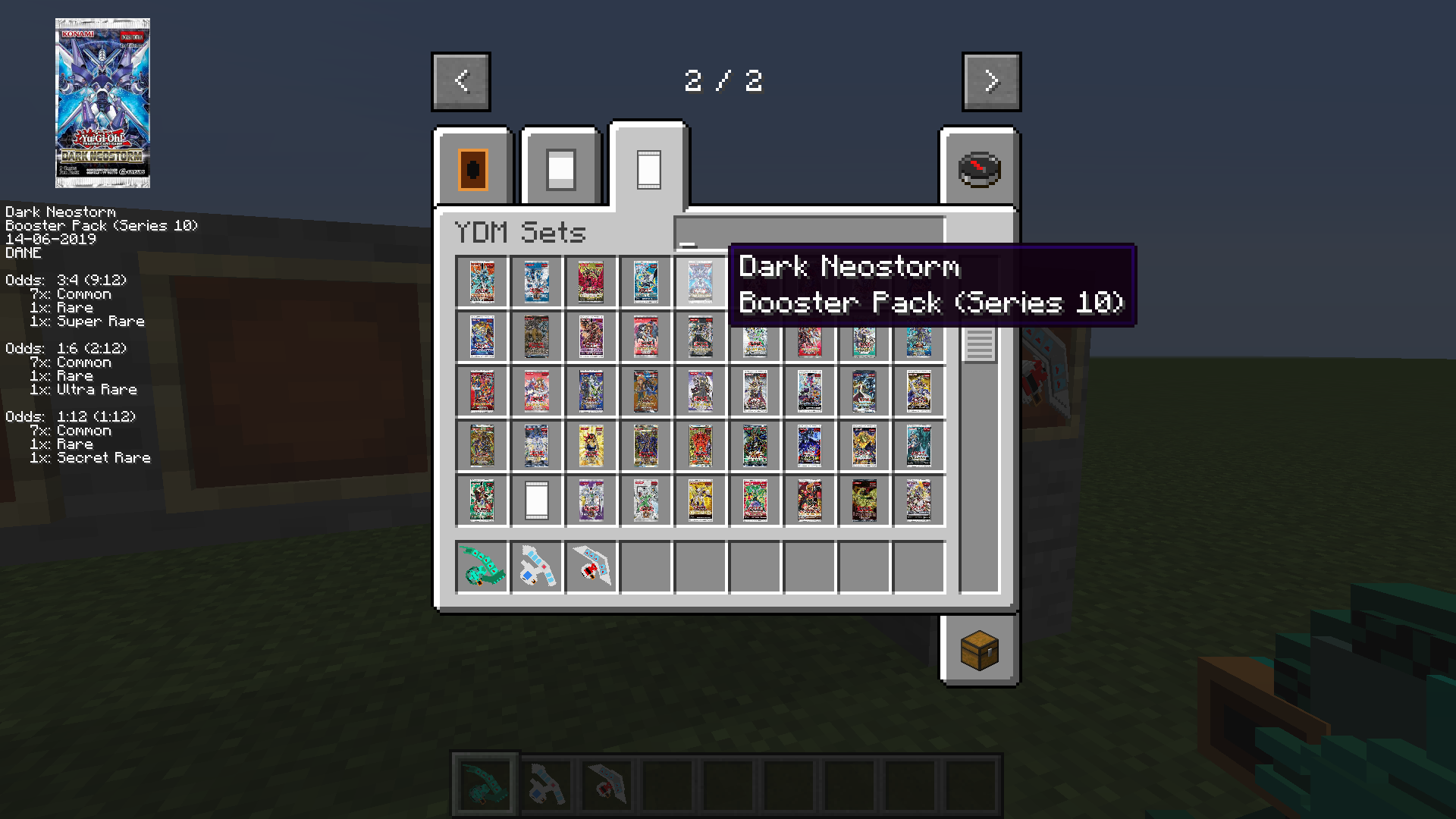
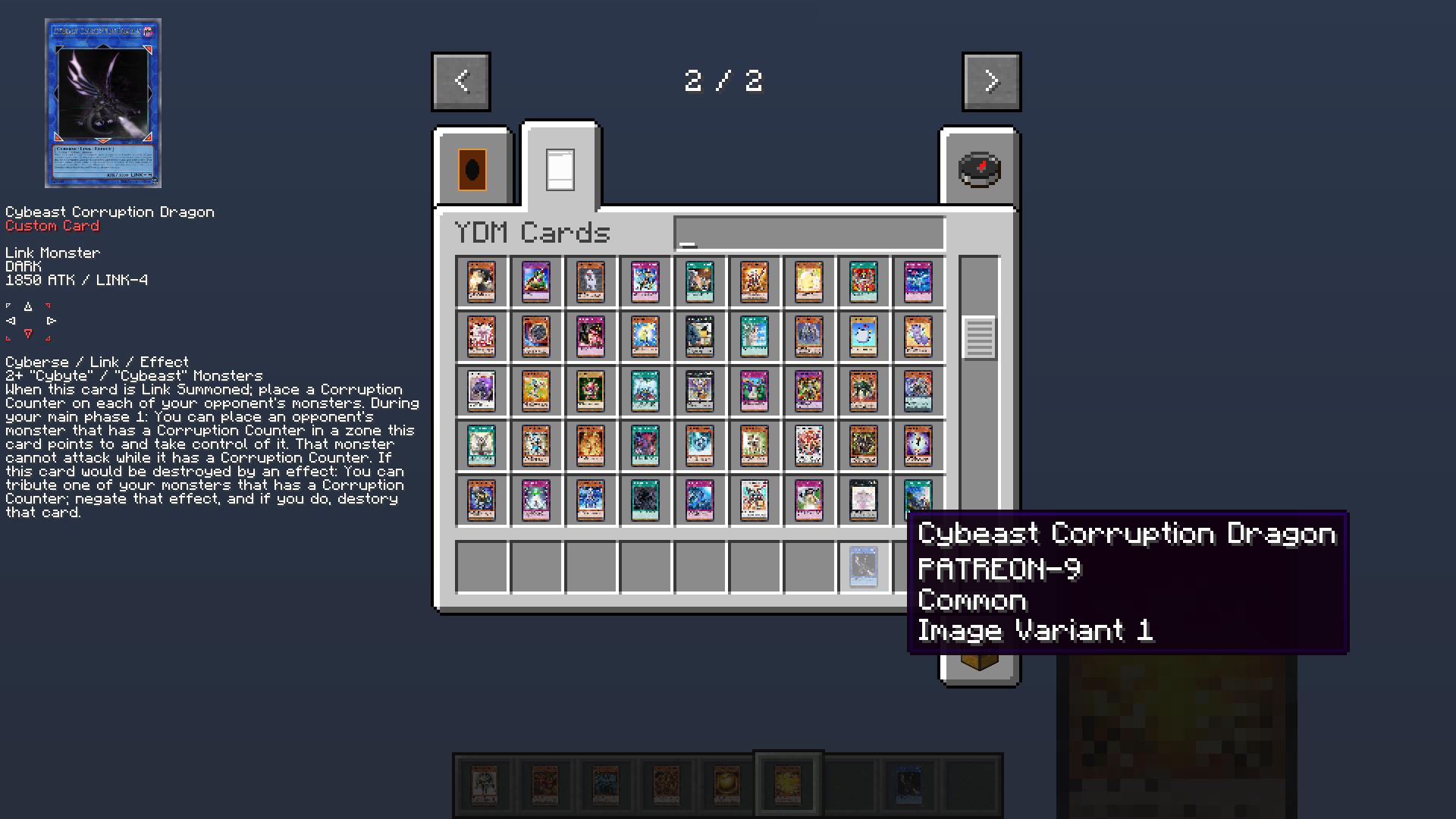
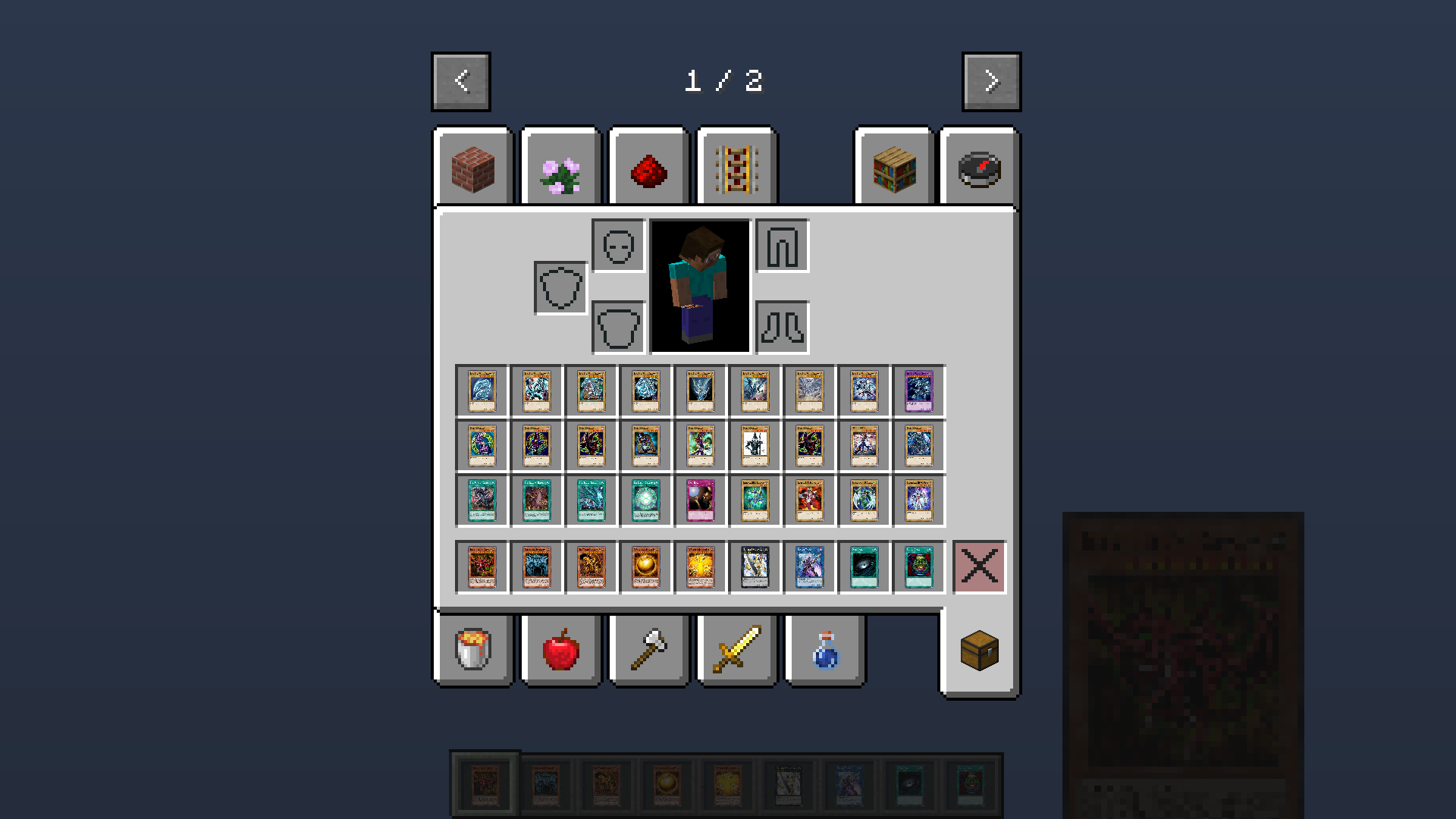
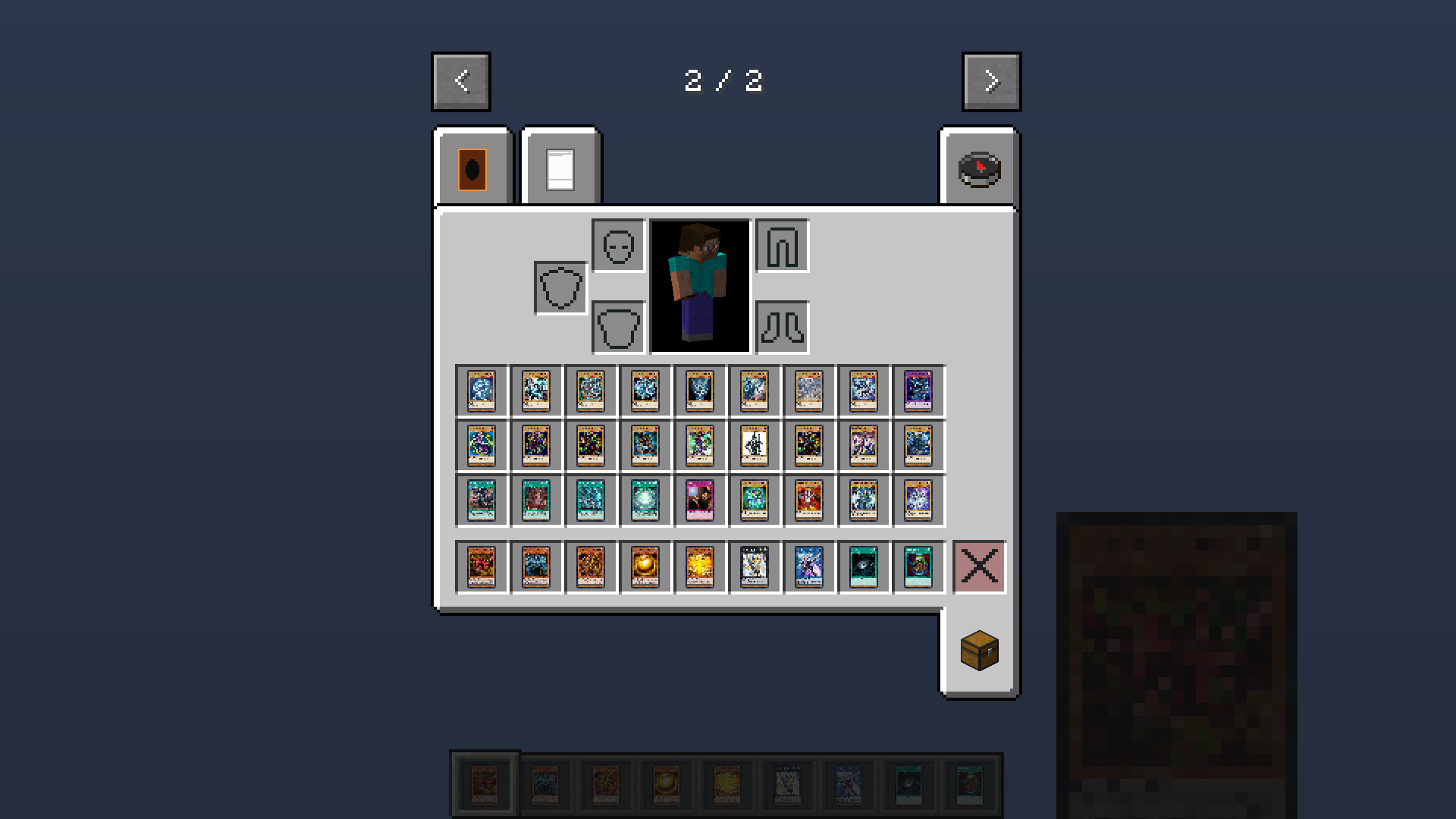
The Ygo Dueling Mod for Minecraft aims to reflect the real life TCG experience in a 3D open world game by not only adding the cards but also the packs and their pull ratios to the game.
Work in progress features:
- Cards are available in their different variants
- Collect them by opening packs, each representing a real life counter part, with accurate rarities and pull ratios
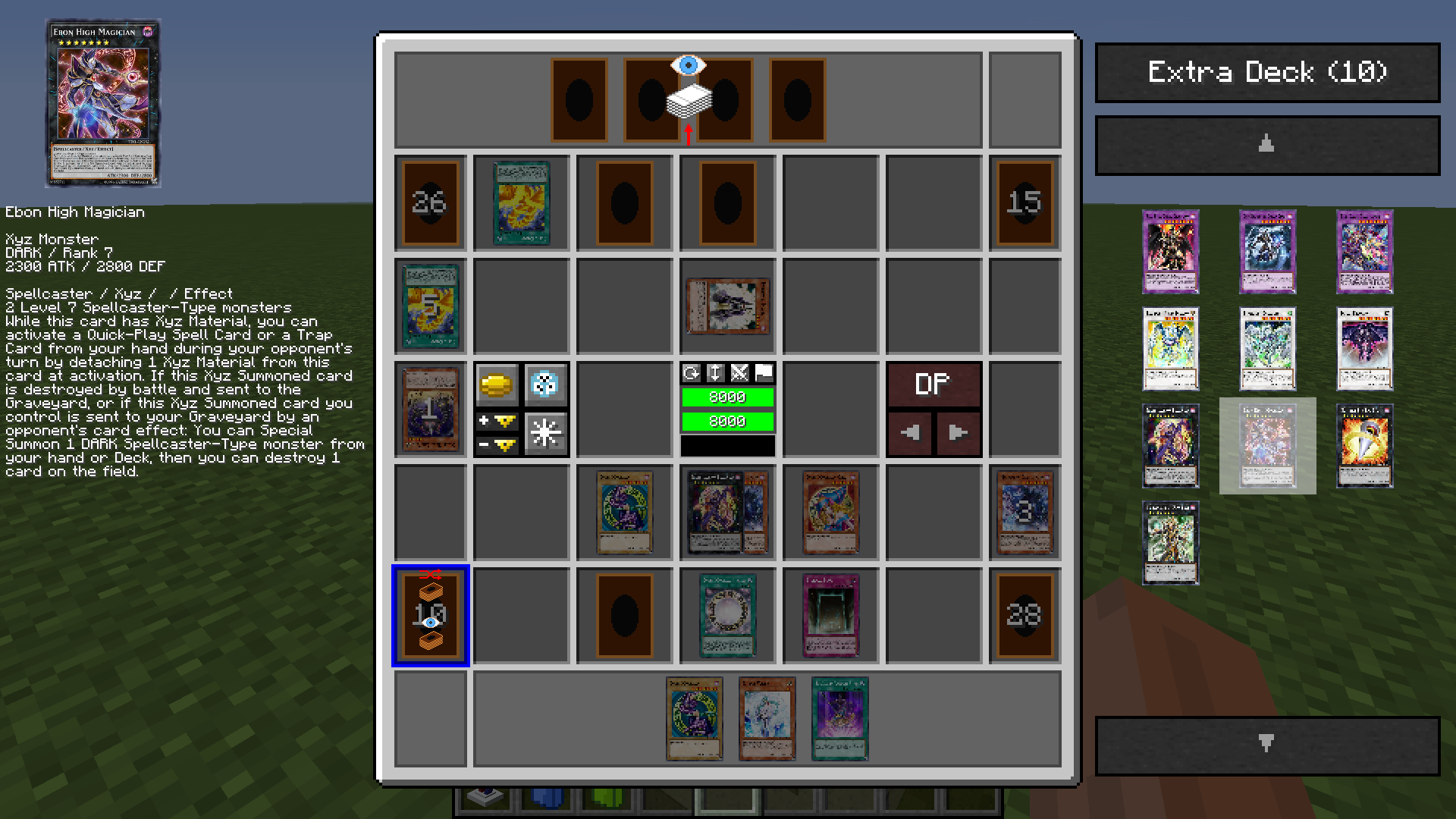
- Chose where to duel, either using a stationairy duel block or having a duel via duel disks
- It uses a new and intuitive manual dueling simulator that feels more alive (no top-down/bottom-up menus!)
- Make your own server/cards/sets/addons; the mod is open source and the database can be fully customized
Check out the Images tab on top!
There are some nice screenshots in there!
Discord
Support me on Patreon
Config
In the config you can:
- Change card/set image sizes depending on your computer's performance
- Change the amount of images that may be loaded at once (overstepping this limit unloads some images to free memory)
- Make all card/set items use their actual images (needs a good computer)
- Change the animation time length for duel animations
- Change the duel chat size
- And more
Custom Cards and Sets
They are supported. Check out the ydm_db folder and add your own cards. For a reference, check out the Source link on top, in the README you find another link to the database repository and in there you find a wiki. Custom cards must be added to both the client and the server. The client does not automatically download custom cards from the server.
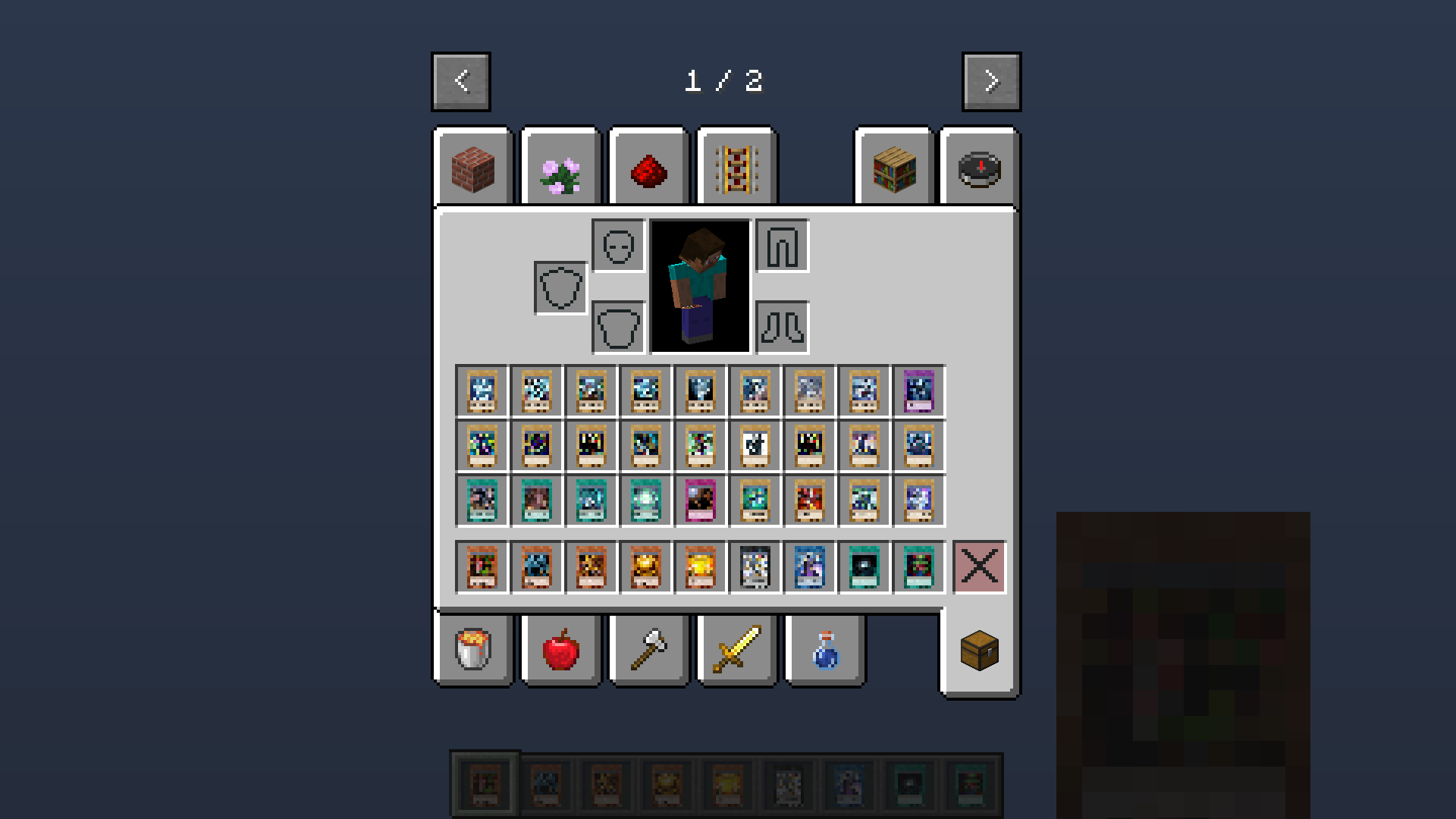
My cards/sets don't have images
Yes. This would take a lot of performance. If you want them to use images check out the config and adjust everything appropriately. The game will now start downloading images. When it is done you can restart it and all cards will now have images. You can check the ydm_db_images folder and see if it is done downloading, by opening the subfolder of your set item size (config) and checking if any more images are being added there. If not, you can restart. If your computer crashes now, it means you have to lower the items resolution or disable this entirely as your computer is not strong enough.
Duel Disks
Put a duel disk into your offhand to use it. Right click your opponent, they then have to right click you in return to accept.
Cards data by ygoprodeck.com
Credit to ygoprodeck.com for prodiving necessary data and images about all cards via their public database!
Copyright Notice
Yu-Gi-Oh is TM and copyright Konami Holdings Corporation. This site and modification is unaffiliated. The mod does not contain copyrighted material of Konami.
- Edition: Minecraft Java
- File type: .jar
- Minecraft versions listed: 1.19.2, 1.16.5, 1.16.4
- How to install: Install the matching mod loader (Forge, Fabric or NeoForge) for your Minecraft version. → Download the .jar. → Put it in the .minecraft/mods folder and launch that loader profile.
- Where to get it: Opens on CurseForge — not every file is mirrored on our own servers.
Install steps are the general flow for this file type — How to install Minecraft Java mods & modpacks walks through it step by step.
- Ships as ydm-1.16.4-2.4.1.15.jar — drop this file into the mods folder
- Download size: 18.0 MB
- Download link checked 14 Oct 2026 — working
These come from our own check of the pack file, not from the source page.