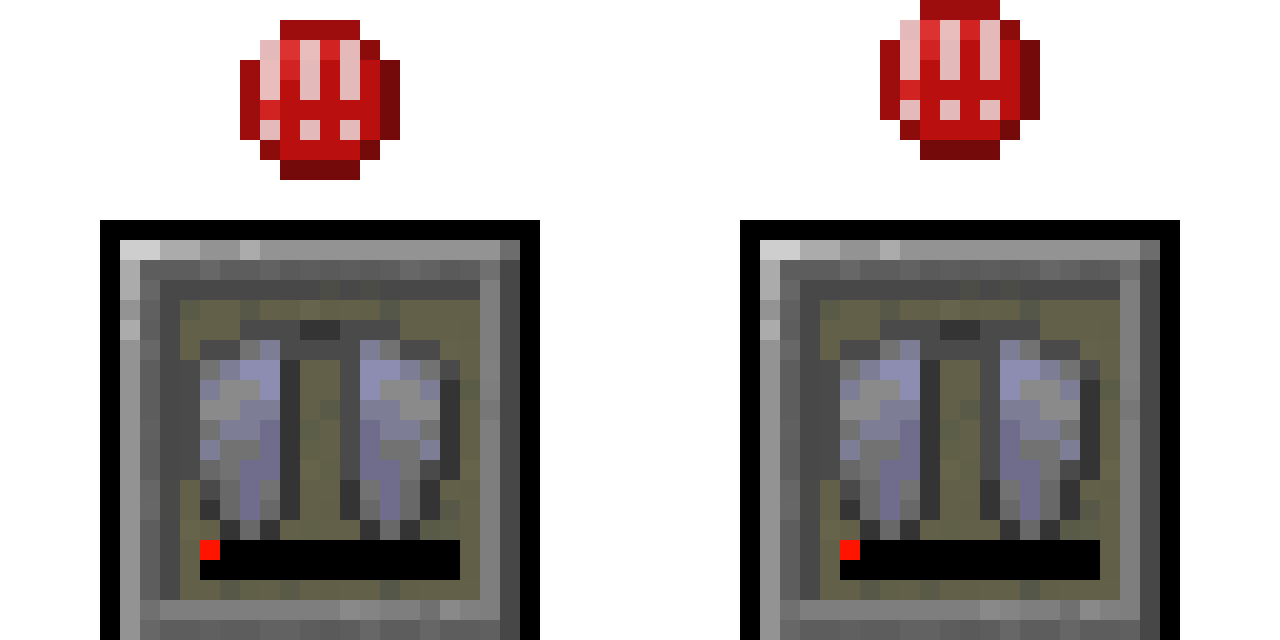
BerdinskiyBear's Armor HUD
Java mod listed for Minecraft 1.16–1.19. File opened and checked on 8 Oct 2026; downloads from the MC Java Mods app on Android.
I don't know my version or loader
BerdinskiyBear's Armor HUD
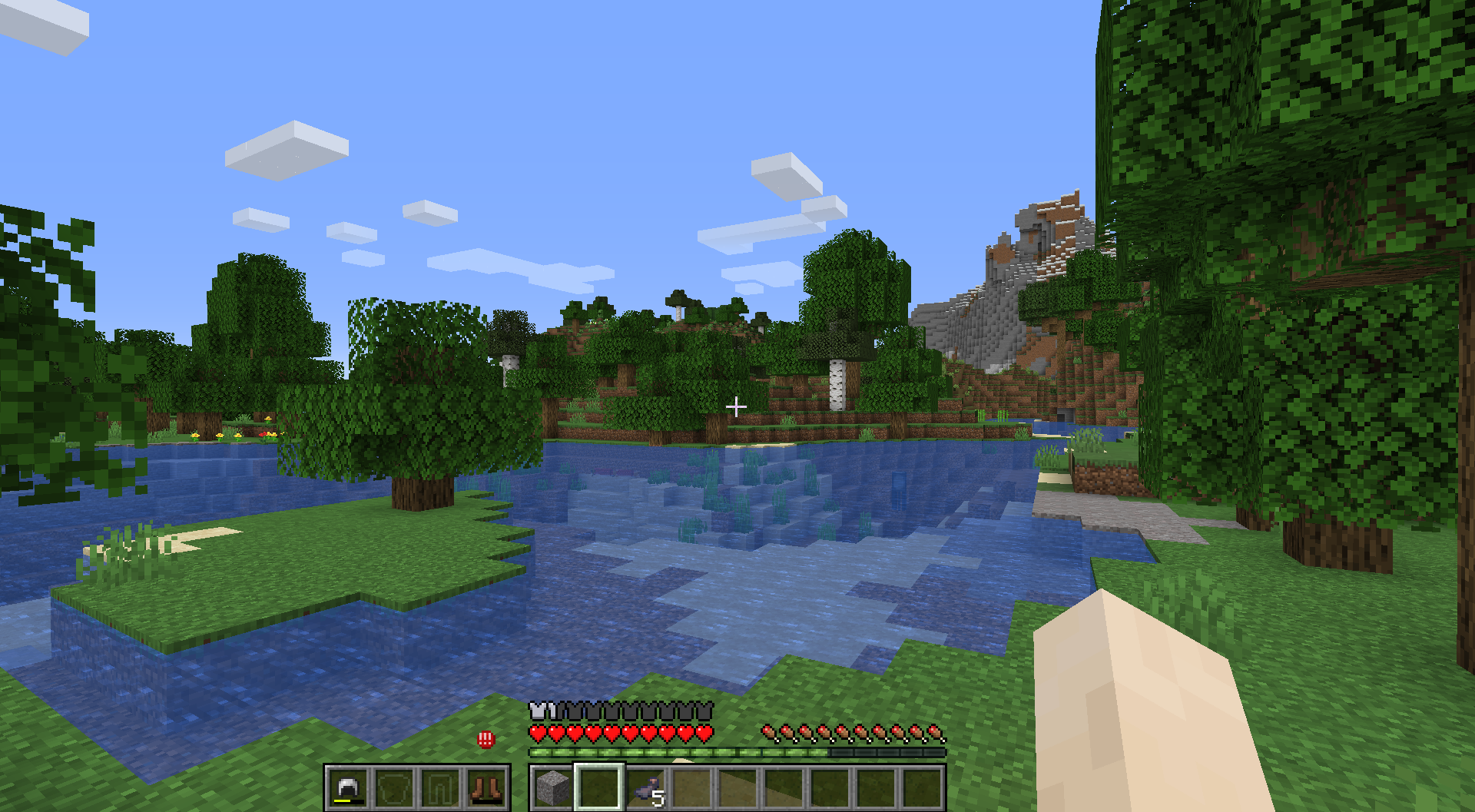
Minecraft mod that adds a HUD widget that shows your current armor items.
This mod adds a minimalistic vanilla-like widget that shows your armor items and a warning if durability is low enough. While other mods expect the player to look at numbers all over the screen, this mod allows to see your armor items in a vanilla-style minimalistic widget without extra text or numbers. Position and other parameters of the widget can be adjusted in a configuration file.
Version 0.3.4 is compatible with both 1.17 and 1.17.1.
Versions 0.2.0 and 0.3.0 are compatible both with 1.16.4 and 1.16.5.
This mod is still in active development. You can help by reporting bugs here and suggesting features here.
This mod is made for Fabric Loader. If Fabric API is installed, one can reload the config same way as resource packs. If Mod Menu and Cloth Config API is installed, then one can configure this mod using a config screen accessible through mods menu.
- Edition: Minecraft Java
- File type: .jar
- Minecraft versions listed: 1.19.4, 1.19.2, 1.18.2
- How to install: Install the matching mod loader (Forge, Fabric or NeoForge) for your Minecraft version. → Download the .jar. → Put it in the .minecraft/mods folder and launch that loader profile.
- Where to get it: Opens on CurseForge — not every file is mirrored on our own servers.
Install steps are the general flow for this file type — How to install Minecraft Java mods & modpacks walks through it step by step.
- Ships as bears-armor-hud-0.3.8.jar — drop this file into the mods folder
- Download size: 47 KB
- Download link checked 14 Oct 2026 — working
These come from our own check of the pack file, not from the source page.