Extreme Sound Muffler (Fabric)
Java mod listed for Minecraft 1.16. Downloads from the MC Java Mods app on Android.
⬇ Download on CurseForgeThe author built this one for Minecraft 1.16.4–1.16.5 on Fabric. On other versions it may install and then do nothing.
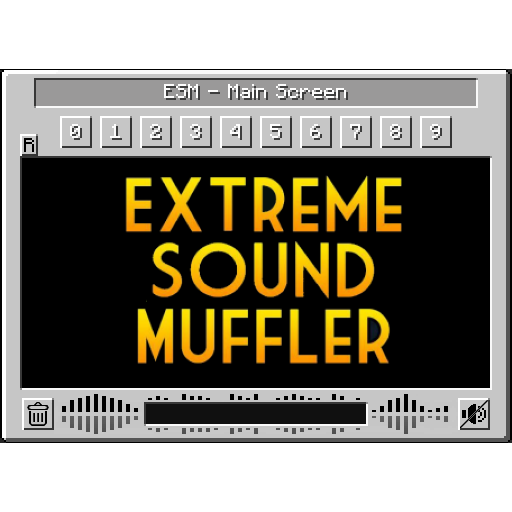
Extreme sound muffler is a client side mod that allows you to muffle sounds selectively.
This Mod needs Fabric to work.
For the Forge version, see: https://www.curseforge.com/minecraft/mc-mods/extreme-sound-muffler
This is a direct port from Forge to Fabric. There are no changes or additional features.
HOW IT WORKS:
1- Click on the button in your inventory or assign a key to open the GUI.
2- Click on the muffle button next to the name of sound you want to muffle.
3- Enjoy peace.
Some objects (like minecarts) make a constant sound, they need to be replaced after you muffle the sound.
You can toggle the muffled sound on/off with the toggle muffle button.
You can play the sound pressing the play button next to the sound name.
You can search sounds; click on the search button to open the search bar and type the name of the sound you want.
You can browse between the Recent sounds and All the sounds pressing the corresponding button in the GUI.
You can configure Anchors (10 max) to muffle sounds in a 16 blocks radius.
You can rename Anchors.
You can disable Anchors in the config.
You can change the location of the Anchors whenever you want.
You can delete the sounds muffled list or the selected Anchor pressing the delete button.
The list of muffled sounds are store in the profile folder, so you don't need to re-muffle the sounds on every world.
Anchors are saved in saves/(client world name)/ESM or saves/ESM/ServerWorld if you're playing on a server.
Sounds can be blacklisted in the config; blacklisted sounds won't appear in the GUI.
THANKS:
LeoBeliik for writing the original Forge version this was copied from.
and yes, you can include this mod in your modpack.
- Edition: Minecraft Java
- File type: .jar
- Minecraft versions listed: 1.16.4, 1.16.5
- How to install: Install the matching mod loader (Forge, Fabric or NeoForge) for your Minecraft version. → Download the .jar. → Put it in the .minecraft/mods folder and launch that loader profile.
- Where to get it: Opens on CurseForge — not every file is mirrored on our own servers.
Install steps are the general flow for this file type — How to install Minecraft Java mods & modpacks walks through it step by step.
- Ships as extremesoundmuffler-3.1-1.16.4-BETA.jar — drop this file into the mods folder
- Download size: 138 KB
- Download link checked 4 Nov 2026 — working
These come from our own check of the pack file, not from the source page.