
Enchantment Machine
Java mod listed for Minecraft 1.16–1.21. Downloads from the MC Java Mods app on Android.
I don't know my version or loader
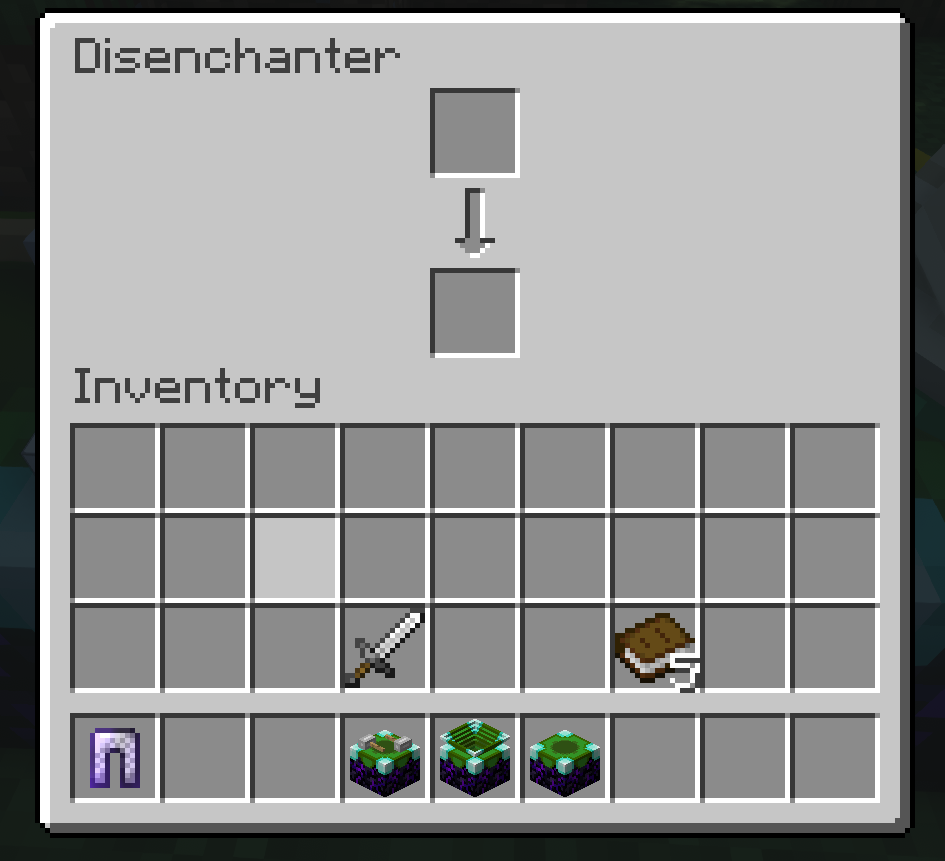
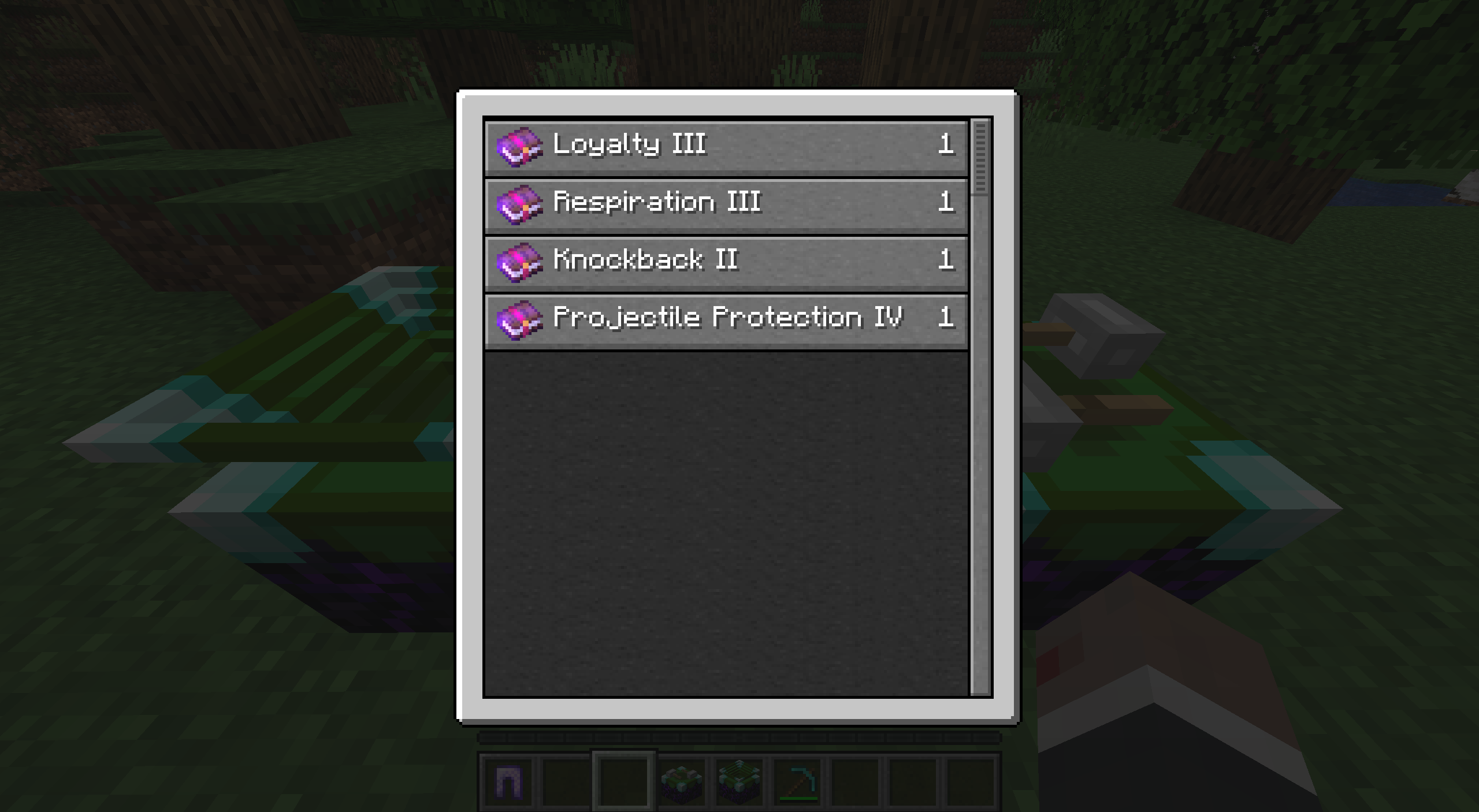
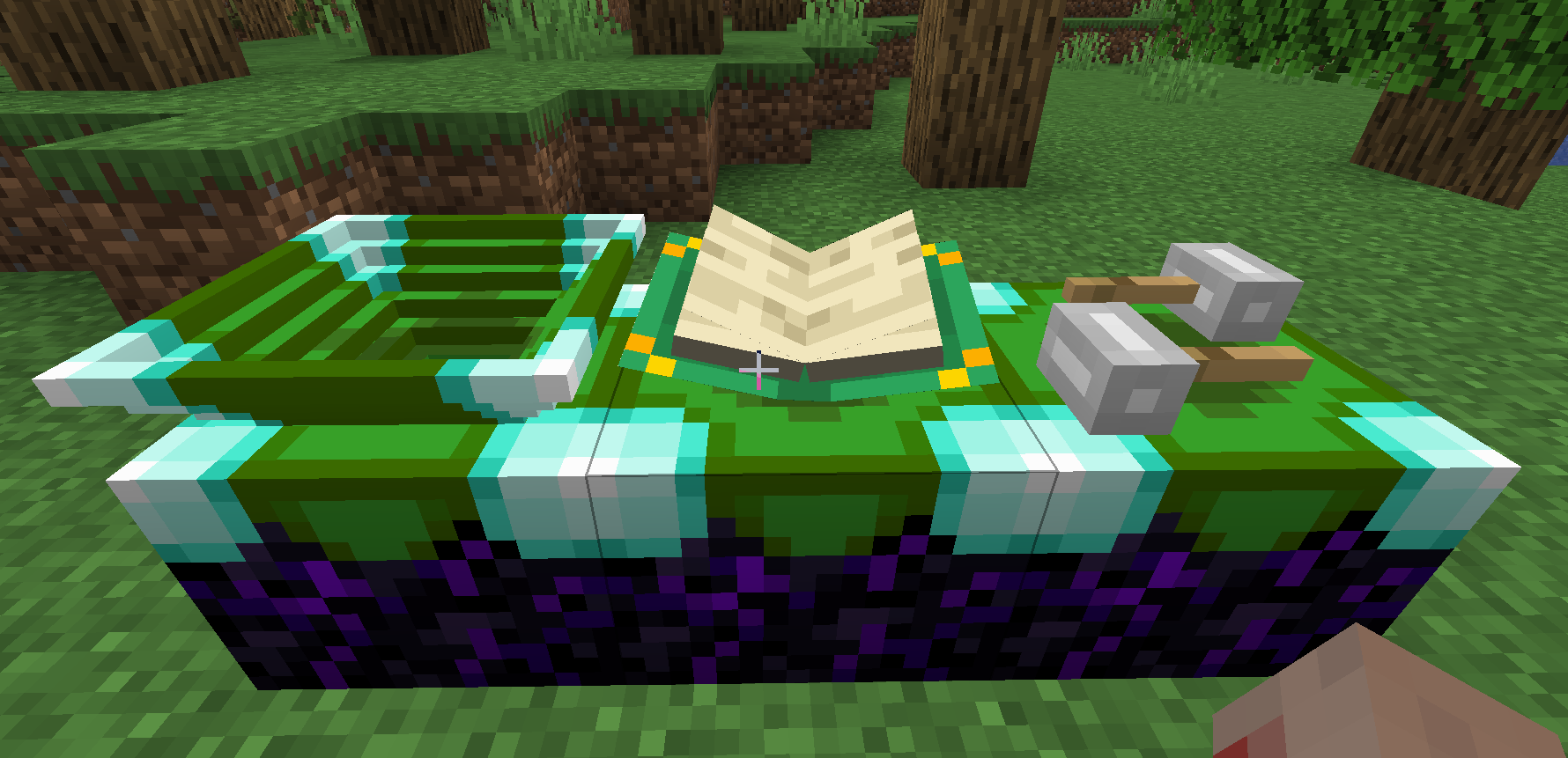

Enchantment Machine is a Forge mod that simplifies the enchantment handling for all item.
There are 3 Blocks:
- Disenchanter
- Enchantment Block
- Enchanter
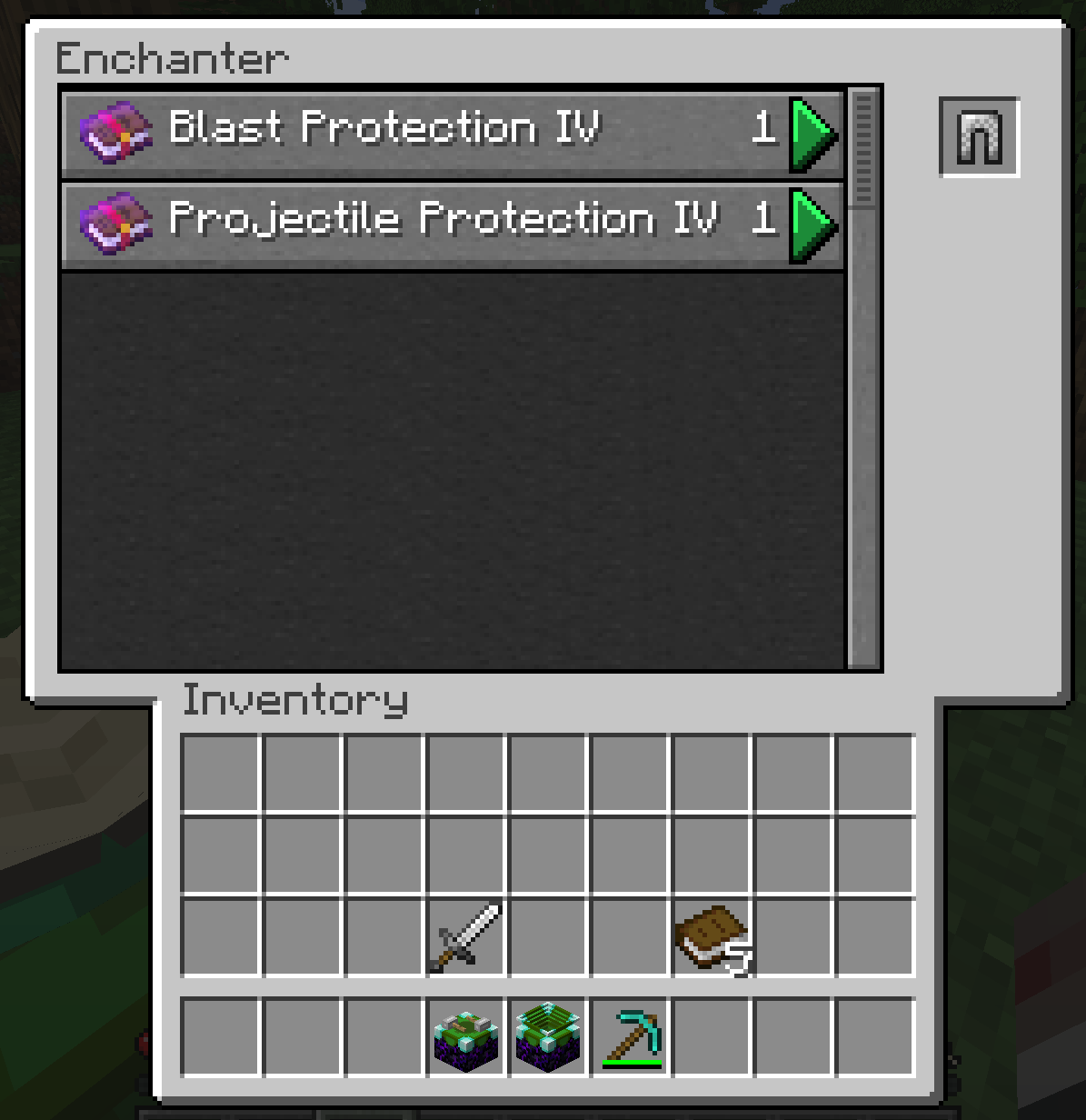
The Enchantment (Storage) block is the main block that can store enchantments with whom the other blocks can interact with. The Disenchanter disenchants every item the is put in its top slot, resulting in adding the enchantments to the Enchantment Block and the disenchanted item into the lower slot. This process can be automated. The Enchanter can be used to enchant items with the enchantments from the Enchantment Block. The Enchanter and Disenchanter must be placed adjacent to the Enchantment Storage block.
The Enchantment Storage block can be broken without loosing the stored enchantments.
By default this mod allows disenchanting items like weapons, tools or armor and apply them to different items. Whereas in Vanilla this is only possible for identical items and at twice the cost. If you want to disable this, you can set
allowDisenchantingItems
in world/serverconfig/enchantmentmachine-server.toml
to false
Enchanter Screen:

- Edition: Minecraft Java
- File type: .jar
- Minecraft versions listed: 1.21.1, 1.20.1, 1.19.4
- How to install: Install the matching mod loader (Forge, Fabric or NeoForge) for your Minecraft version. → Download the .jar. → Put it in the .minecraft/mods folder and launch that loader profile.
- Where to get it: Opens on CurseForge — not every file is mirrored on our own servers.
Install steps are the general flow for this file type — How to install Minecraft Java mods & modpacks walks through it step by step.
- Ships as EnchantmentMachine-1.19-1.0.0-alpha+20220720-1601.jar — drop this file into the mods folder
- Download size: 163 KB
- Download link checked 23 Sept 2026 — working
These come from our own check of the pack file, not from the source page.