
Phytomining
Java mod listed for Minecraft 1.16. Downloads from the MC Java Mods app on Android.
⬇ Download on CurseForgeThe author built this one for Minecraft 1.16.4–1.16.5 on Forge. On other versions it may install and then do nothing.

For MC 1.15.2, 1.16.4
Phytomining adds a selection of just slightly OP mining methods to enhance the base game. These include Laser Drills, Orethorn Bushes, Ore Asteroids in the End, Buildcraft-Style Quarries, Multiblock Structures such as the Fusion Reactor and Lightning Furnace, and various other mining convenience additions.
The mod has tooltips for every item and block, which explain in detail their function, so you shouldn't need to watch the tutorial below or any others. However, I would recommend using JEI, which this mod is fully compatible with, including the custom recipe blocks. If you don't have JEI, you can view the recipes for the Lightning Furnace and Fusion Reactor multiblock structures by right clicking the Utility Tool on their main blocks.
Below is a video tutorial, a list of all recipes in the mod, and some screenshots. If you find any bugs or have any feature suggestions, feel free to comment them down below or message me. I may release the source code on Github to help other developers in the future if I clean it up.
Recipes
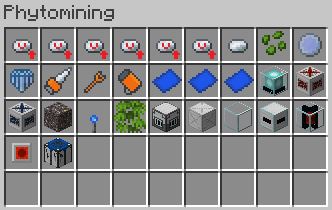
Phytomining is fully compatible with JEI, including the custom recipe blocks (eg. Fusion Core), but here is a list of recipes anyway.
In game, you can right click a utility tool on multiblock structure blocks like the Fusion Interface or Lightning Furnace to view available recipes.
Recipes in v1.0.0: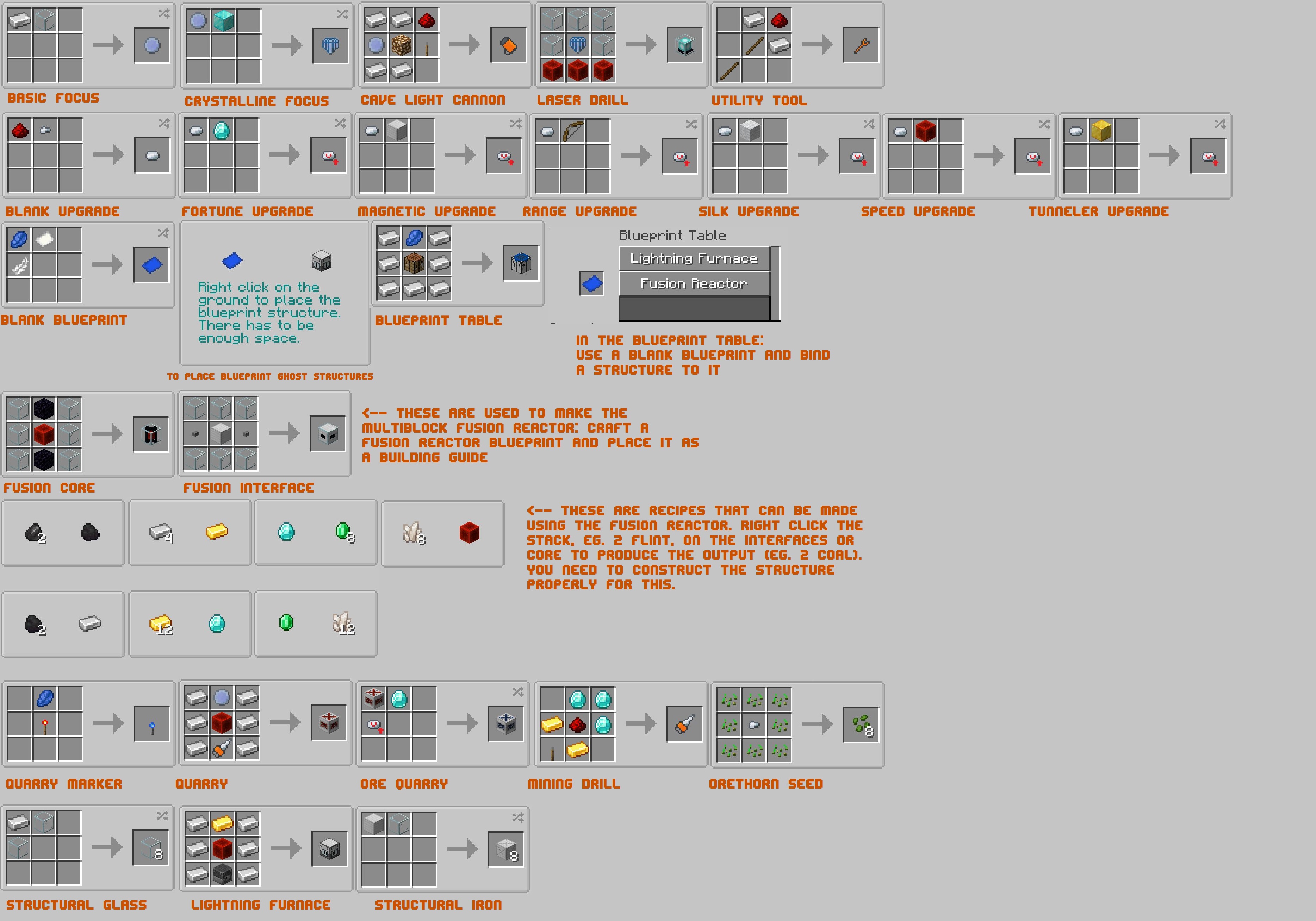
Screenshots
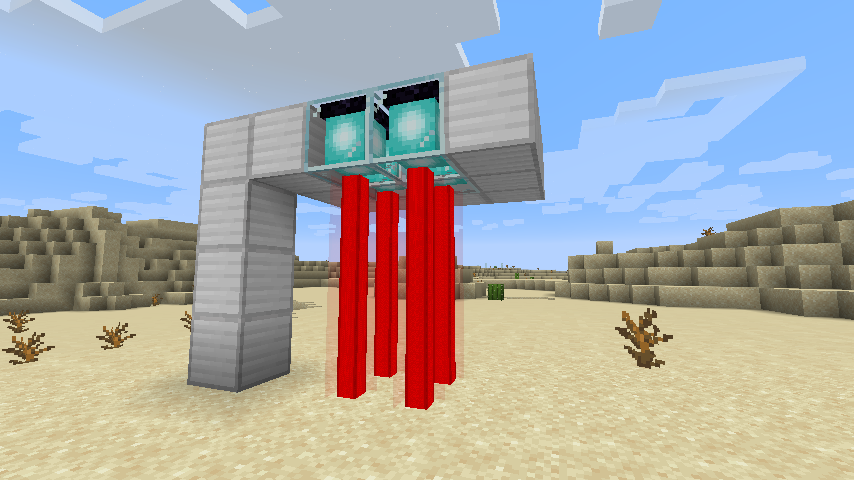
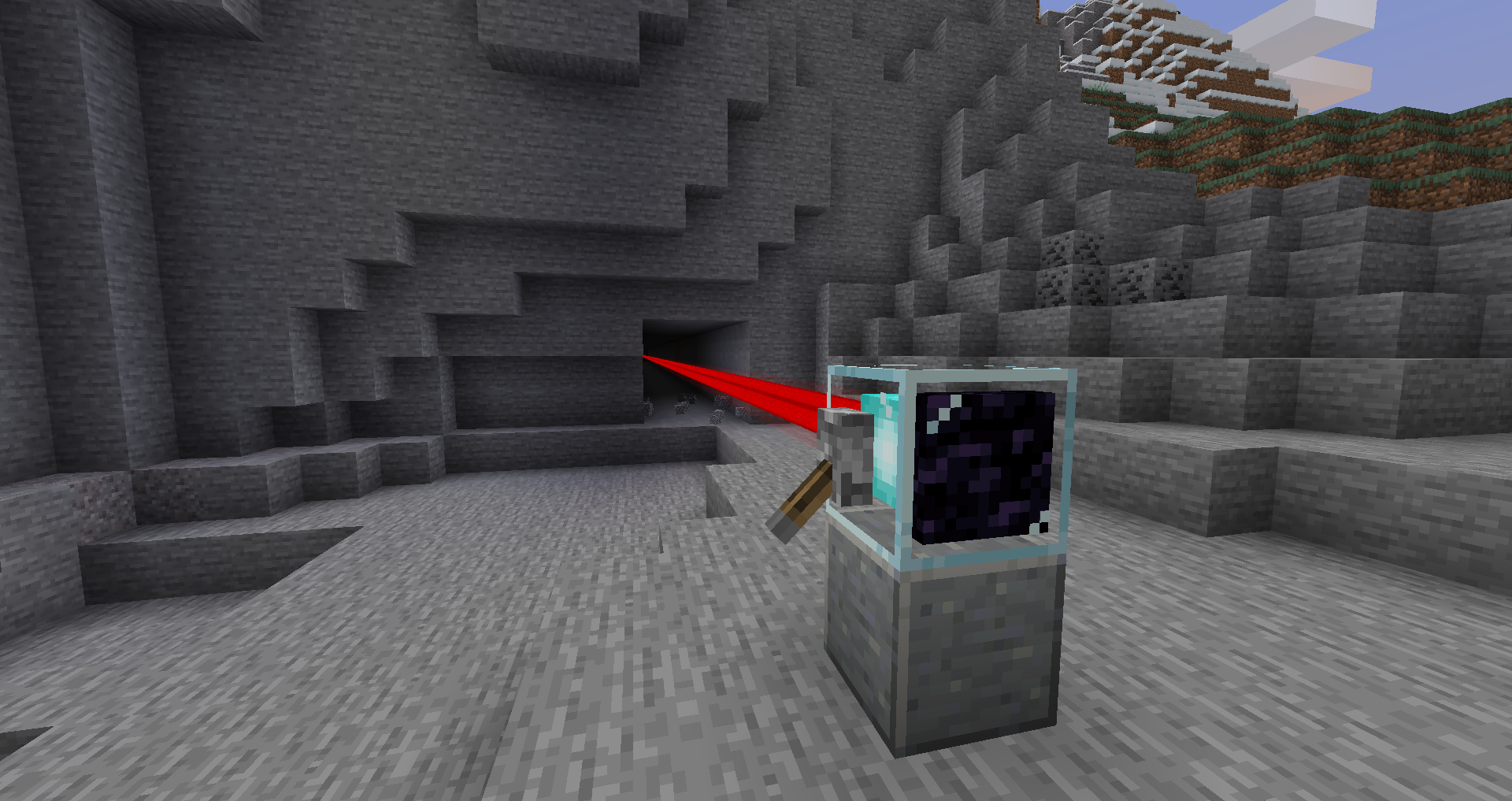
The laser drill, with the tunneler upgrade in its slot.
Four lasers pointing downwards, about to begin drilling.

In the void between the centre island and the outer end islands, ore asteroids provide numerous opportunities.
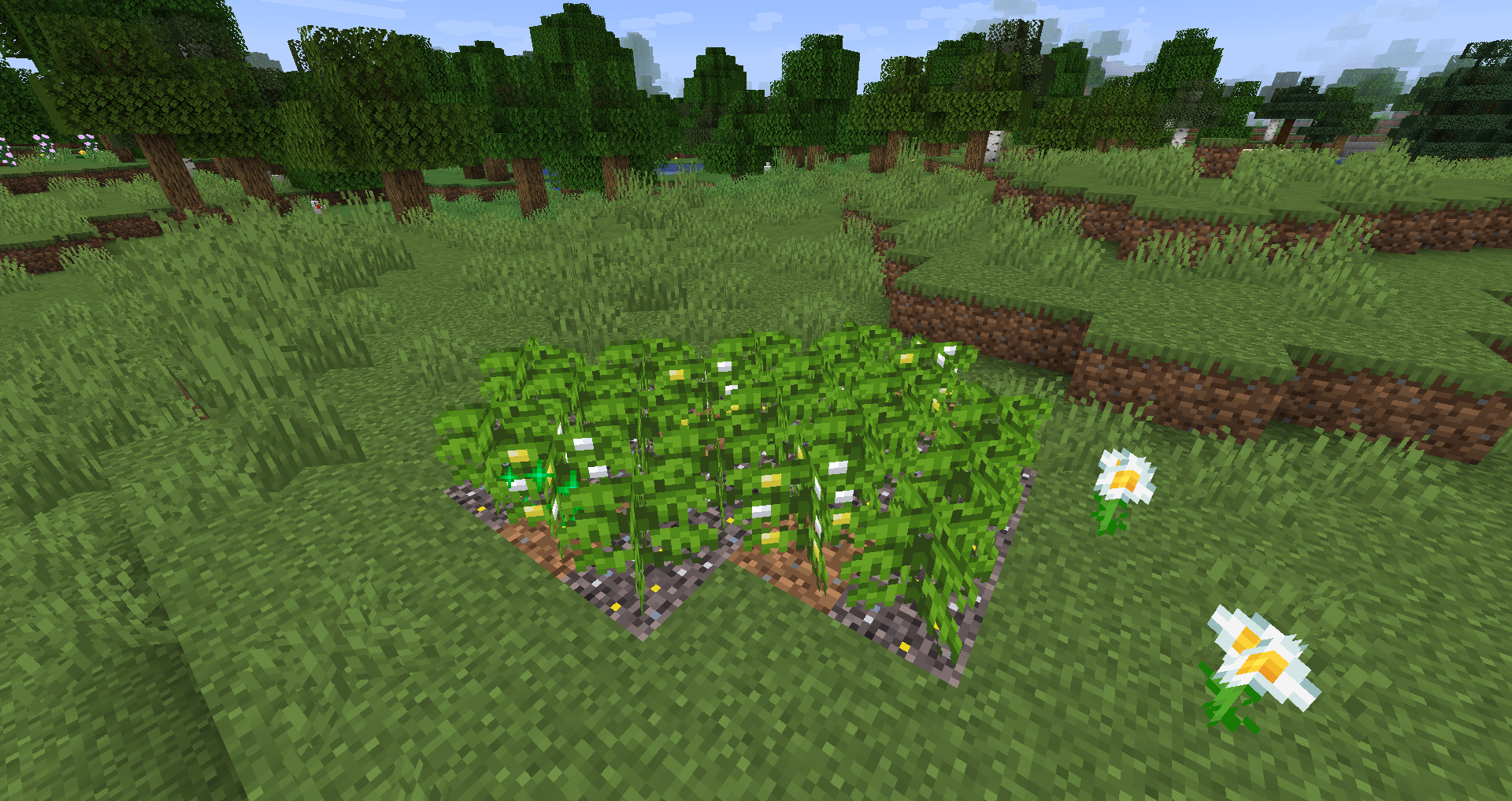
Orethorn bushes being used to farm the metal from metallic dirt. This is called phytomining, and was the original idea that the mod stemmed from.
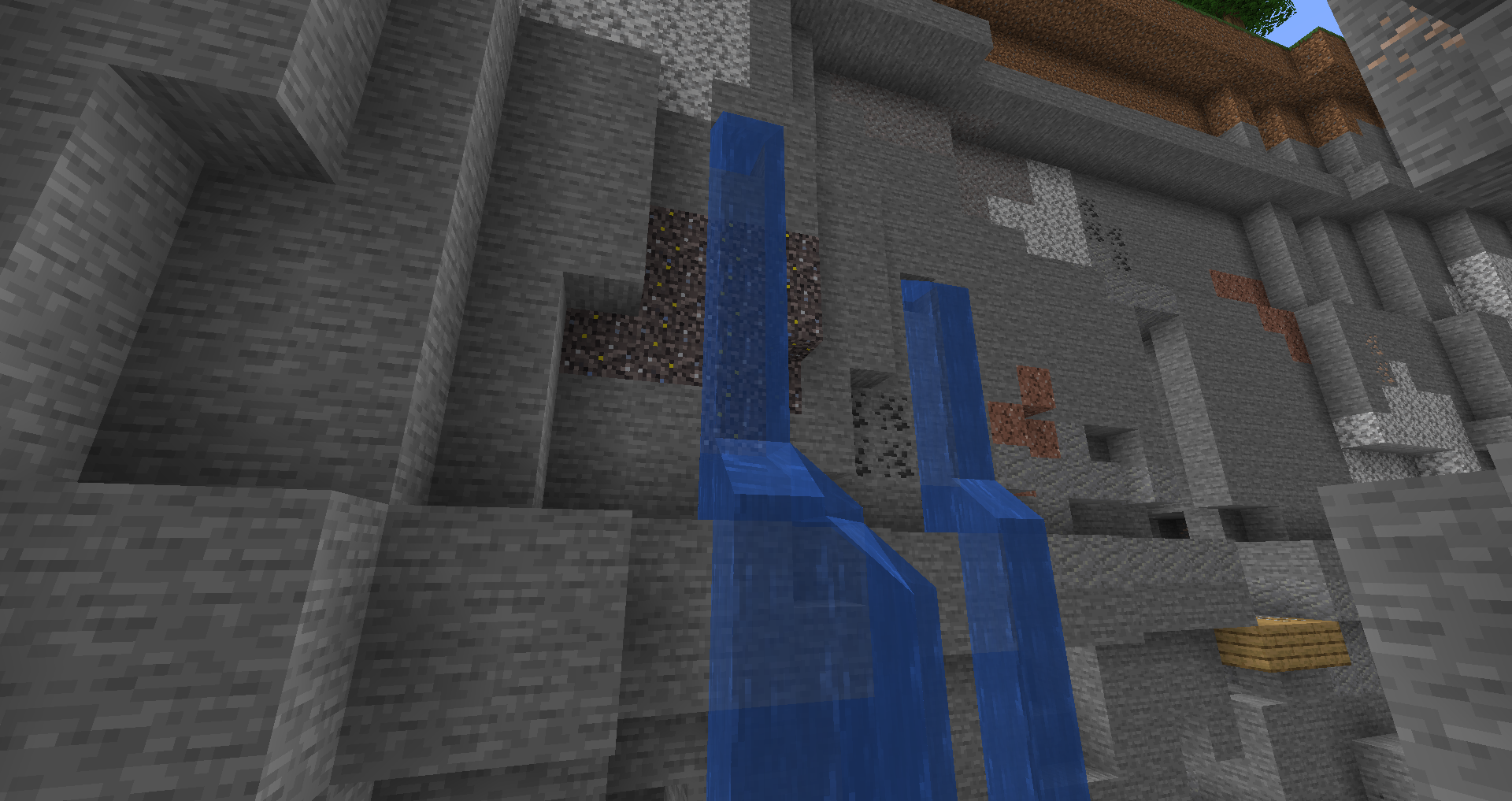
Metallic Dirt generated naturally on the side of a ravine. It generates in caves too.
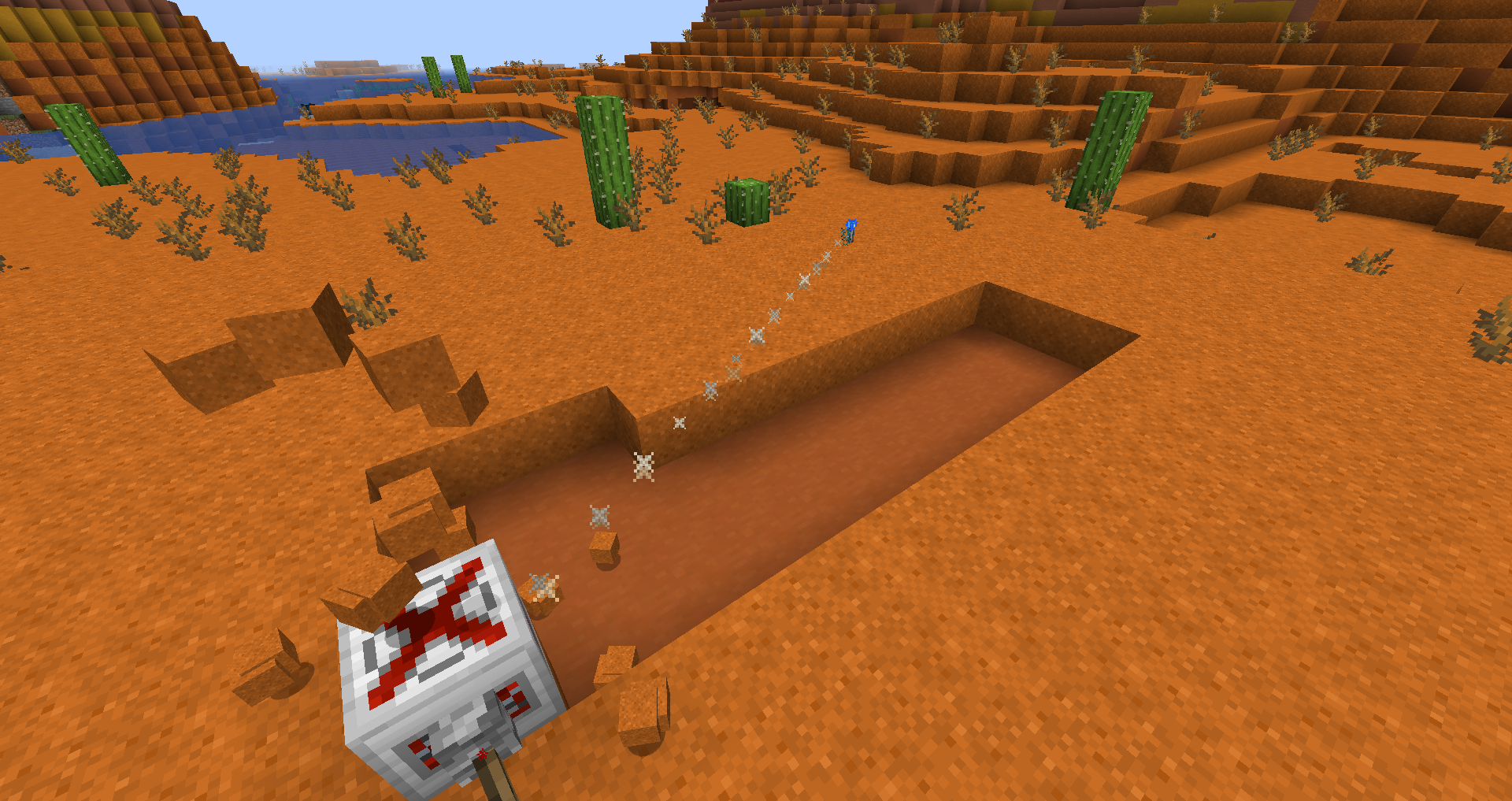
A quarry, with its range set with a marker in the opposite corner, digging out a rectangular area.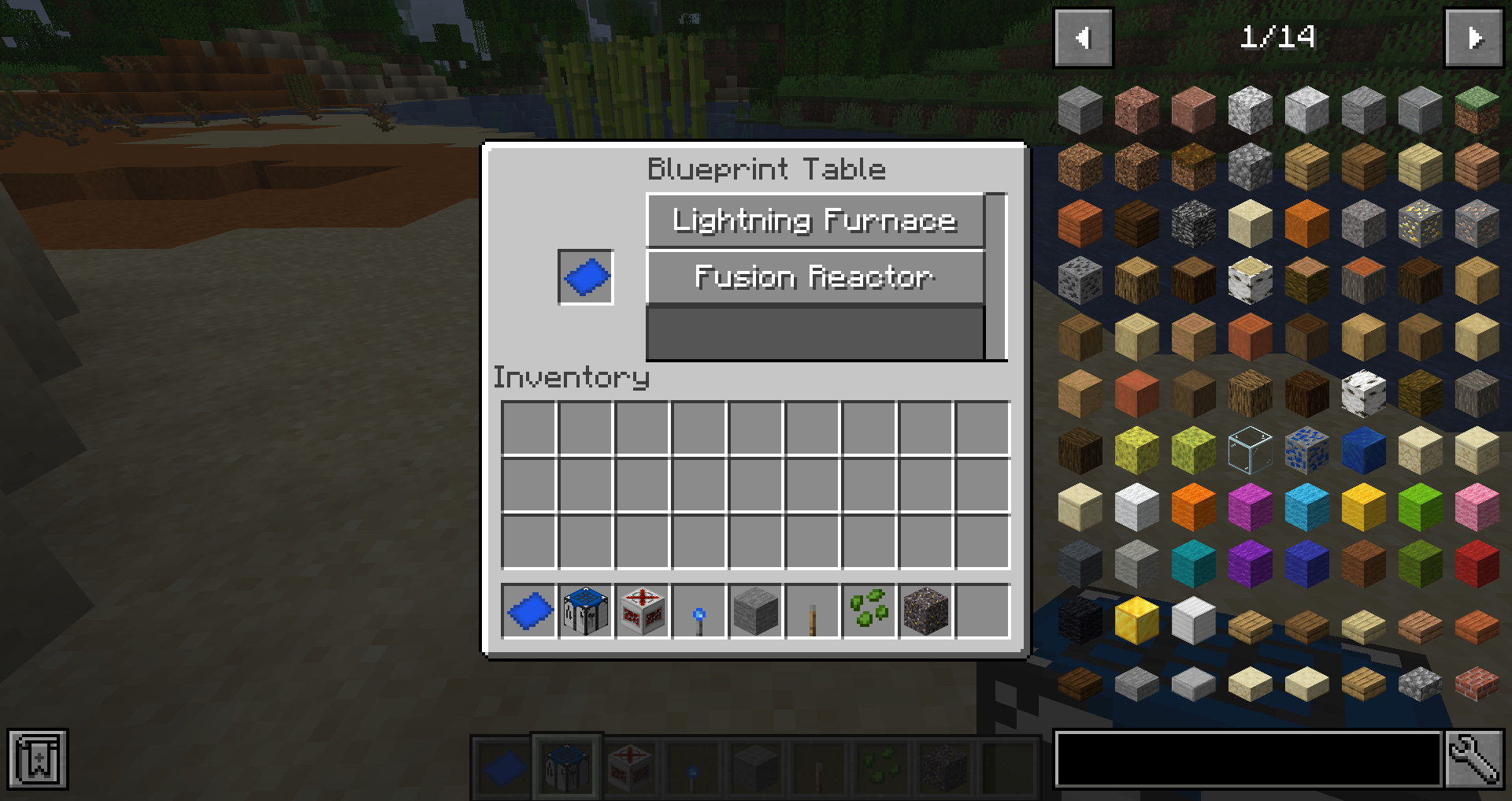
Place a blank blueprint in the slot and click one of the buttons.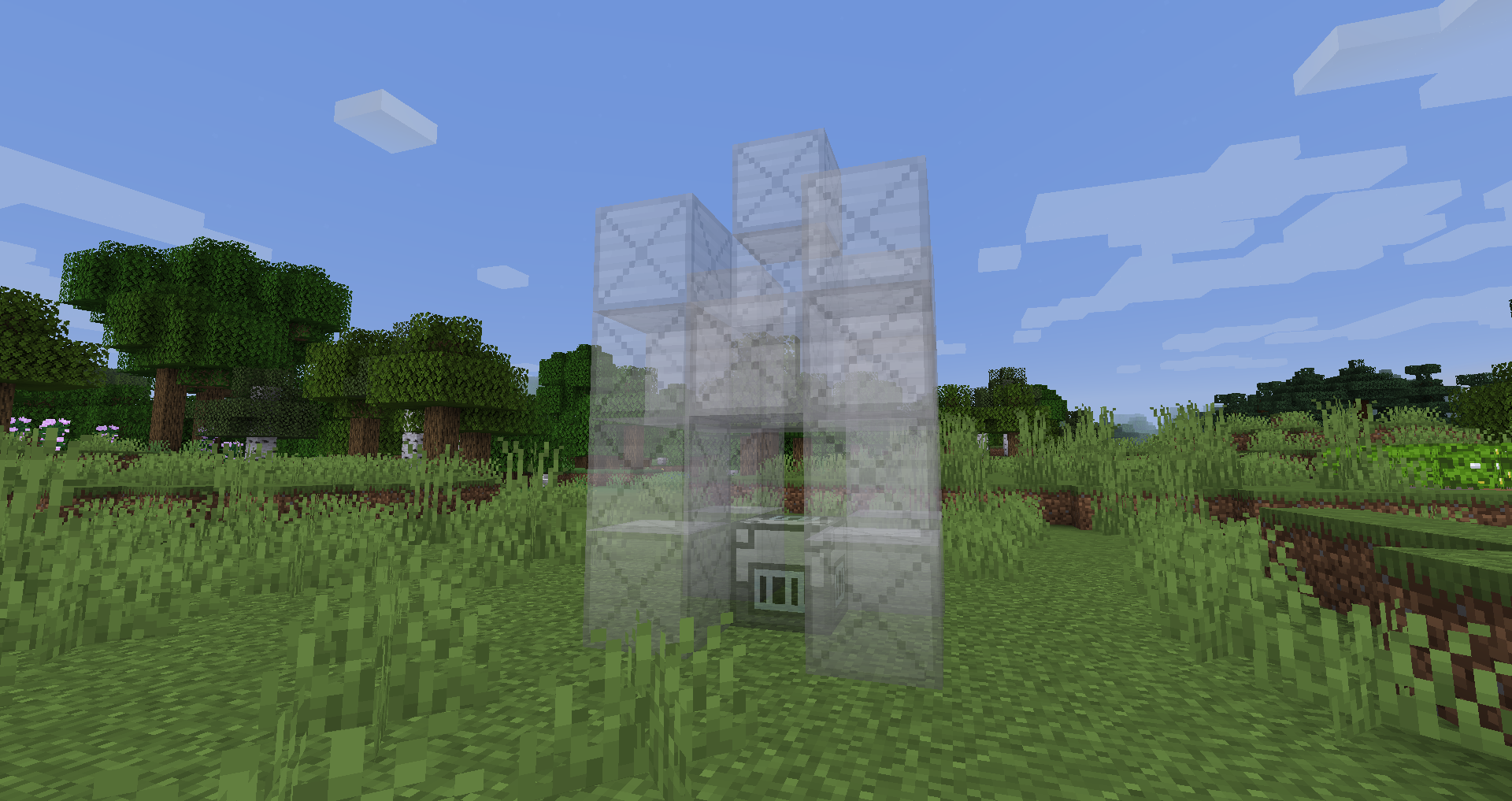
When you place a structure blueprint on the ground you get a ghost. Right click the ghost blocks with their counterparts to replace them.
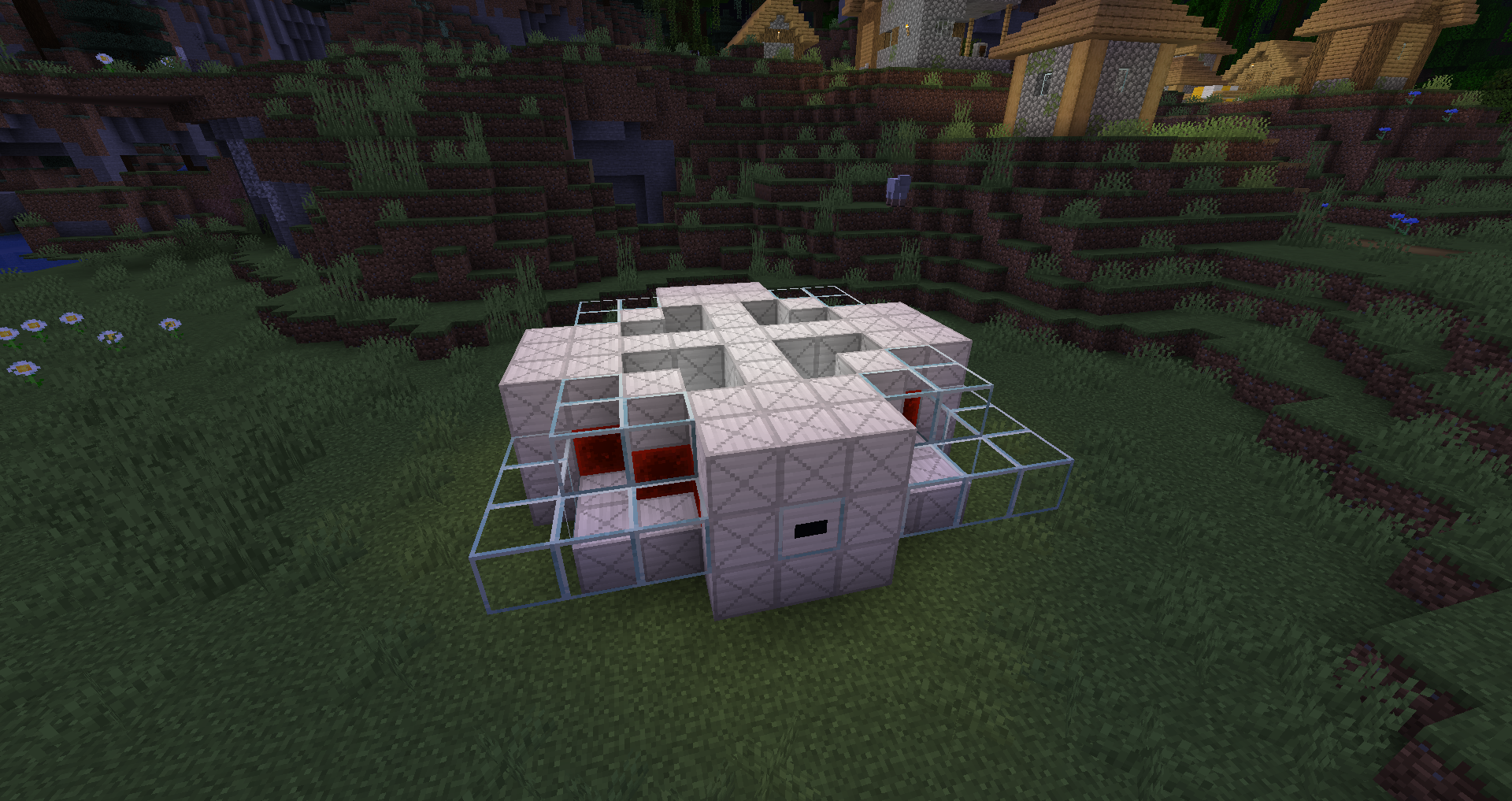
Build it using the blueprint, then right click valid recipe items (eg. 4 iron) to produce other metals.
The creative tab in v1.0.0
Tutorial
All items in phytomining have tooltips (aka lore) which explain their purpose and how to use them, so you don't need to watch this video to understand the mod. With most of the machines, including the quarry, you can right click on them with an empty hand for information - eg. the quarry's range is not set, or it isn't powered. The utility tool can be right clicked on multiblock structure blocks like the Fusion Reactor's Interfaces or Core to view available recipes, for if you don't have JEI.
For recipes see the recipes tab above (Phytomining is also compatible with JEI).
- Edition: Minecraft Java
- File type: .jar
- Minecraft versions listed: 1.16.5, 1.16.4
- How to install: Install the matching mod loader (Forge, Fabric or NeoForge) for your Minecraft version. → Download the .jar. → Put it in the .minecraft/mods folder and launch that loader profile.
- Where to get it: Opens on CurseForge — not every file is mirrored on our own servers.
Install steps are the general flow for this file type — How to install Minecraft Java mods & modpacks walks through it step by step.
- Ships as phytomining-1.16.4-0.9.jar — drop this file into the mods folder
- Download size: 265 KB
- Download link checked 4 Nov 2026 — working
These come from our own check of the pack file, not from the source page.