
Croptosis
Java mod listed for Minecraft 1.16–1.19. Downloads from the MC Java Mods app on Android.
I don't know my version or loader

Croptosis
Speed up crop production.

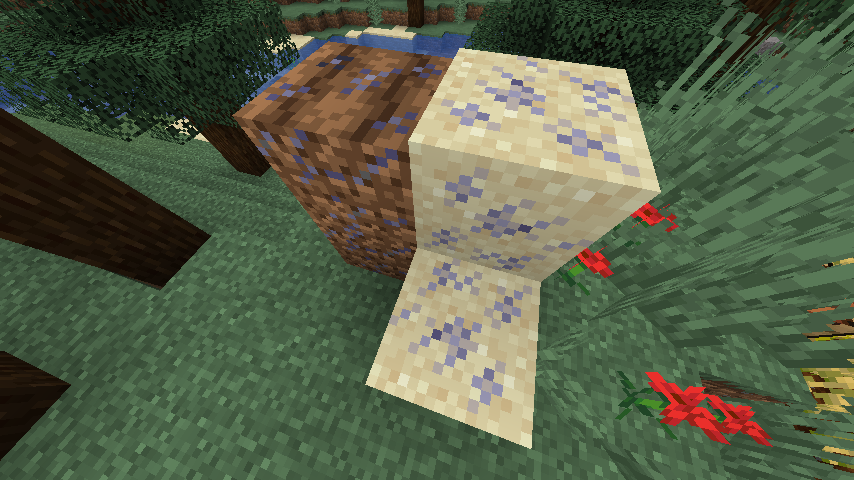
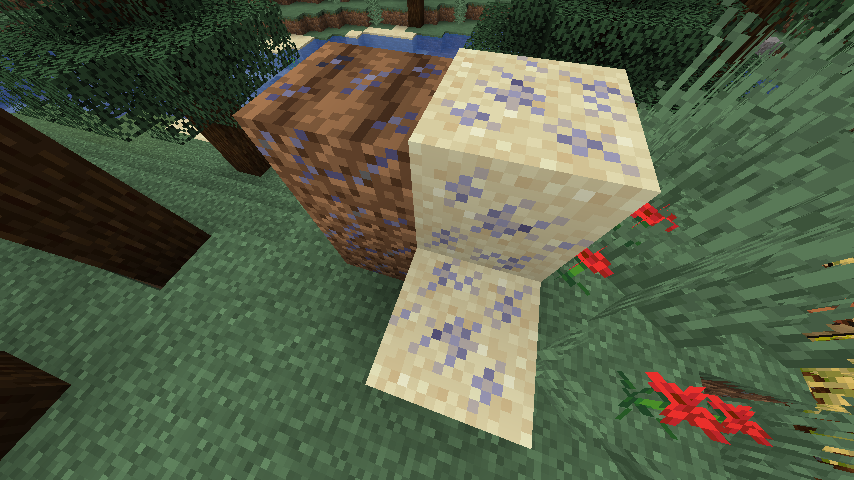
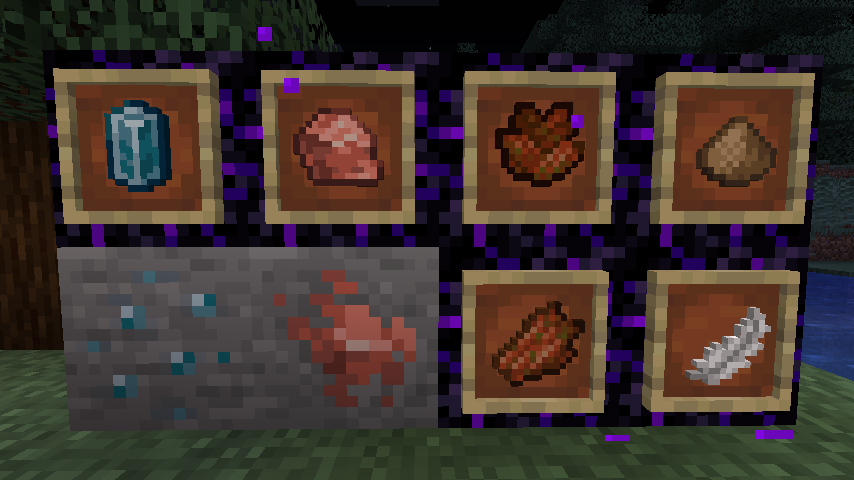
Adds 4 new fertilizers and fertilized variants of normal blocks (dirt, farmland and sand) that grow crops twice as fast as normal blocks.
These blocks are made by right-clicking on their respective blocks with a fertilizer.
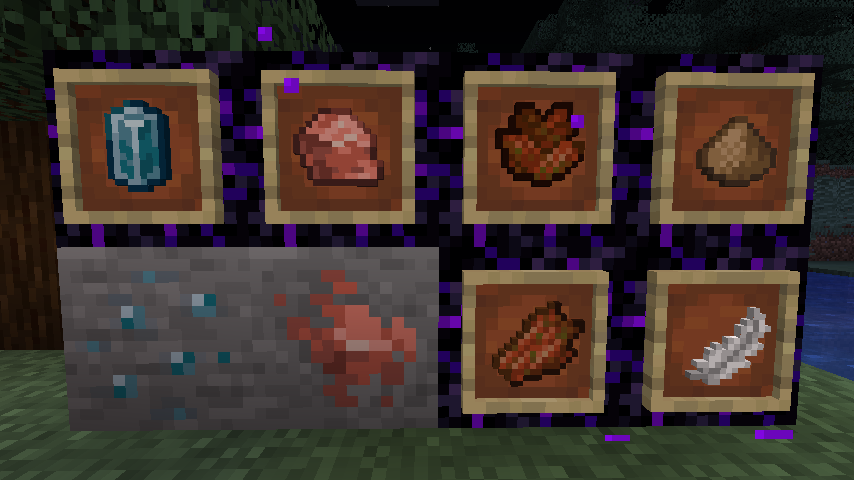
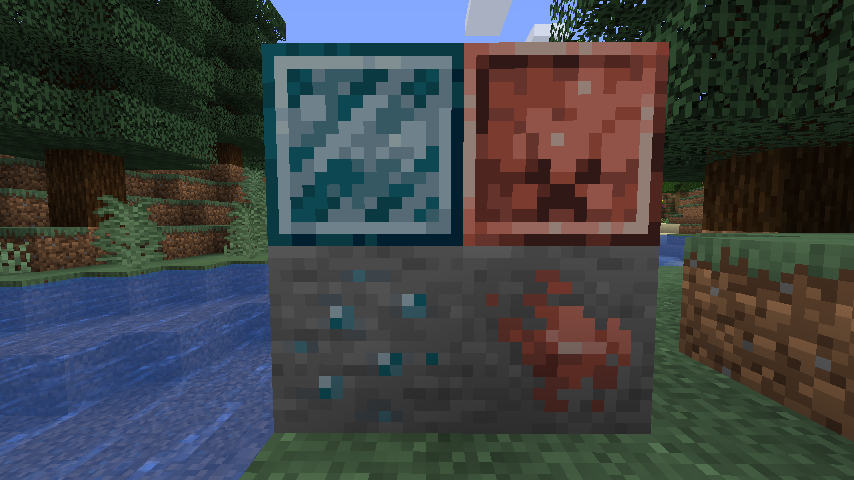
2 of the fertilizers (feather meal, rotten pile), are obtained from feathers and rotten flesh, while the other 2 (apatite, potash) are obtained from mining (those 2 are new ores, so you either need to make a new world, or explore new chunks to find them.)
Another new item added is a watering can, that "fertilizes" crops in a 2 block radius (5 block diameter) around the player's location.
Recipes for the different watering cans (mod used for displaying: Colored Crafting Stations):

Video example of the watering can (note: the power of the watering can is increased in the video for demonstration purposes):

Recommended mods:
- Edition: Minecraft Java
- File type: .jar
- Minecraft versions listed: 1.19.2, 1.19.1, 1.19
- How to install: Install the matching mod loader (Forge, Fabric or NeoForge) for your Minecraft version. → Download the .jar. → Put it in the .minecraft/mods folder and launch that loader profile.
- Where to get it: Opens on CurseForge — not every file is mirrored on our own servers.
Install steps are the general flow for this file type — How to install Minecraft Java mods & modpacks walks through it step by step.
- Ships as wraith-croptosis-1.3.0.jar — drop this file into the mods folder
- Download size: 76 KB
- Download link checked 14 Oct 2026 — working
These come from our own check of the pack file, not from the source page.