MC Revitalised
Java modpack listed for Minecraft 1.16. Downloads from the MC Java Mods app on Android.
✅ NEW 1.17 Deep Dark & Warden ✅ Introducing a balance of tech, magic, building, combat and exploration ✅ 220+ diverse, highly configured and up to date…
⬇ Download on CurseForgeThe author built this one for Minecraft 1.16.5 on Forge. On other versions it may install and then do nothing.
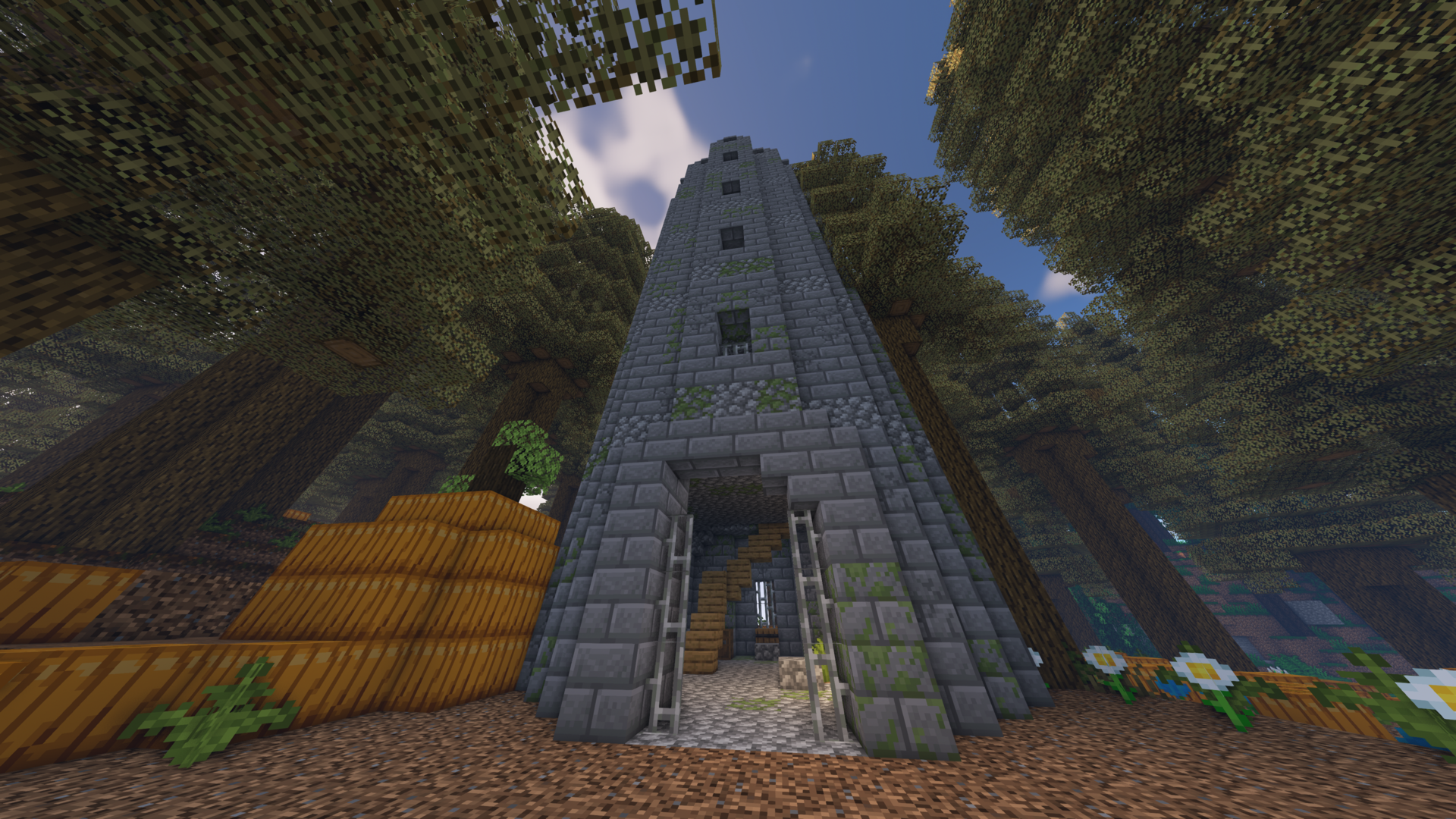
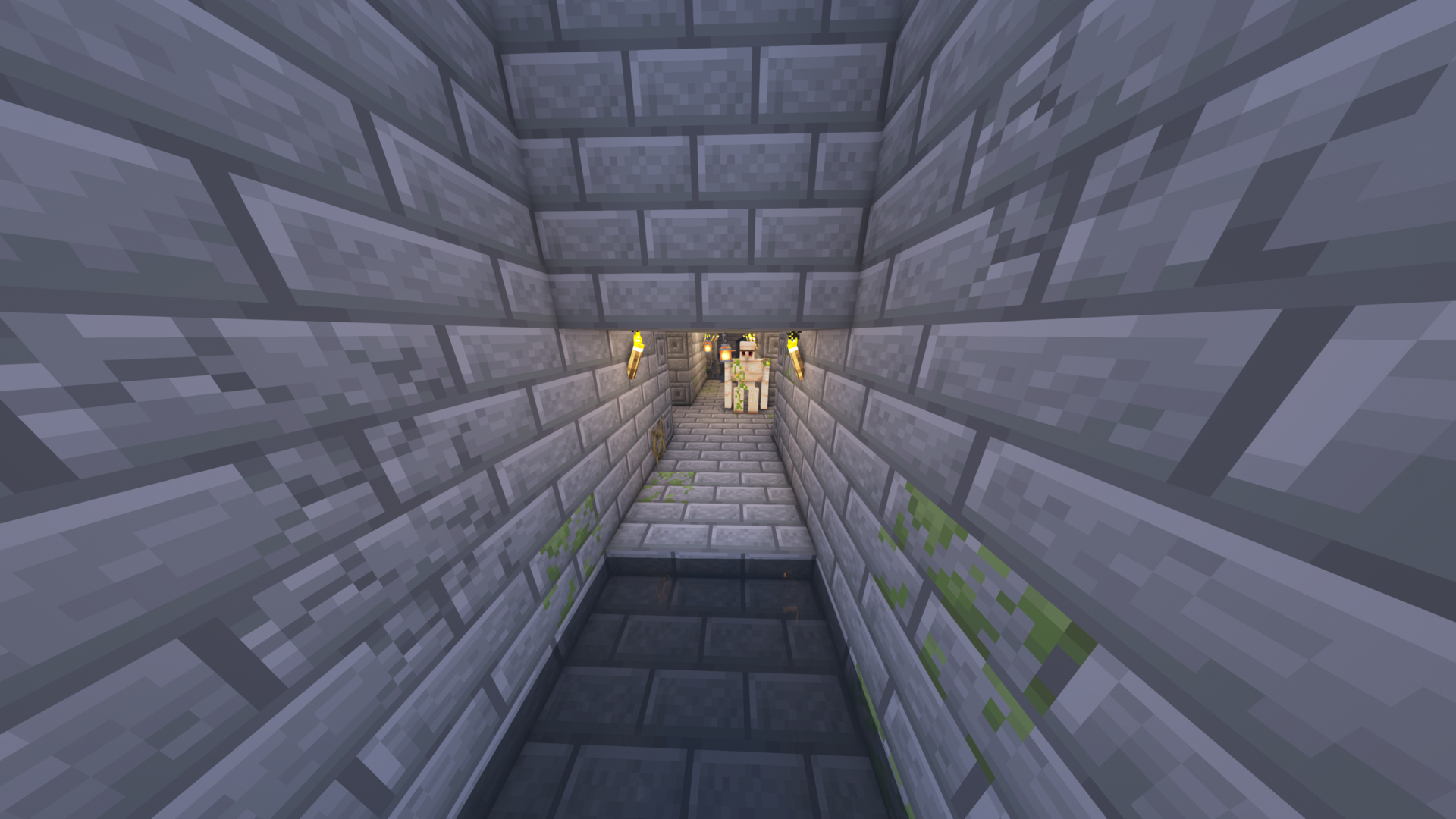
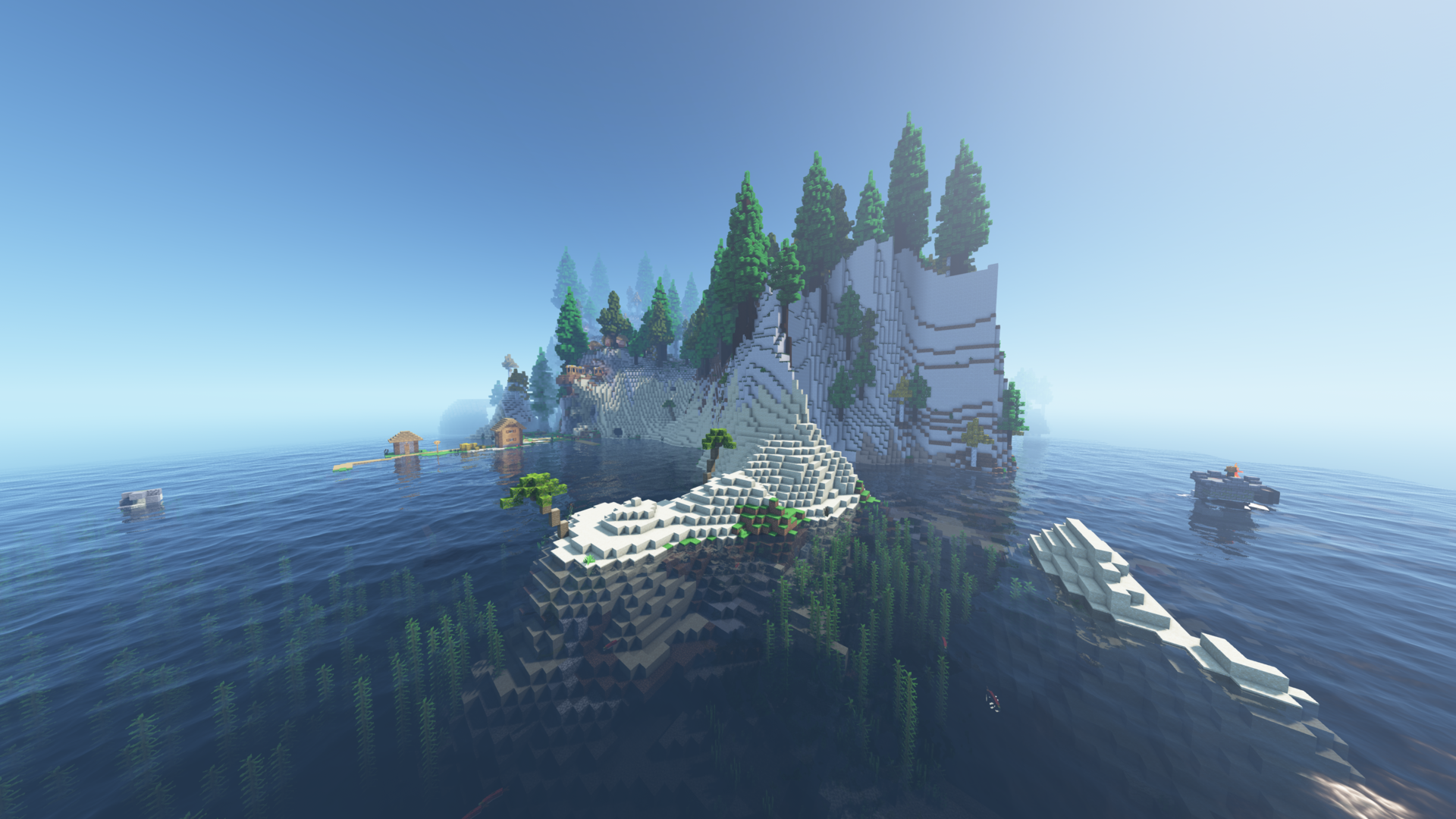
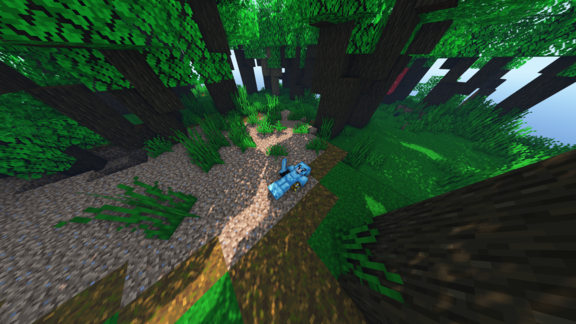
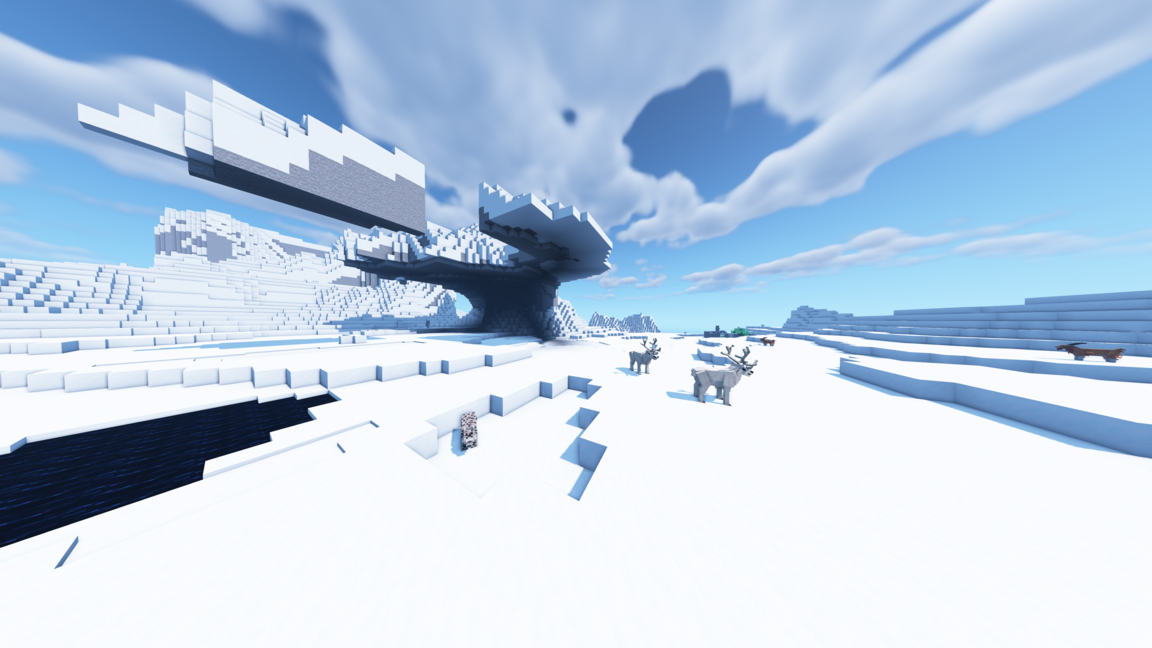
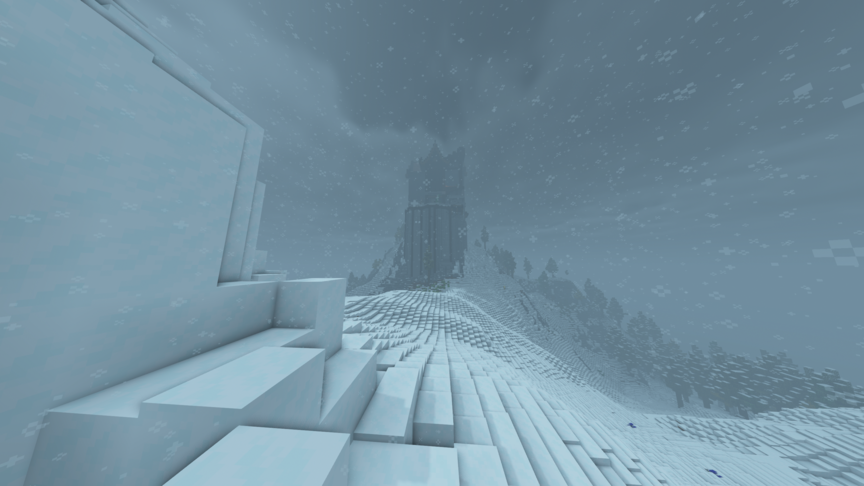
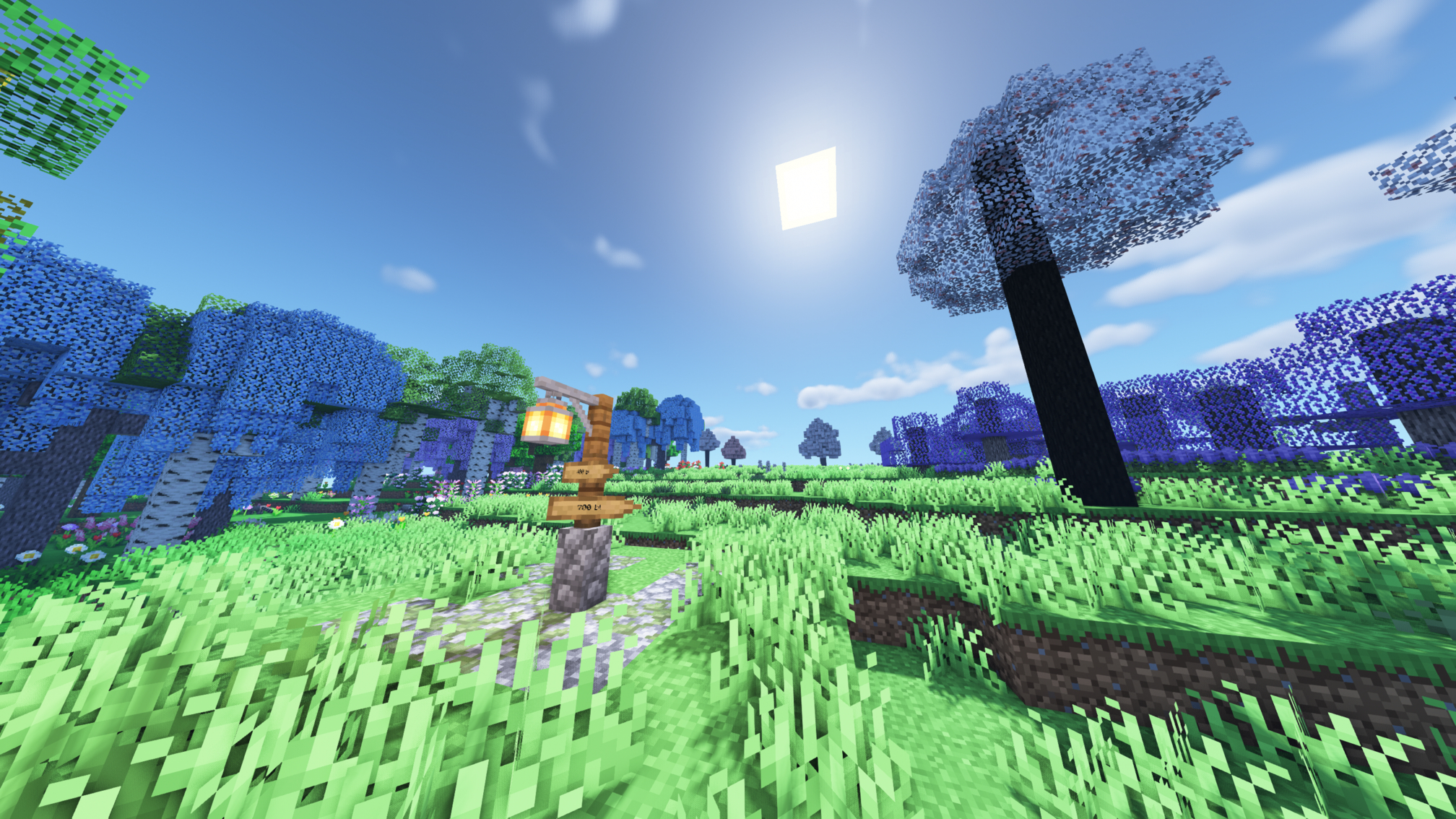
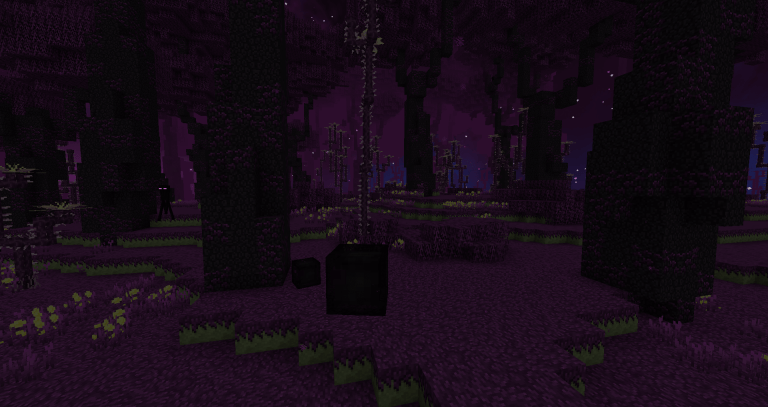
✅ NEW 1.17 Deep Dark & Warden
✅ Introducing a balance of tech, magic, building, combat and exploration
✅ 220+ diverse, highly configured and up to date Mods
✅ 20+ Chapters of custom questing with guide-like descriptions
✅ Unique per-structure chest loot that is balanced and rewarding
✅ Mob health and damage increases with time
✅ Overhauled crafting recipes for modded items
✅ New friendly and hostile mobs
✅ Customized villager trades
✅ No overpowered or out of place mods
✅ Five new dimensions to explore alongside vast expansions to The Nether and End

MC Revitalised was created to fix many of the issues mainstream modpacks have. The pack includes 220+ high quality mods with a mix of new and old. I've made sure to eliminate overpowered mods and mods that make each other obsolete. Each mod has been customly configured to ensure balance. Custom loot tables and crafting recipes have replaced many of the original ones. No longer will you finish a difficult dungeon only to find a chest of useless items or wander into an undefended structure exiting with endgame loot. Countless hours have been put into balancing recipes for modded items, including items that require machines to create.
The new recipes often encourage exploration of different mods whilst maintaining thematic logic and balance. There are almost 20 Questing Chapters for various mods and dimensions. Questing focuses more on learning new mods as opposed to completing tasks for rewards. (rewards may become more predominant in questing later) All that's left is feedback which I would highly appreciate! Feel free to comment any thoughts (however harsh!) here or even leave a suggestion in the Issues tab on the modpack page.

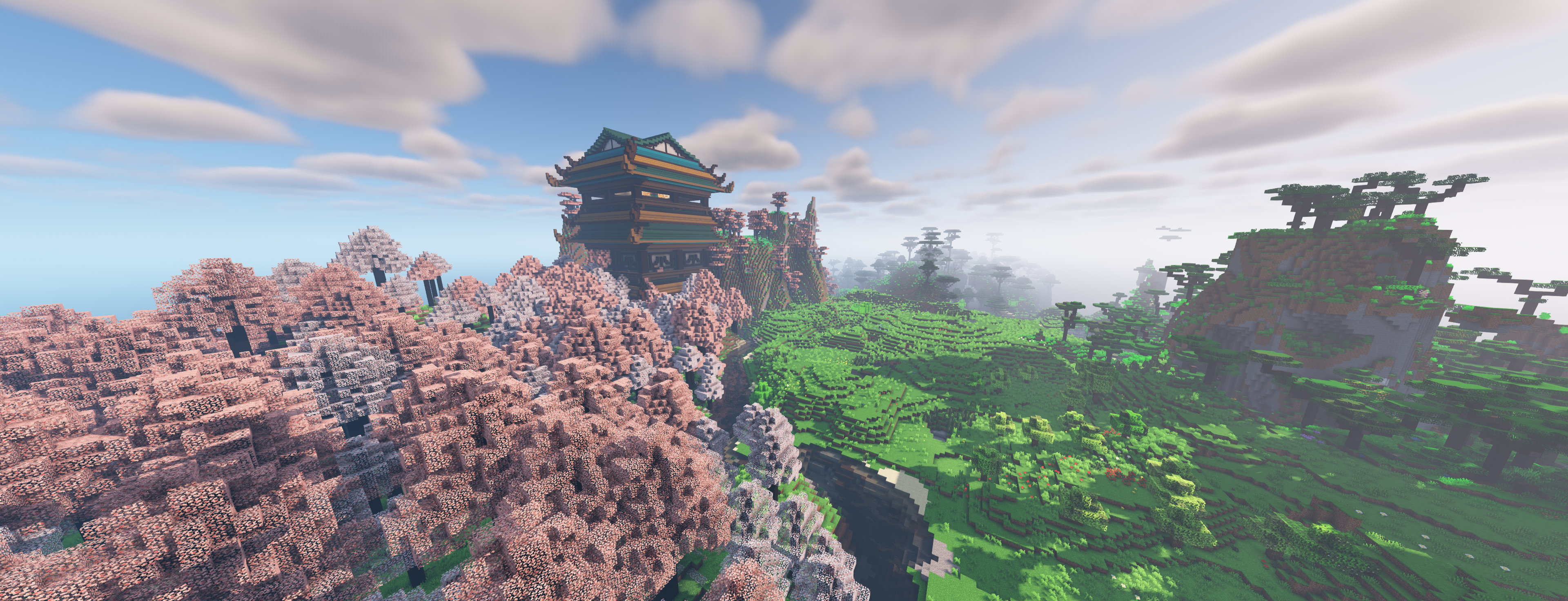


Here's a quick setup guide for Shaders which I highly recommend.
- Download the right version of Optifine for this modpack which as of now is OptiFine HD U G7
- Place the download into the "mods" folder (three dots next to "play" then "open folder")
- Download a shader of your choosing, I find BSL relatively easy to run. Once it's downloaded dont unzip the file but instead drag it into the "shaderpacks" folder (create a new shaders folder if you need to) Once your game is launched under Options > Video Settings > Shaders, you can select the shaderpack you would like.
- Edition: Minecraft Java
- File type: .jar
- Minecraft versions listed: 1.16.5, 1.16.4
- How to install: Install the matching mod loader (Forge, Fabric or NeoForge) for your Minecraft version. → Download the .jar. → Put it in the .minecraft/mods folder and launch that loader profile.
- Where to get it: Opens on CurseForge — not every file is mirrored on our own servers.
Install steps are the general flow for this file type — How to install Minecraft Java mods & modpacks walks through it step by step.
- Downloads as oooog.zip
- Download size: 6.0 MB
- Download link checked 14 Oct 2026 — working
These come from our own check of the pack file, not from the source page.
Related Java mods

TechByTech - Insanecraft
SVR: Survival Legends
MARSHY'S SECRETS OF THE OMNITRIX - PALLADIUM BETA

Trivia

Recuria
