Fitzy's Fenilla
Java modpack listed for Minecraft 1.16–1.20. Downloads from the MC Java Mods app on Android.
I don't know my version or loader
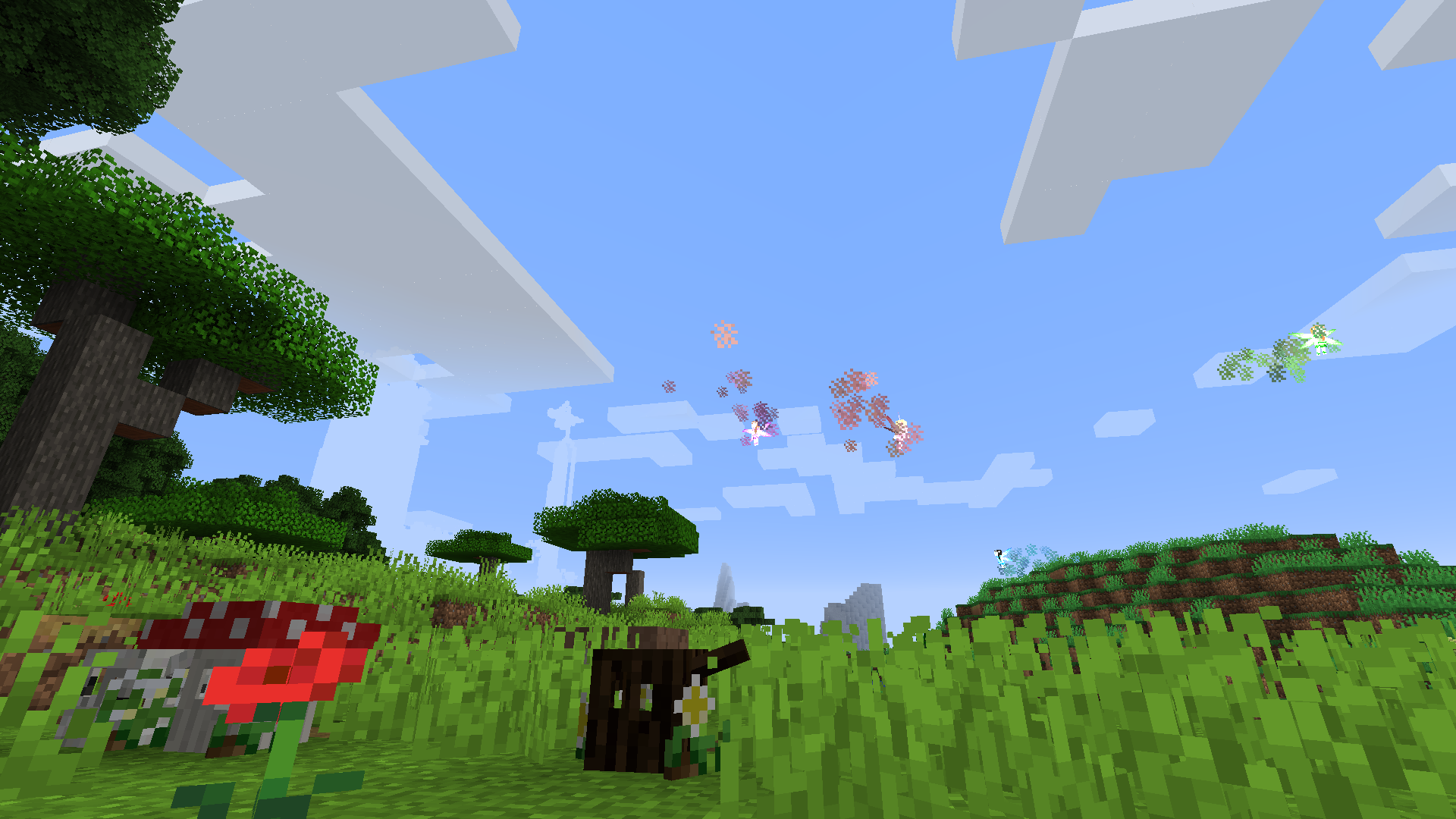
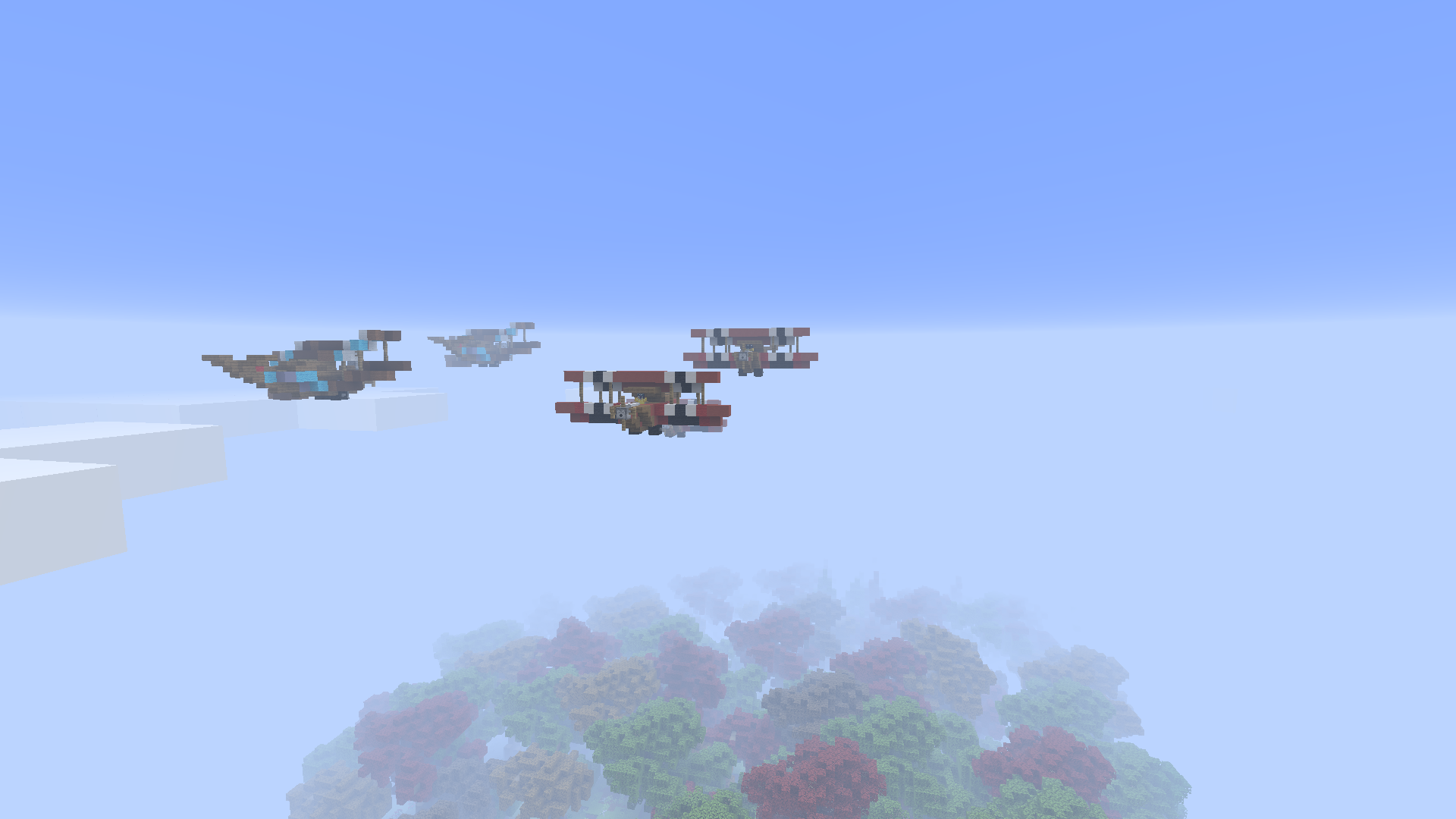
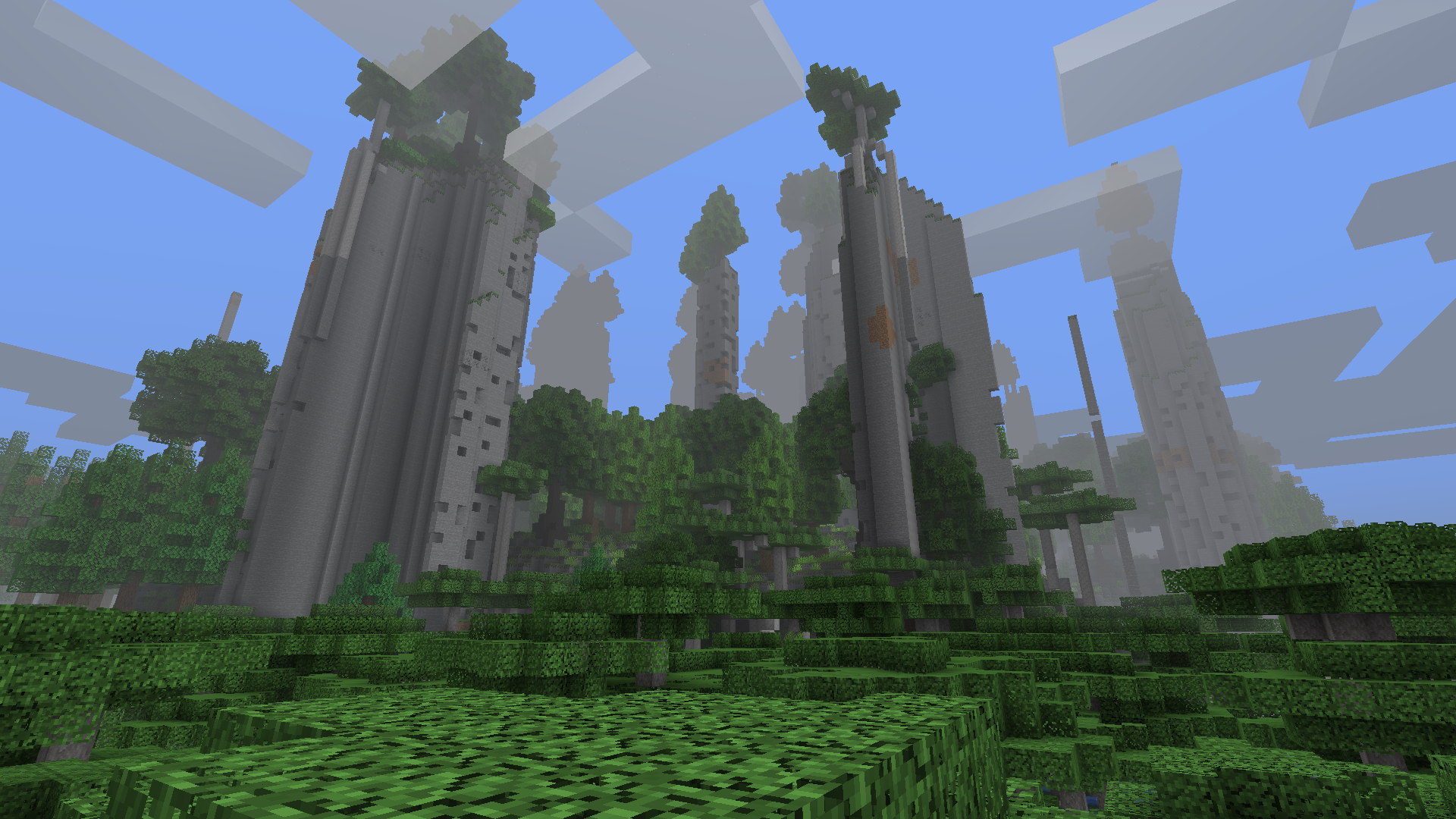
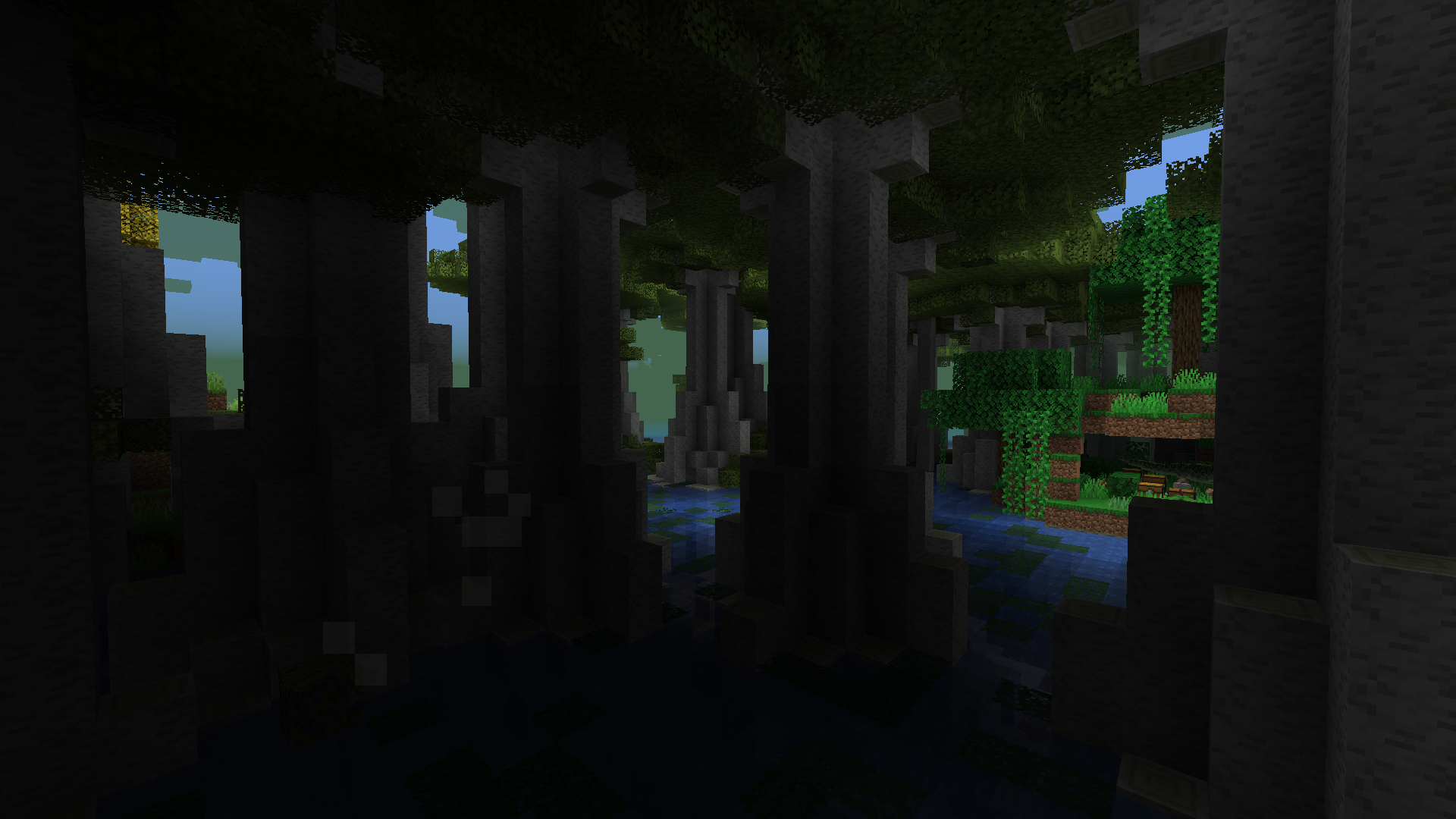
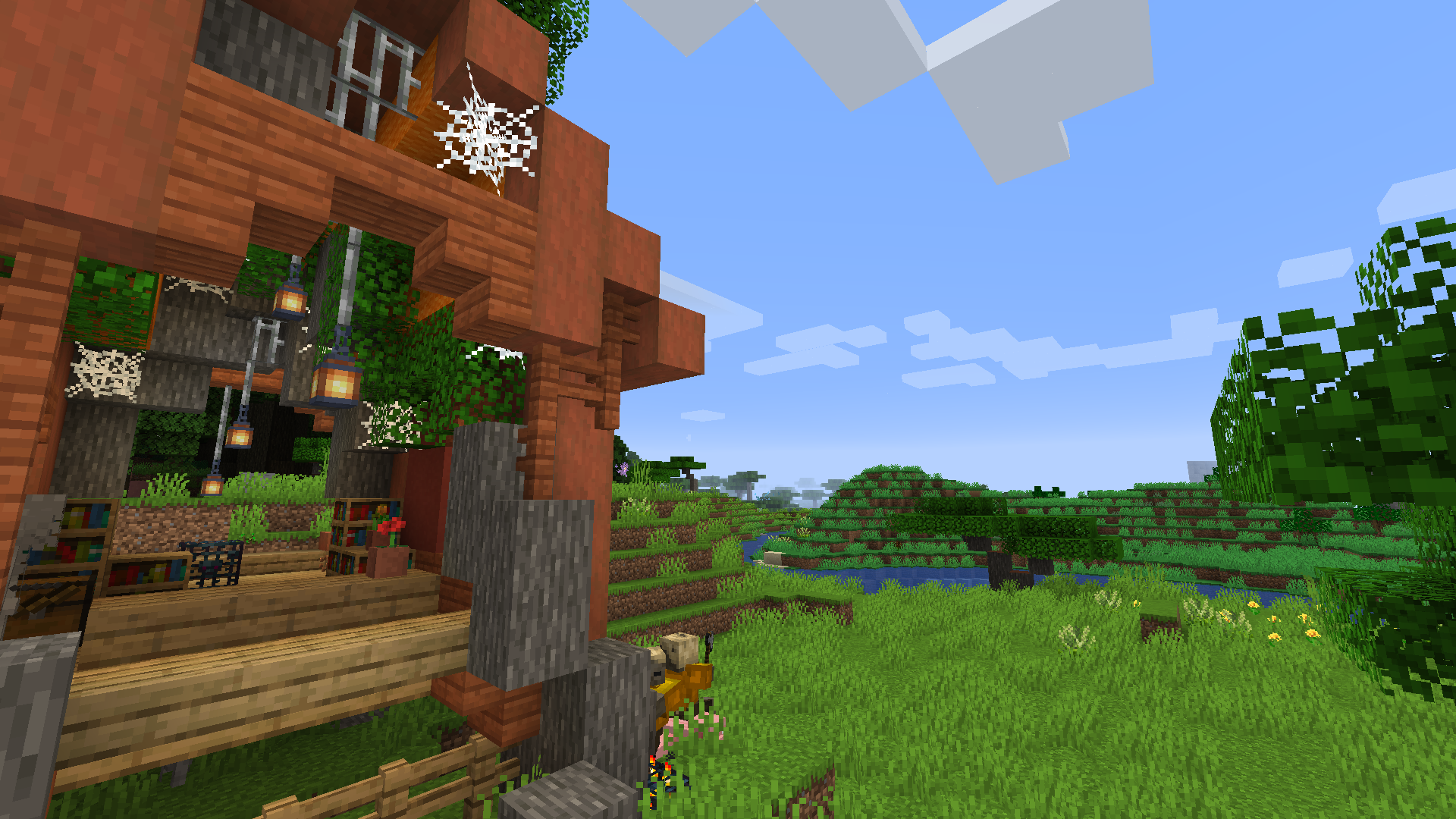


Fitzy's Fenilla (Fitzy's Enhanced Vanilla) has a mix between some tekkit mods and some other main big mod packs without filler mods. It has quality of life improvements some expanded foliage, as well as better biomes, dungeons and much more. Things you would see in modpacks like RL craft. My Friends and I always wanted a modpack that was made to have some challenge and get progressively harder after each major accomplishments but nothing too dramatic, but have something that didn't have one or two main things to work on. Fenilla is the change of that, and will continue to add mods that focus not only on tech side of things, but the beautiful nature of the game.


IMPORTANT: If you receive error whilst joining a server with " Badly Compressed Packets" Please have each person install https://www.curseforge.com/minecraft/mc-mods/xl-packets and put it into the MODS Folder.
PARAMETERS: The default 2GB of RAM that is allocated won't be enough to run this mod pack. Recommend allocating 5 to 8GB's of RAM. You can do this by going to Launch Options, enabling JVM Arguments, hit reset and change "-Xmx2G" to "-Xmx5G or preferred number" NOTE: do not go above 8, you will be wasting ram.
OTHER RECOMMENDATIONS: I would recommend the use of Optifine . Make sure Optifine is 1.20.1 and shaders are optional if your system can handle them.
Changelog:
Only newer updates will show under launcher, to keep things clean. If you want to look back at the whole change log you can do so by visit using the link below.
https://gist.github.com/FItzy45/22bd7276ab85e1ae50de5535c491f7eb


TBA
- Edition: Minecraft Java
- File type: .jar
- Minecraft versions listed: 1.20.1, 1.16.5
- How to install: Install the matching mod loader (Forge, Fabric or NeoForge) for your Minecraft version. → Download the .jar. → Put it in the .minecraft/mods folder and launch that loader profile.
- Where to get it: Opens on CurseForge — not every file is mirrored on our own servers.
Install steps are the general flow for this file type — How to install Minecraft Java mods & modpacks walks through it step by step.
- Downloads as Fitzy Fenilla - 4.0.6.zip
- Download size: 588.1 MB
- Download link checked 4 Nov 2026 — working
These come from our own check of the pack file, not from the source page.