
See Through Water/Lava
Java mod listed for Minecraft 1.16–1.20. Downloads from the MC Java Mods app on Android.
I don't know my version or loader
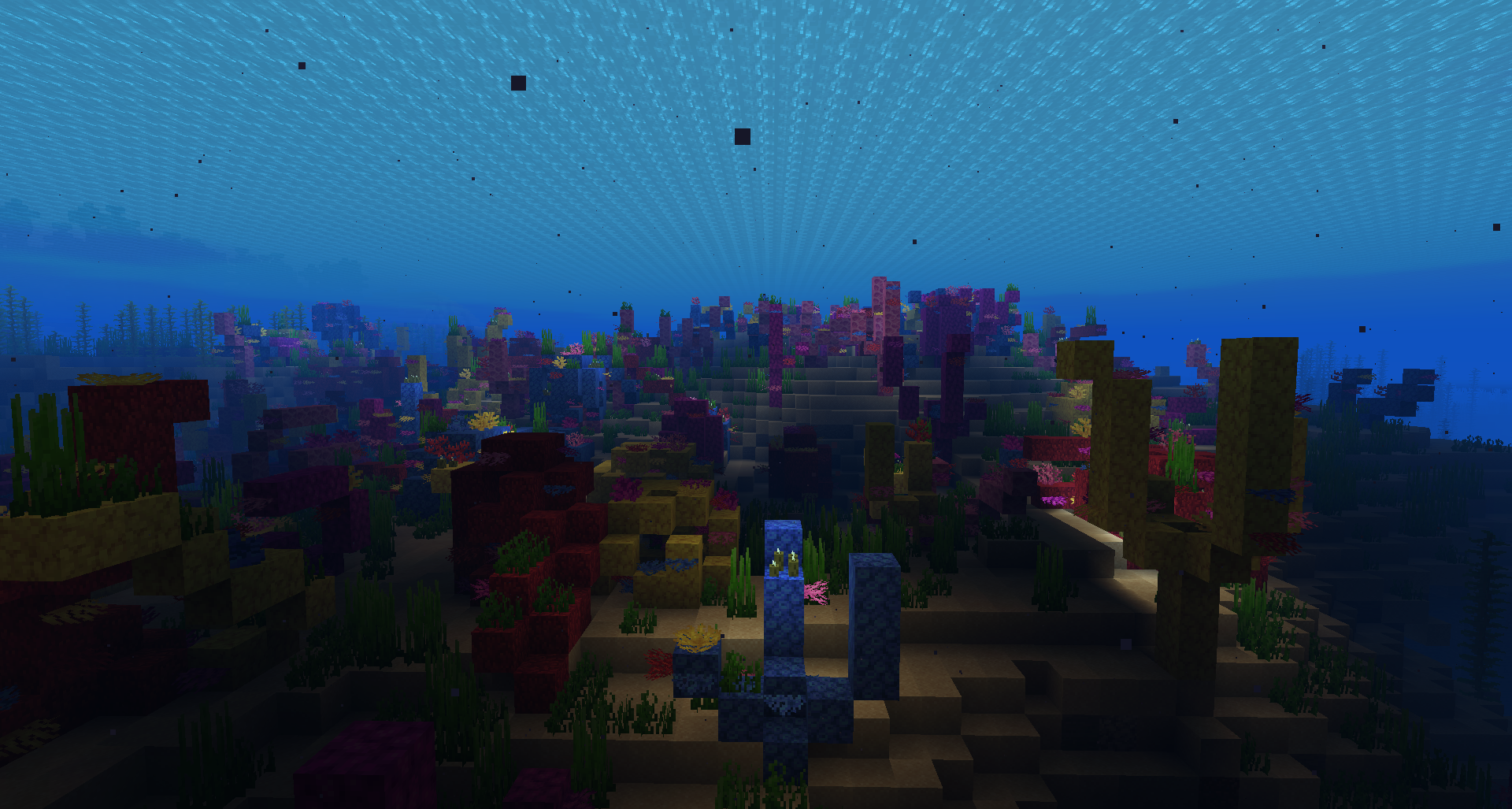
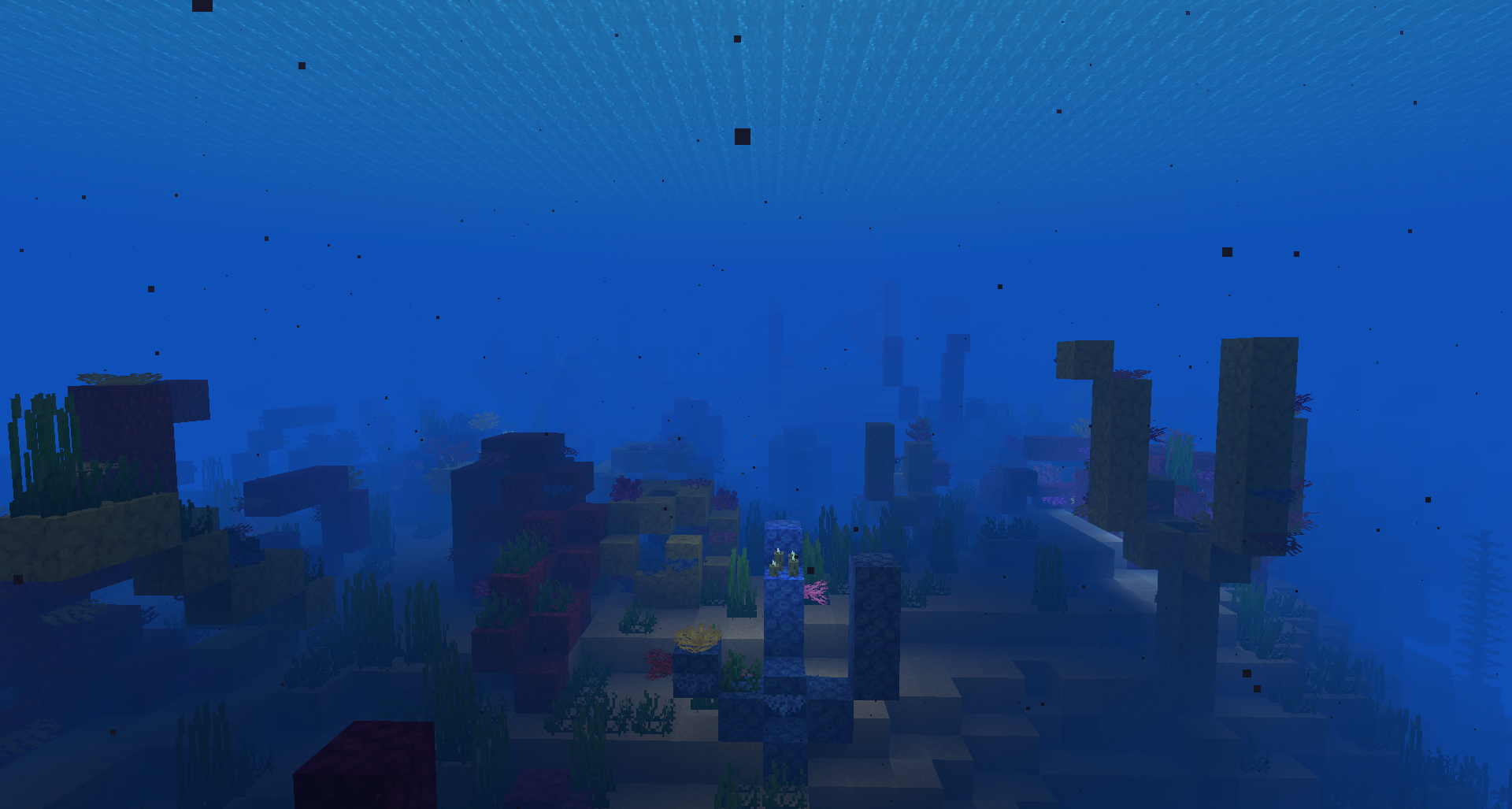

Before vs After Water (fog density fully configurable)


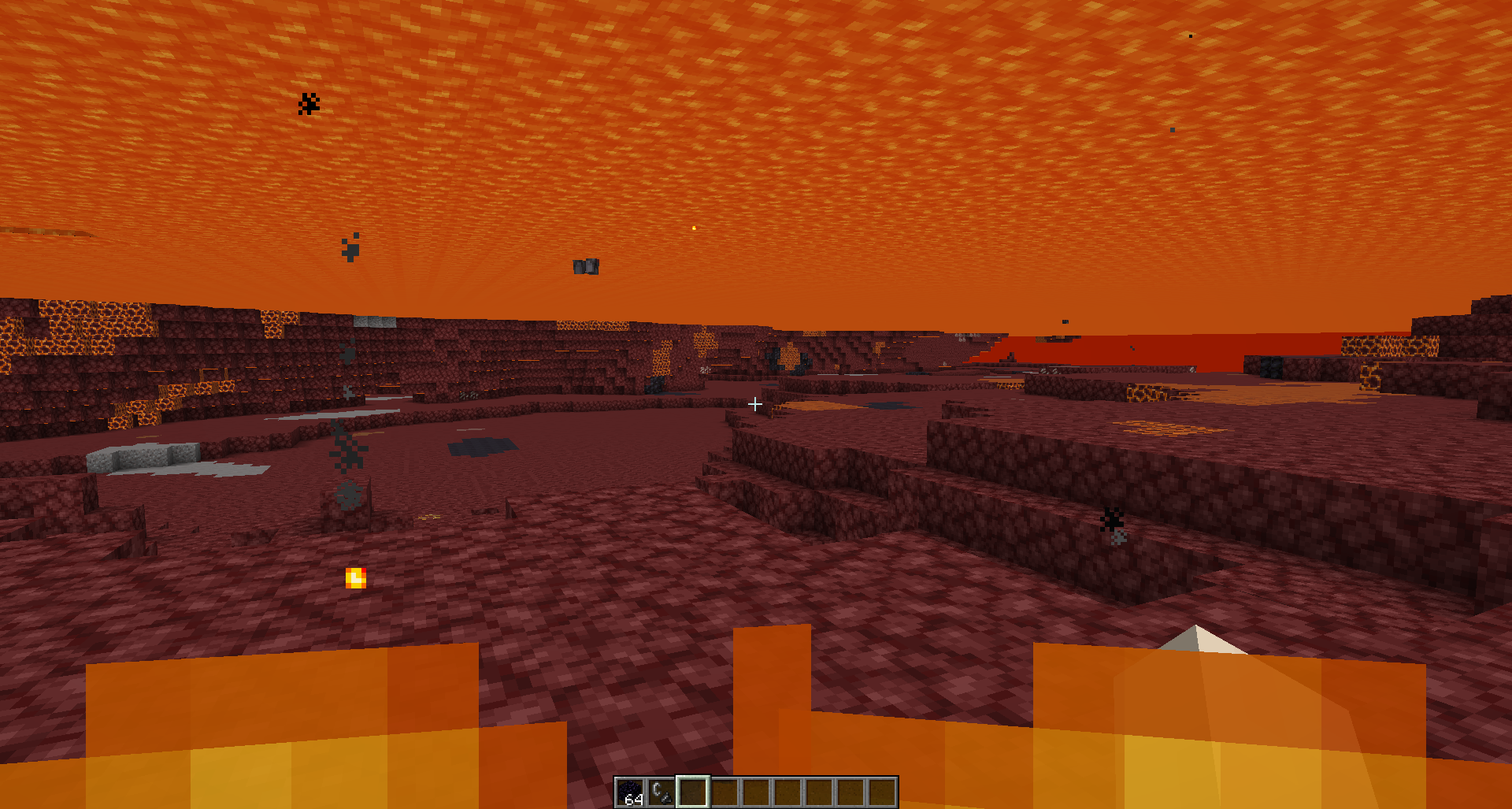
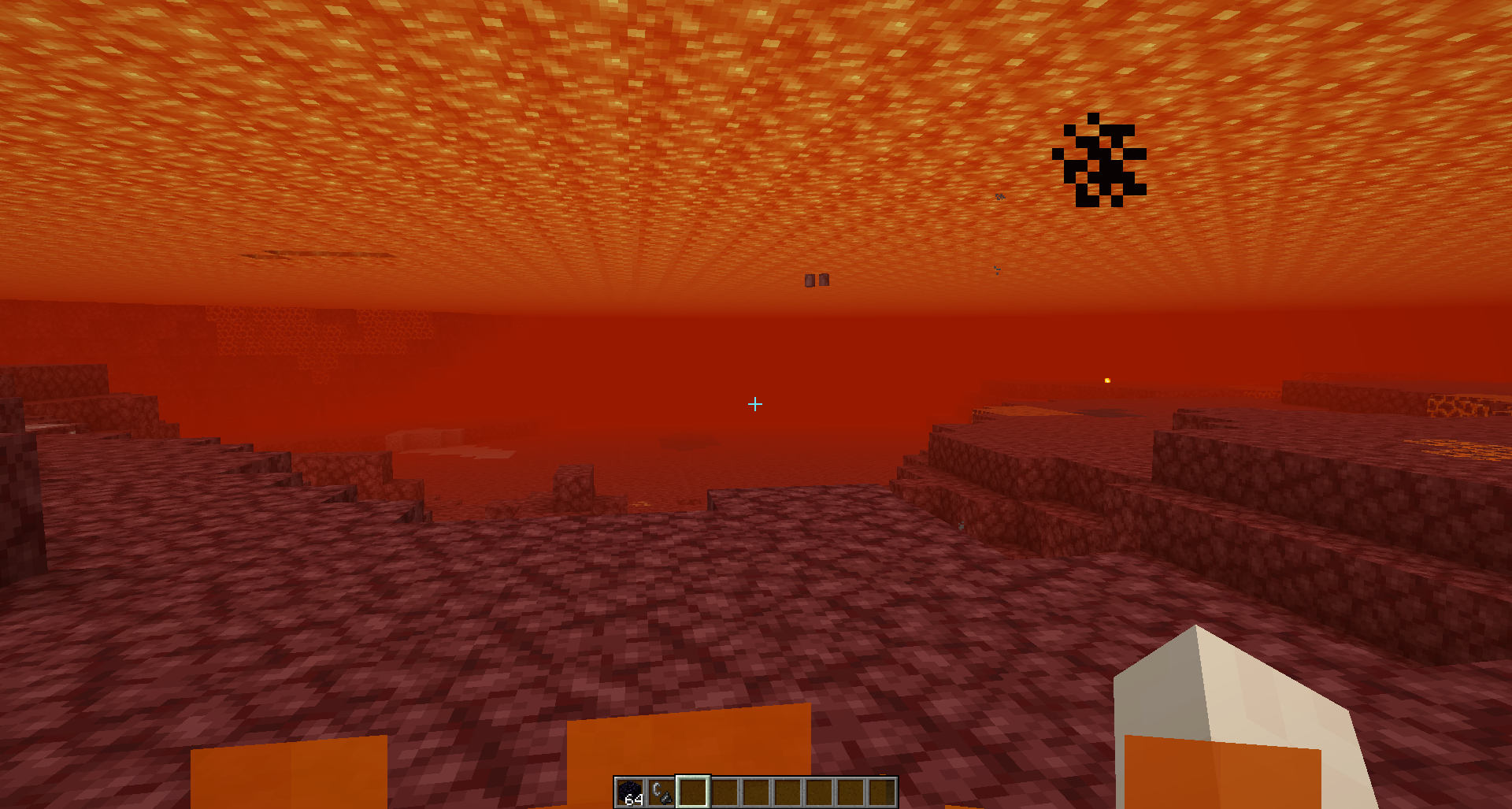
Before vs After vs Fully Clear Lava (Fog density fully configurable)






Let's you see through lava or water with configurable densities/opacities/transparencies
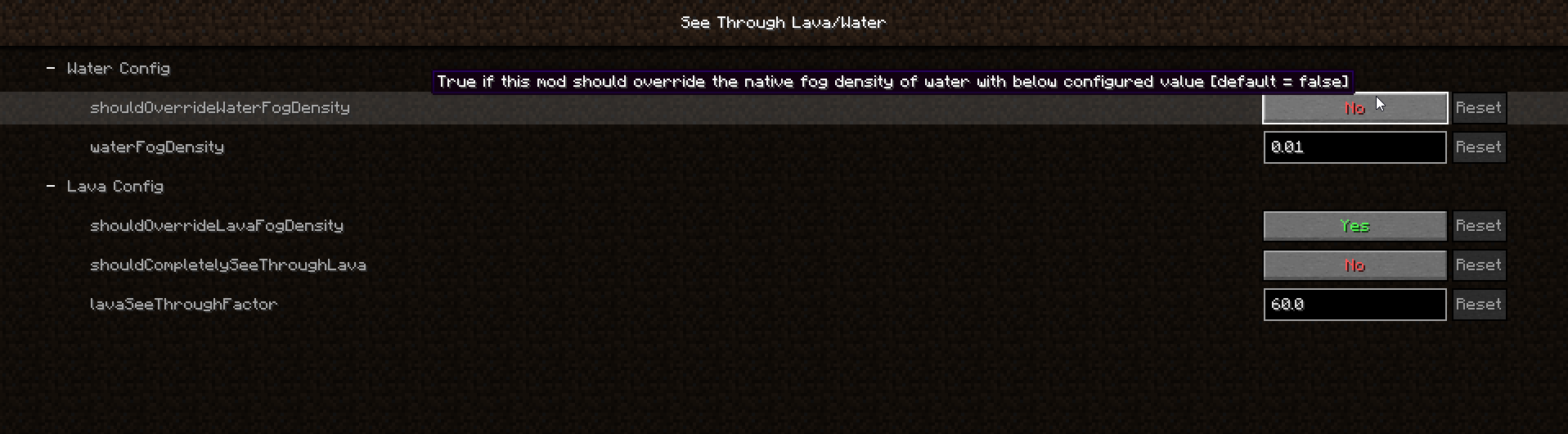
Fog in lava/water is configurable in config/seethroughlava.json5 with config documentation at https://github.com/spoorn/SeeThroughLava/blob/main/config-documentation.json5 or in your game menu if you have ModMenu installed. Mod is only required client side.

Conflicts
- This mod is incompatible with Optifine - it won't crash, but the fog levels won't change
- Origins is also invasive in changing the fog code. I've been keeping up compatibility with Origins, but if you are having trouble, try removing Origins and seeing if See Through Water/Lava works again, then please submit an Issue with your Origins version and See Through Water/Lava version so I can try to fix it
- This mod is incompatible with Sodium Extra which overwrites the fog code so See Through Water/Lava won't apply
Requirements
This mod requires Cloth Config API: https://www.curseforge.com/minecraft/mc-mods/cloth-config
Need a Server?

- Edition: Minecraft Java
- File type: .jar
- Minecraft versions listed: 1.20.1, 1.20, 1.19.3
- How to install: Install the matching mod loader (Forge, Fabric or NeoForge) for your Minecraft version. → Download the .jar. → Put it in the .minecraft/mods folder and launch that loader profile.
- Where to get it: Opens on CurseForge — not every file is mirrored on our own servers.
Install steps are the general flow for this file type — How to install Minecraft Java mods & modpacks walks through it step by step.
- Ships as seethroughlava-5.0-26.2-neoforge.jar — drop this file into the mods folder
- Download size: 53 KB
- Download link checked 14 Oct 2026 — working
These come from our own check of the pack file, not from the source page.