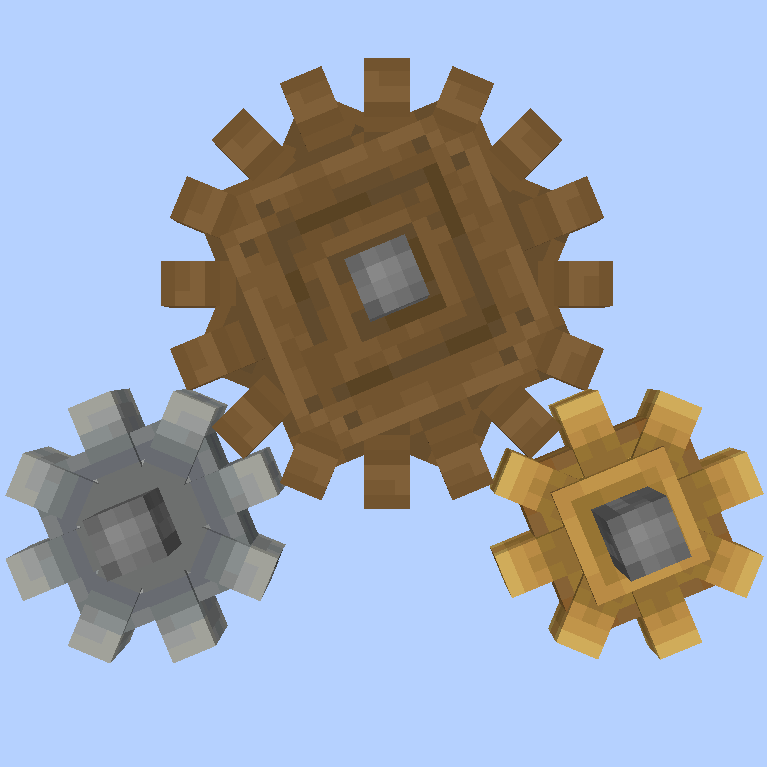
Cogwheel Tweaker
Java mod listed for Minecraft 1.16. Downloads from the MC Java Mods app on Android.
I don't know my version or loader
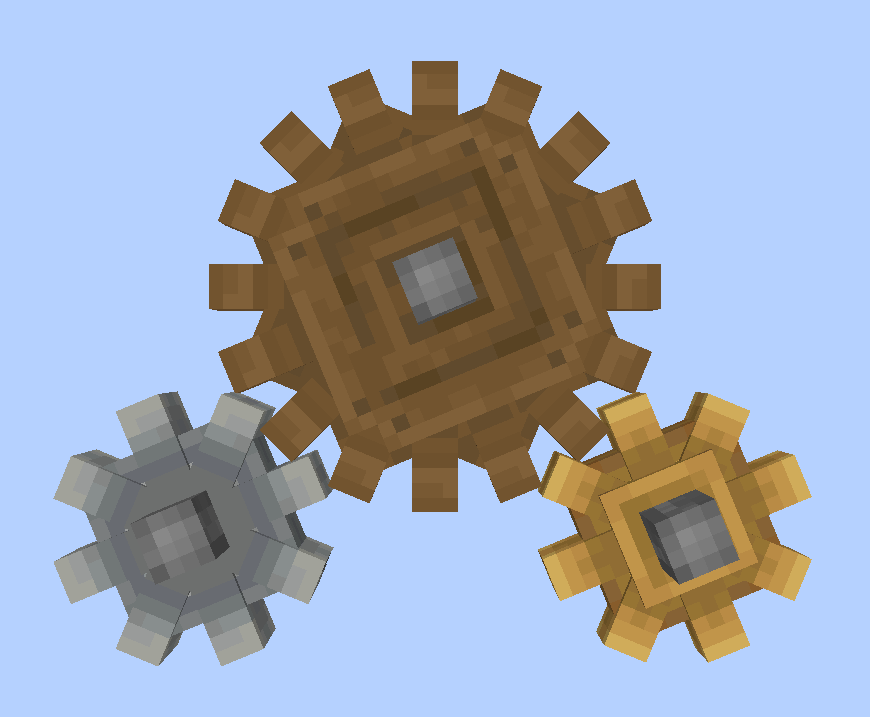
Cogwheel Tweaker makes adding custom Create cogwheels possible. You can specify the properties of your custom cogwheels in Zen-script and data packs.
To generate an example script for custom cogwheels, you can run the /ct example command. With that script, you already have small andesite and brass cogwheels using the prepackaged models and data sets.
To make truly custom cogwheels, you can use data packs provided by mods like openloader to package your assets with your mod pack.
Custom Cogwheels follow the format of adding other custom blocks with Content Tweaker as following:
#loader contenttweaker


import mods.contenttweaker.block.BlockBuilder;

import mods.cogweeltweaker.block.cogwheel.CoTWheelBuilder;


new BlockBuilder()

	.withType<CoTWheelBuilder>()

	.build("small_cog");


new BlockBuilder()
.withType<CoTWheelBuilder>()

	.withLarge(true)

	.build("large_cog");
Cogwheel Tweaker requires Create 0.3.1+, Content Tweaker and Craft Tweaker
- Edition: Minecraft Java
- File type: .jar
- Minecraft versions listed: 1.16.5, 1.16.3, 1.16.4
- How to install: Install the matching mod loader (Forge, Fabric or NeoForge) for your Minecraft version. → Download the .jar. → Put it in the .minecraft/mods folder and launch that loader profile.
- Where to get it: Opens on CurseForge — not every file is mirrored on our own servers.
Install steps are the general flow for this file type — How to install Minecraft Java mods & modpacks walks through it step by step.
- Ships as cogwheeltweaker-mc1.16.3_v0.0.1.jar — drop this file into the mods folder
- Download size: 26 KB
- Download link checked 14 Oct 2026 — working
These come from our own check of the pack file, not from the source page.