Image Mod
Java mod listed for Minecraft 1.16–1.21. Downloads from the MC Java Mods app on Android.
I don't know my version or loader
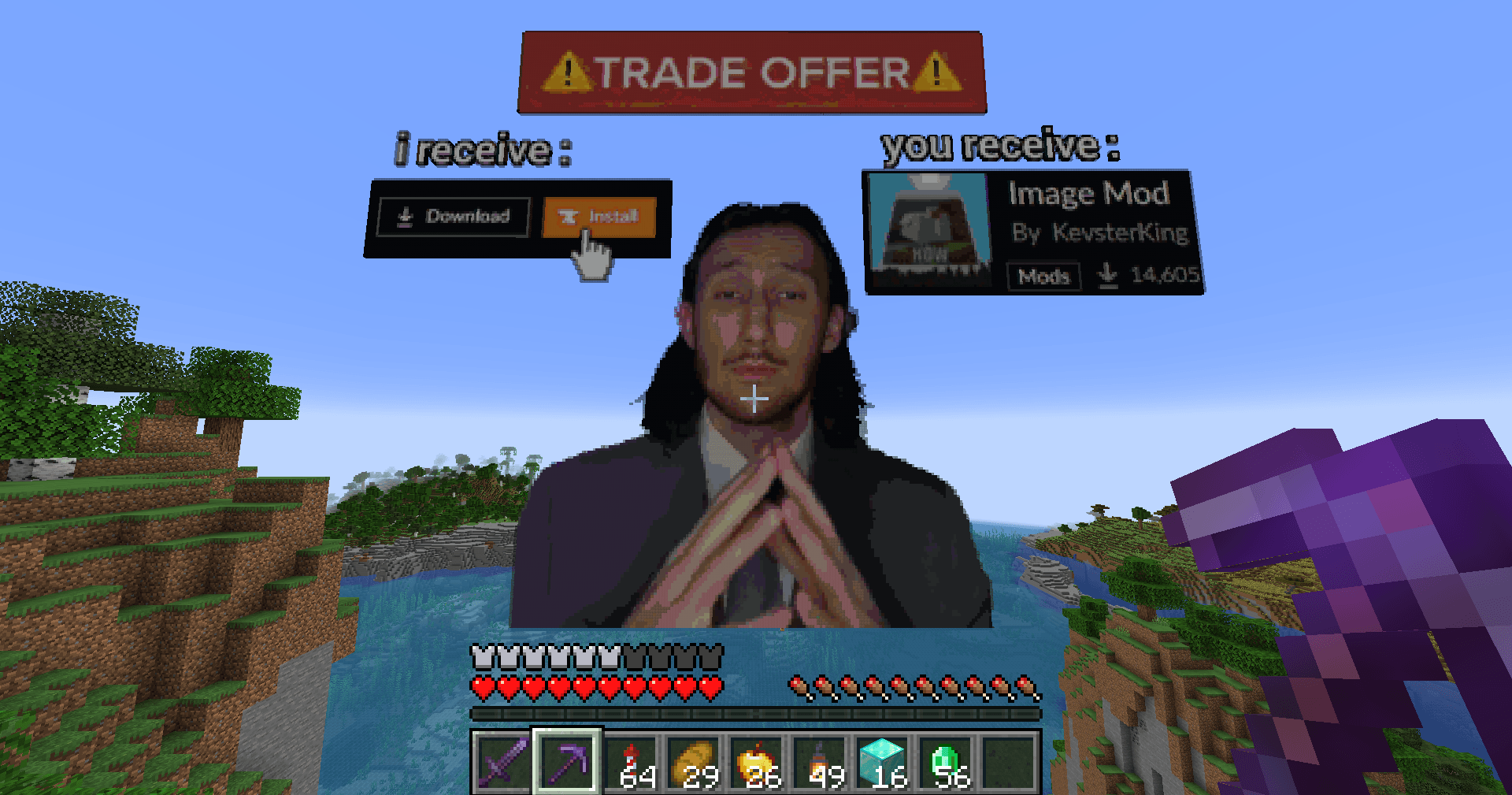
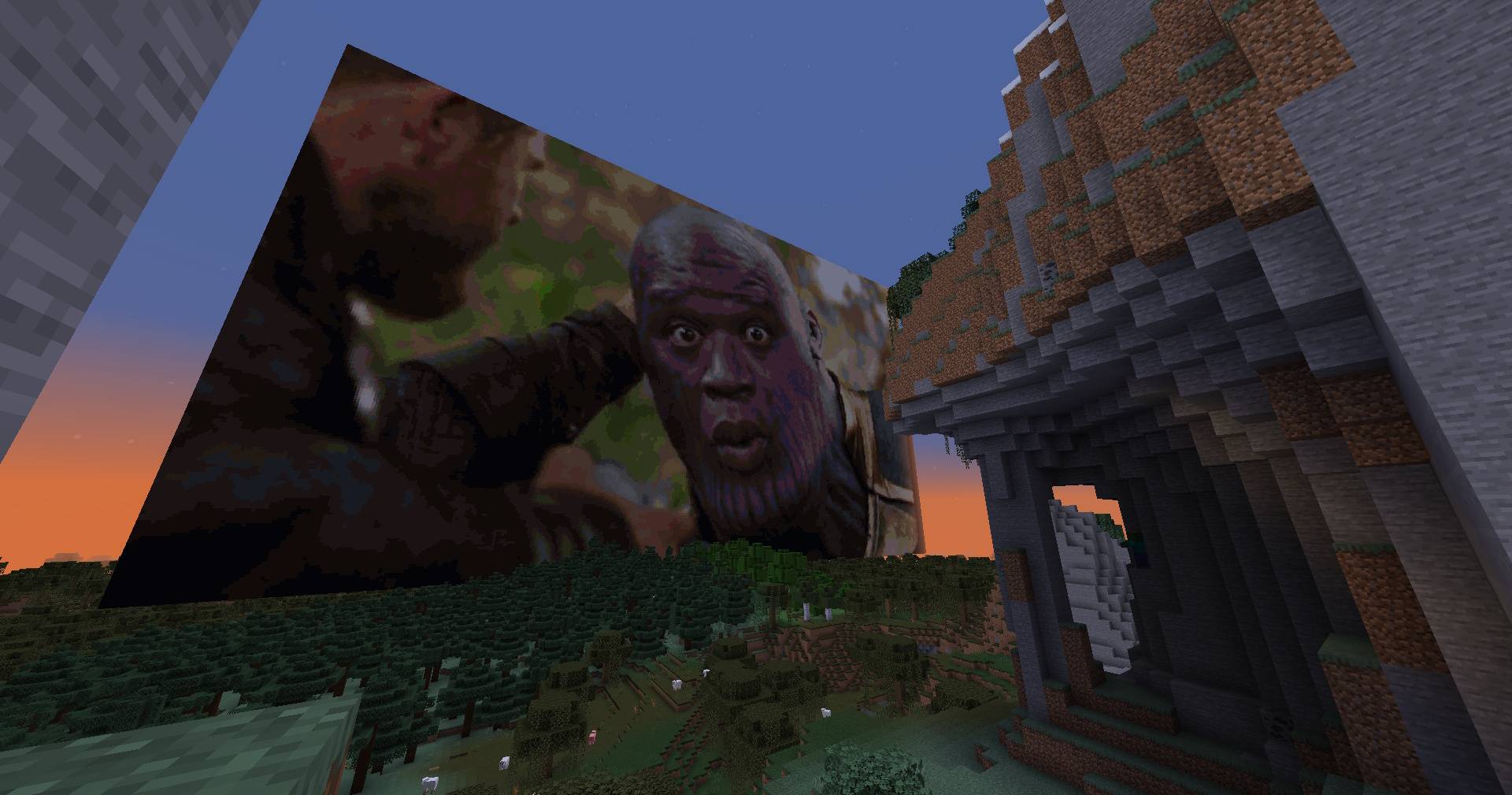
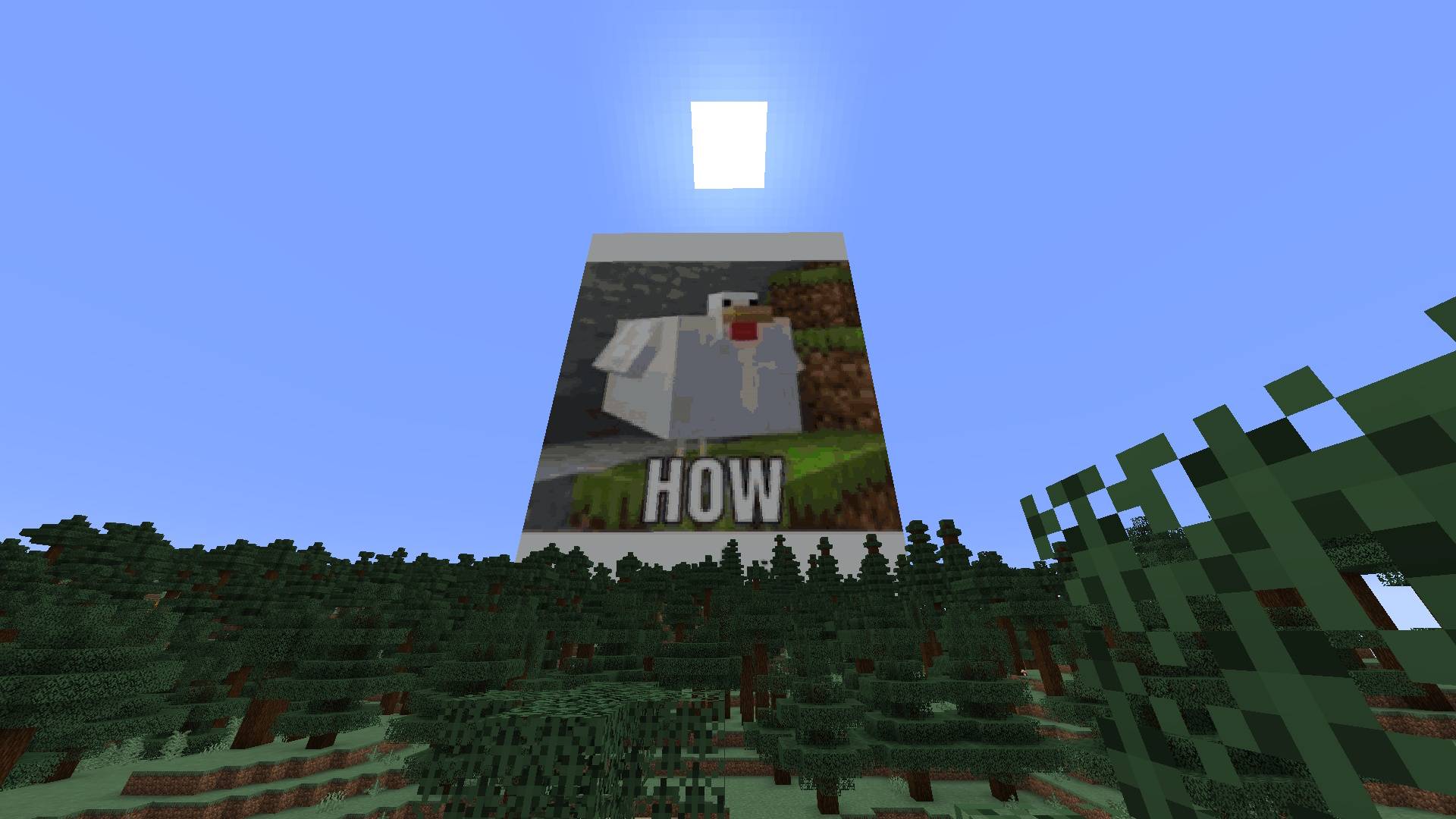
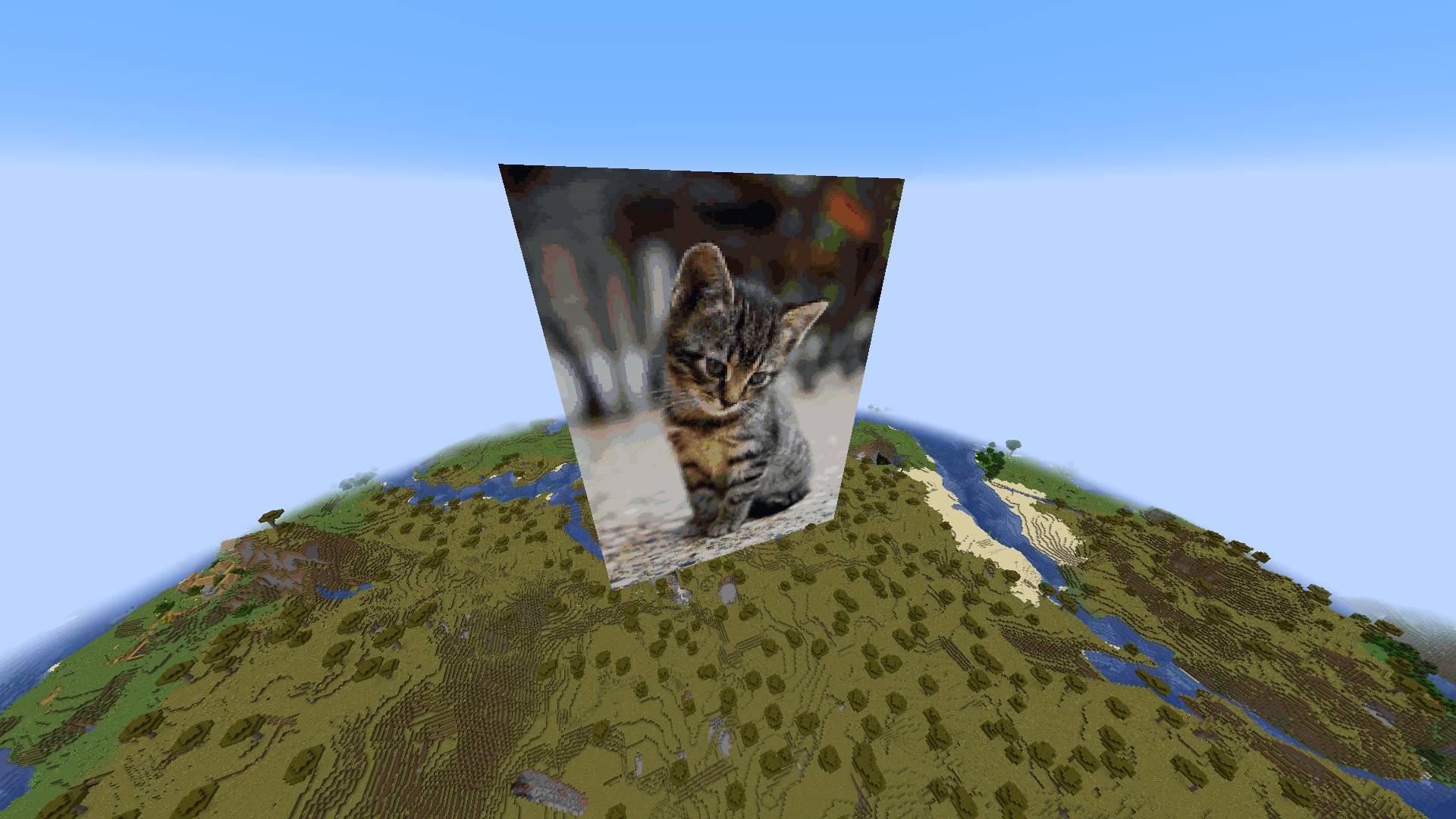
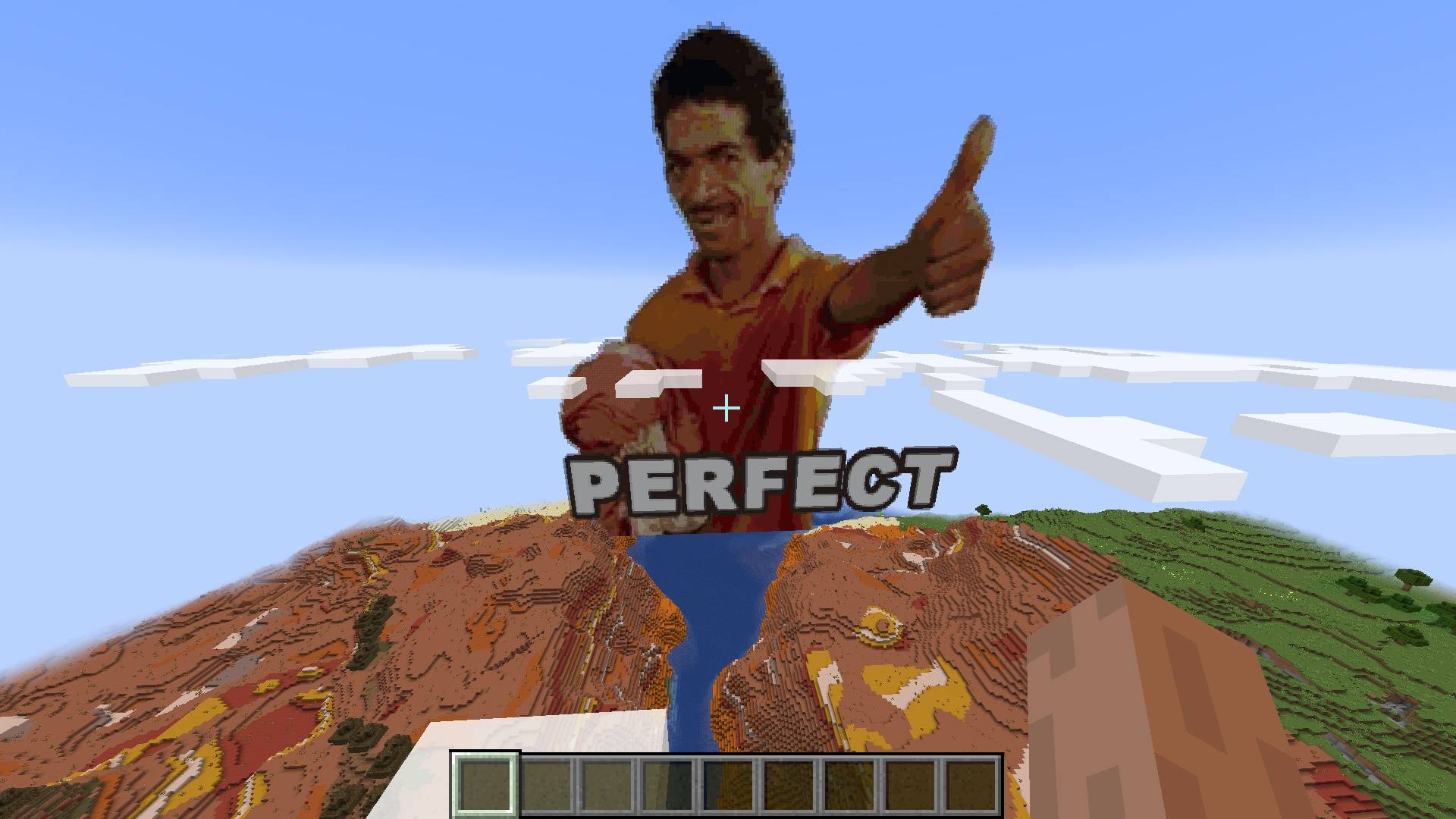
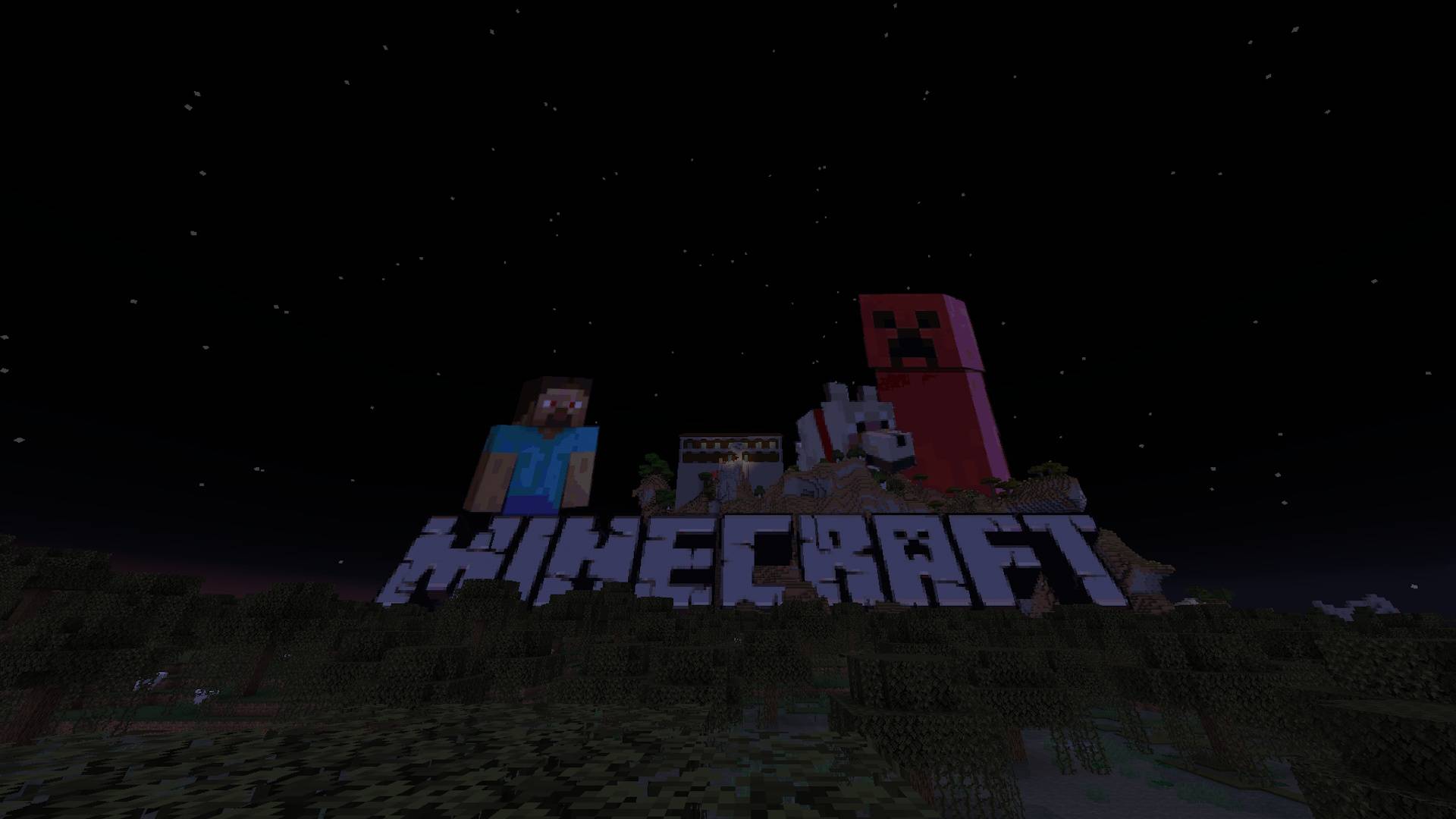
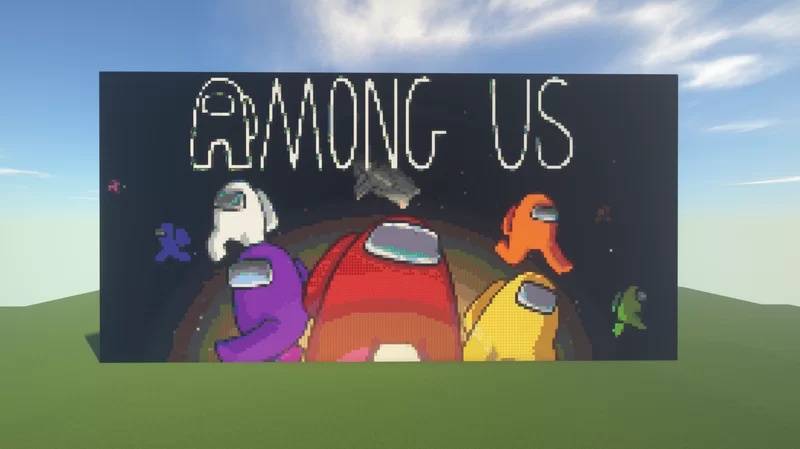
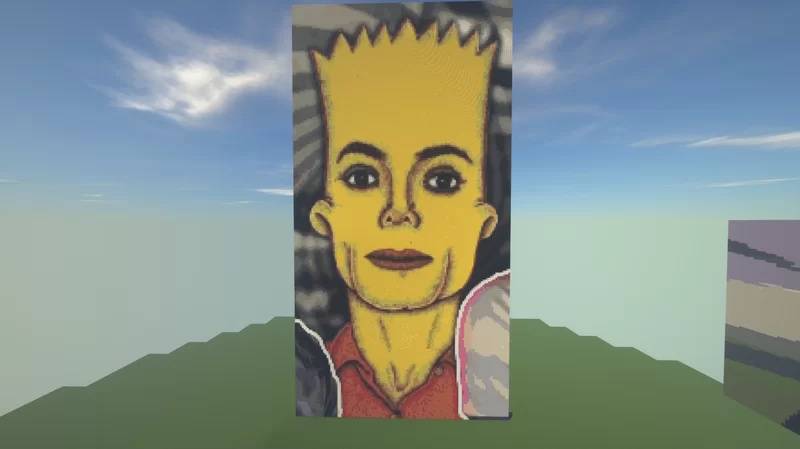
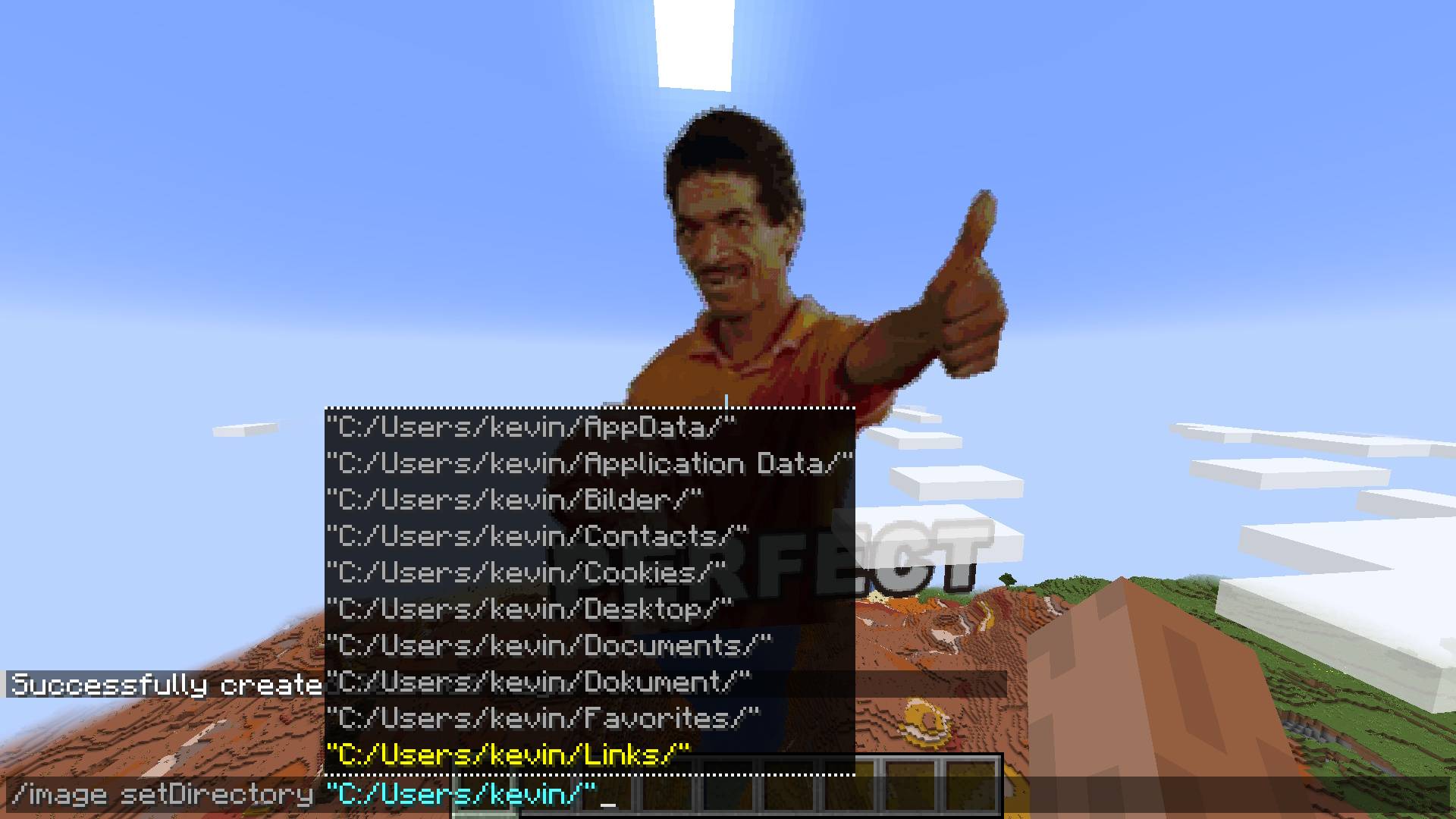
Generate Minecraft Pixel-Art Automatically With A Single Command. Any Image File Is Turned Into Blocks In Less Than A Second!
The command: /image
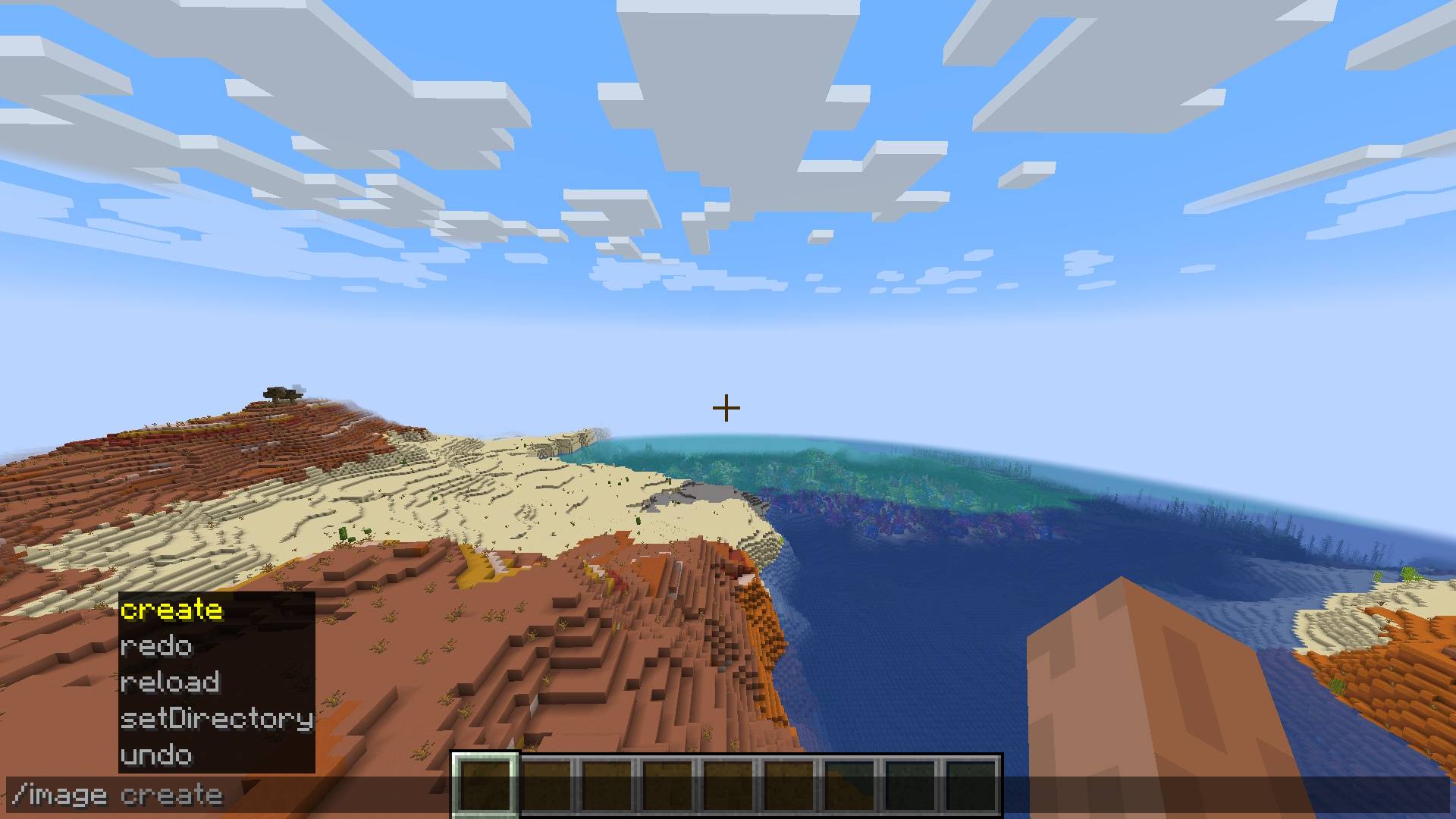
Usage
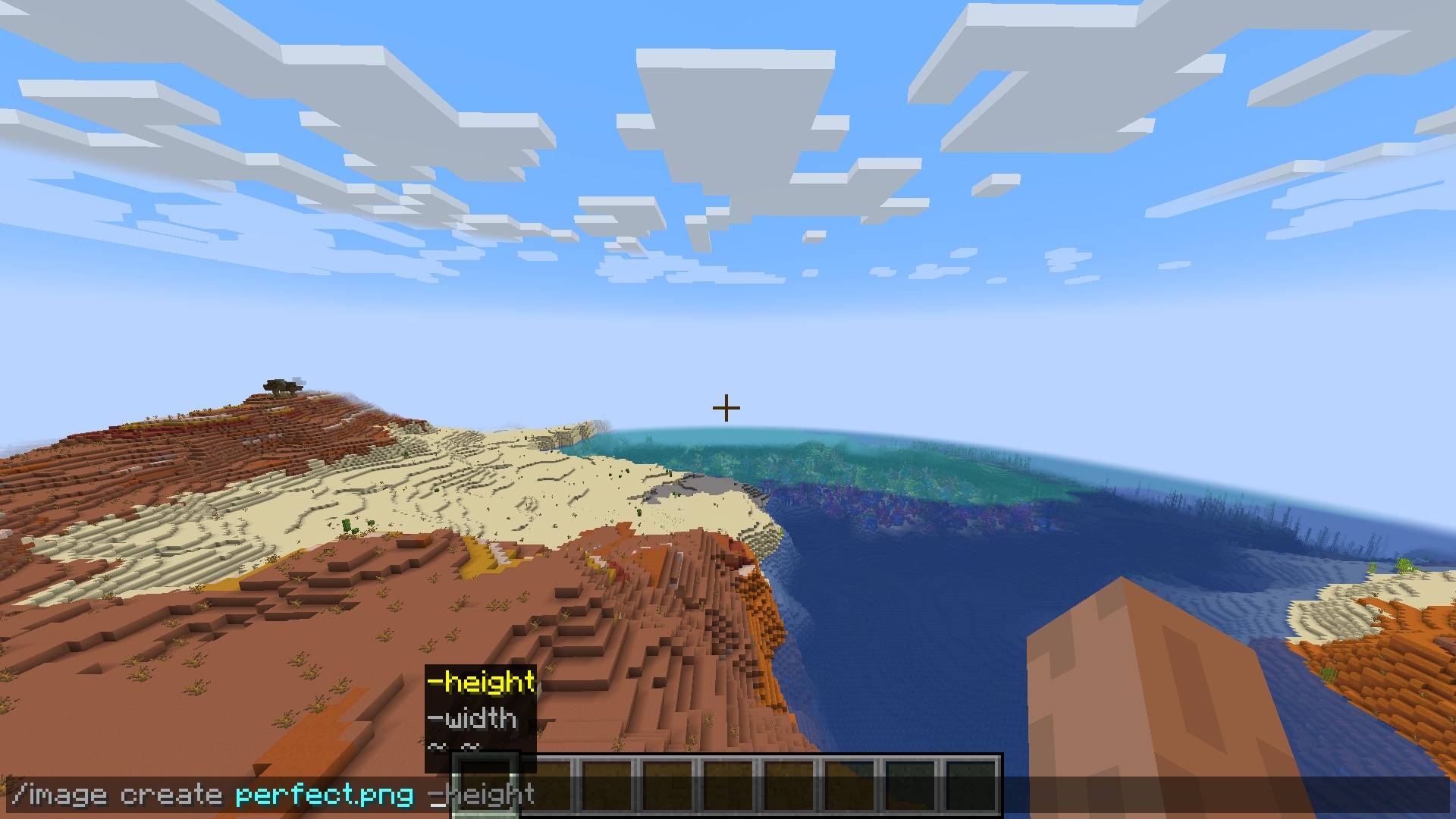
You are given a few dimension options for creating your pixel-art:
/image create <ImagePath> -width <width>
/image create <ImagePath> -height <height>
/image create <ImagePath> <width> <height>
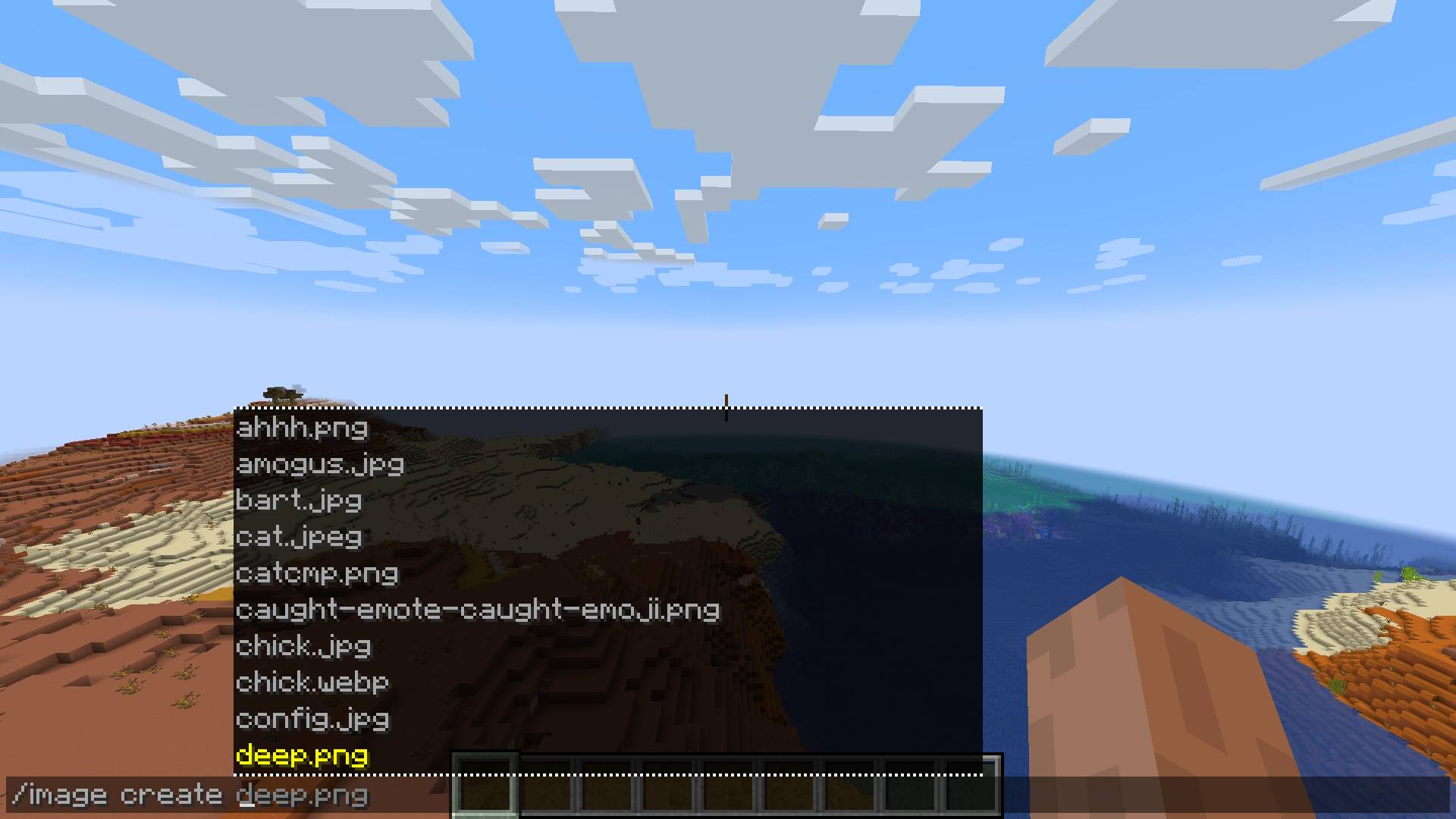
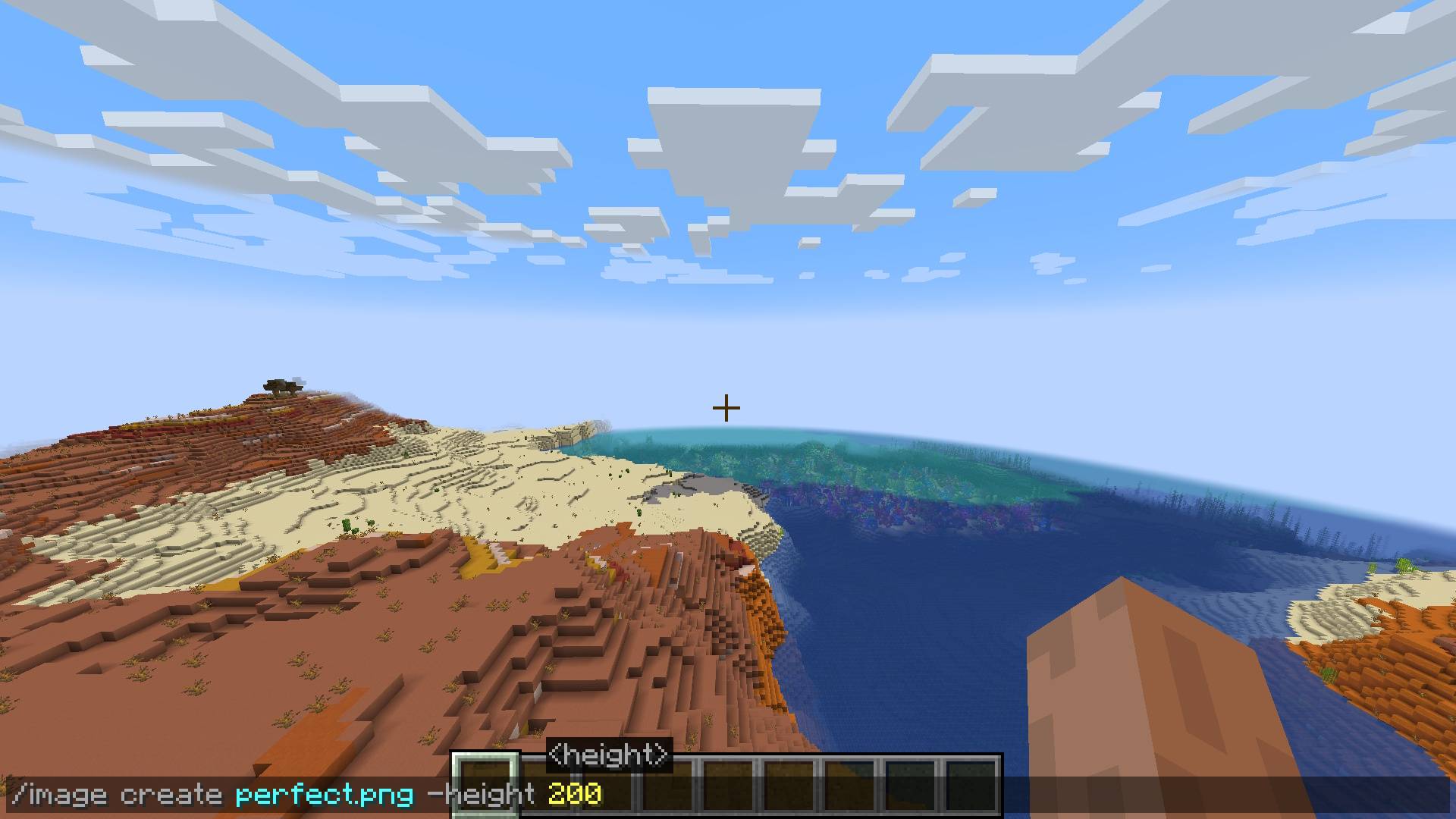
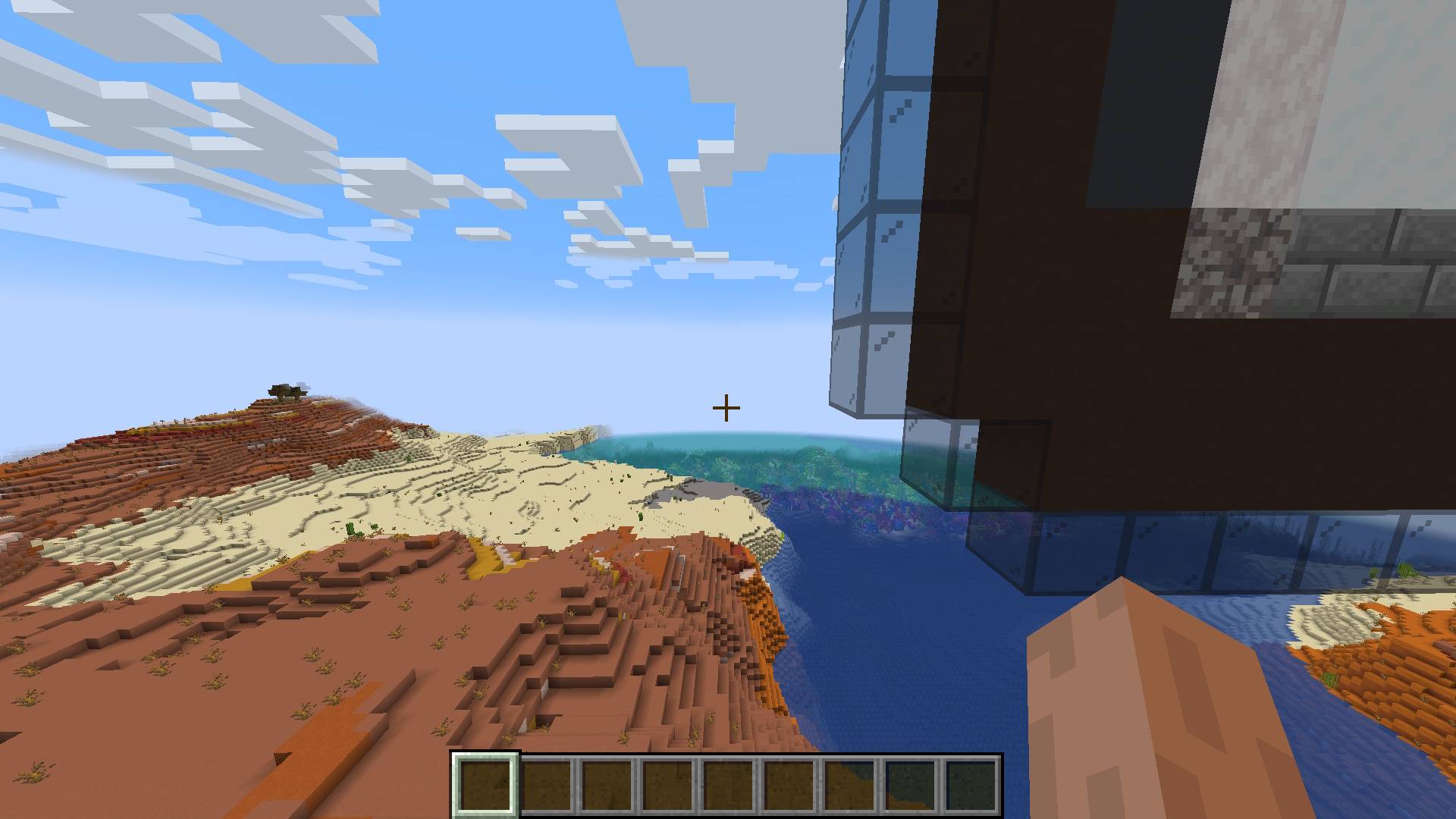
Configuration
You can configure the directory where the image files you want to use are located:
/image setDirectory <DirectoryPath>
Future
Make setDirectory persistent
Fix falling blocks on surface
Multiplayer/Server/Plugin support
Fix update on resource pack reload
Improve block filter further
- Edition: Minecraft Java
- File type: .jar
- Minecraft versions listed: 1.21.4, 1.21.9, 1.21.10
- How to install: Install the matching mod loader (Forge, Fabric or NeoForge) for your Minecraft version. → Download the .jar. → Put it in the .minecraft/mods folder and launch that loader profile.
- Where to get it: Opens on CurseForge — not every file is mirrored on our own servers.
Install steps are the general flow for this file type — How to install Minecraft Java mods & modpacks walks through it step by step.
- Ships as ImageMod-1.4.4.jar — drop this file into the mods folder
- Download size: 28 KB
- Download link checked 24 Sept 2026 — working
These come from our own check of the pack file, not from the source page.