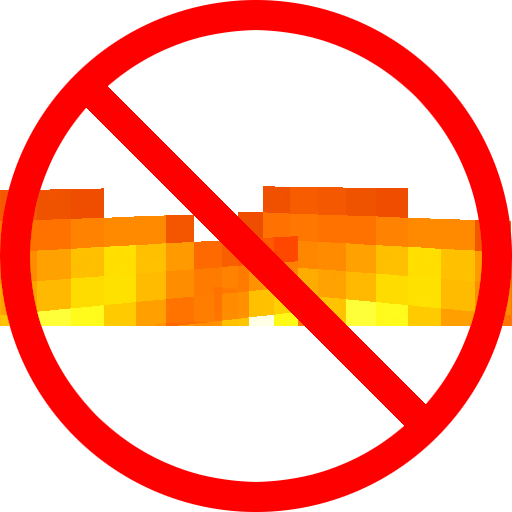
Why Am I on Fire?
Java mod listed for Minecraft 1.16–1.21. Downloads from the MC Java Mods app on Android.
I don't know my version or loader
Hides the obstructive fire overlay when it's not needed.
Why Am I on Fire works for both the client and server. For the best experience, use it on both sides.
Behavior
On client: Hides the fire overlay when the player either has fire resistance or is in creative mode. If the player is still on fire and either the fire resistance effect is about to wear off or they're holding a bucket of milk, the fire overlay will warn you.
On server: Physically removes the fire on players with fire resistance or that are in creative mode. If the player is standing inside lava or fire and either the fire resistance effect is about to wear off or they're holding a bucket of milk, they will be set on fire again as a warning. In some cases, like standing inside a fire block, the fire screen overlay will still show on clients that don't have the mod.
Config
Warning display: You can choose between either: "Flash", which has the fire overlay flash twice a second, "Transparent", which displays a transparent fire overlay instead, or "None", which never displays the overlay.
Extinguish mobs: Enables/disables the server-side behavior of extinguishing mobs which are resistant to fire.
Modpack usage: Feel free, no need to ask.

- Edition: Minecraft Java
- File type: .jar
- Minecraft versions listed: 1.21.9, 1.21.10, 1.21.8
- How to install: Install the matching mod loader (Forge, Fabric or NeoForge) for your Minecraft version. → Download the .jar. → Put it in the .minecraft/mods folder and launch that loader profile.
- Where to get it: Opens on CurseForge — not every file is mirrored on our own servers.
Install steps are the general flow for this file type — How to install Minecraft Java mods & modpacks walks through it step by step.
- Ships as whyamionfire-1.3.1+mc1.21.9.jar — drop this file into the mods folder
- Download size: 51 KB
- Download link checked 14 Oct 2026 — working
These come from our own check of the pack file, not from the source page.