
Locki
Java mod listed for Minecraft 1.16–1.21. Downloads from the MC Java Mods app on Android.
I don't know my version or loader
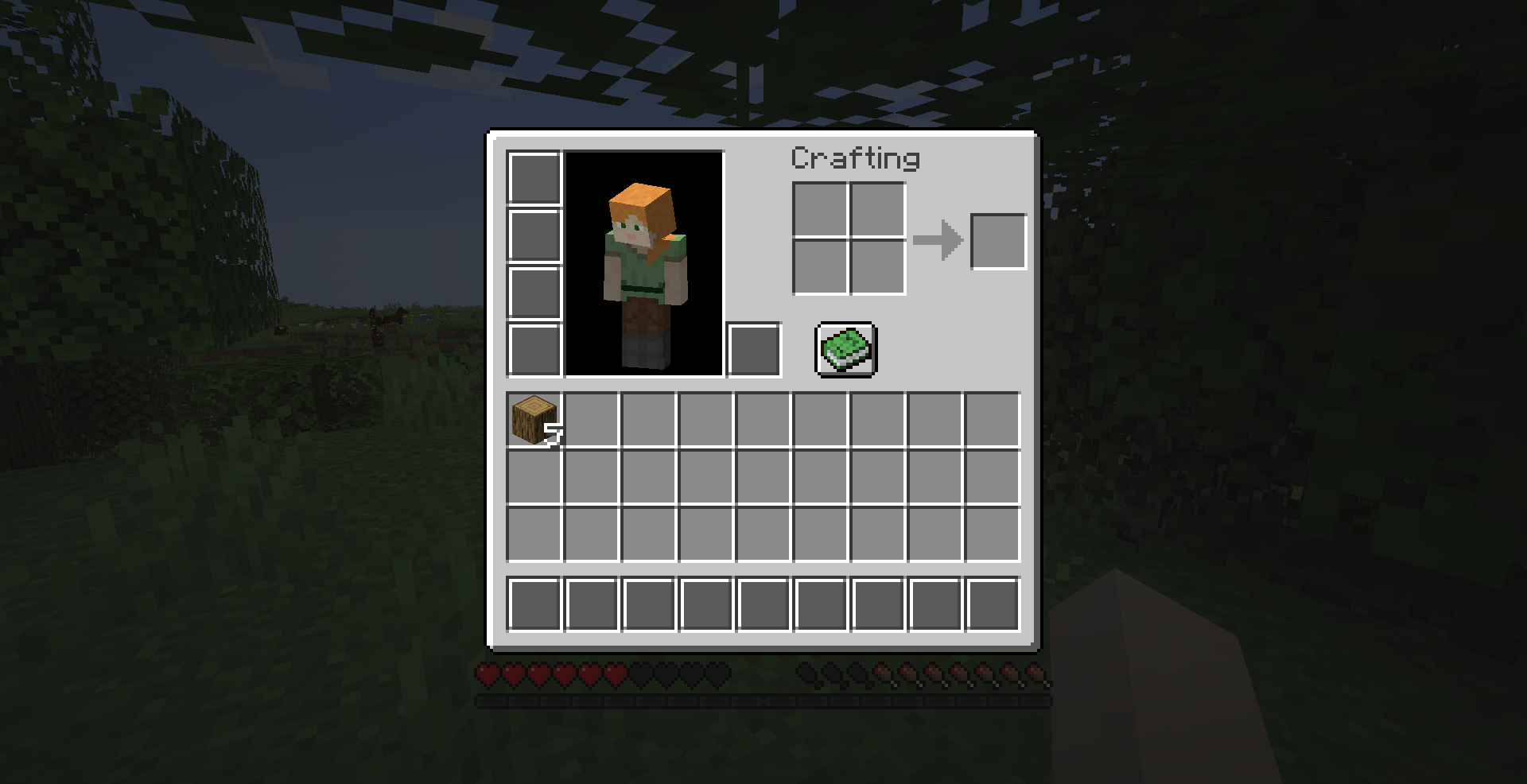
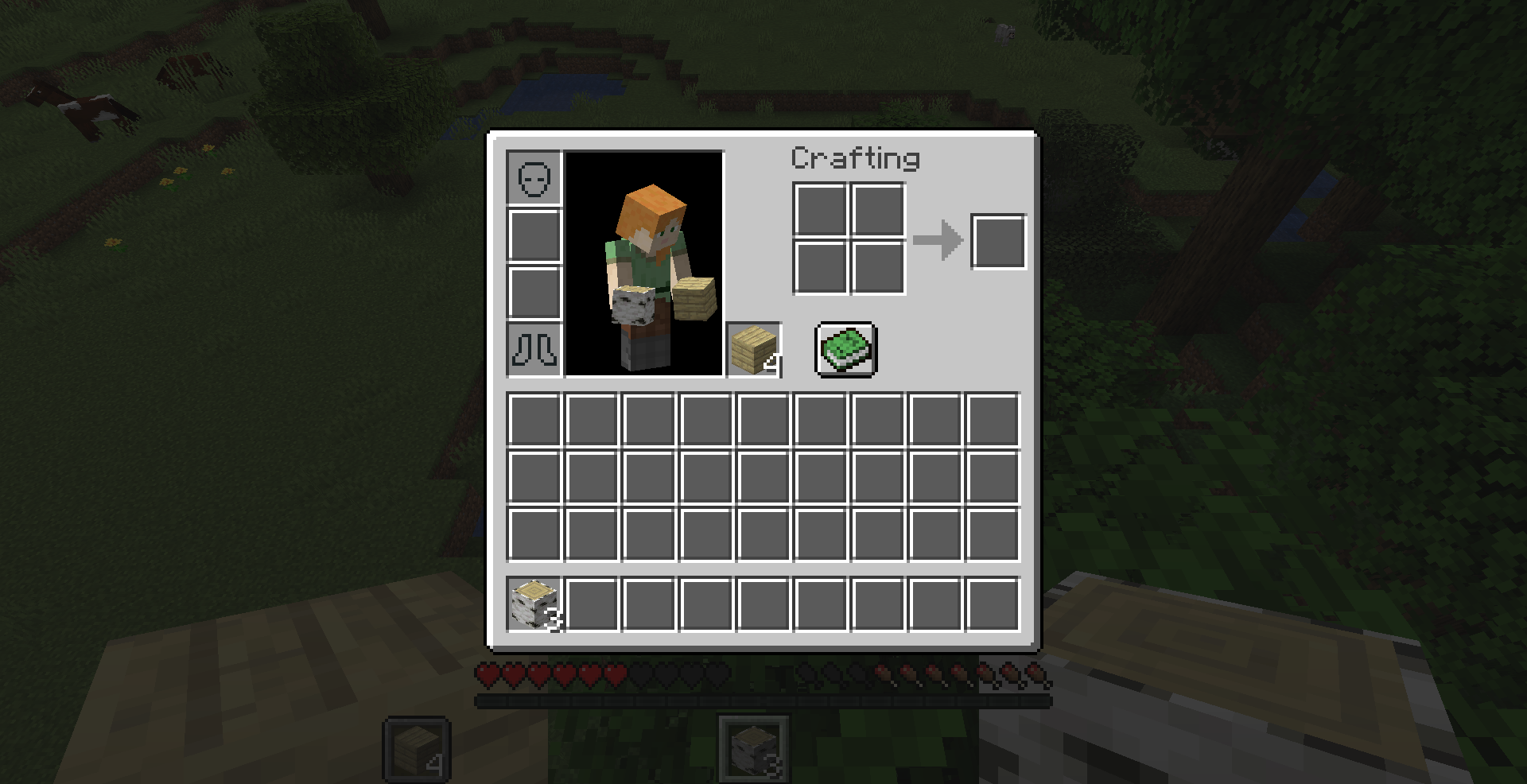
A library handling player inventory locking. Can also be used as a standalone mod, through the /locki command.
This mod must be installed on both server and client to work properly.
Overview
Locki represents slots using inventory nodes. Inventory nodes are structured as a tree, allowing commands
or mods to quickly lock or unlock entire sections while retaining controls over finer units.
Inventory nodes are represented as a dot-separated path, from least specific ancestor to most specific child node.
For example inventory describes the entirety of the player's inventory, while inventory.armor.chest
describes the chestplate slot of the inventory.
When an inventory node gets locked, descendant nodes can still be unlocked, allowing you to exclude specific slots
from a broad access ban. For example, locking inventory then unlocking inventory.armor.chest will prevent the player
from touching any item in their inventory except their chestplate.
Commands
Locki adds the /locki command, allowing server operators and mapmakers to interact with the API through
commands.
- /locki lock <node> [<targets>] [<lock>] : locks the inventories of one or more players
- <node> : a full path describing a known *inventory node*.
- [<targets>] (optional) : If specified, must be either a player's username or a target selector. If unspecified, defaults to the player using the command. When used in a command block, player is not optional.
- [<lock>] (optional) : If specified, must be a valid identifier referencing a registered lock. If unspecified, defaults to the generic "command" lock.
- /locki unlock <node> [<targets>] [<lock>] : unlocks the inventories of one or more players
- <node> : a full path describing a known *inventory node*.
- [<targets>] (optional) : If specified, must be either a player's username or a target selector. If unspecified, defaults to the player using the command. When used in a command block, player is not optional.
- [<lock>] (optional) : If specified, must be a valid identifier that was previously used as a lock to affect the players' inventories. If left unspecified, defaults to the generic "command" lock.
Permissions
If you have LuckPerms installed, the above commands can be used by players with the locki.command.lock permission.
If you only grant locki.command.lock.self, players will only be able to use the commands on themselves.
- Edition: Minecraft Java
- File type: .jar
- Minecraft versions listed: 1.21, 1.20.4, 1.20.1
- How to install: Install the matching mod loader (Forge, Fabric or NeoForge) for your Minecraft version. → Download the .jar. → Put it in the .minecraft/mods folder and launch that loader profile.
- Where to get it: Opens on CurseForge — not every file is mirrored on our own servers.
Install steps are the general flow for this file type — How to install Minecraft Java mods & modpacks walks through it step by step.
- Ships as locki-0.11.1-standalone.jar — drop this file into the mods folder
- Download size: 161 KB
- Download link checked 24 Sept 2026 — working
These come from our own check of the pack file, not from the source page.