
Schmucks!
Java mod listed for Minecraft 1.16–1.17. Downloads from the MC Java Mods app on Android.
I don't know my version or loader




📌 About
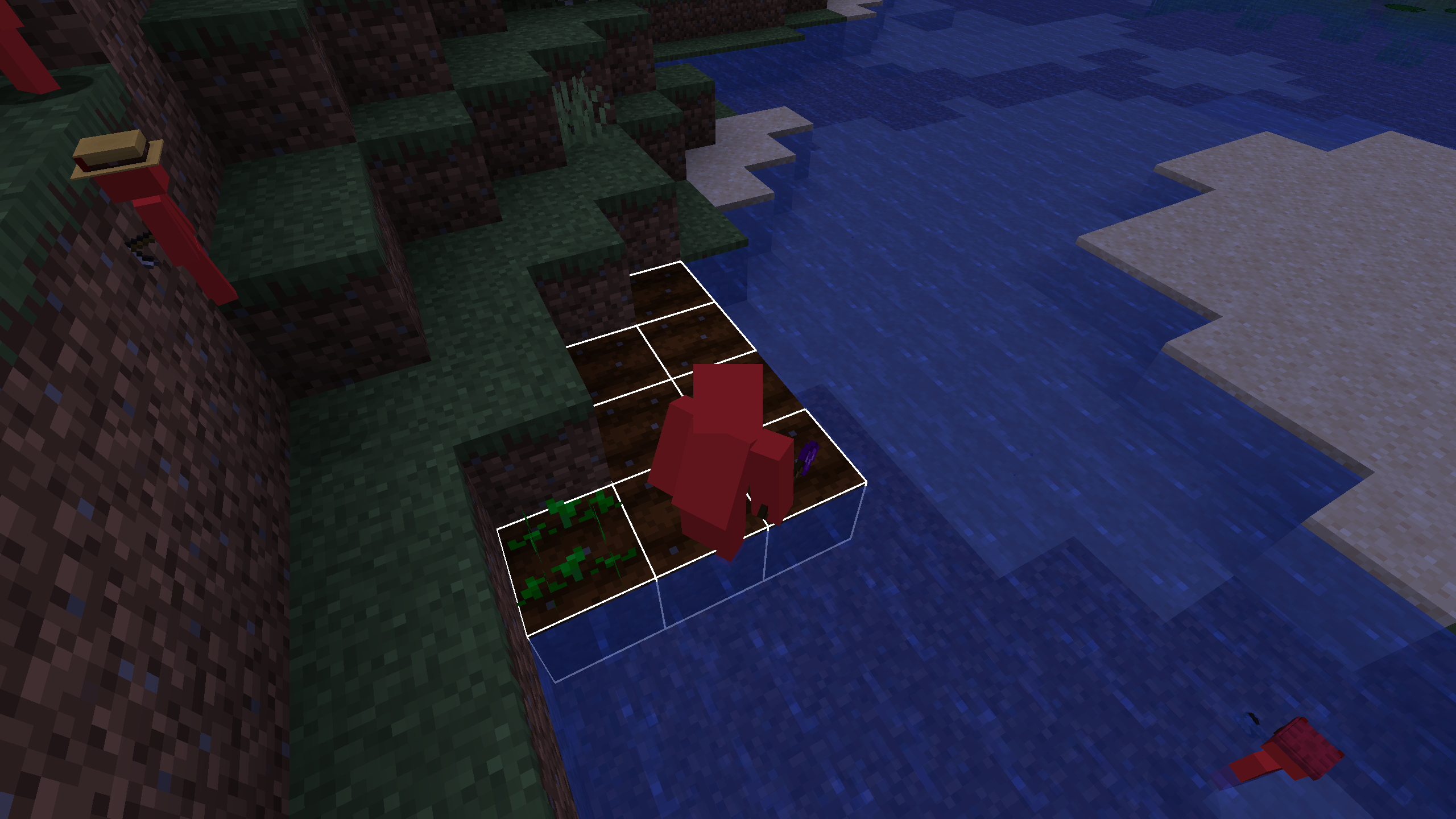
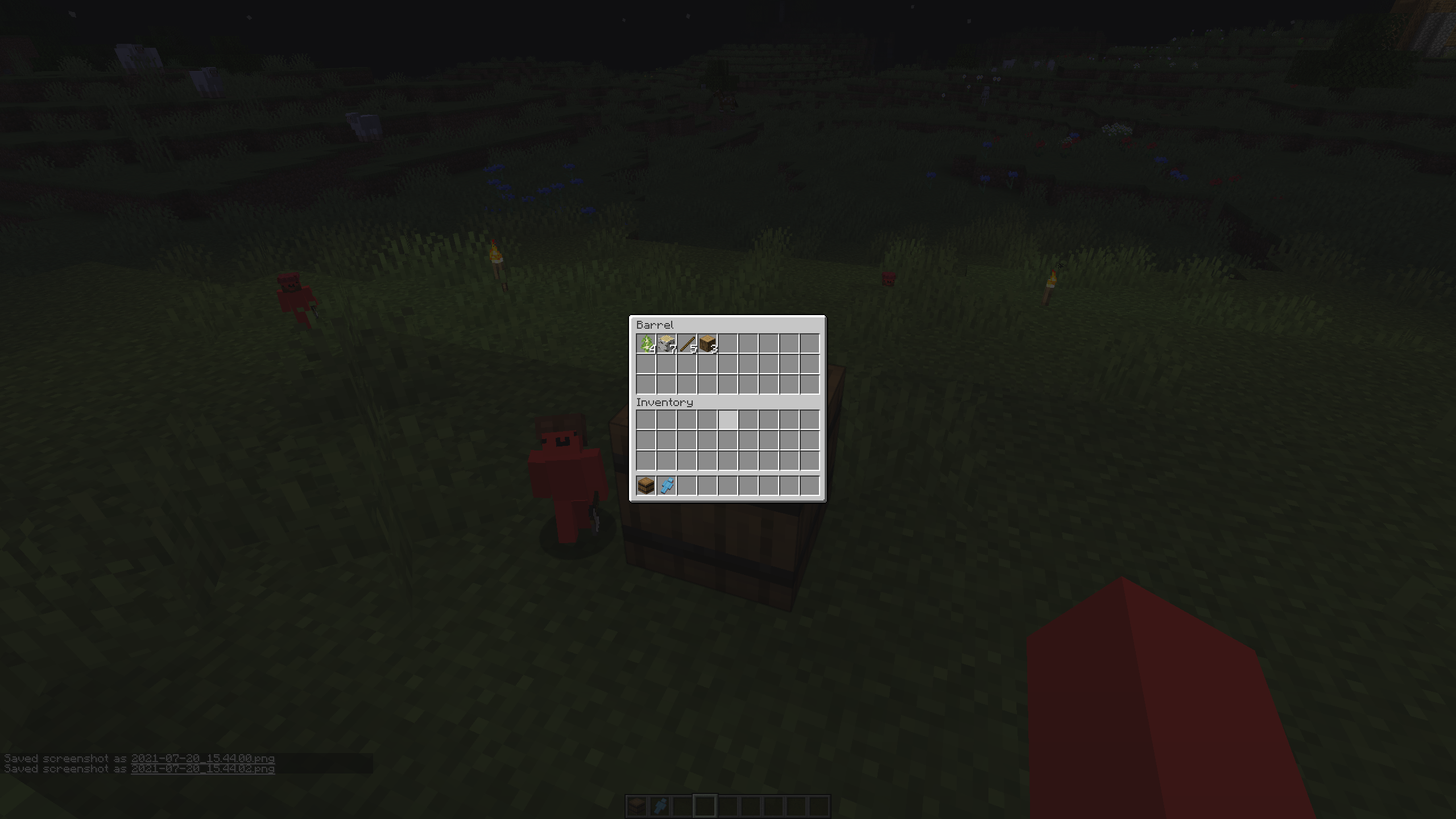
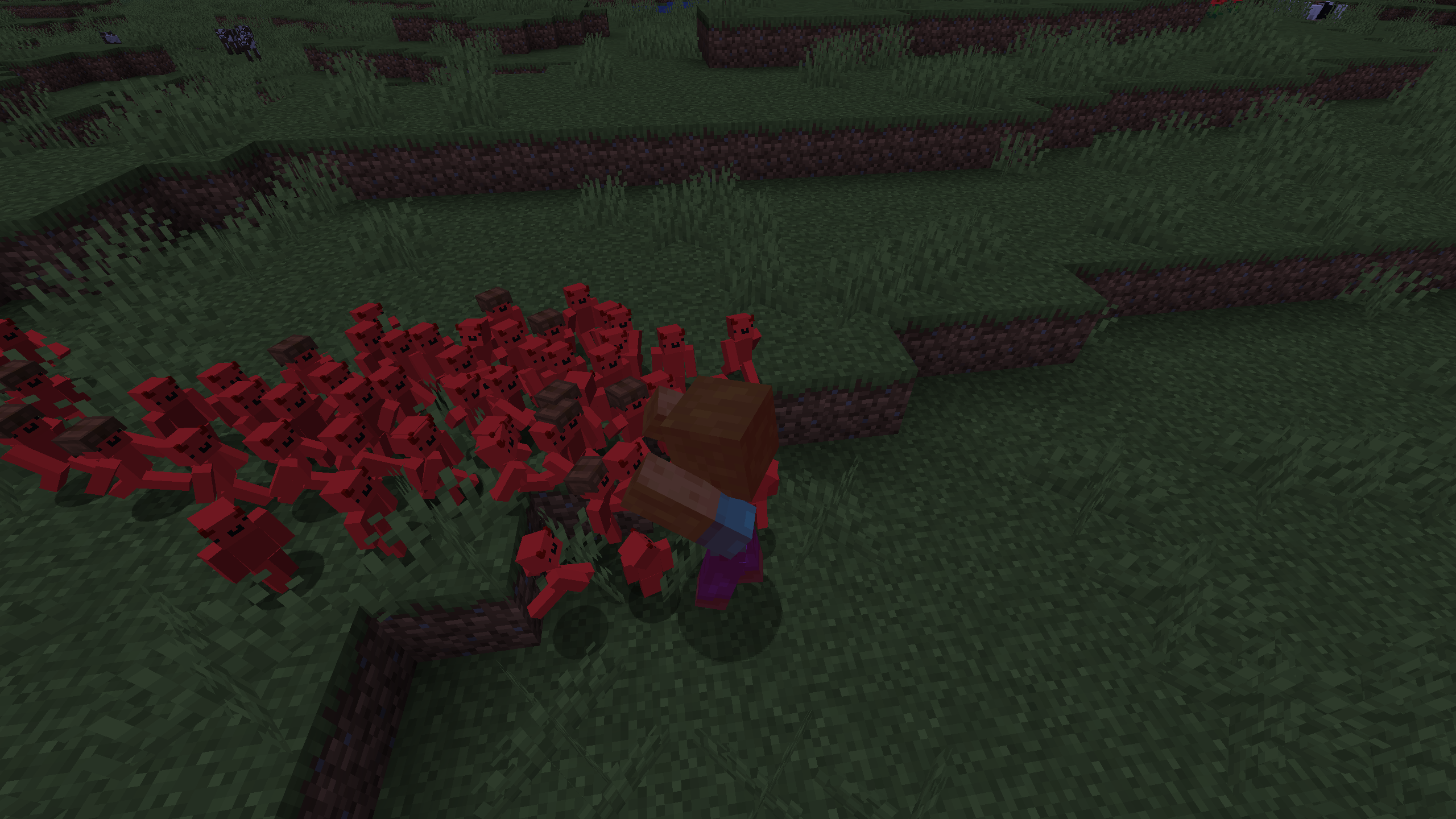
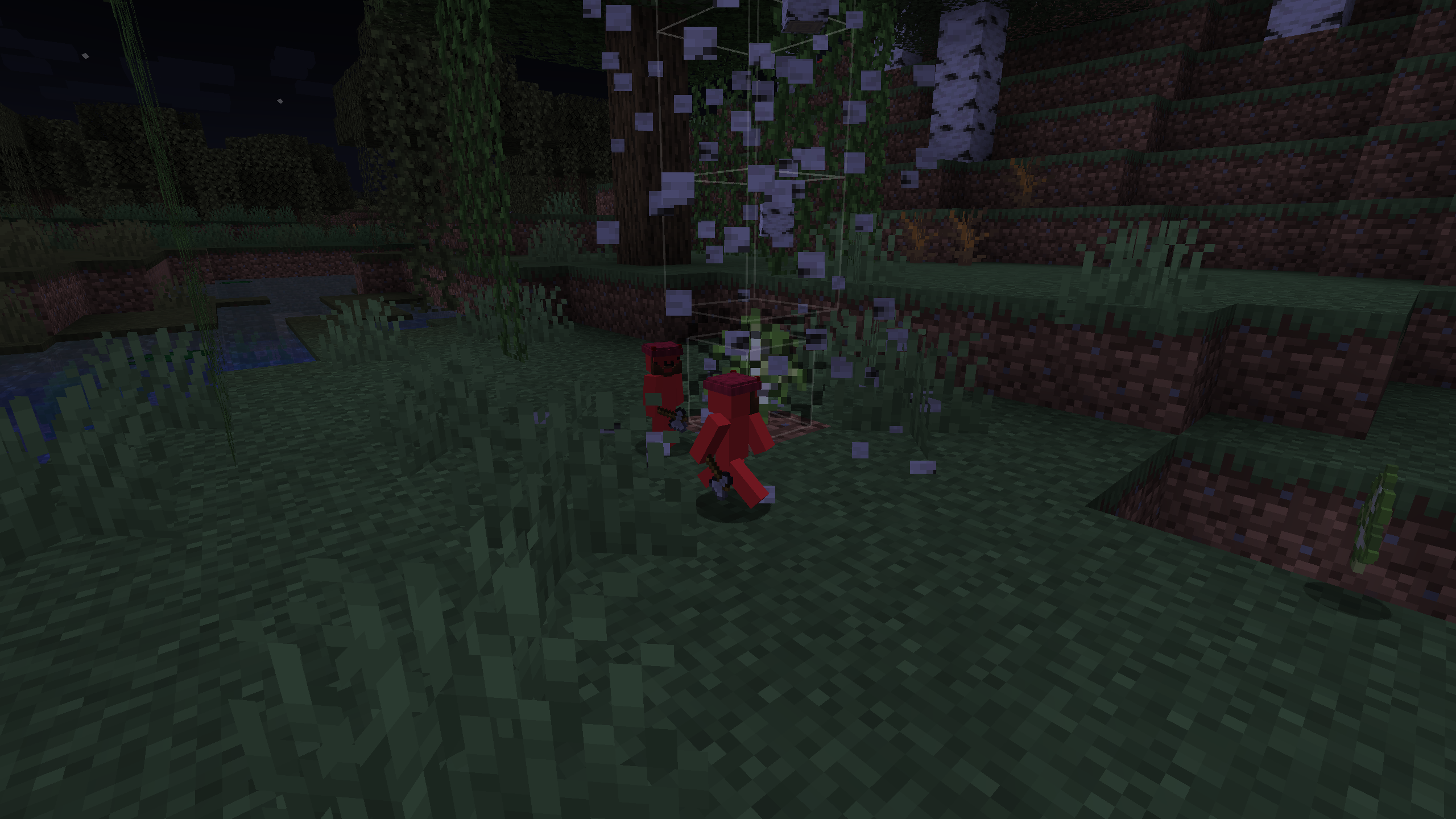
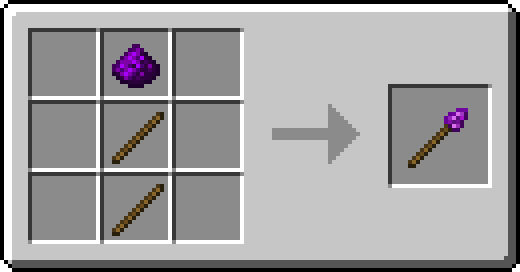
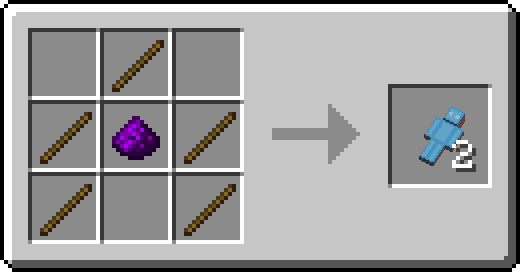
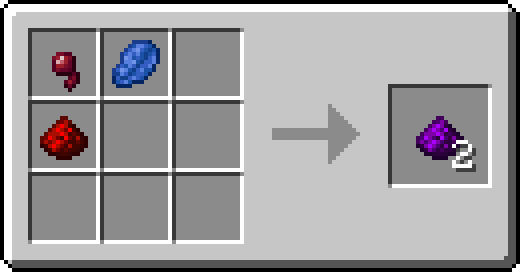
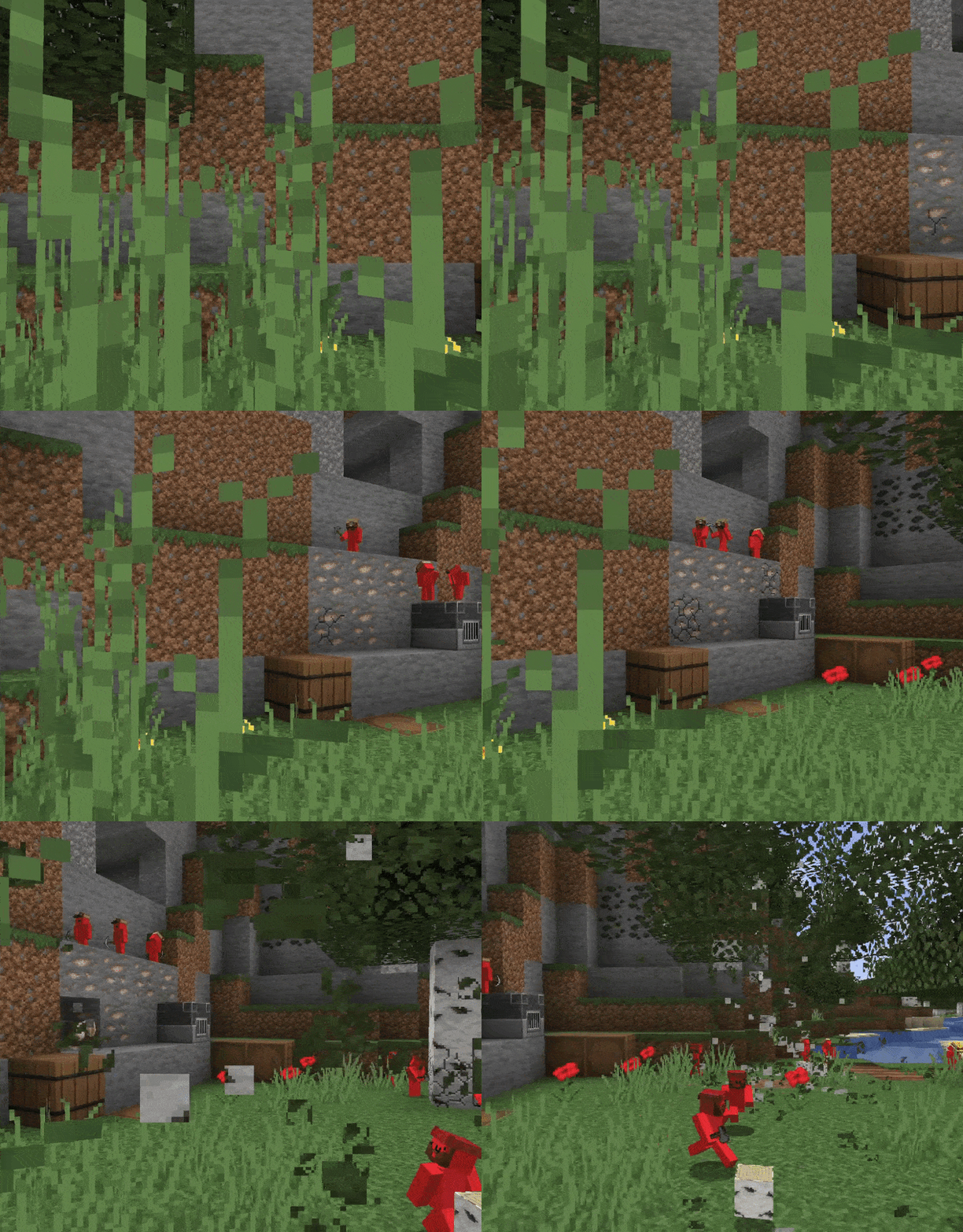
Create your own little army of "Schmucks!" These little people are the building blocks of your empire. Schmucks can help you with many tasks. They can do anything from mine ore, farm, cut down trees, or even hunt for mobs. To craft these guys, you will need to create "Pure Magic," but controlling them is another matter. In order to bend them to your will, you need to craft the "Schmuck Staff." Once you have those two things, you can begin to command them!
📋 Features
- Automate away mining, farming, gathering, and hunting by giving your Schmucks tools/weapons
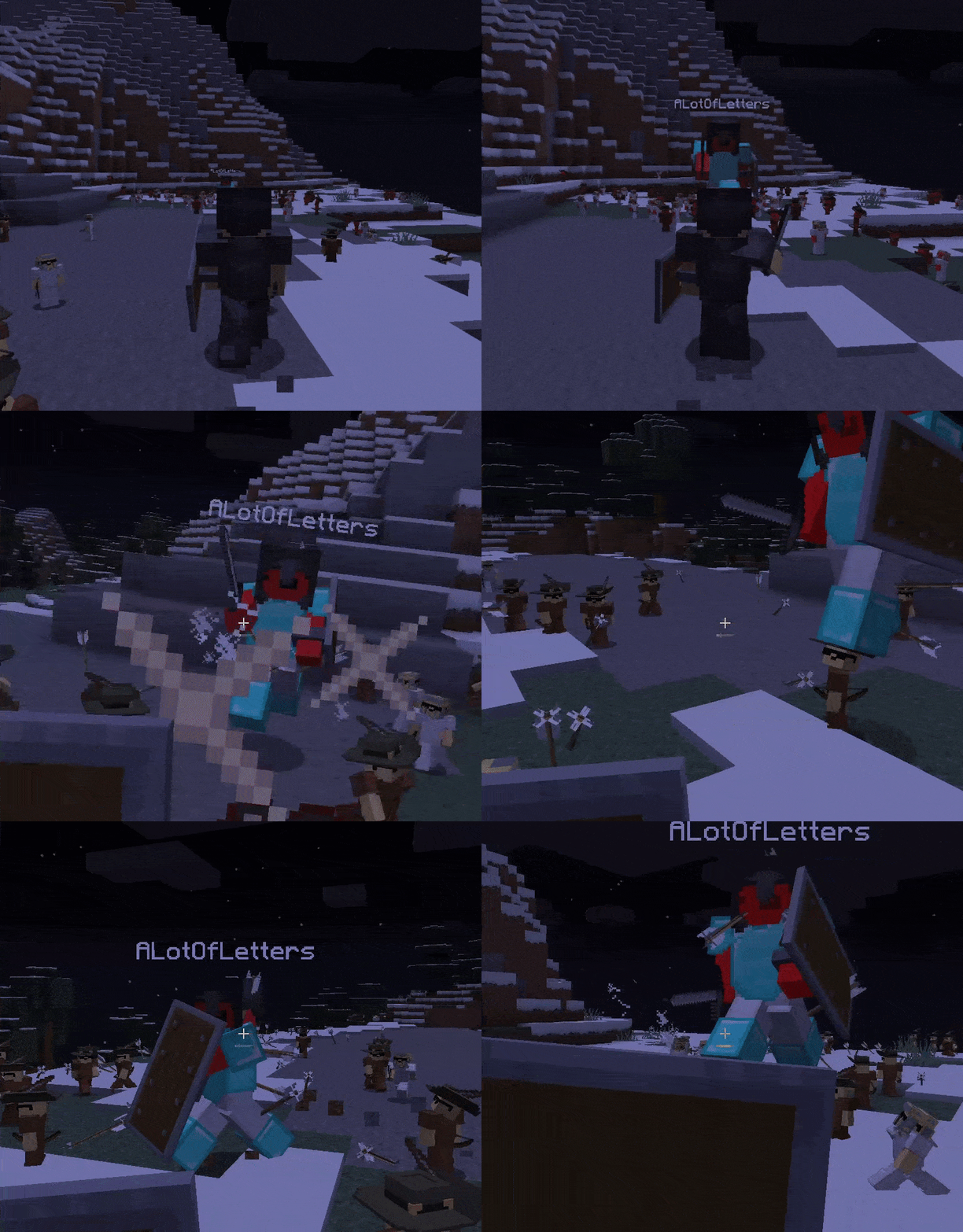
- Face off with other players and have Schmucks fight for you
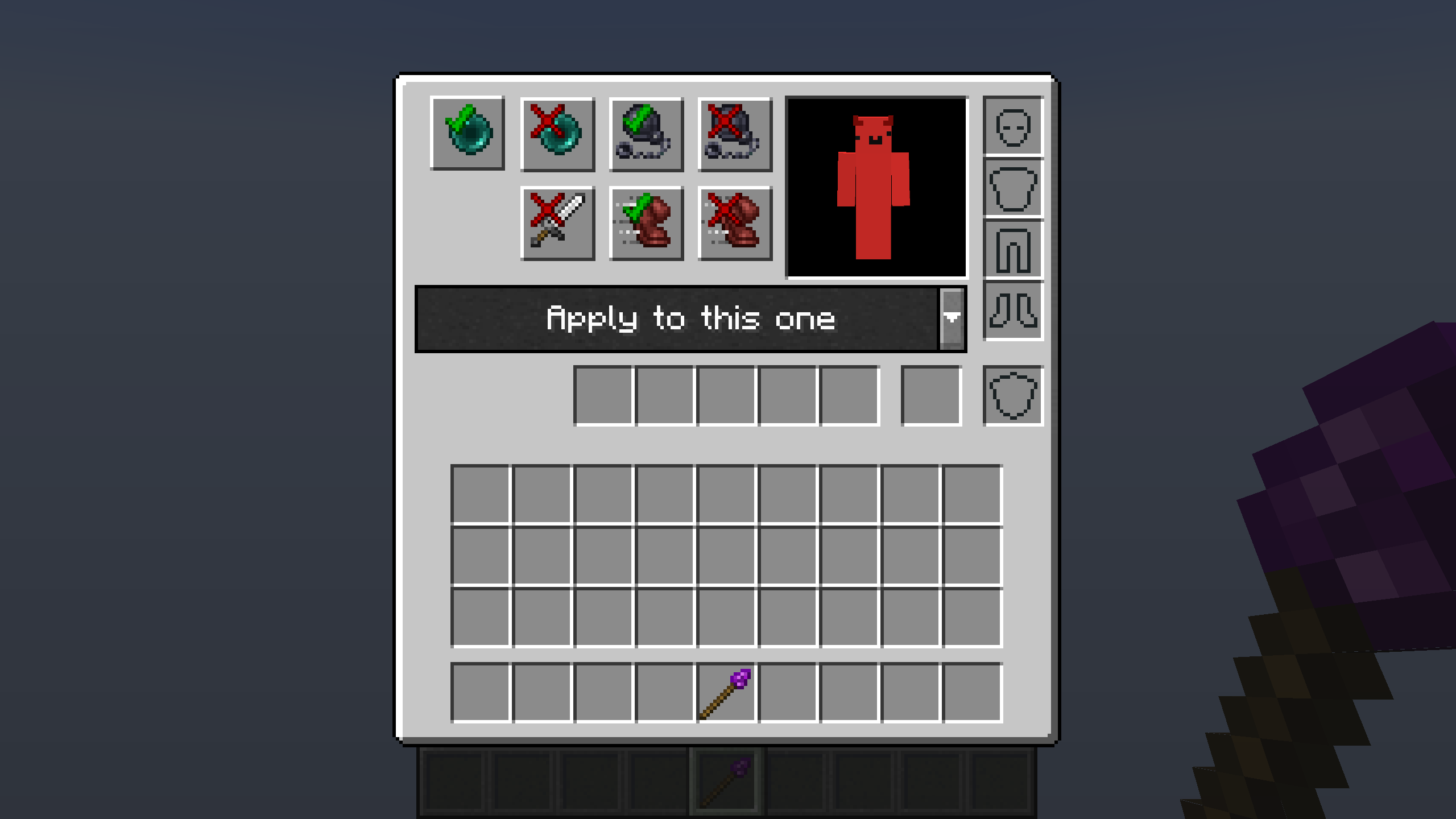
- Command and fine-tune the behavior of your army of minions using the Schmuck Staff
- Whitelist chests, furnaces, and farmland with the Schmuck Staff to rake the rewards from the labor of your Schmucks
🛠️Crafting
🧭Wiki
Schmuck Staff
- To access basic commands, hold the Schmuck Staff and right click.
- Right click on a Schmuck to access its command/inventory menu
- Shift-right click on a block to whitelist
- You can whitelist any type of tillable block, trees, chests, and furnaces
Commands
- Note! Any of these commands can be applied to individually or by batch
- Stop/Start all Nearby - makes all of your nearby Schmucks stop in place.
- Stop/Start Teleporting - stops Schmucks from teleporting to you
- Stop/Start Following - stops Schmucks from following you
- Stop Attacking - stops Schmucks from attacking entities
Schmucks
- Not only is a Schmuck's job indicated by their tool, but also their hat! Keep in mind that armor will hide their job hat
- General Schmucks will only pick up tools/weapons. Schmucks with jobs will only pick up items relevant to their work. For example, miners like to pick up coal and iron while lumberjacks like logs and saplings
- General Schmucks are defensive, they only attack if they or their owner is attacked. Schmucks with weapons are aggressive and will actively kill hostile mobs. All other Schmucks are passive and will not attack at all
- When you spawn a Schmuck into the world, it has a chance of spawning with a leather helmet.
- If you have whitelisted furnance/chest nearby, Schmucks will automatically smelt or store items for you
✋ FAQ
Will there be a Forge version?
We currently have no plans of releasing a Forge version.
- Edition: Minecraft Java
- File type: .jar
- Minecraft versions listed: 1.17.1, 1.17, 1.16.3
- How to install: Install the matching mod loader (Forge, Fabric or NeoForge) for your Minecraft version. → Download the .jar. → Put it in the .minecraft/mods folder and launch that loader profile.
- Where to get it: Opens on CurseForge — not every file is mirrored on our own servers.
Install steps are the general flow for this file type — How to install Minecraft Java mods & modpacks walks through it step by step.
- Ships as Schmucks-1.17-1.4.0.jar — drop this file into the mods folder
- Download size: 373 KB
- Download link checked 14 Oct 2026 — working
These come from our own check of the pack file, not from the source page.