
PandaCrossing
Java mod listed for Minecraft 1.16–1.19. Downloads from the MC Java Mods app on Android.
I don't know my version or loader
PandaCrossing
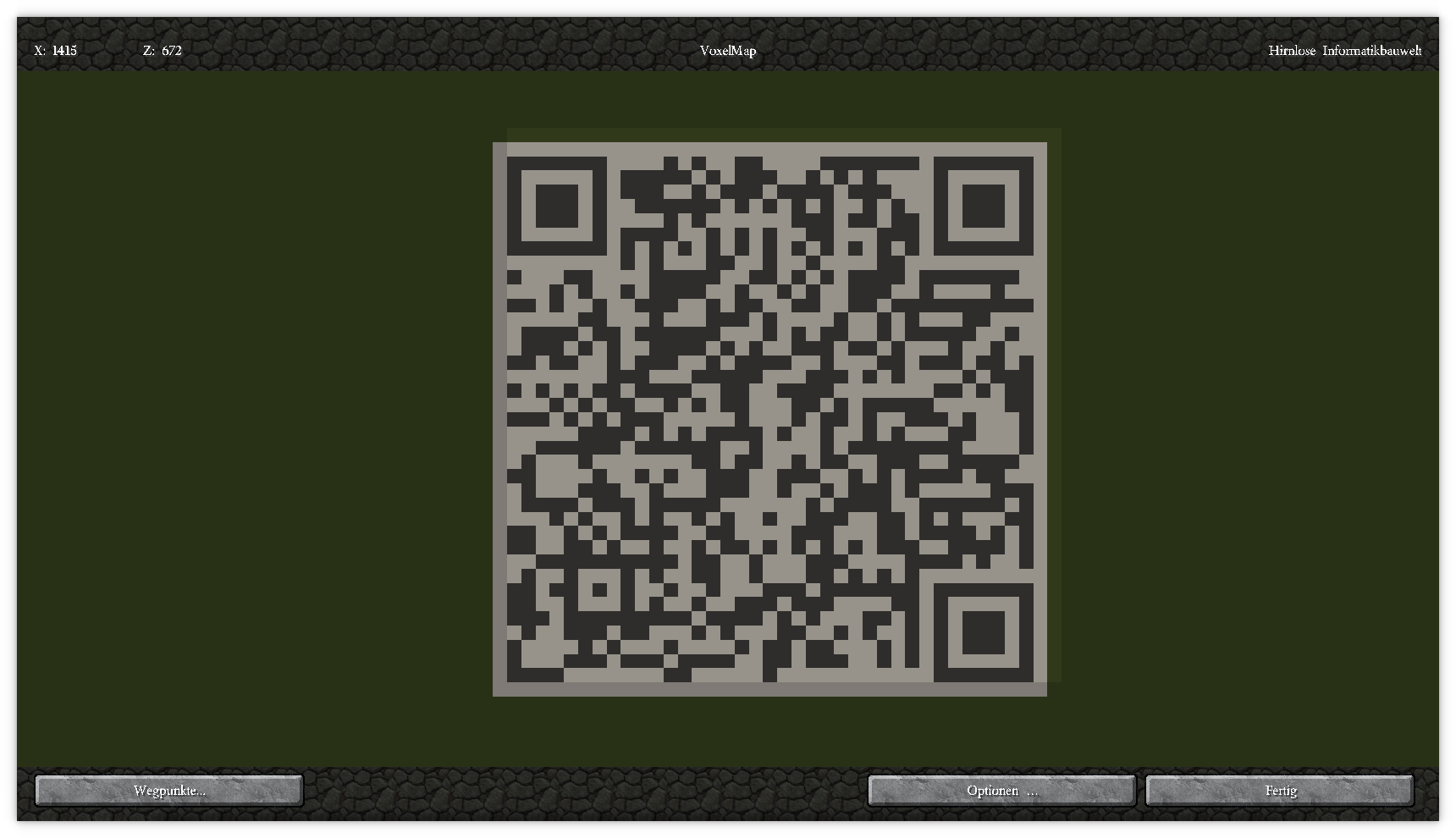
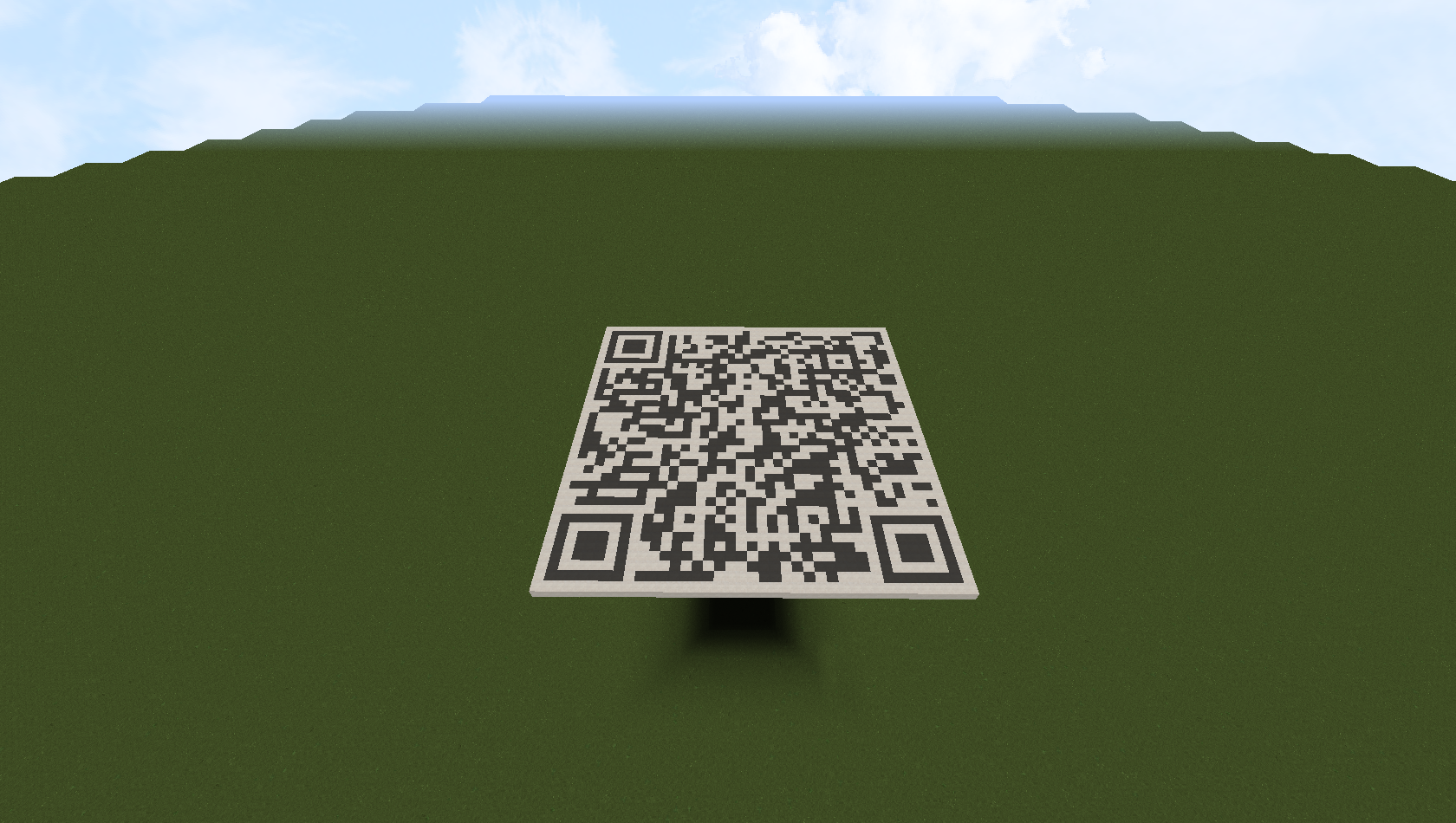
This simple mod creates a horizontal, vertical or stairway QR code with the bottom left corner below the player's feet resp. in front of the player, representing a given text.
With Cloth Config API you can use any material, else black and white concrete is used.
Commands
- `/qr [text`, `/vqr [text]`, `/sqr [text]` creates the QR code resp. `/qr [text]` shows the usage if no text is provided
- `/qrcalc [text]` calculates the dimensions of the resulting QR code
- `/qrundo` or `/pcundo` undoes the last creation in reverse order of creation
To get examples for how to use text see https://github.com/zxing/zxing/wiki/Barcode-Contents
Using on a server
To create a QR code on a multiplayer server you'll need the permission for the `/setblock` command.
Caveat
undo works with the data received by the client. I.e. if another player modifies the same area in the meantime, undo will restore to the state at the invokation of `/qr`.
Further entities and block entities are currently NOT restored.
Dependencies
- Cloth Config API strongly recommended for more control over the mod (get the settings menu with the key `u`)
- Edition: Minecraft Java
- File type: .jar
- Minecraft versions listed: 1.19.3, 1.16.5, 1.19.2
- How to install: Install the matching mod loader (Forge, Fabric or NeoForge) for your Minecraft version. → Download the .jar. → Put it in the .minecraft/mods folder and launch that loader profile.
- Where to get it: Opens on CurseForge — not every file is mirrored on our own servers.
Install steps are the general flow for this file type — How to install Minecraft Java mods & modpacks walks through it step by step.
- Ships as pandacrossing-0.5.0-alpha.jar — drop this file into the mods folder
- Download size: 181 KB
- Download link checked 4 Nov 2026 — working
These come from our own check of the pack file, not from the source page.