Dragon Ball Mineverse
Java mod listed for Minecraft 1.19–1.20. File opened and checked on 29 Sep 2026; downloads from the MC Java Mods app on Android.
Require in order to work: Kleiders Custom Renderer API: PlayerAnimator Lib: AttributeFix: We now have a patreon! Don't forget to join! KeyBinds C to…
I don't know my version or loader
Require in order to work:
Kleiders Custom Renderer API: https://www.curseforge.com/minecraft/mc-mods/kleiders-custom-renderer-api/files/5654821
PlayerAnimator Lib: https://www.curseforge.com/minecraft/mc-mods/playeranimator/files/4587214
AttributeFix: https://www.curseforge.com/minecraft/mc-mods/attributefix/files/4911084


We now have a patreon! Don't forget to join!
KeyBinds
C to Release Your Power.
X to Charge your Ki
M to Open the Menu
R to Shoot Ki Blast
J to go Turbo Mode (Increase of Movement Speed)
K to Fly
F6 to use Ki Sense
Hold G to Transform
Press H To Detransform
Z to activate Alternative Function (Basically to use the Second Function of an already set Keybind)
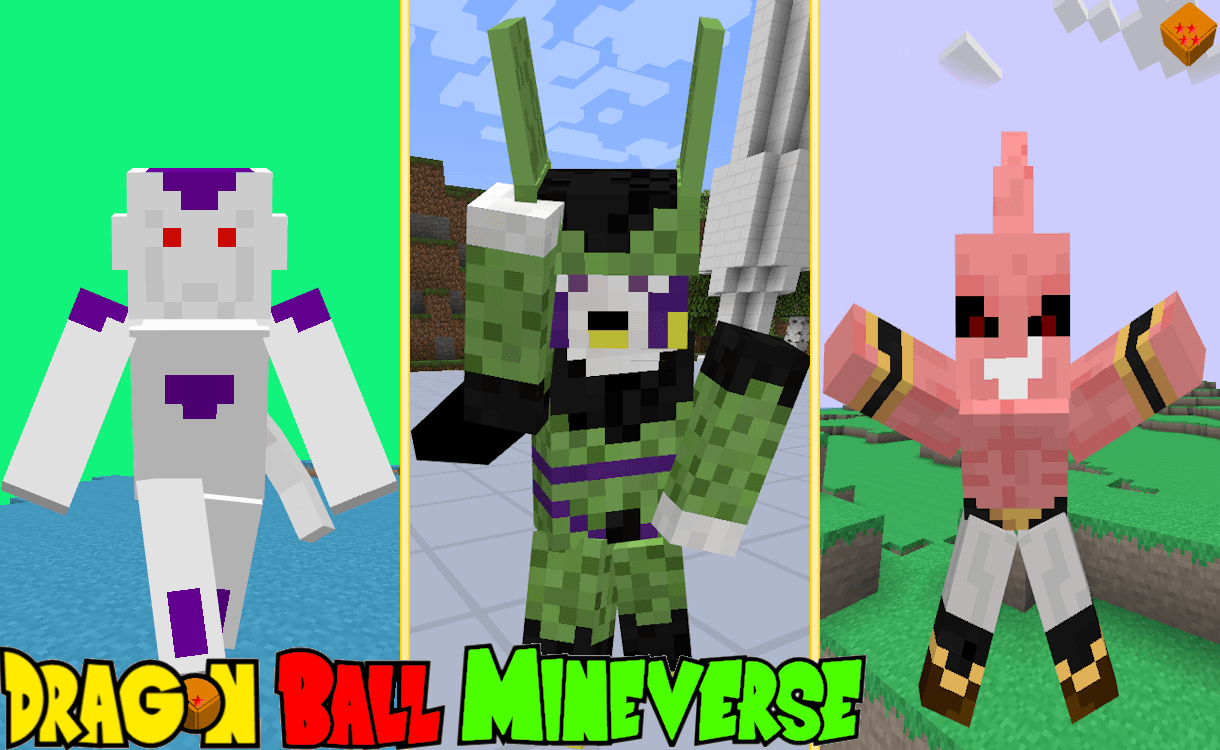
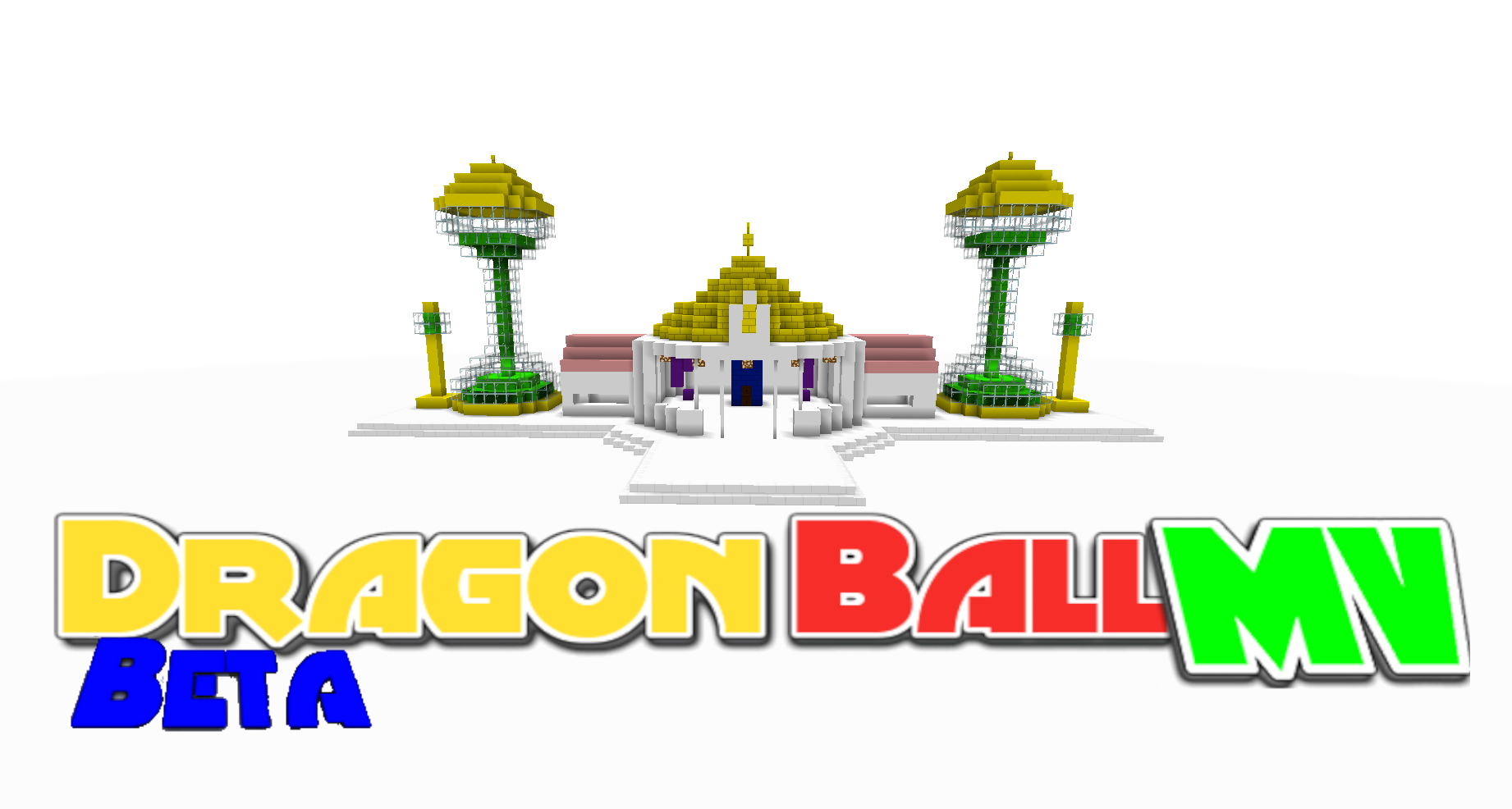
Pictures:


I do not own Dragon Ball, Dragon Ball Z, Dragon Ball GT, Dragon Ball Super and Super Dragon Ball Heroes
Toei Animation, Fuji TV, Akira Toriyama and Funimation own it.
+
- Edition: Minecraft Java
- File type: .jar
- Minecraft versions listed: 1.20.1, 1.19.4, 1.19.2
- How to install: Install the matching mod loader (Forge, Fabric or NeoForge) for your Minecraft version. → Download the .jar. → Put it in the .minecraft/mods folder and launch that loader profile.
- Where to get it: Opens on CurseForge — not every file is mirrored on our own servers.
Install steps are the general flow for this file type — How to install Minecraft Java mods & modpacks walks through it step by step.
- Ships as Dragon Ball Mineverse -Forge 1.15.2 -Alpha 3.0.jar — drop this file into the mods folder
- Download size: 12.3 MB
- Download link checked 24 Sept 2026 — working
These come from our own check of the pack file, not from the source page.