
Mystical Create
Java modpack listed for Minecraft 1.16–1.19. Downloads from the MC Java Mods app on Android.
I don't know my version or loader


Short Description

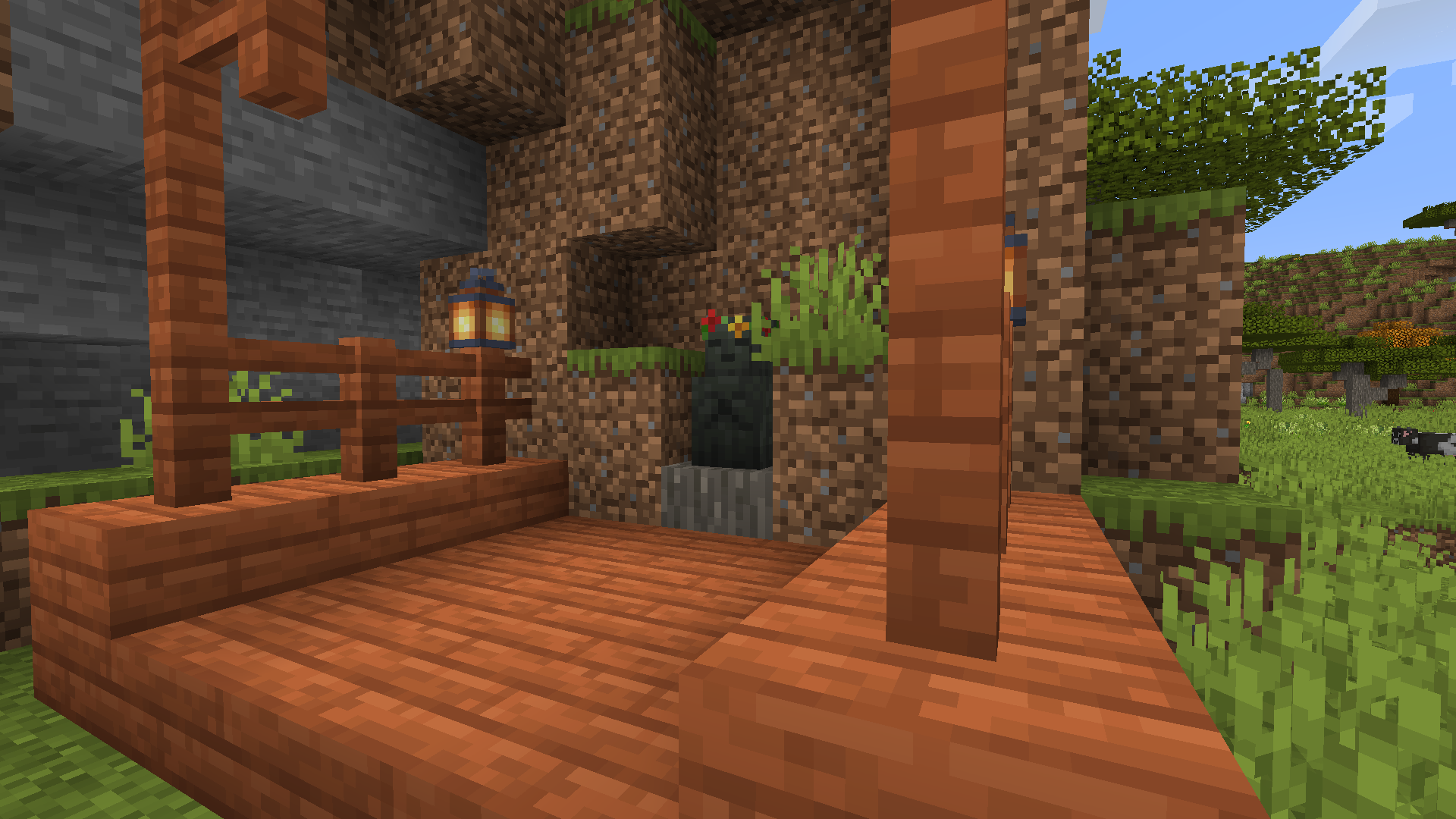
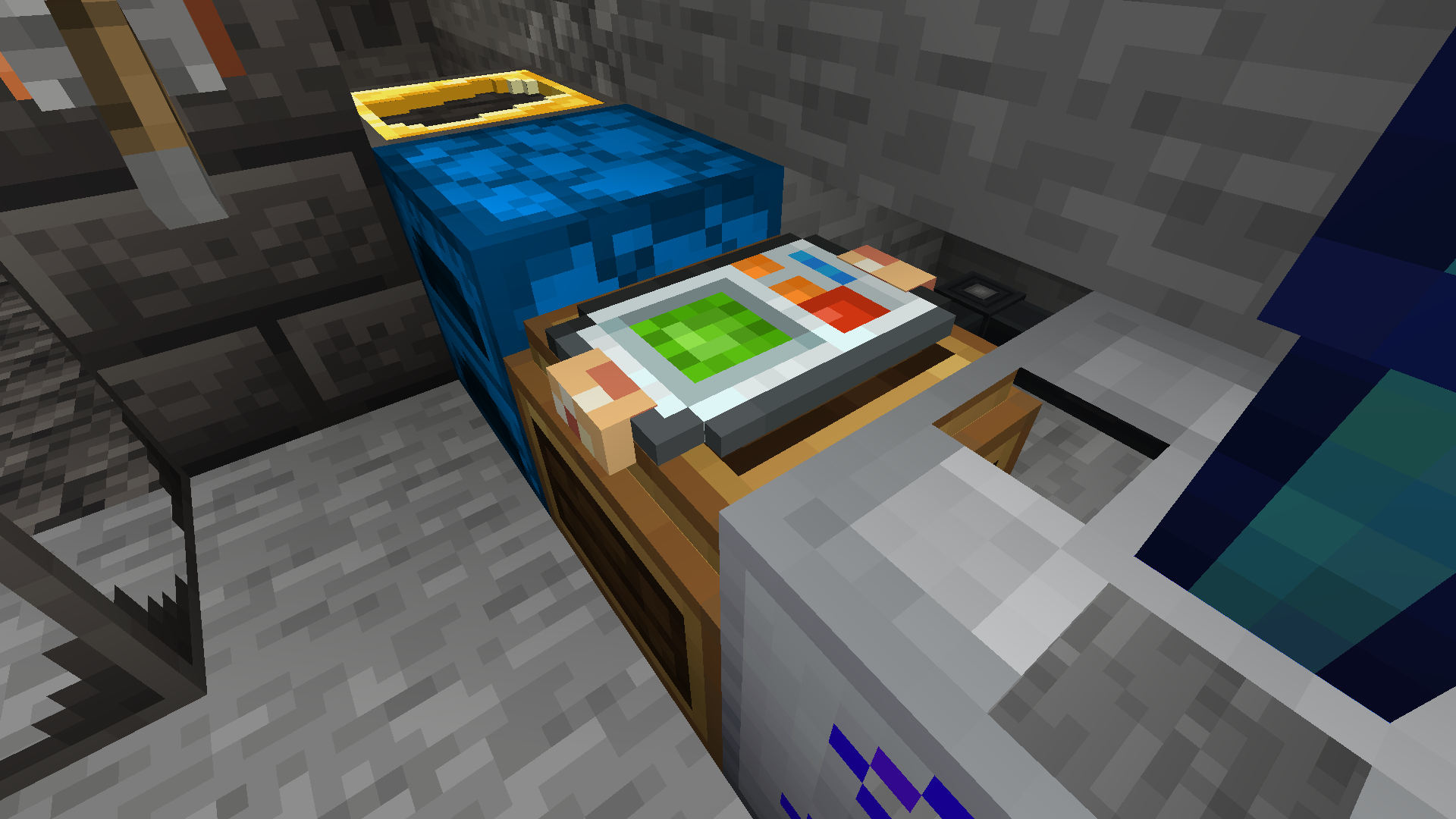
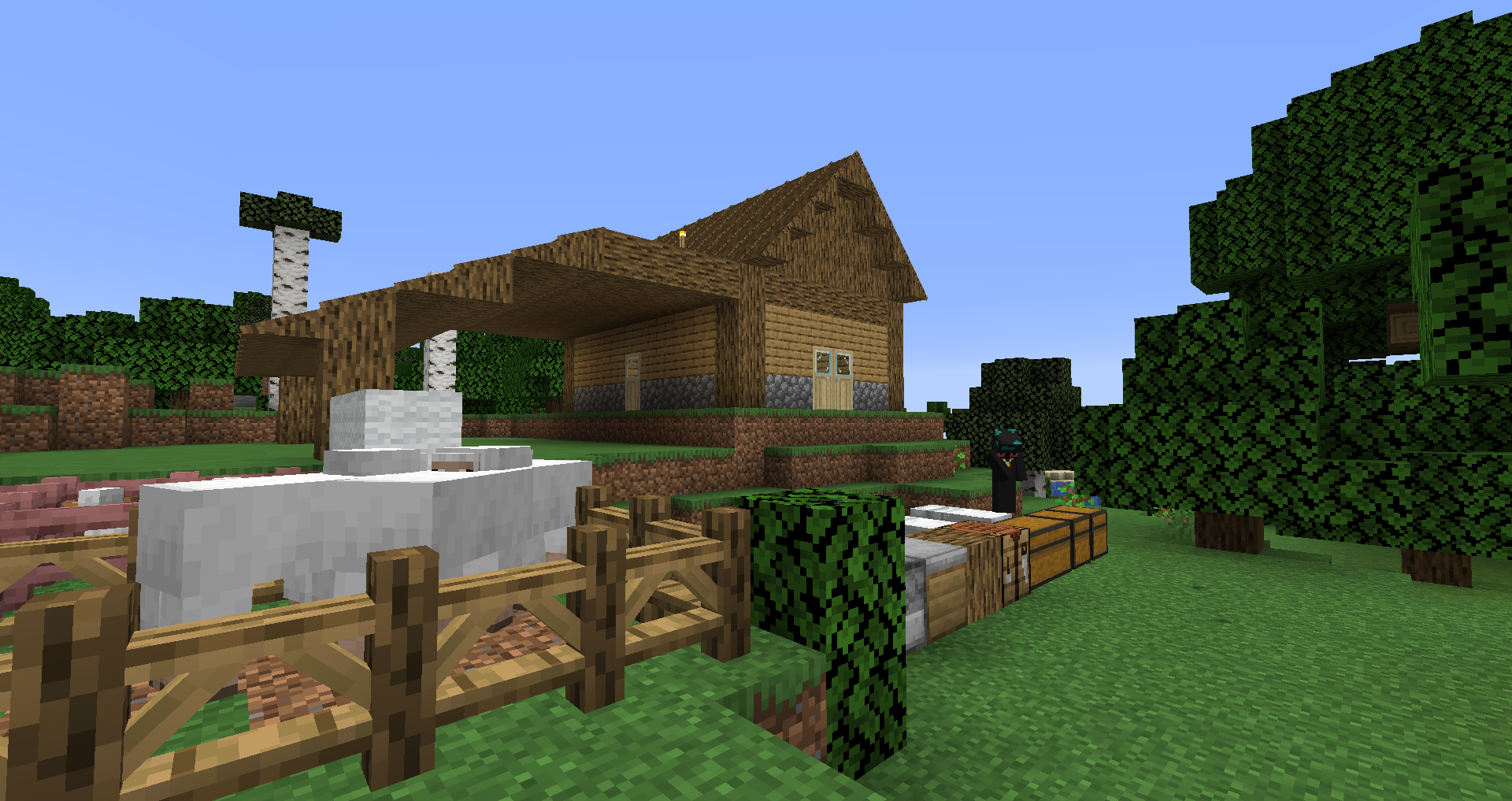
The idea is that the player, use CREATE mods for all constructions and automation, and MYSTICAL AGRICULTURE to get all items in the game.
In the end it's having a big fully automated farm that will provide all the items you need, almost a creative mode!
This modpack has been completely REDONE! but I really want to know the thoughts of players to build a really nice modpack for everyone to enjoy!
SETUP & INSTALLATION
Automatic Install (Recommended):
CURSEFORGE LAUNCHER: (https://curseforge.overwolf.com/)
This is the easiest way to install this modpack. Link your minecraft, go to browse modpacks, find Travrei's Mystical Create and install, click play and voialá!
MULTIMC (Crossplataform Solution: Linux, MacOS and Windows)
(https://multimc.org/#Download)
POLYMC (Crossplataform Solution: Linux, MacOS, Windows and SteamDeck)
(https://polymc.org/) DO NOT USE POLYMC FOR THE TIME BEING. THE CODE IS COMPROMISED! if the situation changed I'll remove the message!
Is not the easiest but still easy! Download the MultiMC or PolyMC from the link, Make the max ram for 3gb (3072mb), go to profiles, add and link your minecraft account. After, add instance, zip download, in this page of the mod pick the link of zip and place there, install and play!
(Manual instalation I don't know how to help yet!)
FEATURES
Here is a summary of the features of this modpack!
- Create Mod
- Create now gerenates FE with Alternator
- Immersive Engineering to make good use of energy generate by the Create or Extreme Reactors
- Have solutions for storage as Refined Storage and Iron Chests
- Magic crops? Mystical Agriculture can help you get a lot of materials without go out for them!
- Make your own Speel with Ars Nouveau!
- New tools from Tinkers Construct
- No Default Tools, Need a Wood Pickaxe? Use Tinkers!
- Much More on the pack!
Roadmap
The Roadmap is available in Trello (https://trello.com/b/VAPwwep5/travreis-mystical-create-roadmap)
- Edition: Minecraft Java
- File type: .jar
- Minecraft versions listed: 1.19.2, 1.18.2, 1.16.5
- How to install: Install the matching mod loader (Forge, Fabric or NeoForge) for your Minecraft version. → Download the .jar. → Put it in the .minecraft/mods folder and launch that loader profile.
- Where to get it: Opens on CurseForge — not every file is mirrored on our own servers.
Install steps are the general flow for this file type — How to install Minecraft Java mods & modpacks walks through it step by step.
- Downloads as Travrei's Mystical Create-0.3.4.zip
- Download size: 183 KB
- Download link checked 14 Oct 2026 — working
These come from our own check of the pack file, not from the source page.