Ultimate Backport
Minecraft Java mod. Downloads from the MC Java Mods app on Android.
⬇ Download on CurseForge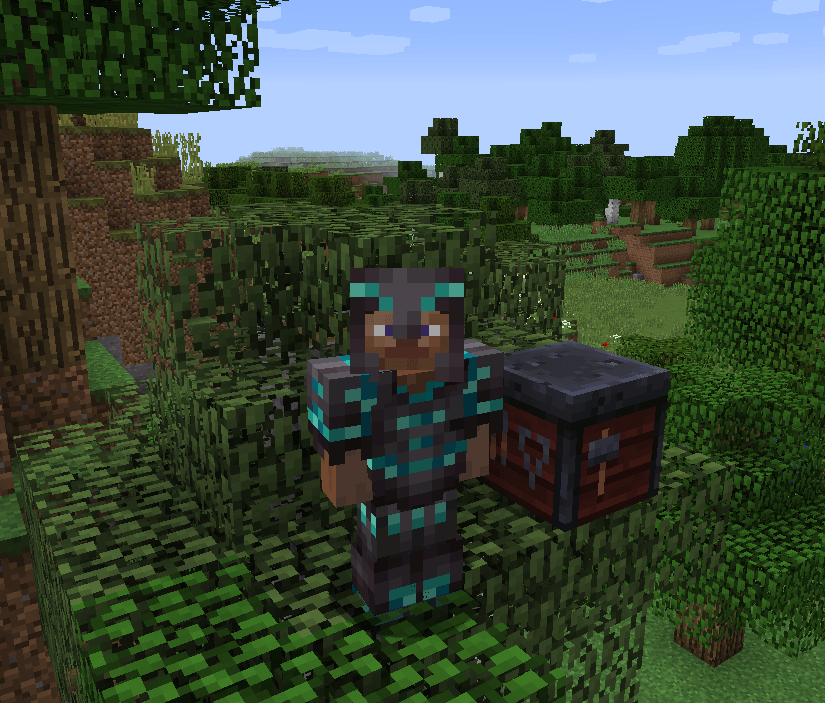
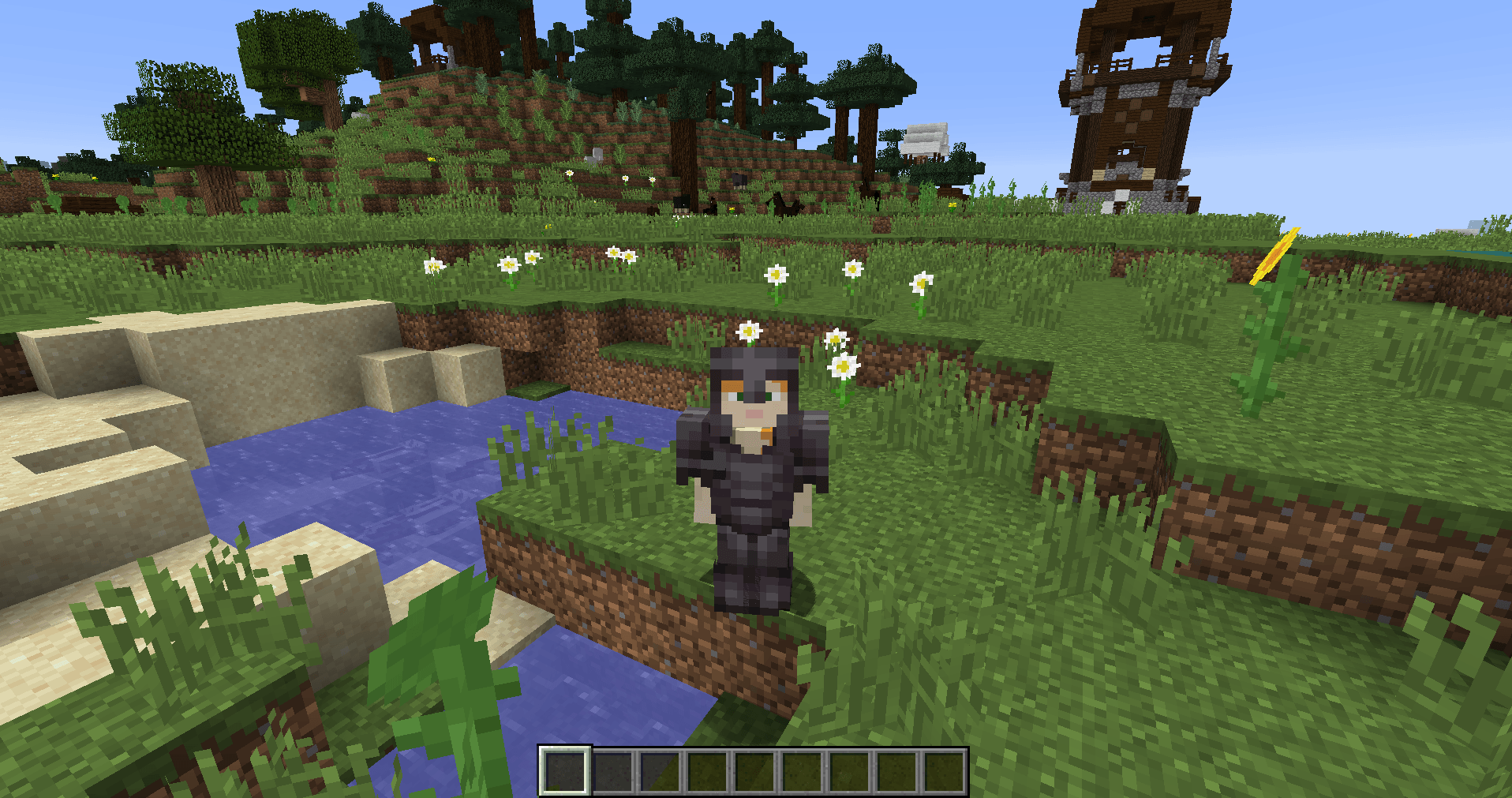
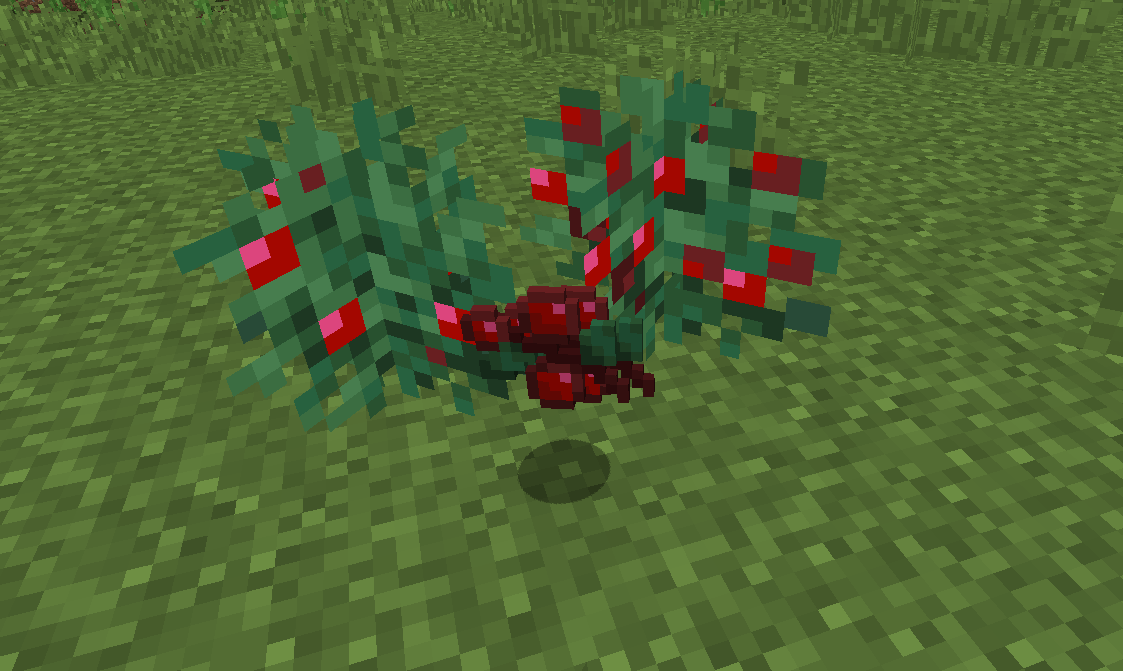
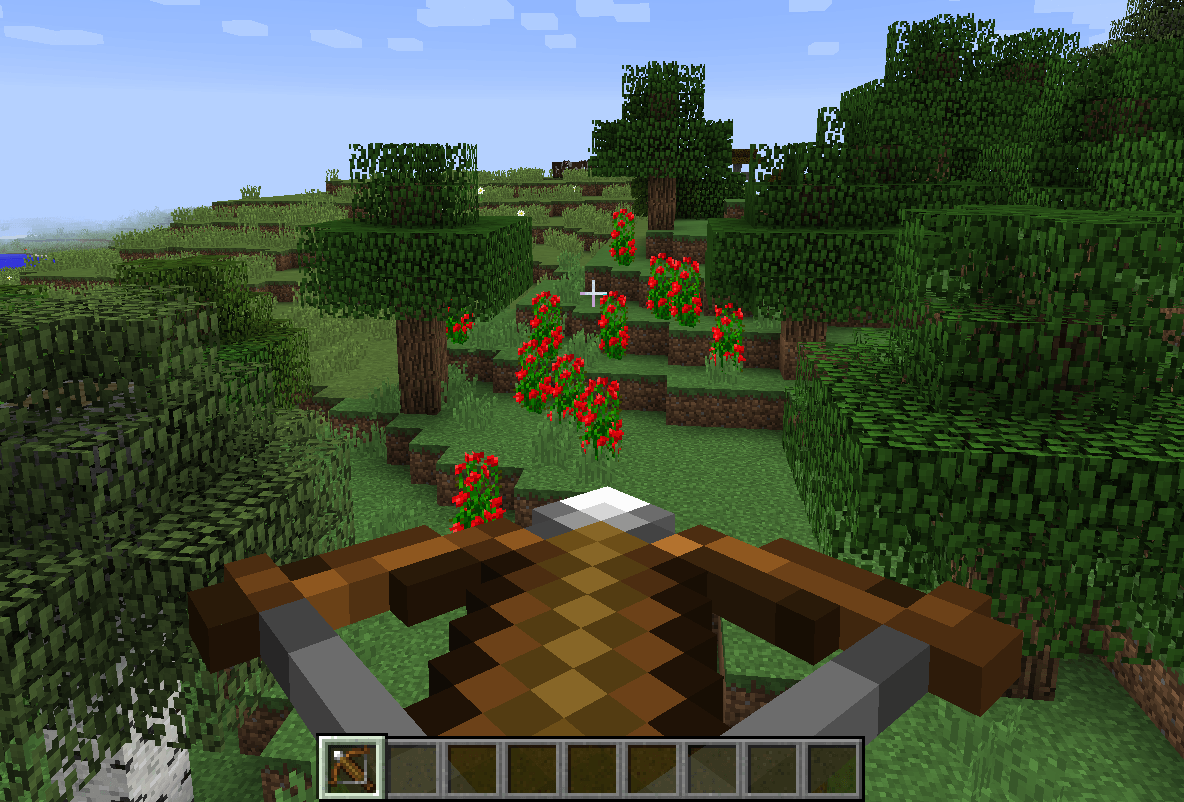
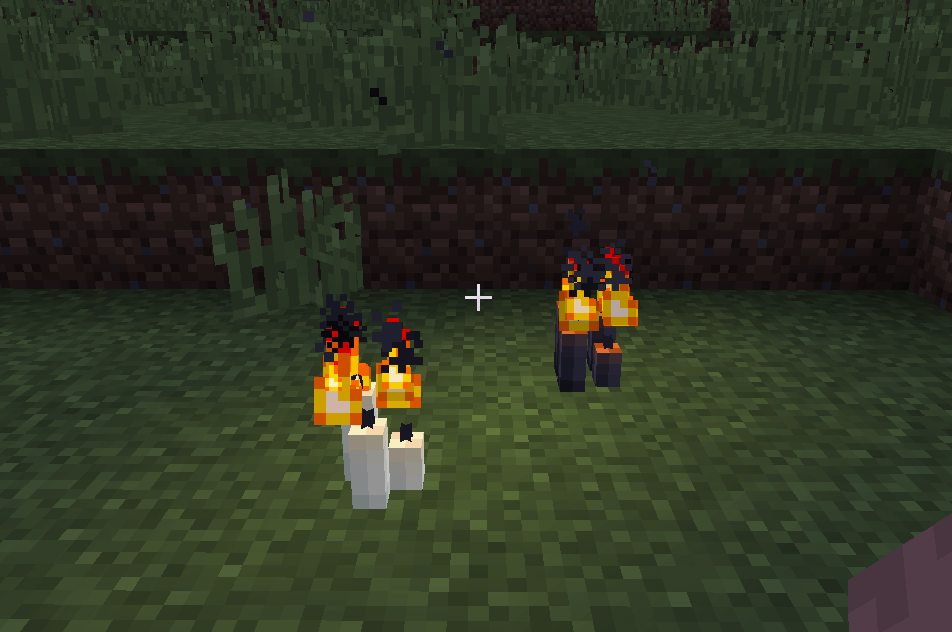
🌟 Ultimate Backport Mod – Bringing the Future to the Past!
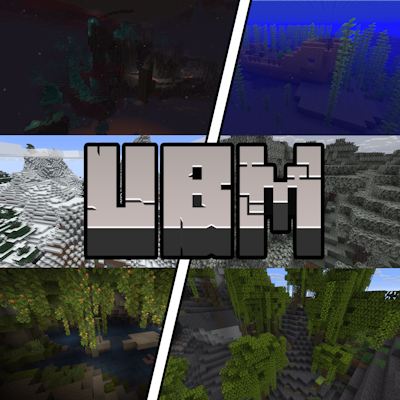
Welcome to the official page of the Ultimate Backport Mod (UBM) – a project that breathes new life into old Minecraft versions by bringing modern mechanics, features, and mobs back to where it all began.
Please do NOT use the comment section for any bug reports! Join our Discord or take a look at GitHub for this!
🔥 Highlights
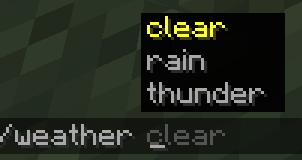
✨ Command Suggestion UI Tired of blindly typing commands in older versions? UBM brings the modern command autocomplete system into legacy Minecraft – making commands easier, faster, and more intuitive.
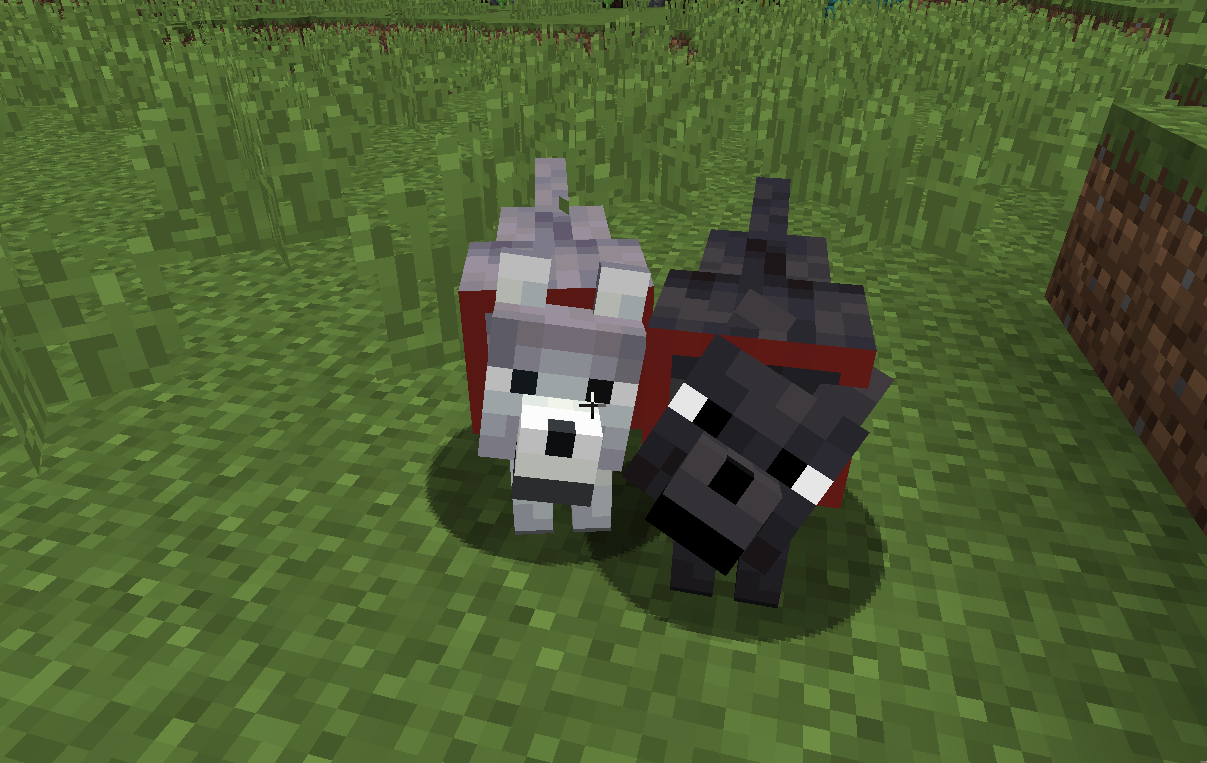
🗳️ Mob Vote Candidates – The Forgotten Return Remember the mobs from the community votes that never made it into the game? They’re finally here – reimagined and added into your worlds! (More will be added step by step!)
⚙️ Full Mob Customization. Every mob is fully configurable (Coming Soon):
- Enable/disable them
- Adjust health, damage, and more
- Tailor the gameplay exactly to your taste
⏳ Modern Mechanics in Old Versions From combat tweaks to quality-of-life improvements – UBM carefully backports features from newer updates into 1.12.2 while keeping the nostalgic charm intact.
🛠️ Supported Versions
Currently, UBM is being developed for Minecraft 1.12.2. Other versions (like 1.7.10, 1.14.4, and 1.16.5) may follow after the core development is complete.
📢 Development Status
This mod was once discontinued – but now it’s being revived, rebuilt, and expanded with fresh ideas and a long-term vision. Stay tuned, join the community, and help shape the future of UBM!
🎯 Download Goals
- 10.000 Downloads ✅
- 20.000 Downloads ✅
- 30.000 Downloads ✅
- 40.000 Downloads ✅
- 50.000 Downloads ✅
- 100.000 Downloads ❌
- 500.000 Downloads ❌
- 1.000.000 Downloads ❌
✨ Thank you so much for supporting the Ultimate Backport Mod! Every download brings us closer to reviving Minecraft’s history with the magic of its future.
- Edition: Minecraft Java
- File type: .jar
- How to install: Install the matching mod loader (Forge, Fabric or NeoForge) for your Minecraft version. → Download the .jar. → Put it in the .minecraft/mods folder and launch that loader profile.
- Where to get it: Opens on CurseForge — not every file is mirrored on our own servers.
Install steps are the general flow for this file type — How to install Minecraft Java mods & modpacks walks through it step by step.
- Ships as ubm-1.2.2.jar — drop this file into the mods folder
- Download size: 35.3 MB
- Download link checked 14 Oct 2026 — working
These come from our own check of the pack file, not from the source page.